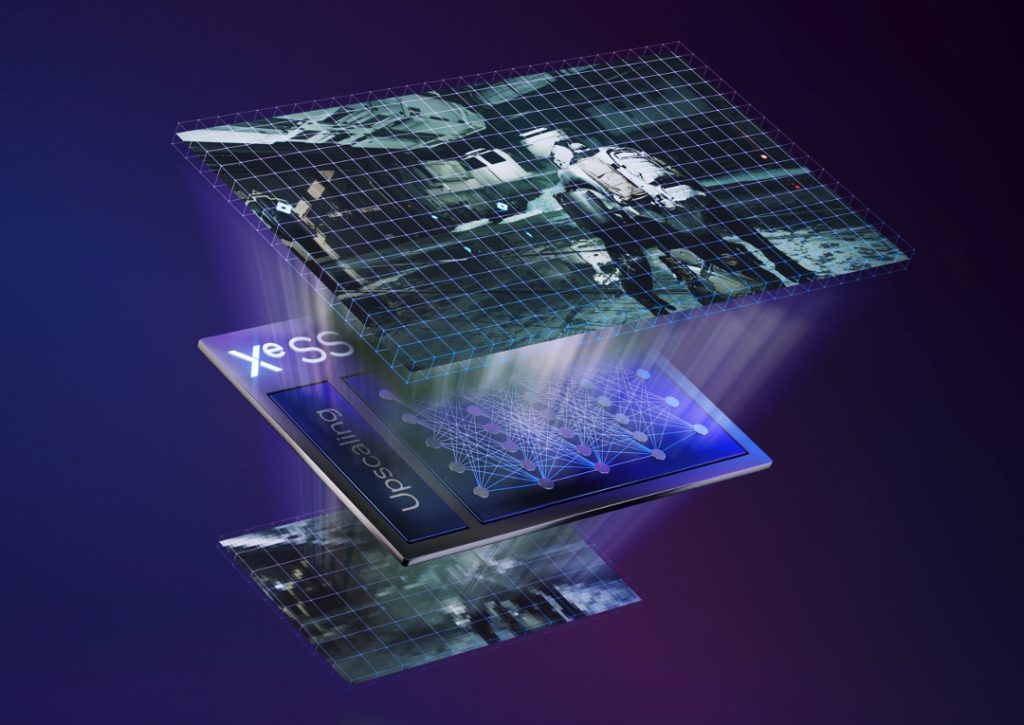
Intel has officially entered the next era of AI upscaling with the release of XeSS 3, featuring Multi-Frame Generation (MFG) technology. Integrated into the latest graphics driver (versions 32.0.101.8425 and 32.0.101.8362), XeSS 3 supports 2x, 3x, and 4x frame multiplication, similar to Nvidia's DLSS 4. One of the most significant advantages of this rollout is backward compatibility. Users can enable Frame Generation in any XeSS 2 supported game through the Intel Graphics control panel.
The driver update also marks the launch of Intel's new integrated graphics solutions, the Arc B390 and B370, which power the Core Ultra 3 (Panther Lake) mobile CPU family. XeSS 3 is designed to run on any Arc hardware equipped with XMX units, covering the original A-series, the new B-series discrete cards, and integrated solutions across the Meteor Lake, Lunar Lake, and Arrow Lake families. Early hands-on testing suggests that while image quality is high with minimal artefacts, users may experience higher input lag in fast-paced titles, a common hurdle for frame generation technologies that Intel is working to mitigate.
Beyond the new features, the driver also introduces critical stability fixes, including a resolution for crashes in the Pragmata demo and a fix for incorrect Variable Refresh Rate (VRR) reporting in the display settings. Moreover, Intel has acknowledged several known issues under investigation, including application crashes in games such as Star Citizen, The Finals, and Mount & Blade II: Bannerlord. Users experiencing these issues are encouraged to report them through the Intel Arc Control feedback tool. The full patch notes can be found below:
Highlights:
- Launch driver for Intel Core Ultra Series 3 with built-in Intel Arc B390, B370 GPUs (Codename Panther Lake).
- Intel XeSS 3 Support: Introducing Multi-Frame Generation
- XeSS Multi-Frame Generation builds upon XeSS Frame Generation by inserting up to 3 generated frames between two rendered frames, going from a 1:1 ratio to 3:1 for an ultra-smooth gameplay experience.
Fixed Issues:
- Intel Arc B-Series Graphics Products
- PRAGMATA SKETCHBOOK Demo (DX12) may experience an application crash while launching the game.
- Intel Core Ultra Series 2 with built-in Intel Arc GPUs
- PRAGMATA SKETCHBOOK Demo (DX12) may experience an application crash while launching the game.
- Intel Graphics Software Fixed Issues
- Variable Refresh Rate range in Display page may show incorrect values.
Known Issues:
- Intel Core Ultra Series 3 with built-in Intel Arc GPUs
- Ghost of Tsushima (DX12) may exhibit color corruption on terrains during gameplay.
- The Finals (DX12) may experience an intermittent application crash.
- No Man's Sky (Vulkan) may exhibit corruptions on certain terrains during gameplay.
- Star Citizen (Vulkan) may experience an application crash on game launch.
- Mount & Blade II: Bannerlord (DX11) may experience an application crash during game launch.
- Intel Arc B-Series Graphics Products
- Call of Duty: Black Ops 6 (DX12) may exhibit intermittent corruptions on certain water surfaces during gameplay.
- Star Citizen (Vulkan) may experience an application crash on game launch.
- PugetBench for DaVinci Resolve Studio may experience an intermittent application crash while running the benchmark.
- Recommendation: change the timeout slider to 1500 seconds or higher in PugetBench benchmark settings to wait for each test to complete.
- Intel Arc A-Series Graphics Products
- PugetBench for DaVinci Resolve Studio may experience an intermittent application crash while running the benchmark.
- Recommendation: change the timeout slider to 1500 seconds or higher in PugetBench benchmark settings to wait for each test to complete.
- Intel Core Ultra Series 1 with built-in Intel Arc GPUs
- Battlefield 6 (DX12) may exhibit intermittent corruptions on certain maps during gameplay.
- Intel Core Ultra Series 2 with built-in Intel Arc GPUs
- Call of Duty: Black Ops 6 (DX12) may exhibit intermittent corruptions on certain water surfaces during gameplay.
- Battlefield 6 (DX12) may exhibit intermittent corruptions on certain maps during gameplay on some notebooks with Intel Core Ultra Series 2 with built-in Intel Arc GPUs.
- No Man's Sky (Vulkan) may exhibit corruptions on certain terrains during gameplay.
- Topaz Video AI may experience visual artifacts when using certain AI models.
- Intel Graphics Software Known Issues
- When using the Settings > Preferences > Reset all settings option in Windows 10, the application may experience an intermittent crash. Settings can be reset from individual pages without issue.
- Intel Graphics Software may sometimes experience a single application crash on the first re-arrange of metrics within the Select metrics window. Subsequent usage will not be affected by this crash again.
- Combined Display may intermittently not function as expected while combining displays or resetting settings.
KitGuru says: Intel may have taken a while to launch its own MFG tech, but now that it's finally here, gamers playing games on Arc graphics can easily get an FPS boost in a bunch of games.
The post
Intel rolls out XeSS 3 with Multi-Frame Generation in new drivers first appeared on
KitGuru.
 Connexion