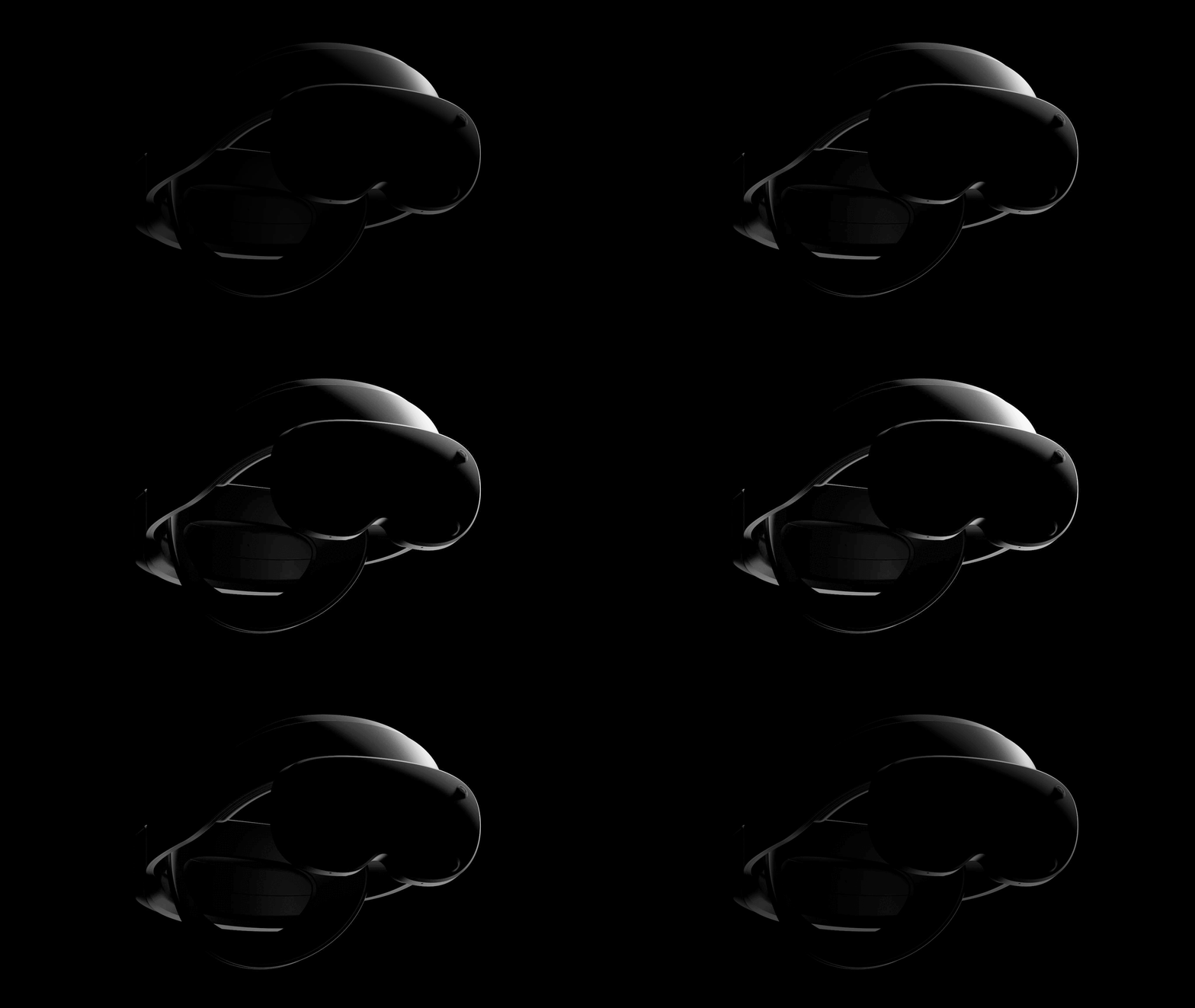
A Chinese startup with former Apple and Meta engineers built a coprocessor that enables ultralight headsets, and its reference design is the lightest ever shown.
The startup is called GravityXR, and includes engineers who worked on the R1 chip at Apple, the coprocessor present in both Vision Pro headsets to date, as well as others who worked on hardware at Meta, Huawei, and Amazon.
GravityXR's investors include Goertek, the Chinese company that manufactures Meta headsets, as well as ByteDance, the owner of Pico, and VC firms like Sequoia China and Lenovo Capital.
The chip that GravityXR built is called G-X100, and it's designed to be onboard ultralight mixed reality headsets, handling the latency-sensitive image processing and computer vision tasks like presenting the camera passthrough feed, positional tracking, hand tracking, and reprojection, with just 9 milliseconds of photon-to-photon latency.
This allows the general purpose chipset, such as a Qualcomm Snapdragon, to be moved to a tethered external puck.
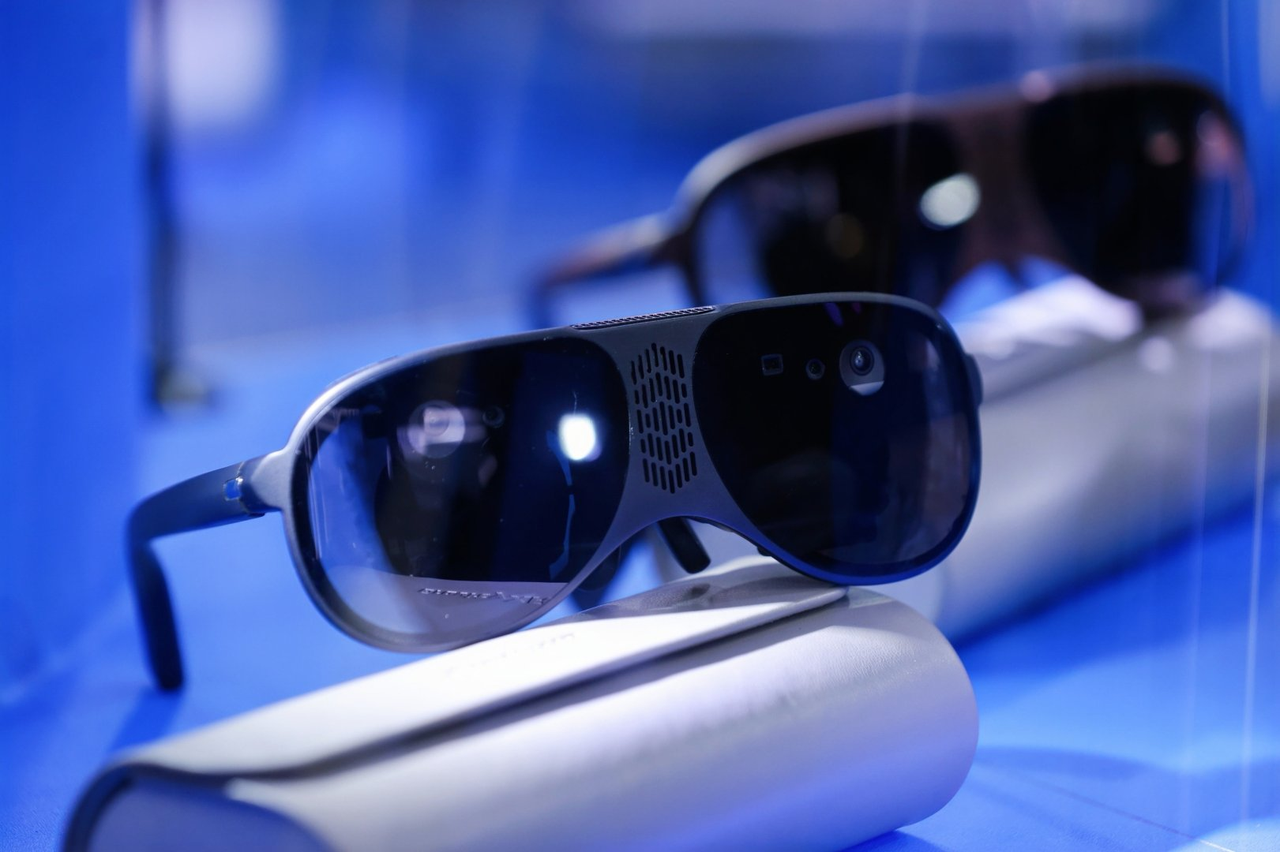
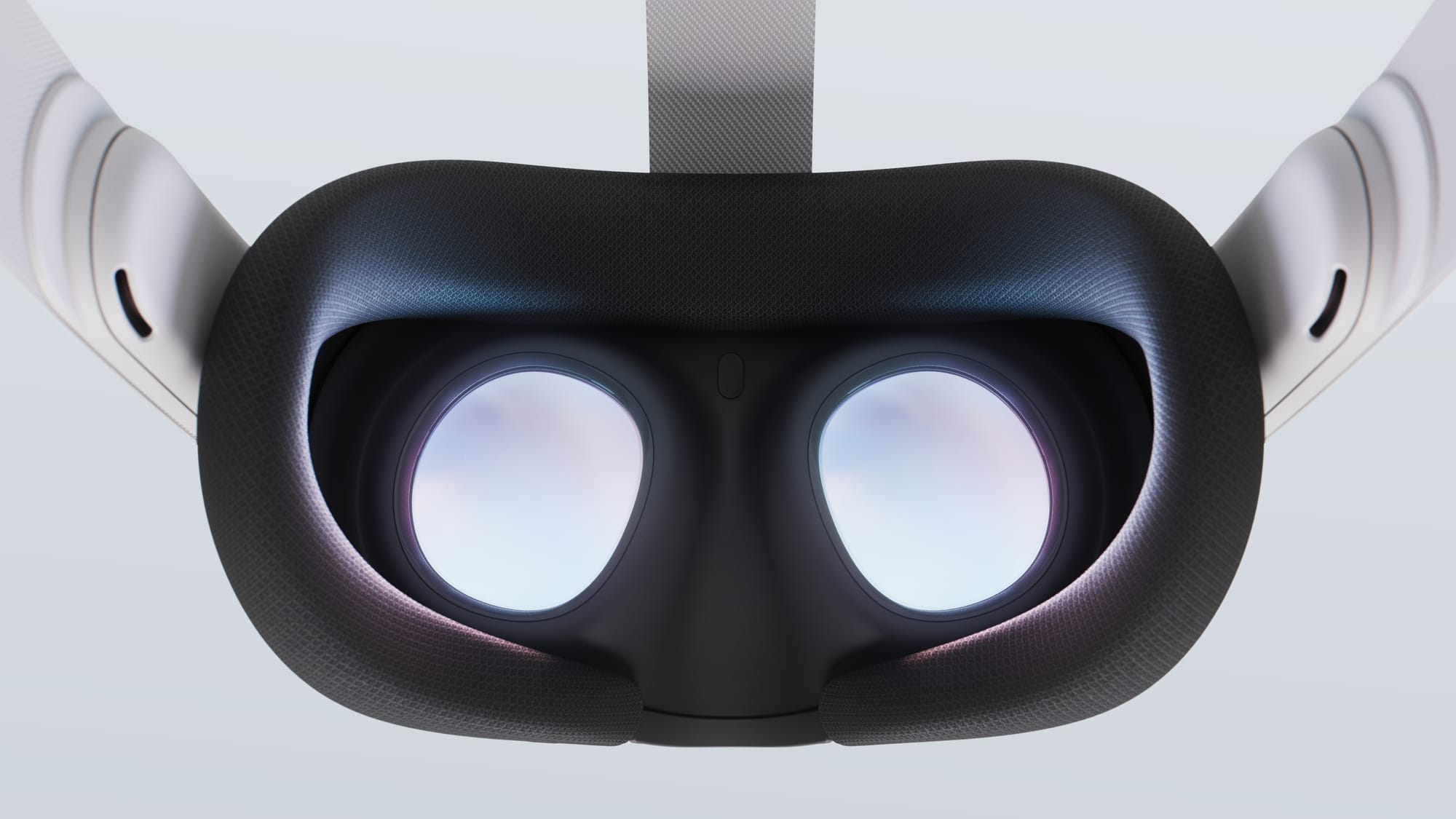
Another angle of the GravityXR M1 reference design headset.
With a TDP of just 3 watts, G-X100 can be passively cooled, eliminating the need for the heavy heatsinks and fans that make up a significant chunk of the weight of standalone headsets today, aiming to cool 10-20 watt chips.
To prove out this approach of using G-X100 to offload the primary chipset, GravityXR built a reference design headset called GravityXR M1. It's a passthrough headset, using pancake lenses, displays, and cameras, yet weighs less than 100 grams.
That makes GravityXR M1 the lightest headset ever – lighter than even Bigscreen Beyond 2. In fact, its form factor arguably reaches the point that it might be better described as "mixed reality glasses"
And unlike with birdbath devices like Xreal and Viture, GravityXR M1 has a field of view of 90 degrees, close to current VR headsets, and as a passthrough system can render virtual objects with full opacity without dimming your view.
To be clear, GravityXR M1 is just a reference design, and no company has yet publicly committed to using G-X100 in a headset.
But rumors suggest that both Meta and Pico intend to launch ultralight headsets next year, and both companies are likely to take a similar engineering path to what GravityXR is showing. Just last week, a Pico executive said that the company had developed its own R1-style chip internally, for example, and Meta has a multi-year partnership to work closely with Qualcomm, alongside its own custom chip teams.
It seems that, across the industry, mixed reality headsets are set to significantly shrink from half-kilogram facebricks into sleek glasses-like visors relatively soon. And a split-chip architecture, alongside an open periphery design that sacrifices some field of view, is how that remarkable jump will be possible.
FluxPose wants to be the new 6DoF VR body tracking system of choice, and its Kickstarter campaign has already raised over $2 million.
With Valve itself abandoning its "Lighthouse" SteamVR Tracking system in favor of inside-out computer vision in Steam Frame, the future of VR body tracking is in flux (no pun intended). Computer vision has made setting up VR fast, easy, and portable, all at a lower cost, but cameras on a headset have only a partial view of your body.
Further, like all optical systems, Lighthouse tracking is subject to occlusion. With the standard two base stations, there will be angles at which your tracked objects are blocked. To mitigate this, some enthusiasts add a third or even fourth base station. Lighthouse is also heavily affected by any reflective surfaces in the room, especially mirrors, which cause tracking issues.
0:00
/3:05
FluxPose in VRChat.
Over the weekend, Spanish startup FluxPose launched a Kickstarter campaign for what it calls "the first affordable, truly portable, occlusion-free tracking solution with absolute positioning".
FluxPose uses electromagnetic tracking, with trackers that sense the magnetic field generated by a base station, and thus is not subject to occlusion at all.
We've seen electromagnetic tracking systems in VR before. Razer Hydra for example, early 6DoF VR controllers often used with the Oculus developer kit headsets, with their small tracking volume and 4-foot cable between each controller and the base station. And in 2013, the company that built the tech behind Hydra launched a Kickstarter for a tracking system called STEM, with many of the same core promises as FluxPose. But in 2018 STEM was canceled, with backers refunded.
0:00
/0:41
Through-the-lens demo of FluxPose.
A key reason that STEM failed, why Razer Hydra had such a short tether, and the core difference of FluxPose, comes down to the nature of magnetic fields and where you put the base station. With Hydra and STEM it sat on your desk, and because magnetic fields decay with the cube of the distance, beyond a few feet they would deliver jittery and inaccurate poses.
With FluxPose, the base station (which it calls the beacon) is attached to your hip. This effectively creates a portable occlusion-free tracking sphere around your body, with a radius of just over 5 feet, that, according to the startup, can support an "unlimited" number of trackers within it. It's a clever solution to the electromagnetic distance problem, and the beacon also acts as a hip tracker.
As with every VR tracking system, FluxPose also heavily relies on feeding the data from the IMU on the trackers, the tiny chip which contains the accelerometer and gyroscope, into a sensor fusion model.
FluxPose claims a real-use accuracy of less than 5mm, compared to the less than 2mm of SteamVR Lighthouse, with an update rate of between 50Hz and 300Hz depending on the power mode.
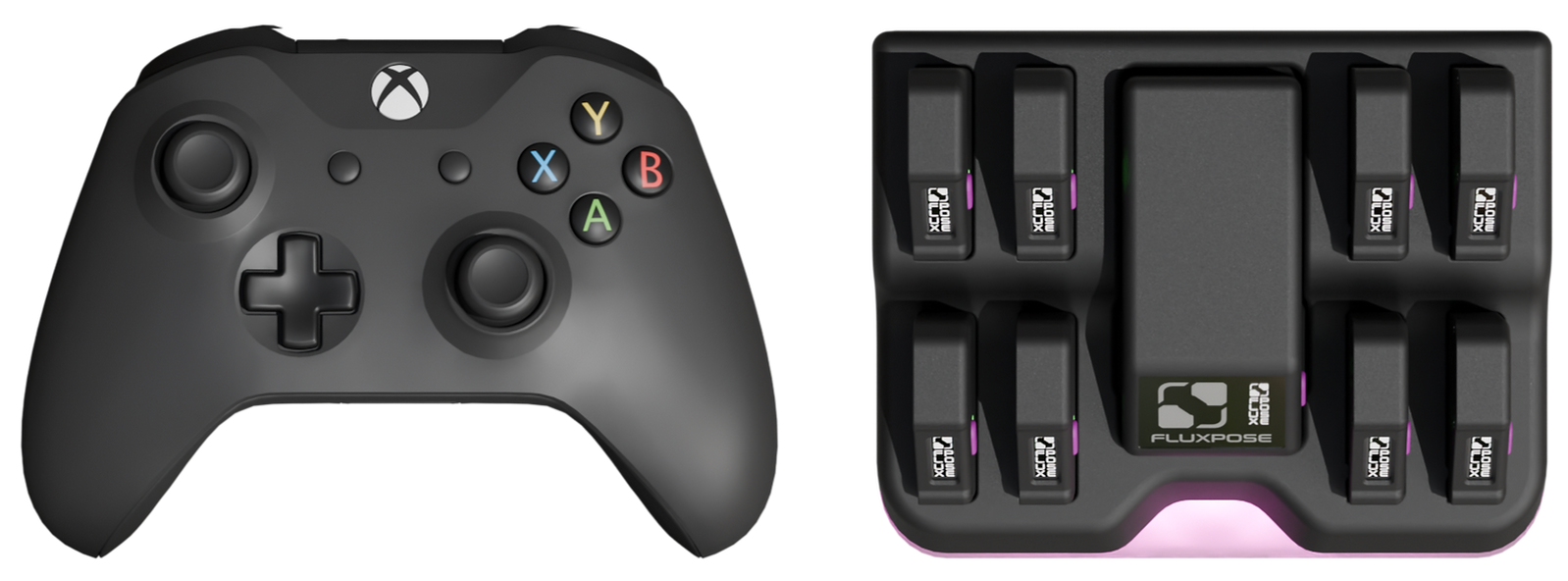
FluxPose size comparison with an Xbox controller. The trackers are tiny.
On the Normal power mode, the beacon's battery should last around 12 hours. There's also a Low power mode for "standing, sitting or laying" which should last 24 hours, and a Performance mode for tracking controllers or gloves, in which the beacon should last 6 hours.
The trackers themselves weigh just 15 grams and last for 24 hours, FluxPose claims. That's just one-fifth of the weight of a HTC Vive Tracker. And remarkably, despite that low weight, FluxPose trackers have a tiny monochrome OLED screen for displaying status, as well as a haptic feedback actuator.
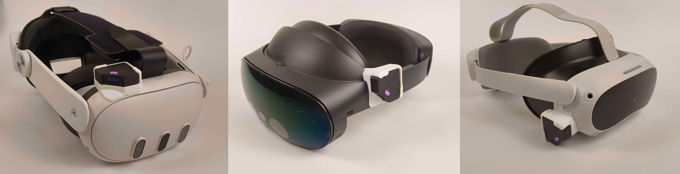
FluxPose mounts for Quest 3, Quest Pro, and Pico 4.
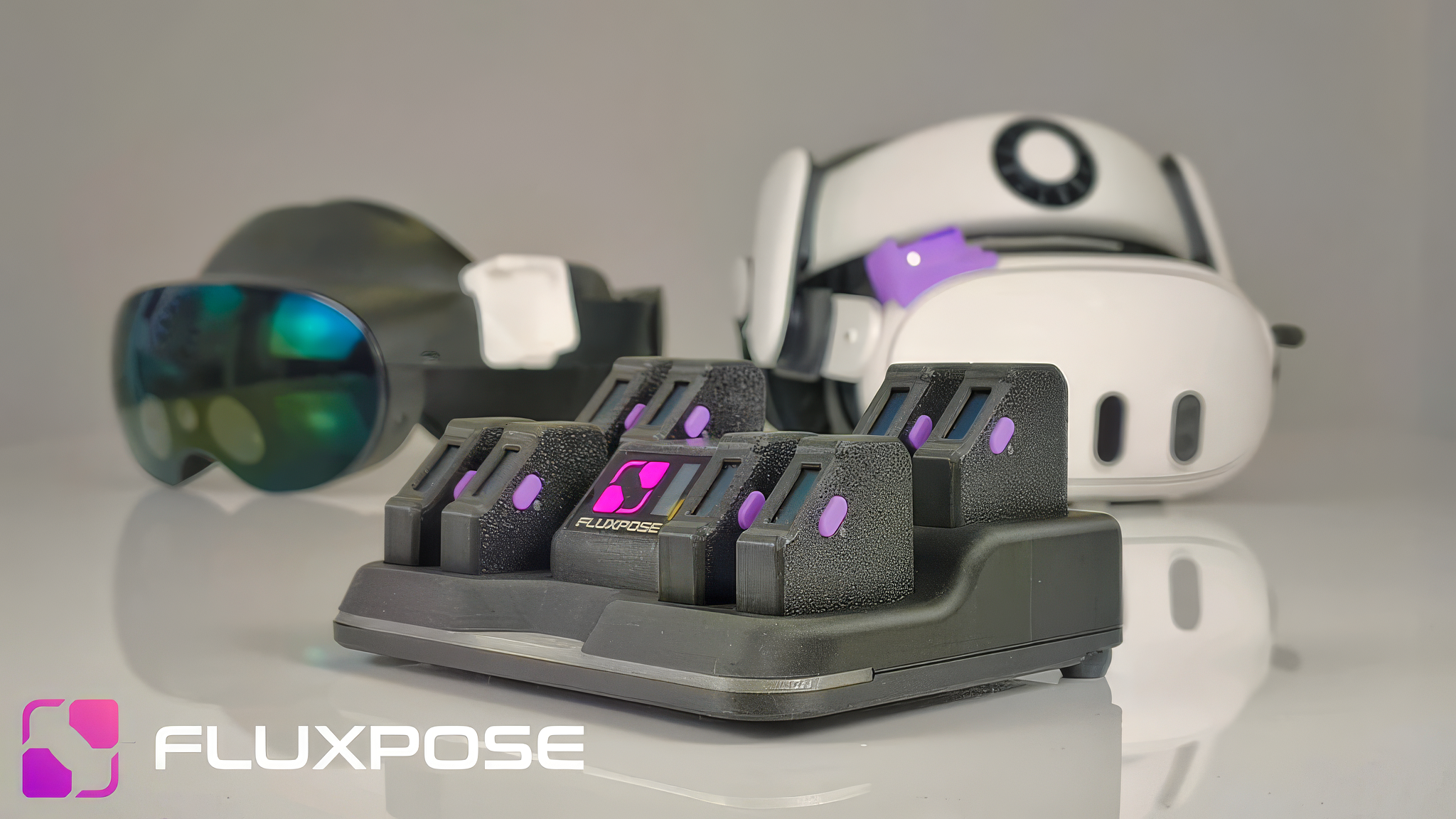
You attach one of the trackers to your headset, with a custom adapter mount, while the others strap to the parts of your body you want to track. Mounts are available for Quest 2 and newer, Pico 4 and 4 Ultra, Samsung Galaxy XR, Valve Index, and both Bigscreen Beyond generations. FluxPose says it will have a mount for Steam Frame too.
Because of the headset-attached reference tracker, FluxPose claims its tracking system doesn't require any calibration, and "never" drifts. The tradeoff is adding some weight to your headset.
Both the beacon and trackers charge on the included dock, which also acts as the data dongle, delivering the tracking poses to SteamVR on your PC via USB-C. From a PC's USB port it should recharge everything within 3 hours, while on a PD charger this can drop to 1.5 hours.
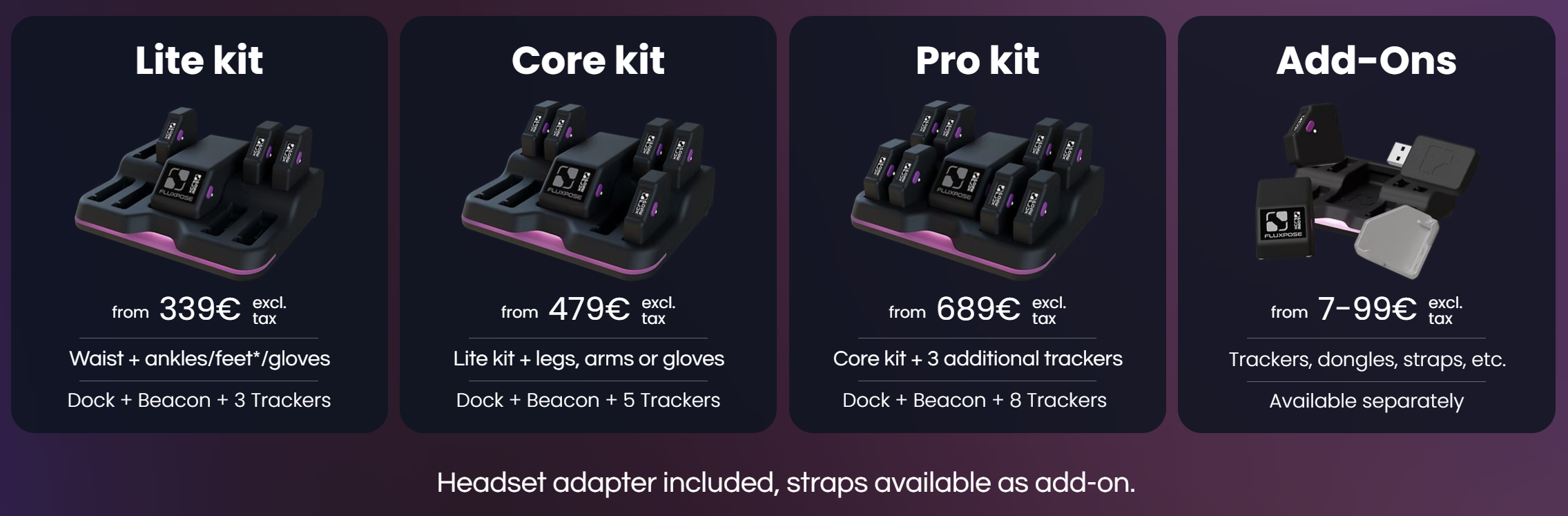
On Kickstarter, you can pledge for three kits: Lite, Core, and Pro. Lite is priced at €339 before tax and comes with 3 trackers, Core at €479 with 5 trackers, and Pro at €689 with 8 trackers. Additional addons like straps are available separately.
FluxPose says it has already built 300 devices for early testers, and launched the Kickstarter to advance to scale production. It intends to start shipping the first "early bird" units in August 2026, and for most backers to receive their units in October. After the Kickstarter, prices will increase.
As with all crowdfunding campaigns, we must warn you that a Kickstarter pledge is not a preorder. There is no guarantee you will receive anything at all, and the company has no legal obligation to provide you with a refund if it doesn't deliver.
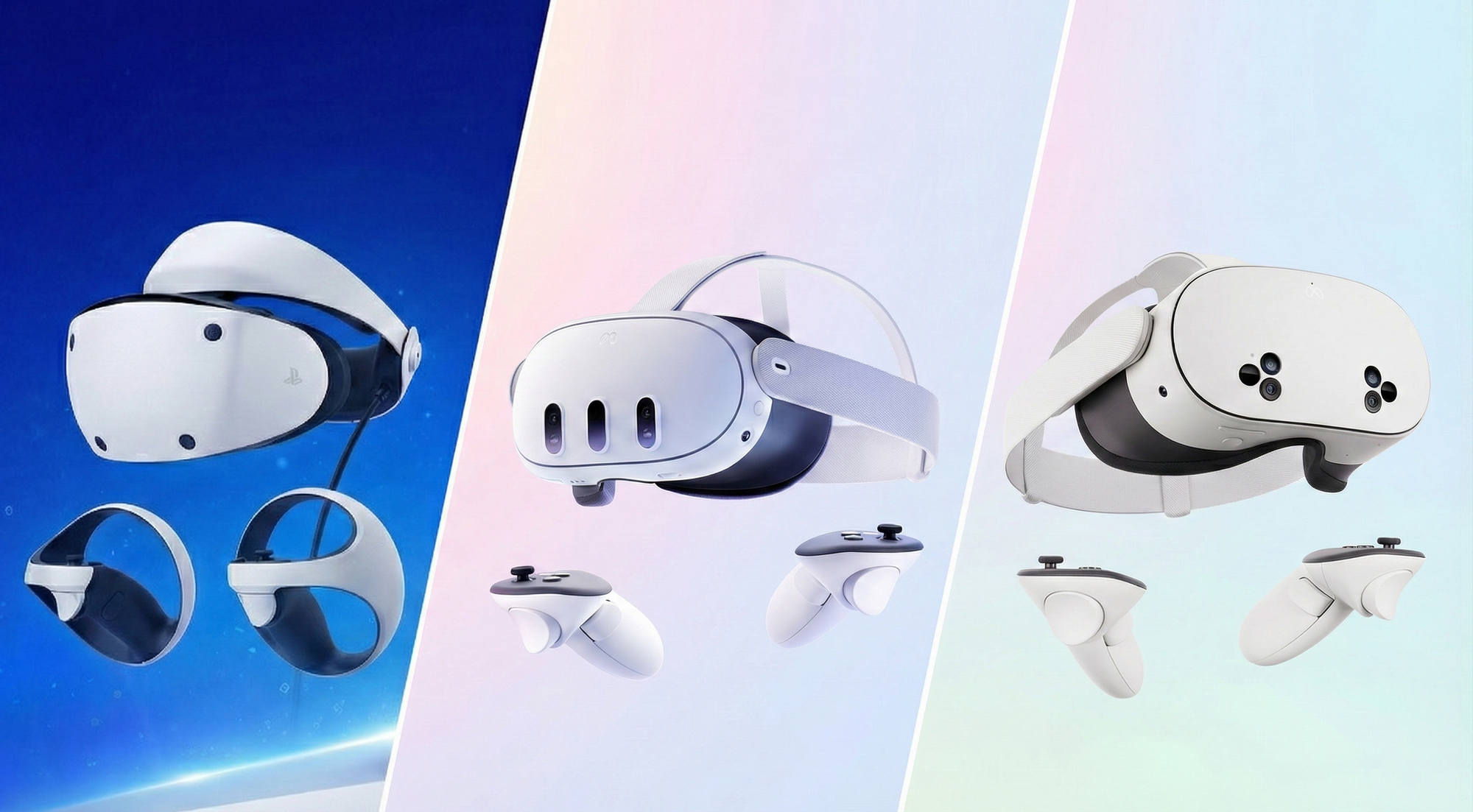
Considering jumping into VR this Black Friday, or gifting a headset to a friend or relative so they can join you? Here are the best deals available.
Meta Quest Headsets
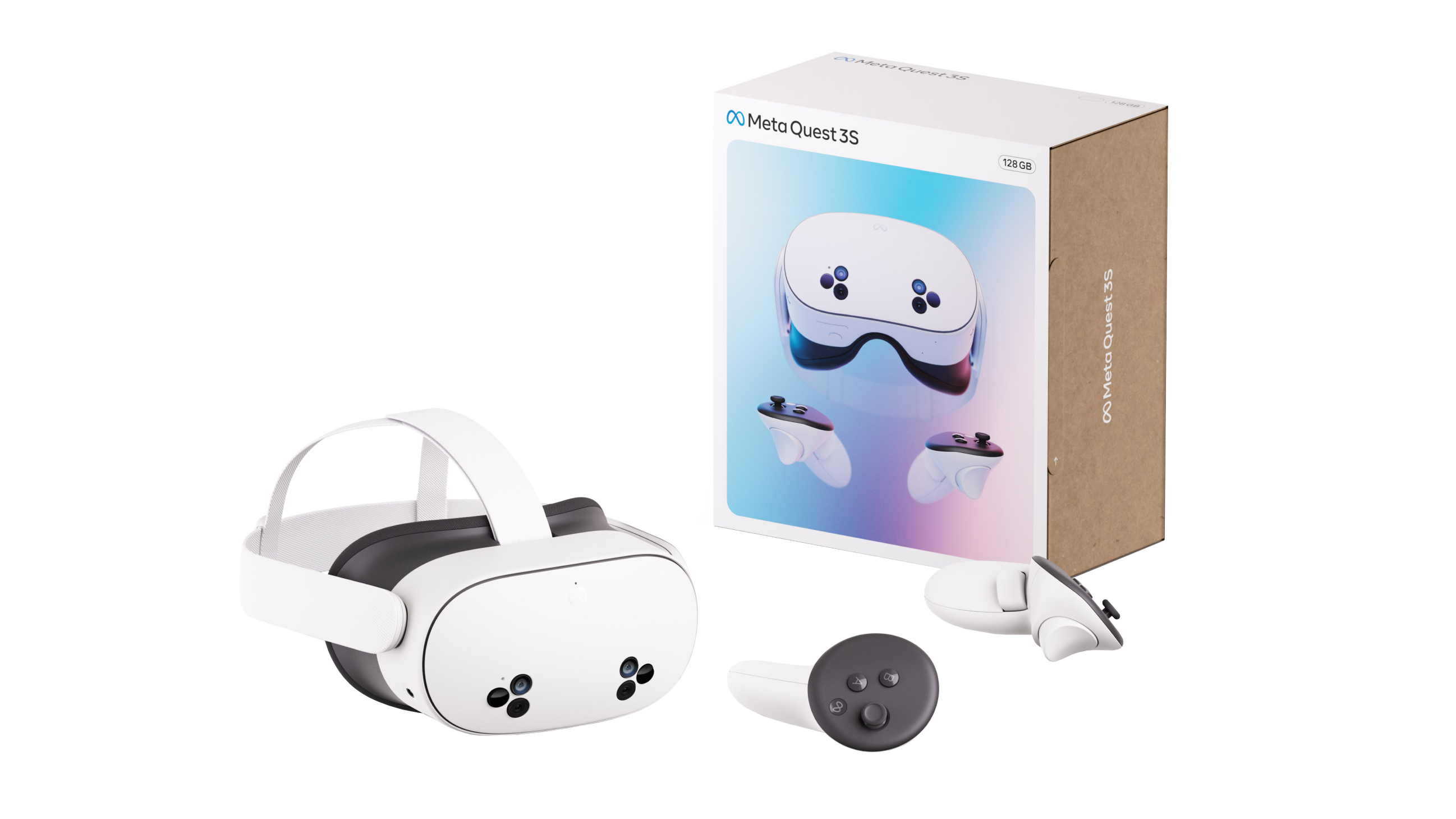
Meta Quest headsets are the ideal way to get into VR and mixed reality for most people. They are fully standalone, meaning you don't need any external device (other than a phone app to initially set them up), and they can also wirelessly connect to SteamVR on a gaming PC, if you have one, for a higher fidelity experience.
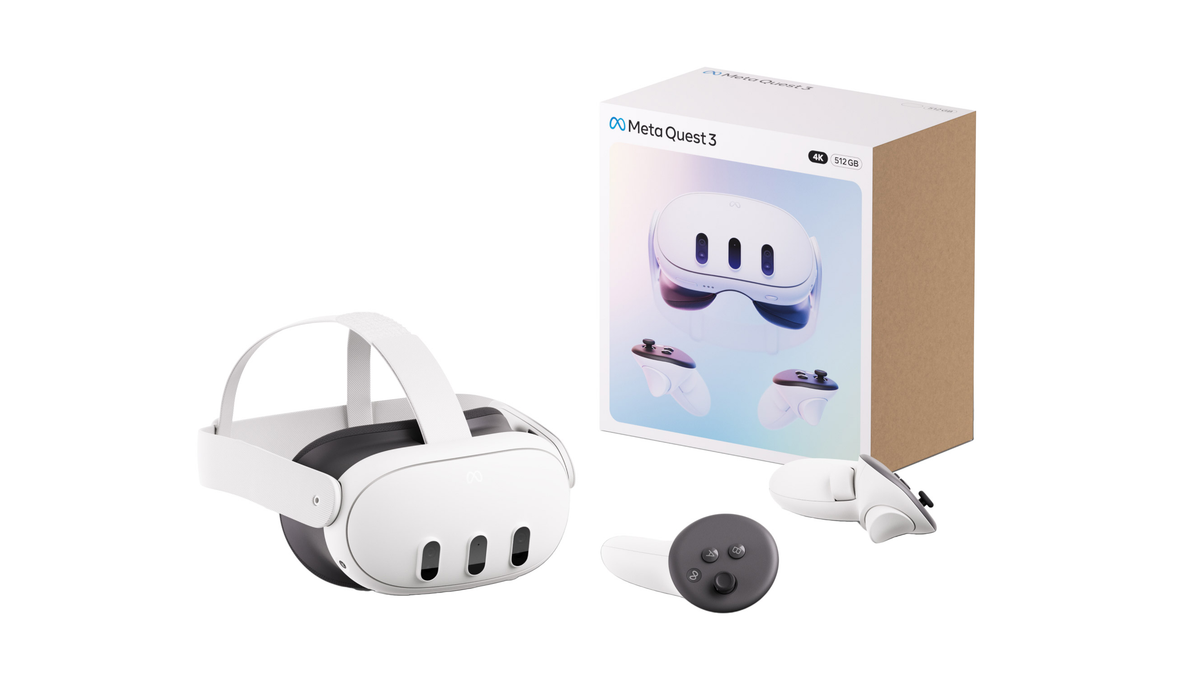
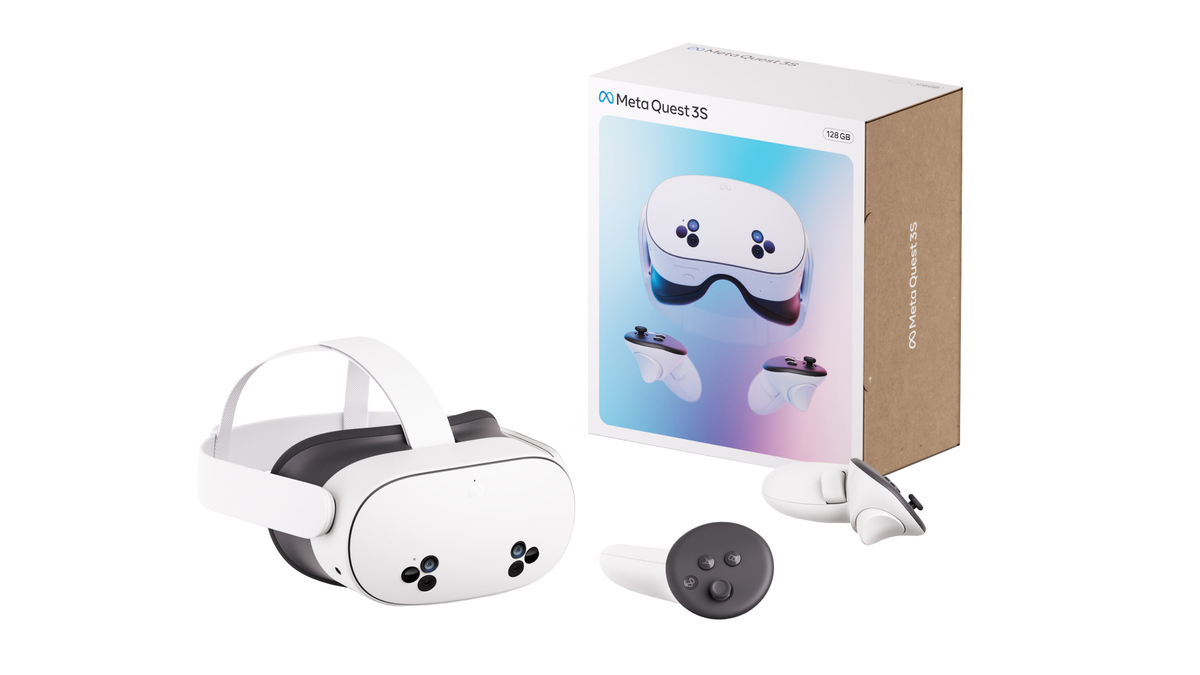
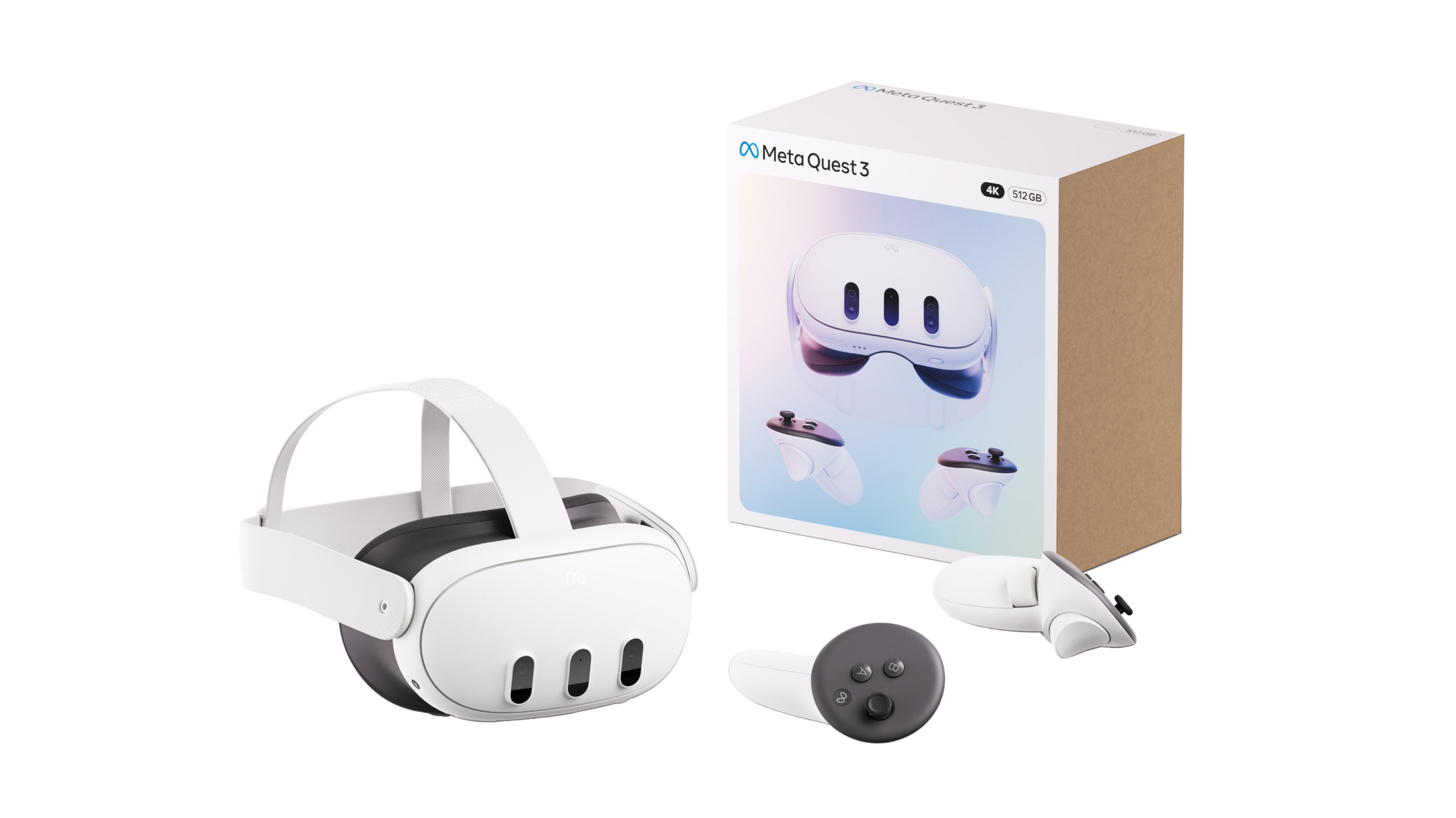
There are currently two headsets in Meta's lineup, the budget Quest 3S and the higher-end Quest 3. Quest 3S is normally $300, while Quest 3 is normally $500.
The excellent Black Friday 2025 deals for Quest 3S offer both a lower price and added perks, making it an ideal holiday gift, while there's only one Quest 3 deal we're aware of, and it only offers a perk.
Still, if you have the funds, we always recommend the proper Quest 3. While Quest 3S reuses the old fresnel lenses from Quest 2, Quest 3 features Meta's advanced pancake lenses which are clearer and sharper over a wider area, have a wider field of view, and have precise separation adjustment, making them suitable for essentially everyone's eyes. These pancake lenses also enable Quest 3 to be thinner, which makes the headset feel slightly less heavy.
Quest 3
Best Buy: $75 Gift Card & 1 Month Of Xbox
Best Buy is offering a $75 gift card and 1 month of Xbox Game Pass Ultimate with Quest 3 purchases.
You could, for example, use the Best Buy gift card to get a rigid strap and softer facial interface – upgrades which can make the headset feel more comfortable to wear.
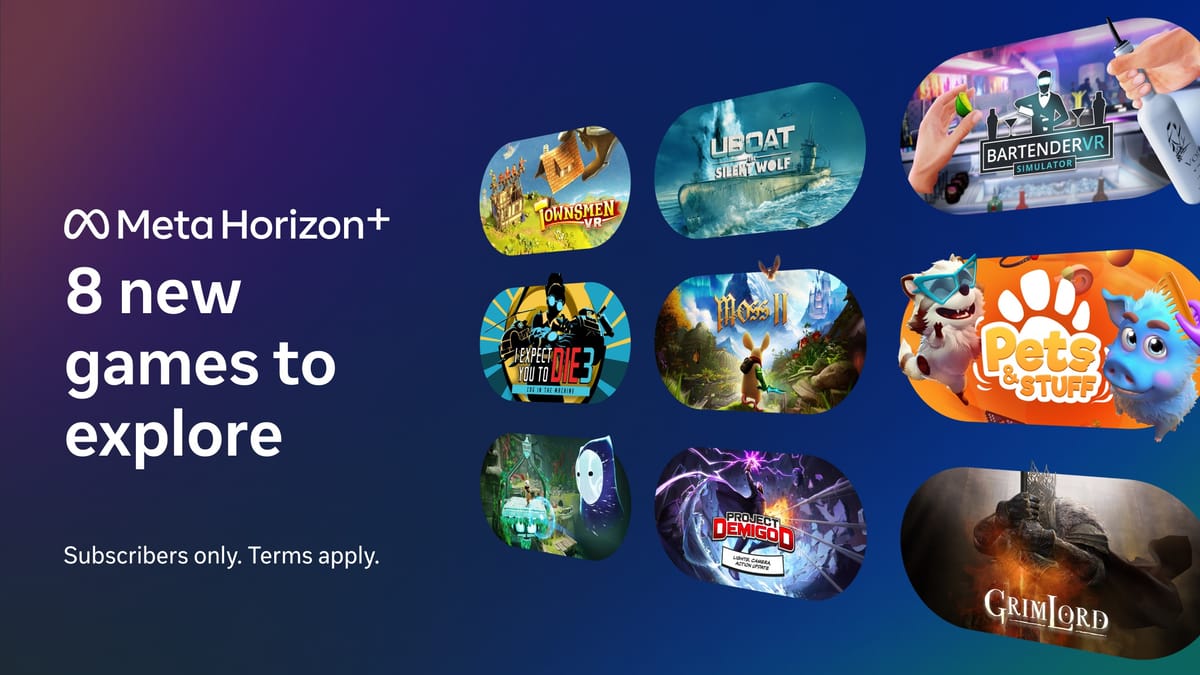
Horizon+ includes a Games Catalog with some of Quest's best VR games, including Asgard's Wrath 2, Cubism, Demeo, Dungeons of Eternity, Eleven Table Tennis, Ghosts of Tabor, Job Simulator, Maestro, Onward, Pistol Whip, Red Matter, Synth Riders, The Climb 2, and Walkabout Mini Golf. It also lets subscribers redeem 2 monthly games pre-selected by Meta.
The Costco deal lasts through December 2, the coming Tuesday, so make sure to grab it soon if you want to affordably bring a friend or relative into VR.
Best Buy: $250 With $110 Of Perks
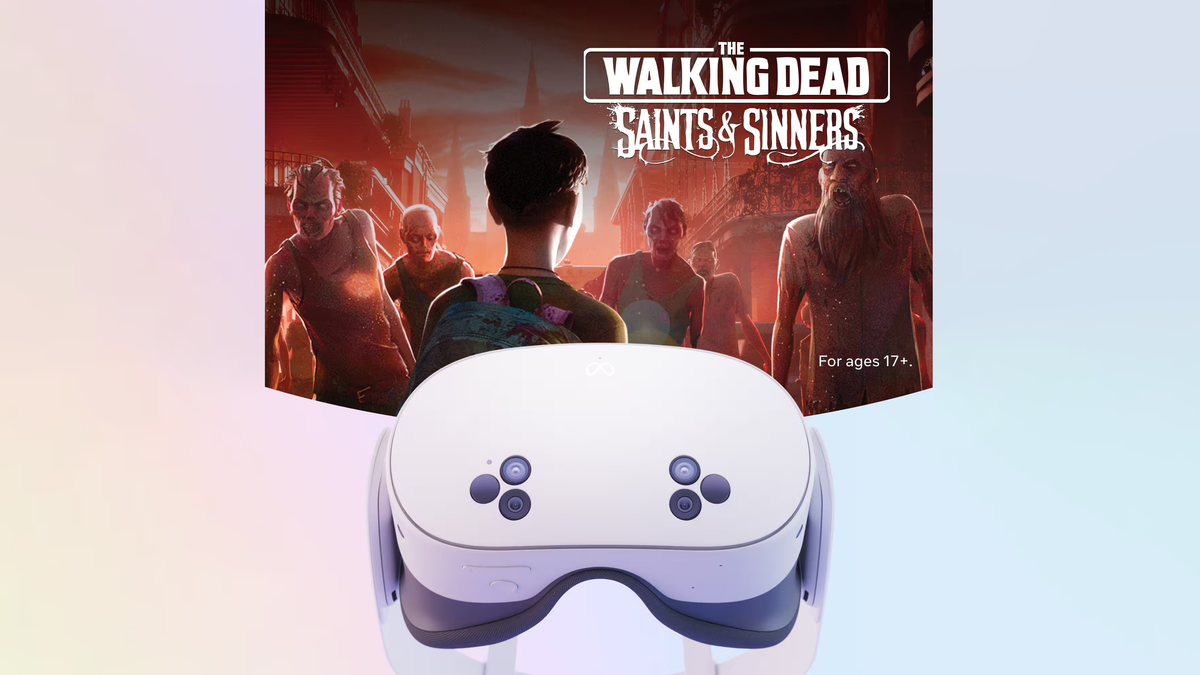
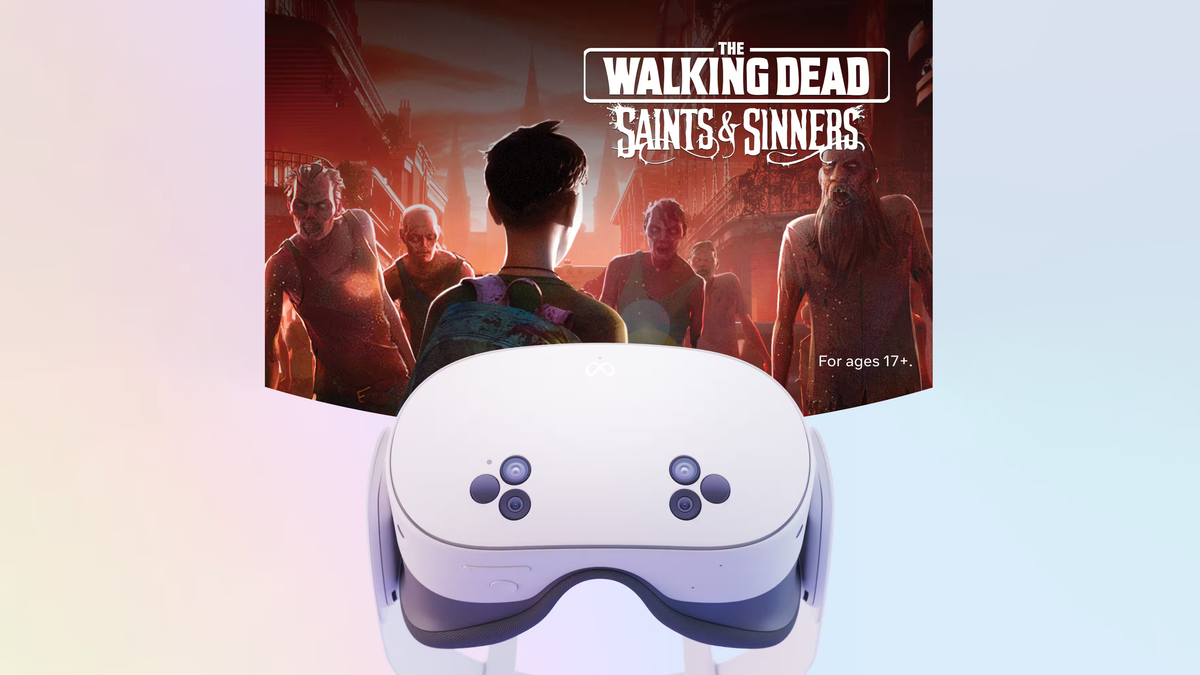
Quest 3S is $250 at Best Buy, and the retailer is offering a $50 Best Buy gift card, 1 month of Xbox Game Pass Ultimate, and The Walking Dead: Saints & Sinners VR game.
That's a $50 discount from the headset's regular $300 price, and the three perks together are worth $110. You can find the deal for the 128GB base model of Quest 3S here. A similar offer is available for the 256GB storage model, with a $330 price ($70 off) and the same perks.
You could use the $50 Best Buy gift card to get the Elite Strap to make the headset more comfortable for just $20, for example, while during the 1 month of Xbox Game Pass Ultimate (normally $30) you can play popular flatscreen games like Call of Duty on a giant virtual screen.
As for The Walking Dead: Saints & Sinners, it's also normally $30, and it's widely considered to be one of the best VR games of all time due to its physics-based combat system, earning an 'Essential' score in our review.
PlayStation VR2
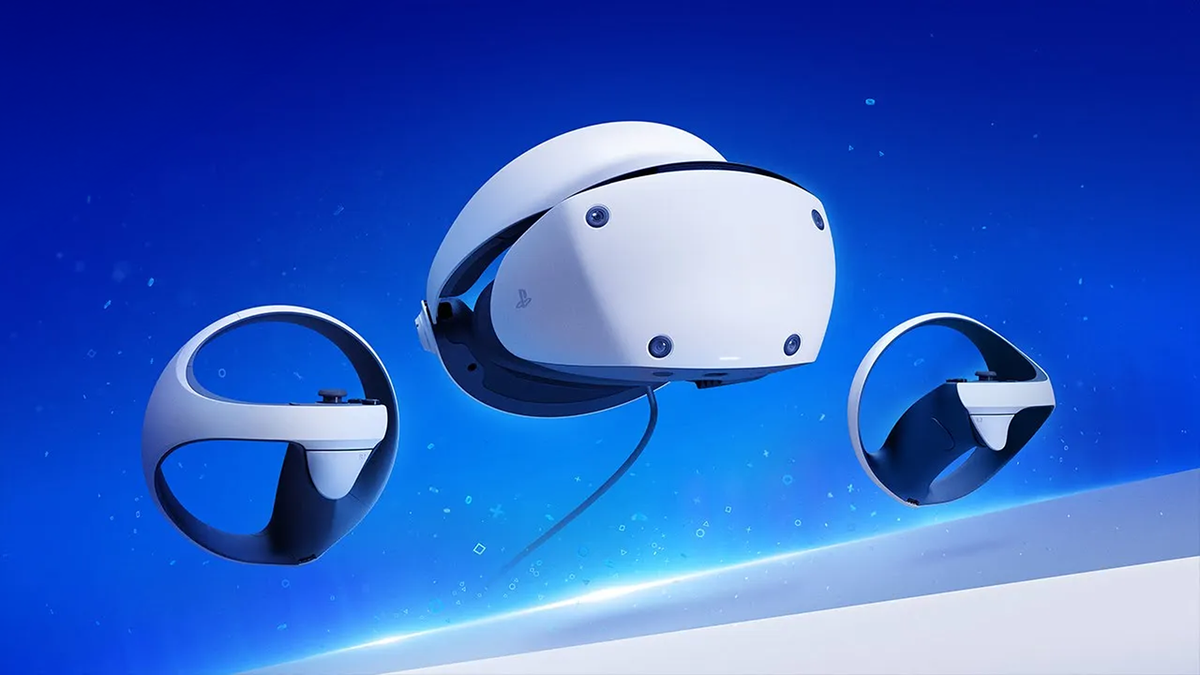
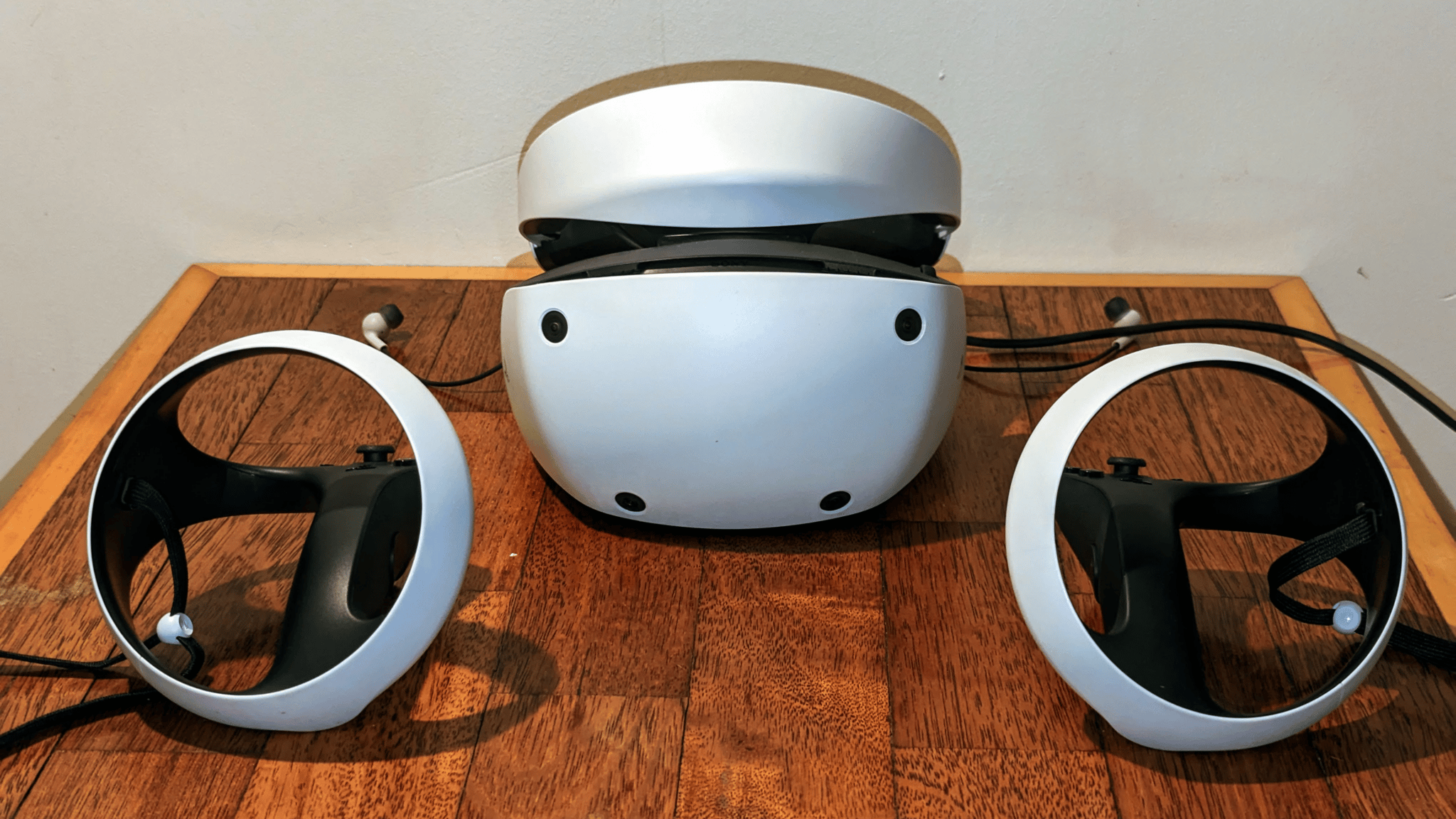
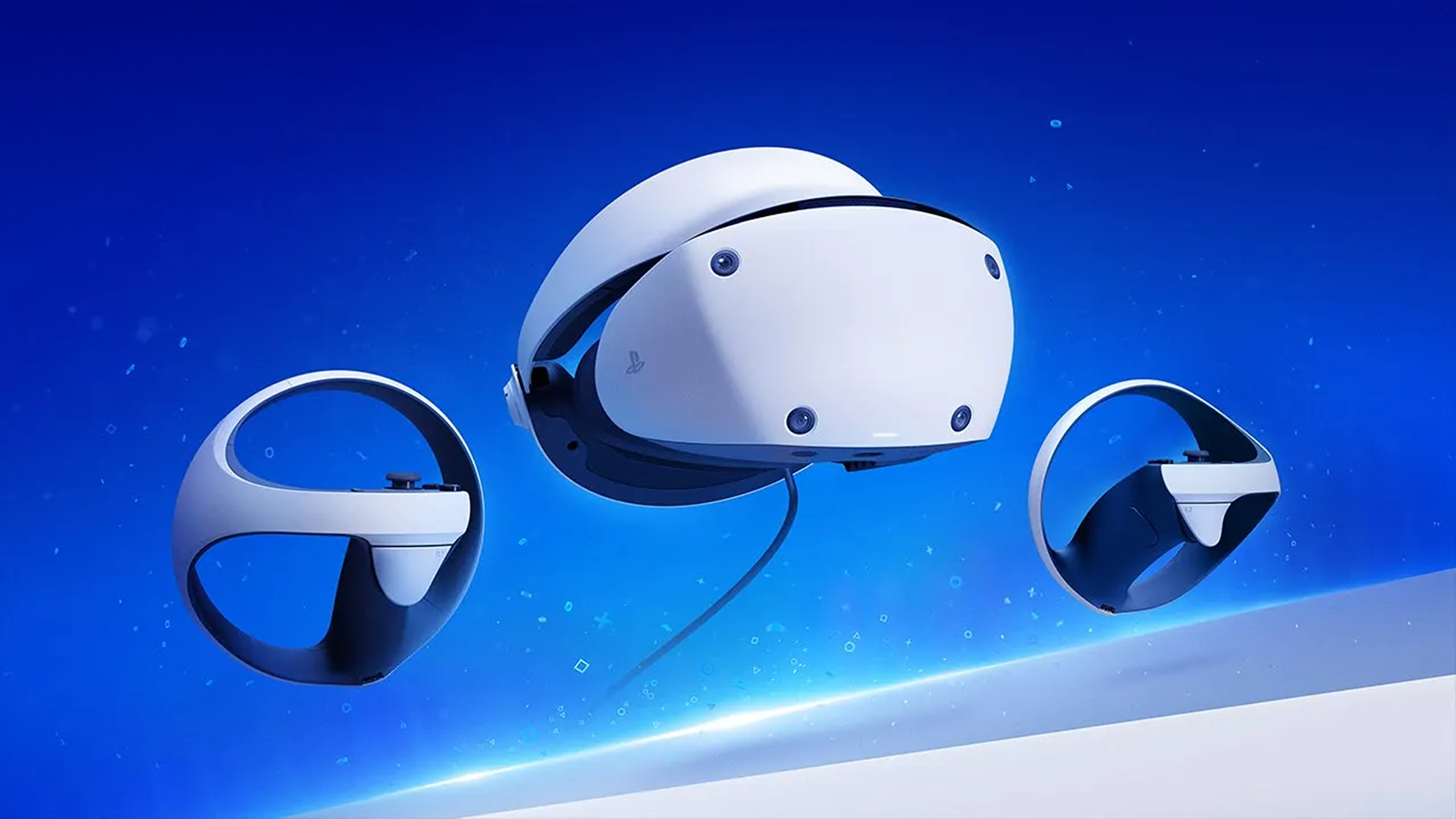
PlayStation VR2 is $300 at all official retailers until December 19, its lowest price ever.
PlayStation VR2 is not a standalone headset, and it has a cable which needs to be connected to a host device. It connects to the PS5 or PS5 Pro console out of the box, and can alternatively connect to a gaming PC with the sold-separately PC adapter.
This price applies to both the regular SKU and the bundle with Horizon Call of the Mountain, so you should always grab the latter if it's in stock.
At this discounted price, PlayStation VR2 is an ideal option for a PS5 owner heavily invested in the PlayStation ecosystem, or, with the adapter, a PC owner interested in sim racing, flight sim, or other seated games.
The PS VR2 discount is available for another three weeks, so there should be plenty of time to grab one in time for Christmas.
Pico 4 Ultra
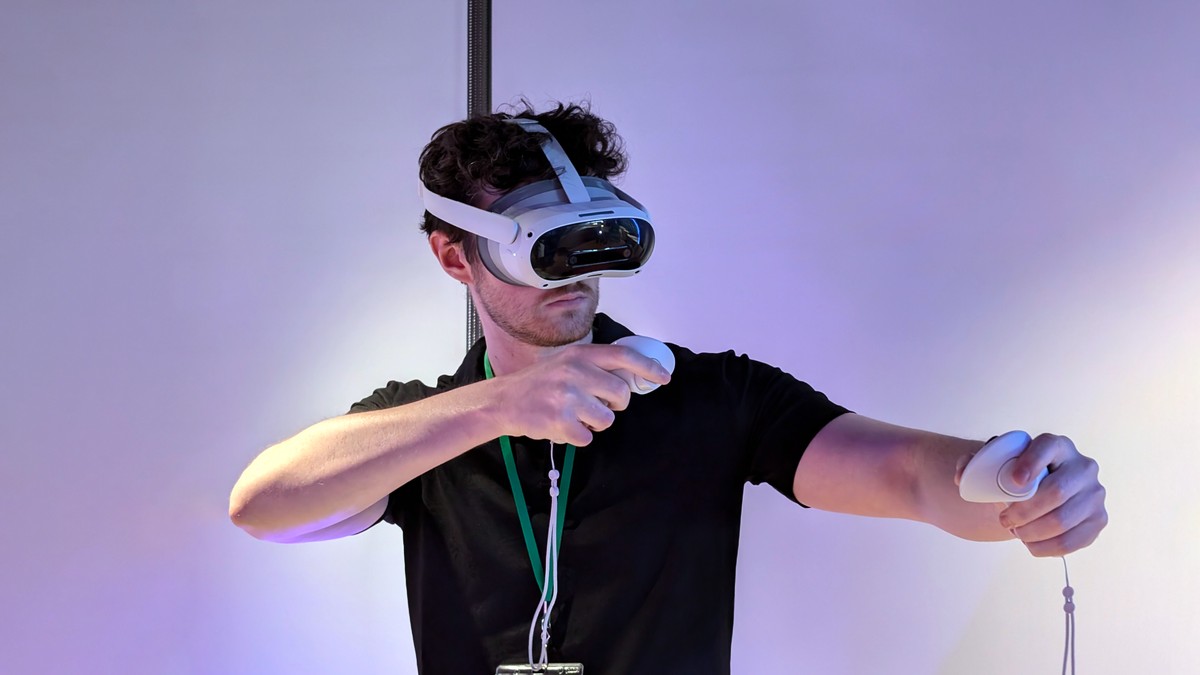
Pico 4 Ultra is a Quest 3 competitor from ByteDance, the Chinese tech giant behind TikTok. It isn't sold in North America, so if you're in the US or Canada you can ignore its existence.
For those who are in a region where Pico 4 Ultra is sold, the Black Friday 2025 deal prices it at €400, and comes with 2 VR games and a season pass for Premier League Player.
The headset is normally priced at €600, so this is a massive €200 discount. And the 2 VR games and season pass are worth €100 together, meaning the total extra value here is €300.
Pico 4 Ultra holds up relatively well to Quest 3, but while the Pico Store has a decent chunk of the content available on Quest 3, it still lacks many of the games you'll find on Meta's platform, particularly the blockbusterexclusives.
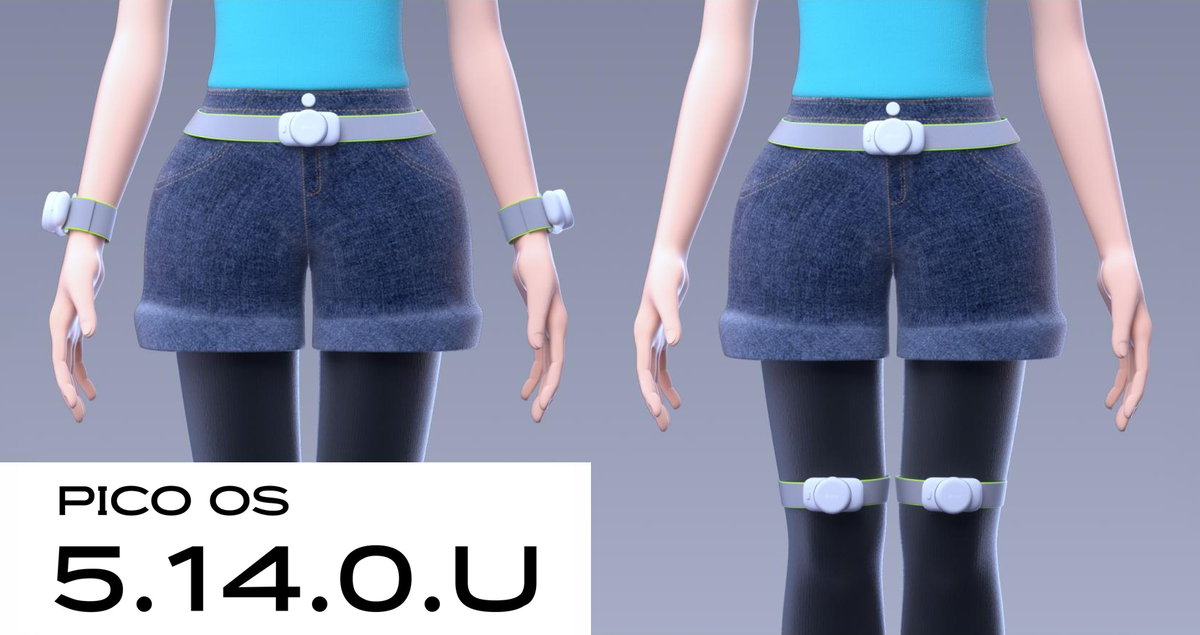
However, ByteDance has a unique offering which Meta has ruled out making an equivalent of: Pico Motion Trackers. They're lightweight wireless pucks that you can strap to yourself to add various levels of body tracking in supported titles.
For Black Friday get a pair for €70 to strap to your ankles to add leg tracking. Then, you can add the 'Waist Version' for €40 to improve the quality of body tracking and get a true orientation for your waist. And if you want to go even further, you can now get a second €70 pair for your upper leg or forearms, improving leg or arm tracking, for a total of 5 trackers.
Supported titles for Pico Motion Trackers include VRChat (both standalone and via wireless PC VR) and Blade & Sorcery: Nomad.
Best Buy is offering a $75 gift card and 1 month of Xbox Game Pass Ultimate with Quest 3 purchases for Black Friday.
With this deal, you could, for example, use the Best Buy gift card to get a rigid headstrap and softer facial interface – upgrades which can make the headset feel more comfortable to wear.
During the 1 month of Xbox Game Pass Ultimate (normally $30) you can play flatscreen games like Call of Duty on a giant virtual screen.
As with all new Meta headset purchases, Quest 3 from Best Buy also comes with 3 months of Horizon+, Meta's VR games subscription which includes a Games Catalog with some of Quest's best VR games, and also lets subscribers redeem 2 monthly games pre-selected by Meta.
We've seen a lot of deals for Quest 3S recently, Meta's cheaper budget headset, with Best Buy for example offering a $250 price with a $50 gift card, the month of Xbox Game Pass Ultimate, and a top-rated VR game. But we still highly recommend choosing the proper Quest 3 if you have the funds.
While Quest 3S can run all the same content as Quest 3, and has the same fundamental capabilities (including the same XR2 Gen 2 chipset and 8GB RAM), it reuses the old fresnel lenses from Quest 2. Quest 3, on the other hand, features Meta's advanced pancake lenses which are clearer and sharper over a wider area, have a wider field of view, and are fully horizontally adjustable, suitable for essentially everyone's eyes. These pancake lenses also enable Quest 3 to be thinner, which makes the headset feel slightly less heavy.
At $500, there's a steep price premium for Quest 3 over Quest 3S, especially with the discounts, so Best Buy's Black Friday deal somewhat softens the financial blow.
Letting people teleport into your home via Horizon Hyperscape feels like magic, though the scans are lower quality than the old cloud-streamed solo system.
If you missed it, last week Meta started rolling out an overhaul of its Horizon Hyperscape technology, letting you share new captures as unlisted Horizon Worlds and invite people to visit them as Meta Avatars.
These Hyperscape worlds are also rendered on-device on Quest 3 and Quest 3S, in contrast to the cloud-streamed approach previously used for Hyperscape. Up to 8 people can be in a single instance, and the system also includes support for mobile users via the Meta Horizon app.
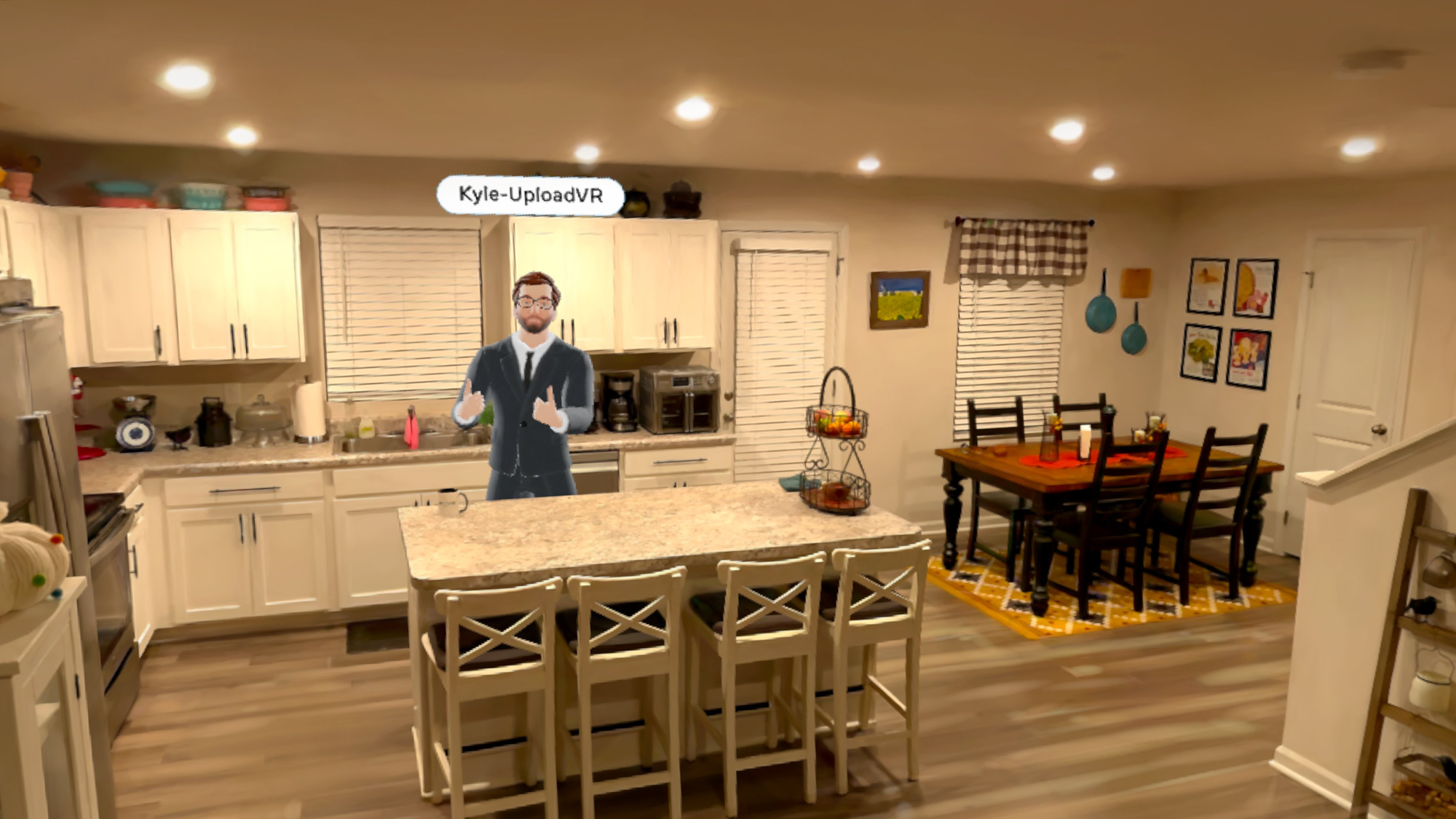
After receiving the update on his Quest 3, UploadVR's Kyle Riesenbeck rescanned the downstairs living, dining, and kitchen area of his home. A few hours later, the Hyperscape world was ready, and so he invited me over to visit.
Appearing as a Meta Avatar, Kyle gave me a guided tour of this huge section of his home, pointing out the details the capture kept, as well as the ones it doesn't quite resolve.
Compared to the previous cloud-rendered solo Hyperscape system, there's a clear drop in quality. For starters, the rendering resolution is lower, with visible pixelation and aliasing for anything far away. As well as this, the Gaussian splat density appears to be lower, blurring some of the finer details captured by the previous implementation of Hyperscape. And despite these regressions, the performance was not always solid, with the frame rate dropping when a large enough section of the scan was in my field of view.
Still, these complaints aside, I still had a strong feeling of being in Kyle's home, and could still see relatively minute details like the place names on the badges and pins that he and his wife had pinned to a board after their travels. Further, it's amazing that this experience is even possible at all on an affordable mobile chipset from 2023, and we're due an XR2 Gen 3 next year that should make the experience a lot sharper and smoother.
If you own a Quest 3 or Quest 3S, or have the Meta Horizon app on your phone, and want to visit Kyle's home too, here's the link: Kyle's Home on Meta Horizon Worlds. Let us know what you think of it!
After visiting Kyle's home, I also scanned the living room and kitchen area of the apartment I live in, and found the resemblance to be remarkable. In fact, visiting it in VR while in my office induced such a strong feeling of presence that I tried to walk through my virtual kitchen, and thus bumped straight into my office wall. As someone who has been using positionally-tracked VR for well over a decade, I thought the days of mistaking the virtual for real like this were far behind me. But I was wrong. And it's a testament to just how realistic Hyperscape scans can feel, especially for places you're familiar with in reality, even in this lower quality on-device version.
Meta says it's still "rolling out" the Hyperscape sharing and social update, and keep in mind that any scans you make before your headset gets it won't be able to be shared or visited. Once you do get the update though, be sure to give it a try, as the ability to scan, share, and co-inhabit realistic reconstructions of real-world spaces with headsets that go on sale for as little as $200 is a truly remarkable technological achievement.
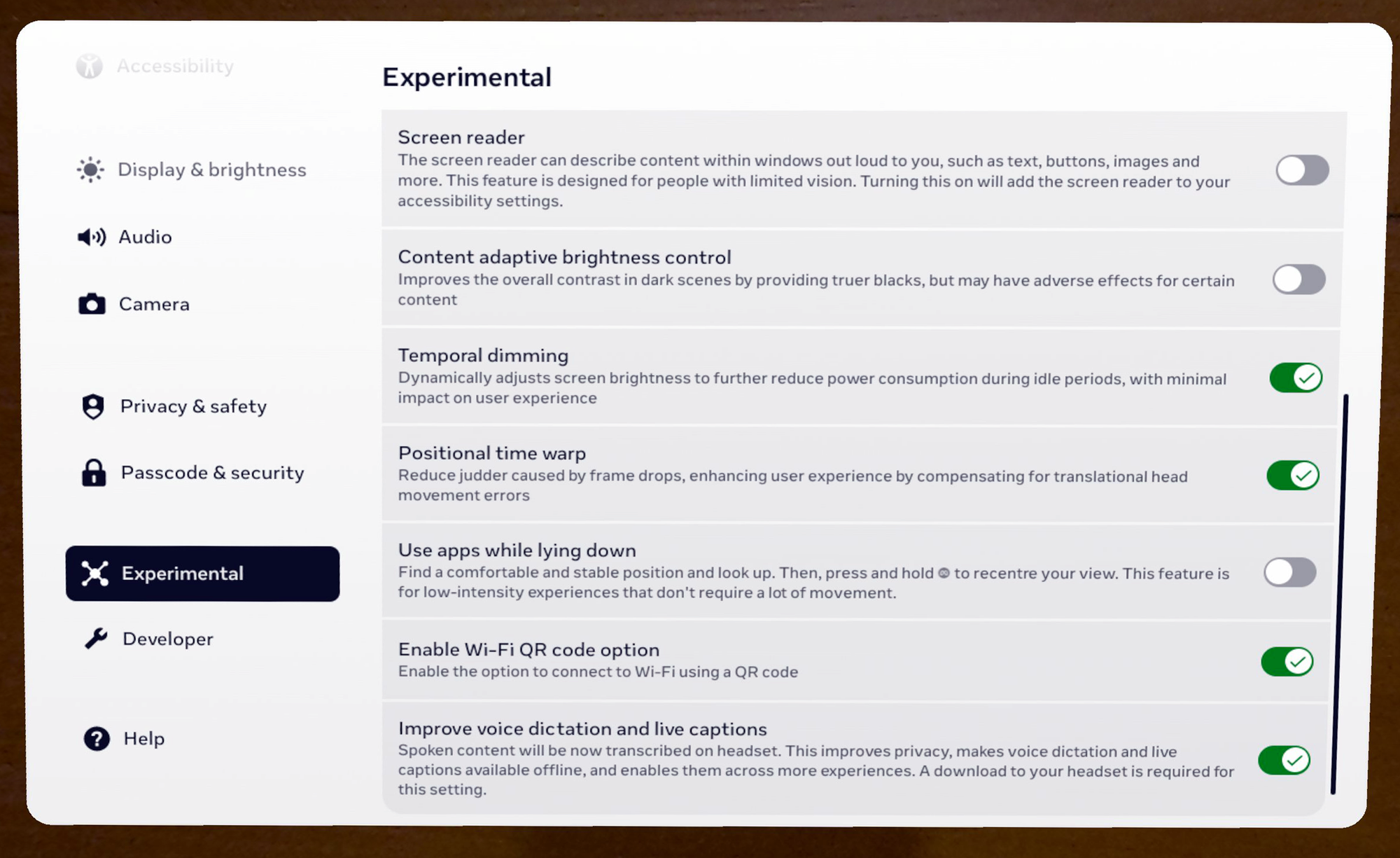
Quest's Horizon OS v83 brings System Positional TimeWarp (SysPTW) and Temporal Dimming as experimental features, as well as improved scene understanding.
A test version of v83 started rolling out to the Horizon OS Public Test Channel (PTC) last month, testing these features and the evolved 'Navigator' system UI, which remains experimental. Now, a month later, a stable build of v83 is rolling out to all supported Quest headsets.
Meta's rollouts happen gradually, so it may take a few days or even weeks for your headset to get the v83 update. Further, Meta rolls out some features separately from the main update itself, so even having the v83 update doesn't guarantee having everything listed here yet.
Read on for a rundown of the key changes Horizon OS v83 brings compared to v81, the previous stable release:
System Positional TimeWarp (SysPTW)
Just before displaying every frame, all major XR operating systems rotationally reproject (warp/skew) it to match the tiny change in orientation of your head since the frame started rendering.
This is done to eliminate the latency you'd otherwise perceive as you pan your head. And when the running app fails to complete rendering a new frame in time for the next display refresh, the previous frame gets rotationally reprojected further instead of just repeating it. This avoids rotational judder, which is sickening in VR.
With Horizon OS v83, Meta has added an experimental setting called System Positional TimeWarp (SysPTW). When enabled, it applies to all apps at all times, extending the system-level reprojection to be positional, not just rotational.
According to Meta, SysPTW "uses real-time scene depth to reduce visual judder and lag when apps drop frames".
"This feature automatically activates when needed and works across all apps, with no impact on regular performance", Meta claims.
Application SpaceWarp (AppSW), the SDK feature developers can enable for their apps to run at half framerate by generating every other frame synthetically, has already had Positional TimeWarp built-in since launching 4 years ago, so AppSW games won't see any changes here.
For apps that don't use AppSW, enabling SysPTW should both reduce positional latency and significantly dampen the positional judder you normally experience when a game drops a frame.
Temporal Dimming
Back in v69, Meta added an experimental option called Content Adaptive Brightness Control (CABC) for Quest 3 headsets, which dynamically dims the backlight of the LCD displays in darker scenes to achieve deeper blacks that are closer to true black than the murky grey typically delivered by LCD.
Now, in v83, Meta has added a second but distinct experimental option called Temporal Dimming for Quest 3 and Quest 3S.
"This feature gradually dims your display brightness during each session, helping reduce eye strain, extend device battery life, and improve display performance—all without noticeable impact on your experience", Meta explains.
A scrolled-down view of the Horizon OS Experimental settings as of v83.
Meanwhile, the description of the setting in Horizon OS reads "Dynamically adjusts screen brightness to further reduce power consumption during idle periods, with minimum impact on user experience".
While CABC is very noticeable, with the screen brightness visibly adjusting, from briefly testing Temporal Dimming, it seems to be a far more subtle effect, with brightness seemingly changing over a greater time period.
We'll keep an eye on whether Meta moves Temporal Dimming out of Experimental in future releases, something it hasn't yet done for CABC. Meta may even make it the default eventually, with the aim of getting the most out of its plain LCD displays.
Improved Scene Understanding
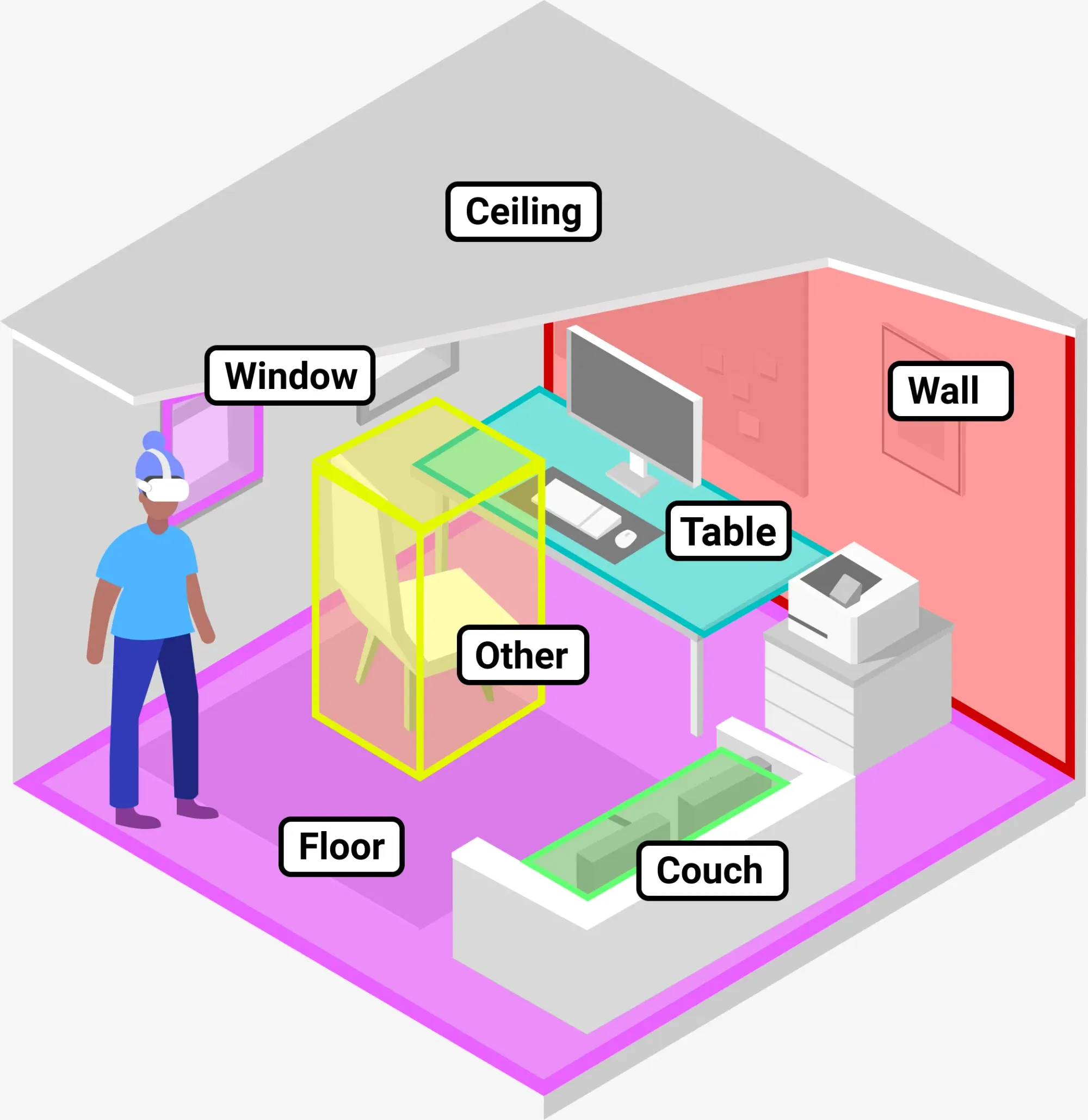
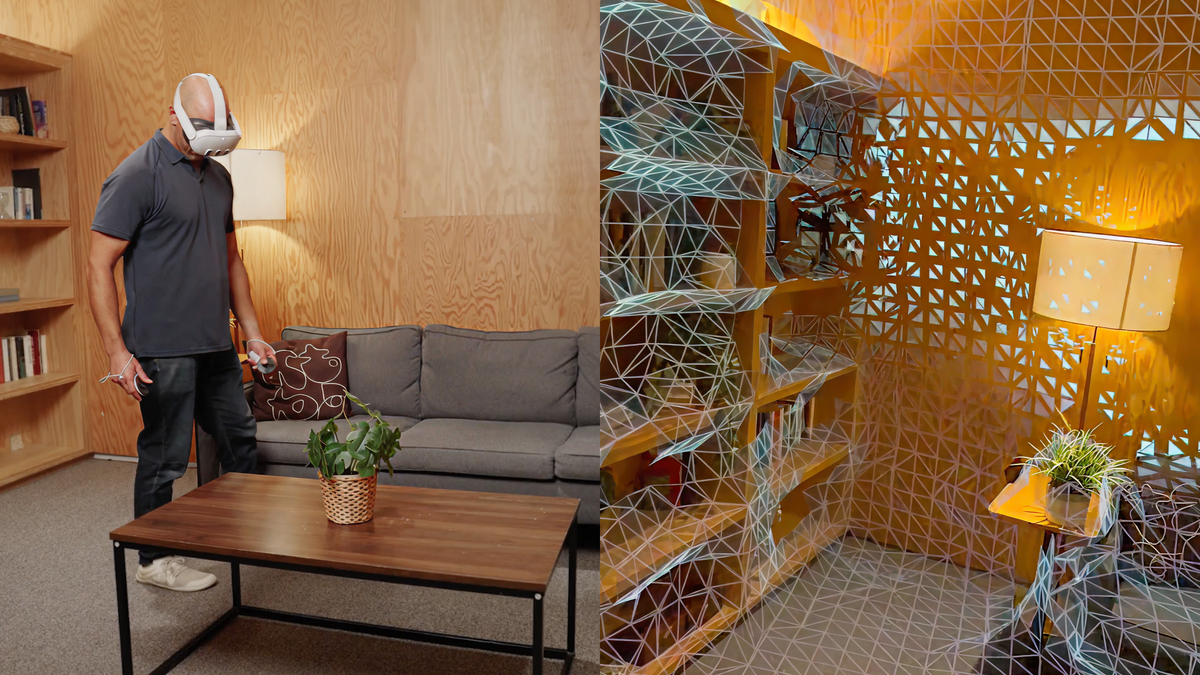
Quest 3 and Quest 3S create a 3D mesh of your room during mixed reality Space Setup. Since launch, Meta's system has been able to infer the positions of your main walls, floor, and ceiling from this 3D mesh, and since v64 it has also generated labeled bounding boxes for doors, windows, beds, tables, sofas, storage (cabinets, shelves, etc.), and screens (TVs and monitors).
Quest developers can access these bounding boxes using Meta's Scene API and use them to automatically place virtual content. For example, they could place a tabletop gameboard on the largest table in the room, replace your windows with portals, or depict your TV in a fully VR game so you don't punch it.
Generic Meta depiction of Scene Understanding.
Now, with Horizon OS v83, Meta says Space Setup will also incorporate "more complex architectural elements like multi-height floors, slanted ceilings, and inner walls".
A significant drawback of Meta's Horizon OS compared to Apple's visionOS and Google's Android XR is that its default web browser isn't available on traditional device platforms. On Samsung Galaxy XR you'll have access to all your Chrome passwords and bookmarks, and on Apple Vision Pro you'll get the same for Safari – but the Horizon OS browser is only available on Quest.
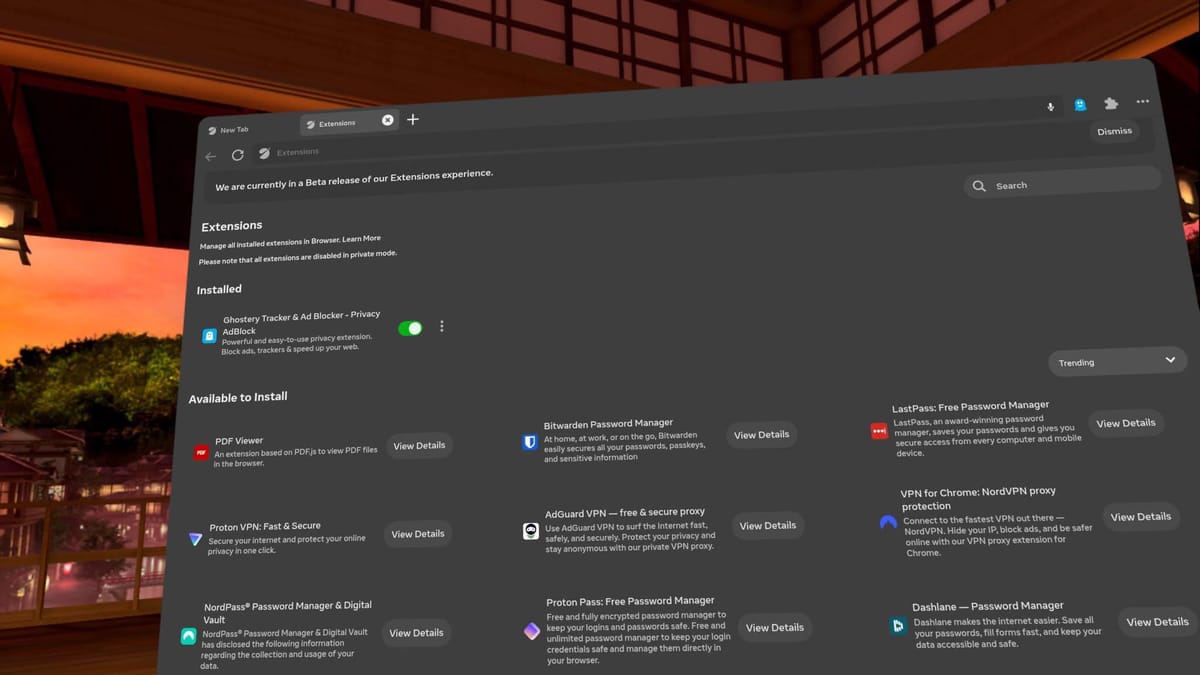
The Horizon OS browser does have LastPass, and Meta is gradually rolling out Bitwarden, NordPass, Proton Pass, and Dashlane to it too, but switching to a supported password manager is a big ask for your VR headset.
Now, with Horizon OS v83, Meta says you can log into "certain websites" via your phone by sending a link to the Meta Horizon smartphone app.
Currently supported websites include "Roblox and Tiktok", Meta says, without disclosing exactly how other web developers can implement this, or whether it's based on a web standard.
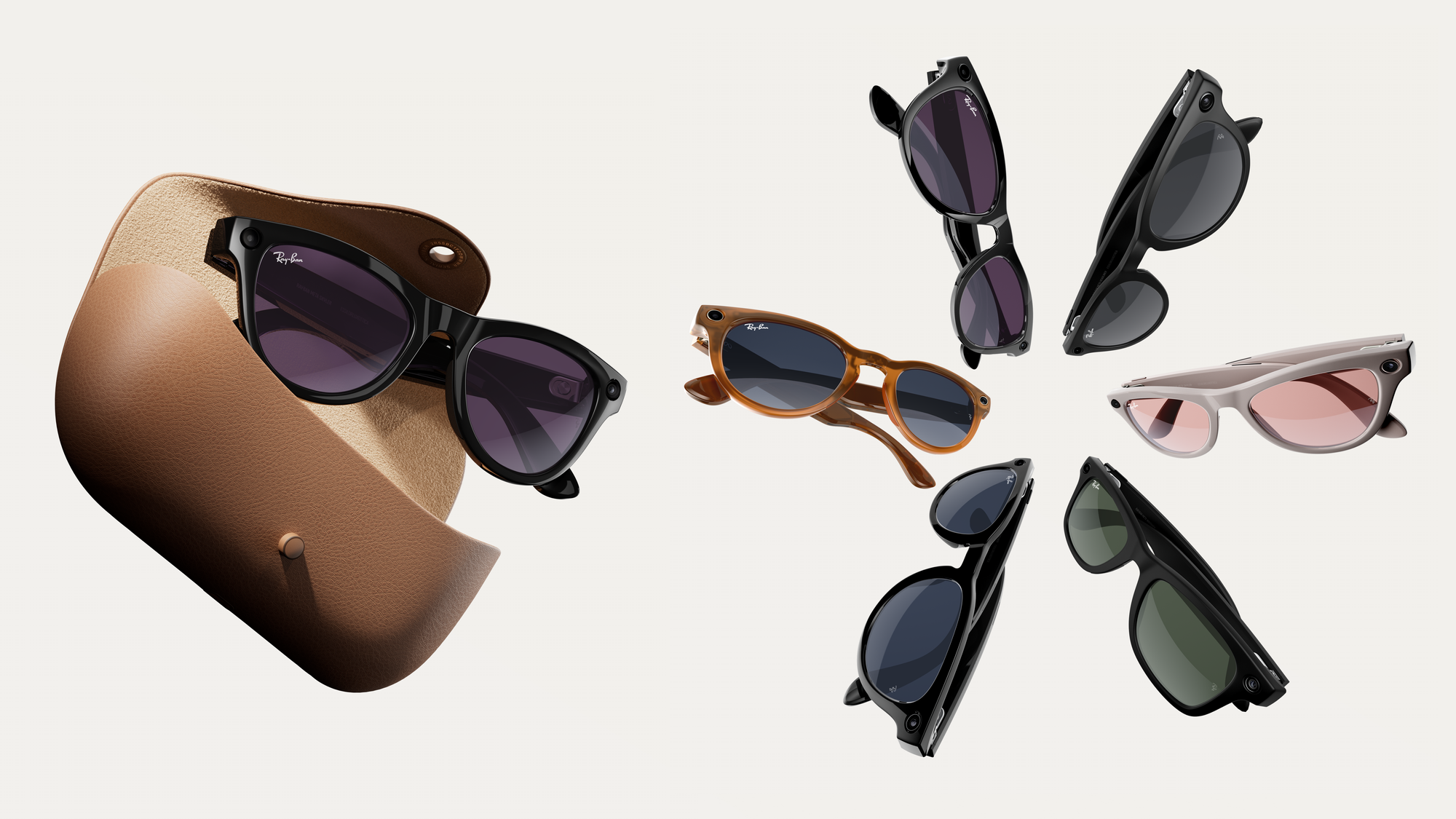
Meta now has a trade-in program for its displayless smart glasses in the US.
The company's online store offers credit for trading in either Gen 1 Ray-Ban Meta glasses or recent models of AirPods, Beats, or Galaxy Buds wireless earbuds.
Here's the full list of eligible devices to trade in:
Ray-Ban Meta (Gen 1)
Apple AirPods Pro 2
Apple AirPods 4
Apple AirPods 3
Beats Powerbeats Pro 2
Beats Studio Buds +
Beats Fit Pro
Samsung Galaxy Buds3
Samsung Galaxy Buds3 Pro
Samsung Galaxy Buds3 FE
You can trade one of these devices in when buying any of Meta's smart glasses except for Meta Ray-Ban Display. That means the program applies to the two Ray-Ban Meta generations, Oakley Meta HSTN, and Oakley Meta Vanguard.
Traded-in devices must be "in working condition and include the charging case to properly charge the device", Meta's policy states. After an inspection to verify this, you'll be issued the credit to the payment method you used to buy the glasses.
How much credit you'll get depends on which device you trade in, with Ray-Ban Meta fetching up to $113 depending on the exact variant, while wireless earbuds will get you up to $70.
The Gen 1 Ray-Ban Meta Glasses are currently on sale at $239 in the company's Black Friday sale. But according to Meta's terms, the trade-in program "cannot be combined with other offers, discounts, bundles, or coupons", so it looks like you can't combine the sale and the trade-in.
Pico's 2026 headset will have 4K micro-OLED displays and a dedicated R1-style passthrough chip, a ByteDance executive reportedly said.
The Chinese news outlet STAR Market Daily reports that during the 2025 ByteDance Scholarship Award Ceremony, ByteDance Vice President of Technology, Yang Zhenyuan, described key details of Pico's next-generation headset.
We first heard that ByteDance's Pico was working on a high-end headset two years ago, when The Information reported that Pico 5 had been canceled in favor of a short-term Pico 4 refresh and a longer-term Apple Vision Pro competitor.
That short-term headset arrived last year as Pico 4 Ultra, while the Vision Pro competitor seems to be what Zhenyuan described.
According to STAR Market Daily, Zhenyuan said that the headset will feature "custom" micro-OLED panels with 4000 pixels per inch (PPI). That would match the pixel density of the 4K micro-OLED panels in Samsung Galaxy XR, Play For Dream MR, and Shiftall MeganeX.
Zhenyuan also reportedly said that the new Pico headset will have a self-developed dedicated chip for passthrough, handling real-time processing of the color cameras and delivering frames in less than 12 milliseconds.
The only headsets we've seen yet with a dedicated secondary chip for passthrough are Apple's Vision Pro series, which feature the company's R1 chip for this. And matching Pico's figure, Apple claims R1 delivers 12 milliseconds of photon-to-photon latency.
The news, if accurate, could suggest that Pico is looking to deliver best-in-class passthrough quality, exceeding competitors like Samsung that only use the ISP of the Qualcomm XR2 Gen 2 series chipset.
We should note that earlier this year, The Information reported that Pico is working on an ultralight headset resembling a pair of goggles, with a tethered compute puck, similar to Meta's next headset.
That report also noted that ByteDance was working on an R1 chip equivalent, but it's unclear whether the 2026 headset Zhenyuan described is the same as the ultralight headset, or whether Pico plans a range of high-end options with different form factors.
We'll keep a close eye on Pico in 2026 for any signs of a new headset announcement. But keep in mind that Pico 4 and Pico 4 Ultra aren't sold in North America, as ByteDance doesn't want to risk any unwanted political scrutiny in the face of a TikTok ban taking effect, so there's a good chance its next headset won't be either.
Godot now supports Vulkan foveated rendering on Android, Application SpaceWarp, DirectX 12, and OpenXR render models, and can build a universal OpenXR APK.
If you're unaware, Godot is a free and open-source alternative to Unity and Unreal Engine. It's technically controlled by the non-profit Godot Foundation, but all development takes place in the open.
Since last year, Meta has been funding a group of Godot veterans to improve the engine's support for OpenXR and Quest feature extensions, as well as to build high-quality samples and documentation.
Uniquely, Godot is also available standalone on Quest 3 and Quest Pro. To be clear, that means the editor itself runs as a 2D Android app within Horizon OS, including the ability to build APKs on-device.
0:00
/0:20
OpenXR render models API on Meta Quest 3 in Godot.
Godot 4.5, released in September, brought a number of important new XR features and improvements:
You can now use DirectX 12 and OpenXR together on Windows for improved performance.
Foveated rendering now works in Vulkan on Android. Previously it only worked in Vulkan on desktop, and was thus limited to OpenGL on Android.
The OpenXR render models extension is now supported, letting the app dynamically load in 3D models of the active tracked controllers from the system. This avoids each application needing to bundle its own 3D models for every possible tracked controller it wants to support, and enables support for future unreleased controllers.
Crucially, Godot 4.5 also delivers support for building a universal OpenXR APK that can, in theory, run on any Android-based standalone headset that supports OpenXR. This rectifies the problem of having to maintain multiple device-specific builds for each headset, the antithesis of the "core promise" of OpenXR.
Godot 4.6 is now in public testing, and it's set to bring even more XR features and improvements, including an upgrade to OpenXR 1.1.
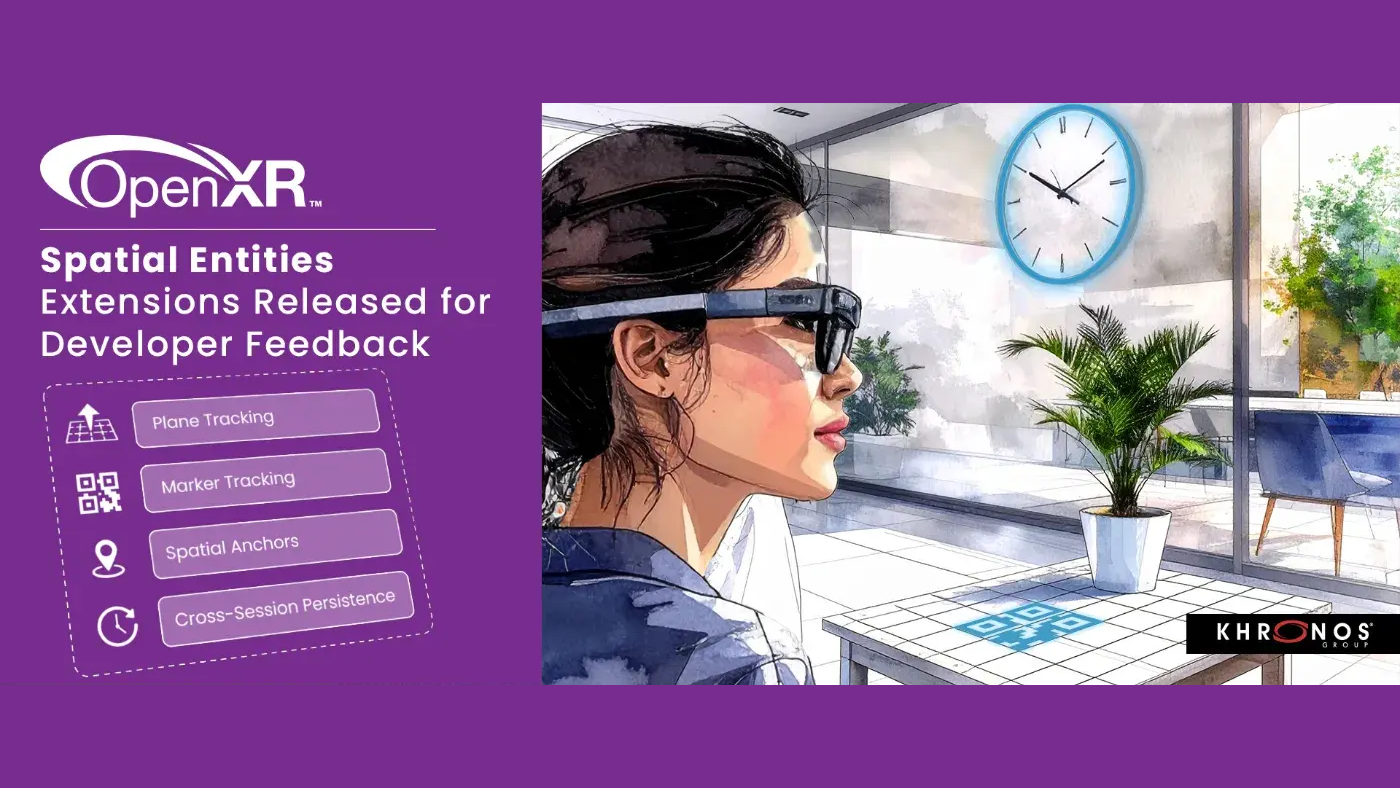
The engine will also add support for the OpenXR spatial entities extensions, released earlier this year. The spatial entities extensions standardize how developers leverage the environment tracking capabilities of headsets and glasses to build experiences that interact with the user's physical environment, a class of capabilities that until now have been handled by vendor-specific extensions or SDKs.
This includes persistent spatial anchors, plane tracking, and marker tracking.
Godot says it also plans to improve its frame synthesis support, providing runtimes with depth buffers and motion vectors to improve the quality of output of features like Application SpaceWarp.
We could go on all day here, but the TL;DR is that you can get 40% off almost every major title on Quest for the next week. A notable exception is Deadpool VR, which isn't eligible since it only came out last week. You'll still need to fork out $50 for it.
To apply the 40% discount for the eligible titles, just enter the code BFCM25 at checkout.
You can use it as many times as you want, up until 11:59 pm PT on December 2, a week from now.
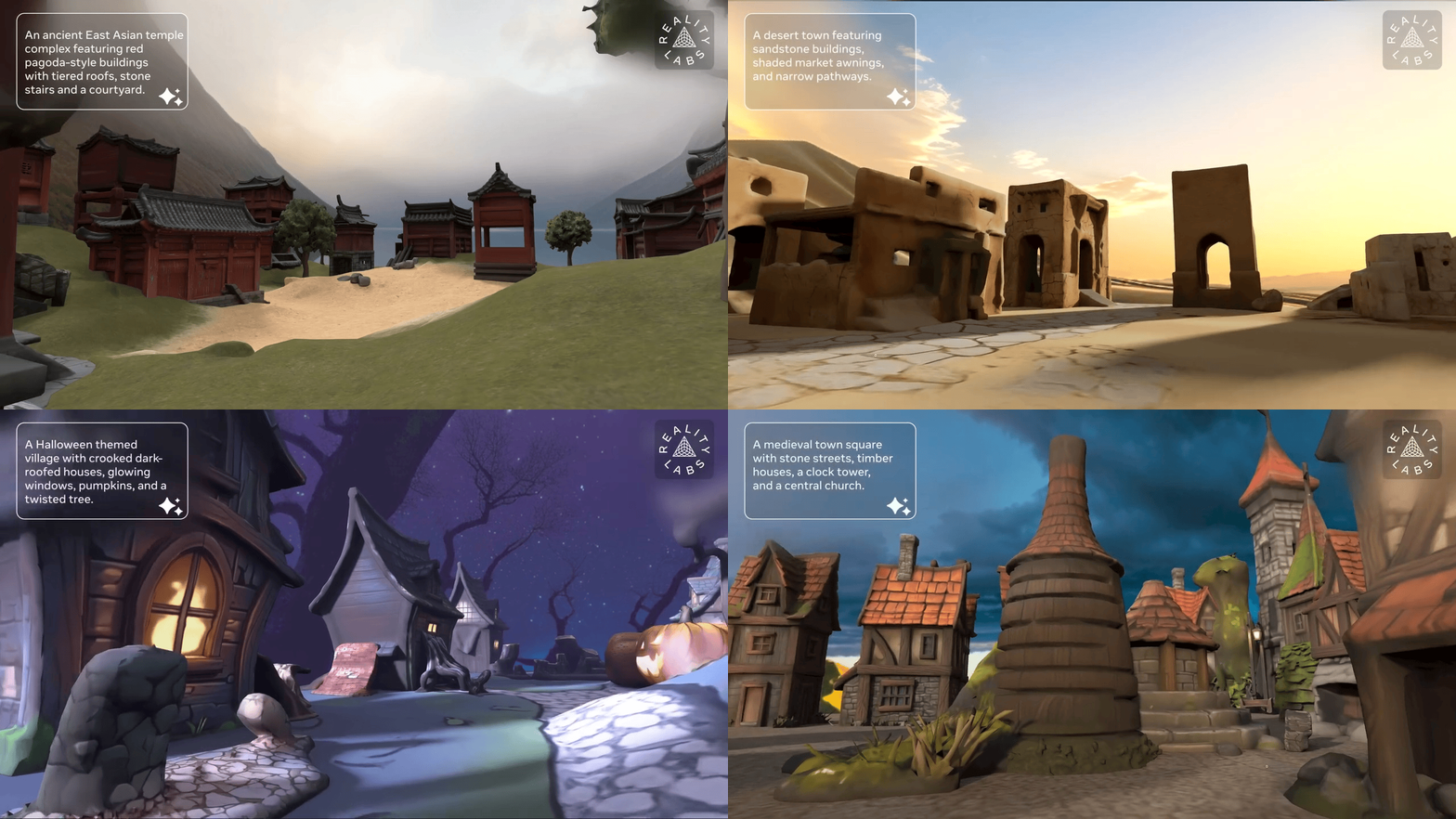
Meta's WorldGen AI system generates trimesh 3D worlds from text prompts, though the company doesn't think it's ready for Horizon Worlds yet.
Meta first teased that its Horizon Worlds creation tools would get the ability to AI-generate entire 3D worlds back in May, when announcing the related AssetGen 2.0 model. Then, in June, the company revealed that this feature would be called Environment Generation, teased example generations, and said it would launch "very soon".
Environment Generation launched in August, but it was (and remains) only capable of generating a very specific kind of island, a very limited scope compared to the goal of generic world creation.
What Is Horizon Worlds Desktop Editor?
Horizon Worlds Desktop Editor is a flatscreen Windows PC application Meta released in early access in February, alongside deprecating the in-VR creation tools of Horizon Worlds.
The editor offers the ability to import 3D assets, images, and sound files, place them in a 3D landscape, and implement game logic and other functionality using TypeScript, a popular offshoot of JavaScript. These worlds are then immediately playable and multiplayer-capable in Horizon Worlds.
In the US, UK, Canada, EU, Australia, and New Zealand, creators can also AI-generate 3D meshes, textures, skyboxes, sound effects, ambient audio, and TypeScript.
You can download Horizon Worlds Desktop Editor here.
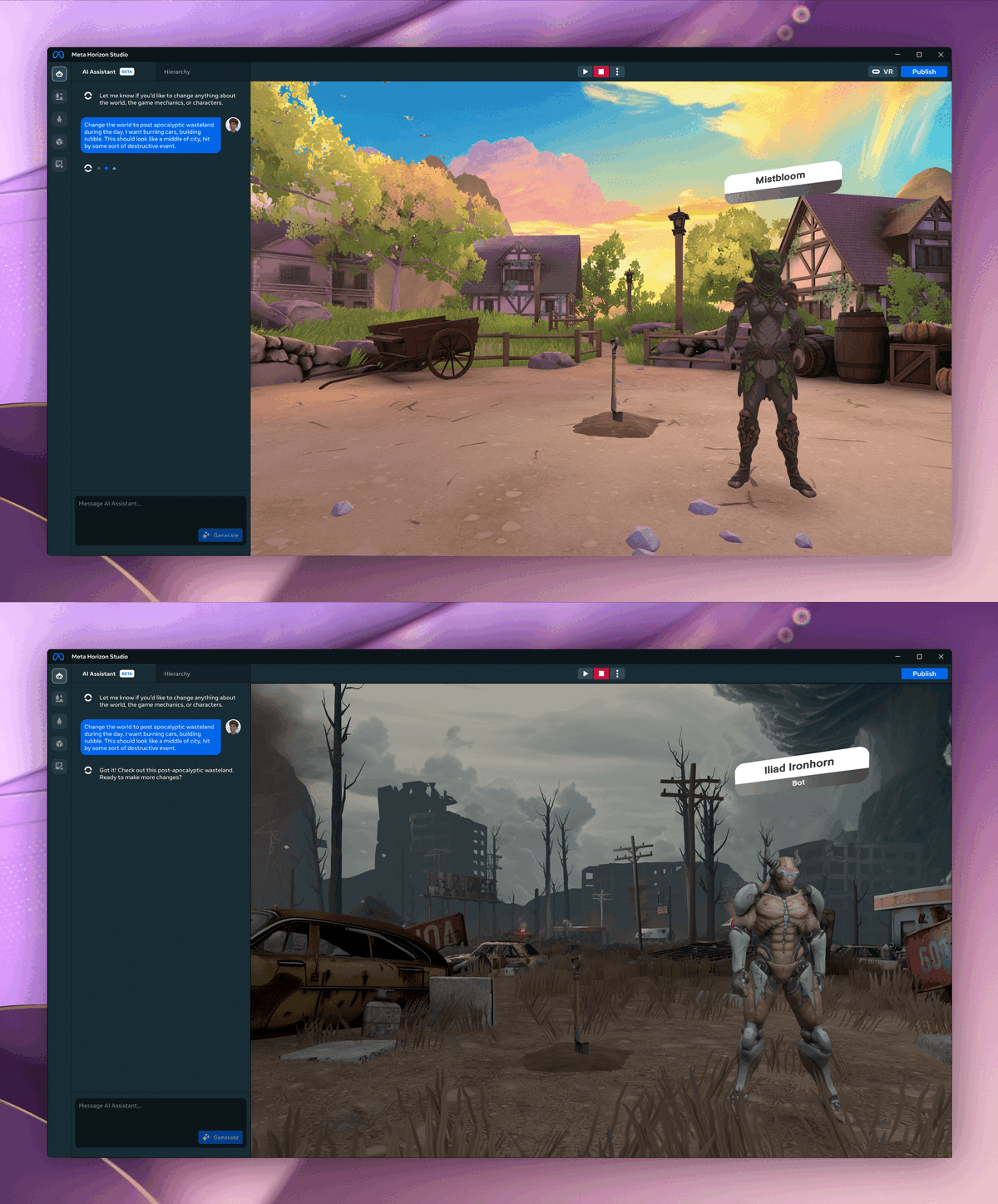
At Connect 2025 in September, Meta teased an overhaul of its Horizon Worlds creation tools, called Horizon Studio, which hasn't yet launched. The tease depicted an AI Assistant capable of generating just about anything a creator wants, including entire worlds, specific assets, custom NPCs, and specific gameplay mechanics, in a matter of seconds or minutes. But it's unclear whether what Meta was showing was notional or representative of real technology it was waiting to deploy.
That brings us to WorldGen, the new AI system Meta published a paper for.
Meta describes it as "a state-of-the-art end-to-end system for generating interactive and navigable 3D worlds from a single text prompt", leveraging a chain of 2D and 3D techniques, rather than being a single model.
"WorldGen is built on a combination of procedural reasoning, diffusion-based 3D generation, and object-aware scene decomposition. The result is geometrically consistent, visually rich, and render-efficient 3D worlds for gaming, simulation, and immersive social environments."
To be clear, this is not producing a Gaussian splat like World Labs' Marble, nor an interactive video stream like Google DeepMind's Genie 3.
Meta's WorldGen creates a layout of traditional trimesh 3D assets, making it fully compatible with traditional game engines and rendering pipelines. And it also includes a navmesh for collision detection and NPC traversal.
0:00
/1:28
Here's the underlying sequence WorldGen goes through after you input a prompt, according to Meta:
(2) Reconstruction 1. Image-to-3D base model 2. Navmesh-based scene generation 3. Initial scene texture generation
(3) Decomposition 1. Part extraction with accelerated AutoPartGen for scenes 2. Data curation for scene decomposition
(4) Refinement 1. Image enhancement 2. Mesh refinement model 3. Texturing model
So why isn't WorldGen rolling out in Horizon Worlds Desktop Editor, or at least being announced as a launch feature for Horizon Studio?
0:00
/0:35
0:00
/0:35
0:00
/0:35
0:00
/0:35
Meta says it's not satisfied with the fact that WorldGen currently only produces 50×50 meter spaces, and that it takes a long time to do so. The company says it's working to address both limitations.
It seems like a greatly upgraded future version of WorldGen will be necessary to deliver on the promise of Horizon Studio that Meta teased at Connect, and given the rate of advancement in AI, it's very possible that the company will be able to achieve exactly that sometime in 2026.
AI can bring real-world objects into VR as 3D assets in seconds, with Meta's new SAM 3D Objects model setting a new standard for quality.
It has been possible for years now to generate a 3D model of a real-world object by capturing dozens of images of it from surrounding angles, leveraging traditional photogrammetry techniques. Epic's RealityScan, for example, takes around 15–45 minutes of cloud processing, while Apple offers an on-device Object Capture API for iPhone Pro models that takes around 5 minutes.
But over the past year or so, advanced AI models have emerged that can produce 3D assets from a single image in a matter of seconds. And while they don't offer the same quality of photogrammetry, the quality has steadily improved with each new model release, mirroring the overall rapid advancement of AI.
0:00
/1:21
EchoTheReality on SideQuest, which uses an old AI model from 2024.
For an example of how this applies to VR, Takahiro “Poly” Horikawa published a Quest app on SideQuest that uses hand tracking to let you frame a specific real-world object and take a photo of it, leveraging Meta's passthrough camera API. This image is then provided to Stability AI's Stable Fast 3D API, based on the TripoSR model, and the result is spawned as a virtual object beside the image capture spot.
TripoSR is now almost two years old, though. And this week, Meta launched SAM 3D Objects, the new state-of-the-art model for generating 3D assets from a single image.
0:00
/0:11
Meta SAM 3D Objects
You can test out SAM 3D Objects for free in your web browser on the Meta AI Demos page. Just provide it with an image and you'll be able to select which object you want to convert to a 3D model. Seconds later, you'll see a 3D view where you can pan around the object with your mouse or finger.
Meta's site isn't designed for mobile screens, so you'll probably want to use a PC, laptop, tablet, or VR headset. Also note that the model is only designed for inanimate objects, not people or animals.
SAM 3D Objects is open source, available on GitHub and Hugging Face. That means developers should be able to host it on a cloud computing platform that offers GPUs, and use it to provide the experience of that EchoTheReality demo but with higher quality output – essentially pulling an object from reality into VR.
Social VR platforms, for example, could let you conduct show-and-tell for objects in your real room in a matter of seconds. Or decorate your home space with items you crafted in the real world. Meta has no announced plan to add this to Horizon Worlds, but it would seem like a natural future step, complementing the Hyperscape worlds it just launched.
Marble, an AI model from World Labs, can turn a single image into a volumetric scene that you can view in WebXR in a matter of minutes.
World Labs was founded last year by Fei-Fei Li, one of the pioneers of modern AI. She's best known for creating the ImageNet dataset that helped enable the rapid advancement of computer vision in the 2010s, having the insight that the lack of high-quality labeled data was a critical bottleneck.
As with almost all of the remarkable advancements in 3D reconstruction over the past few years, Marble generates Gaussian splats, fitting millions of semitransparent colored blobs (Gaussians) in 3D space so that arbitrary viewpoints can be rendered realistically in real-time. But Marble's variety of supported input types and the speed of its output are unprecedented.
While other splat generation systems like Meta's Horizon Hyperscape and Varjo Teleport require hundreds of input frames and hours of processing, in its simplest mode Marble can generate a splat from a single input image or text prompt in a matter of minutes.
For more advanced outputs, if you pay for the $20/month subscription Marble can take multiple images as input, or a short video, or even a 3D structure, using a tool World Labs calls Chisel.
Chisel lets you lay out a scene with crude 3D shapes, as you would in a game editor, and then use a text prompt to turn it into a detailed volumetric scene.
With the subscription, Marble outputs support interactive editing, expanding, and the ability to combine multiple worlds together. And you can export as a high-quality traditional 3D mesh, though this takes multiple hours of conversion time.
Because of the unique capability set of Marble, World Labs describes it as a "first-in-class generative multimodal world model".
On the Marble web app you can generate your own scenes for free, and view the output in VR via WebXR using the web browser of your headset.
0:00
/0:49
UploadVR testing Marble with a single image of the Steam Dev Days 2014 VR room.
Trying out Marble on Quest 3 and Apple Vision Pro, by turning a single image of the Steam Dev Days 2014 VR room into a volumetric scene, I found the quality to be noticeably inferior to Meta's Hyperscape worlds and Varjo Teleport, more akin to (but notably better than) Niantic Scaniverse. While the details directly brought in from your input image are relatively detailed, the further away you move from this, the more typical Gaussian splat visual artifacts you'll see.
And of course, the elephant in the room here is that details beyond the image frame are hallucinated, so will be very different from what was actually there behind the camera, unless you provide multiple input images.
Still, the limitations aside, the ability to generate volumetric scenes in minutes from a single image or sentence is remarkable, and that you can then edit them with a combination of an editor UI and natural language is even more so.
Further, the ability to then export these scenes as traditional 3D worlds, with geometric steerability via Chisel, seems like it could have huge potential for VR developers to build environments for their interactive apps and games.
You can try out Marble at marble.worldlabs.ai. Note that if you don't pay, any scenes you create will be publicly listed. You'll need the $20/month subscription to create a private scene, alongside unlocking the more advanced creation, editing, and export features.
An Apple Immersive Video documentary about Real Madrid is coming next year, "with a level of access that fans have never experienced before".
If you're an American reading this who doesn't know much about what you call "soccer", here's some context: Real Madrid is one of the most successful football clubs of all time, and has signed some of the best players of all time, including both Ronaldos, Zinedine Zidane, and David Beckham. In the year 2000, FIFA even officially declared Real Madrid "Club of the Century".
Today, Real Madrid and Apple confirmed work on an Apple Immersive Video documentary about the club, captured during last month's Champions League match against Juventus.
What Is Apple Immersive Video?
The Apple Immersive Video format is 180° stereoscopic 3D video with 4K×4K per-eye resolution, 90FPS, high dynamic range (HDR), and spatial audio. It's typically served with higher bitrate than many other immersive video platforms.
We highly praised Apple Immersive Video in our Vision Pro review. It's not possible to cast or record Apple Immersive Video though, so you'll have to take our word for it unless you have access to a Vision Pro.
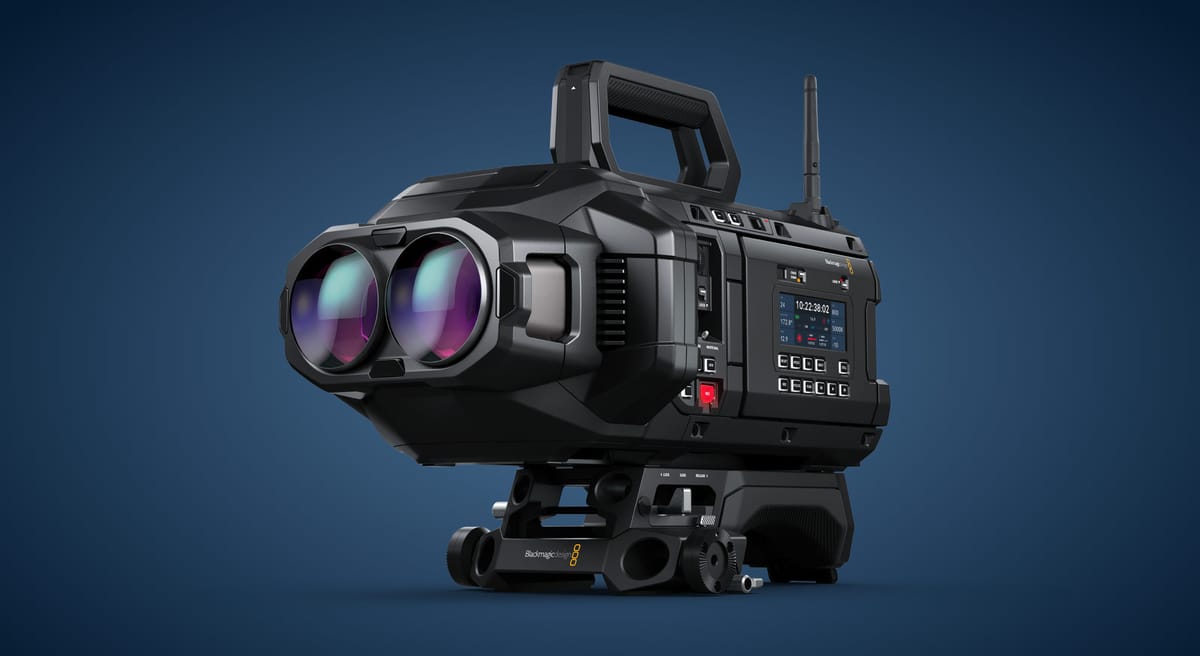
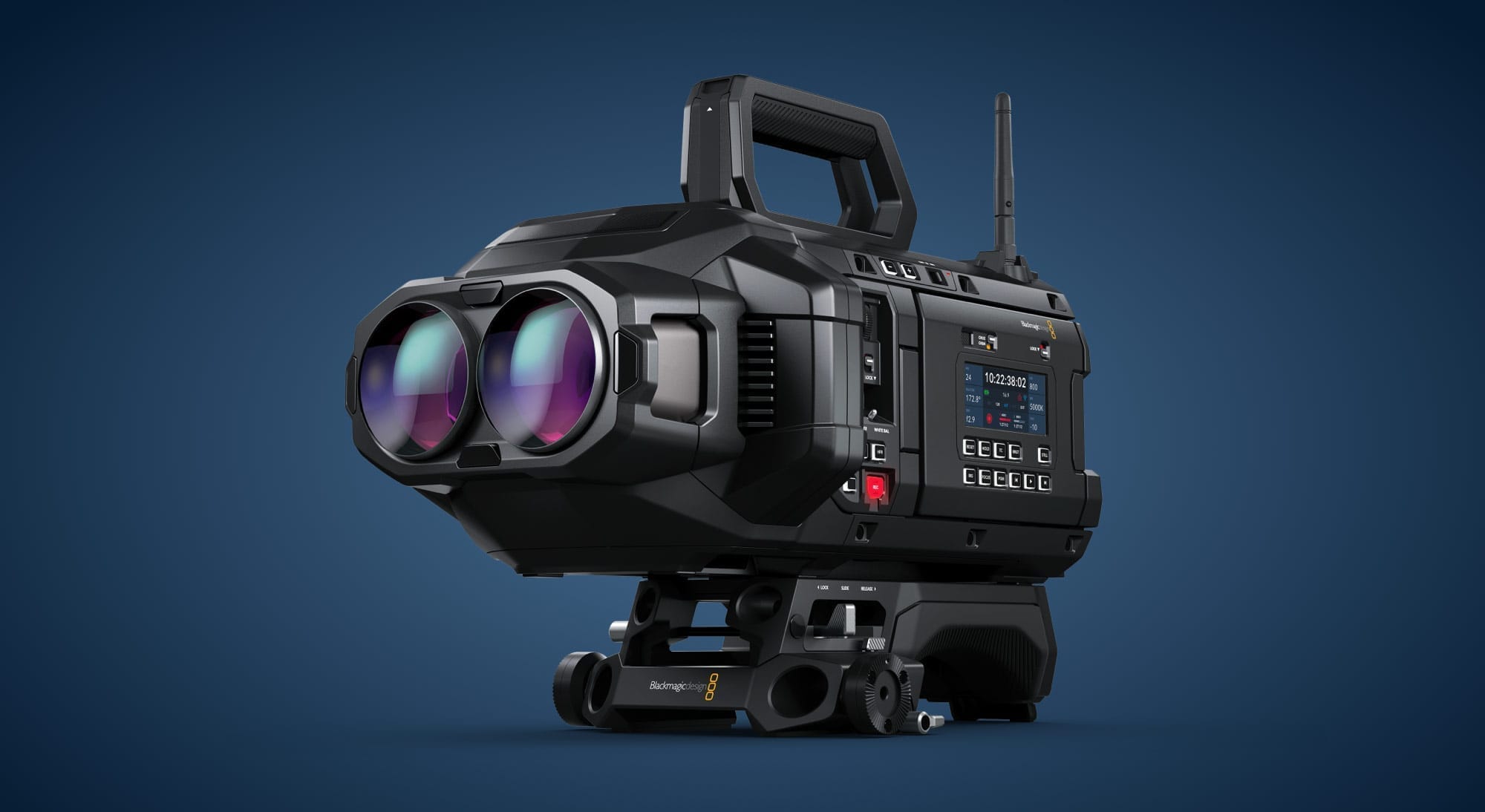
Apple says the documentary was filmed using over 30 Blackmagic immersive cameras, and "brings viewers inside the world’s most decorated club, capturing moments from practice to the pitch with a level of access that fans have never experienced before."
In an interview with GQ Spain, Real Madrid's president Florentino Pérez described the documentary as just the beginning of a long-term plan to connect the club's "billion" strong global fanbase to the stadium using technology. He references the "Infinite Bernabéu", an idea he has floated in previous interviews, a goal of one day letting fans all over the world virtually attend Real Madrid home matches using VR.
That strongly suggests that the next step of Real Madrid's plan is to stream live games in Apple Immersive.
The first known live Apple Immersive Video offering will be select LA Lakers NBA games, set to be streamed next year via Blackmagic URSA Cine Immersive Live, a special variant of the immersive camera creators are using for prerecorded Apple Immersive Video content.
The announcement came almost nine years after NextVR started streaming weekly NBA games to the Oculus-powered Samsung Gear VR headset in 180-degree. In 2020 Apple acquired NextVR, and leveraged its expertise and IP to develop Apple Immersive Video.
You can now turn new Horizon Hyperscape captures into unlisted Horizon Worlds, letting you invite friends to join you in them as Meta Avatars.
Launched at Connect 2025, Meta's Horizon Hyperscape Capture app for Quest 3 and Quest 3S lets you use your headset to scan a real-world environment, such as a room, to create a photorealistic VR replica.
The Hyperscape scanning process requires between 5 and 10 minutes of walking around the scene while wearing the headset, and it's followed by between 1 and 8 hours of processing on Meta's servers, depending on the complexity of the capture.
At launch, Hyperscape was a solo experience, and you couldn't share your captures with others. It was also cloud rendered, requiring a very strong and stable internet connection at all times.
Now, just over two months later, Meta is "rolling out" an overhaul of the technology.
Instead of creating cloud-rendered captures only accessible within the app, Hyperscape now creates a special kind of Horizon Worlds destination, a Hyperscape world. While the initial processing is still done on Meta's servers, Hyperscape worlds are rendered on-device in VR, via the Horizon Engine that also powers Quest's new Immersive Home and Horizon Central.
Once a new Hyperscape world finishes processing, you'll see Invite and Share buttons, with the latter generating a URL that you can send to friends.
People with the link can join the Hyperscape world in VR from a Quest 3 or Quest 3S, or in flatscreen on a smartphone in the Meta Horizon app, and you can reset access to the link at any time, according to Meta.
Generic depiction of the Horizon Hyperscape social update from Meta.
Hyperscape worlds currently support up to 8 people per instance, and Meta says it "hopes" to increase that number in future.
As with all Horizon Worlds, for people joining on smartphones the experience will continue to be cloud-rendered. The on-device rendering is for VR only.
Note that Hyperscapes scanned before the new update cannot be shared, and are only accessible solo in the Horizon Hyperscape Preview app.
UploadVR plans to test the new social Hyperscape experience as soon as we can, and we'll bring you footage and impressions once we do.
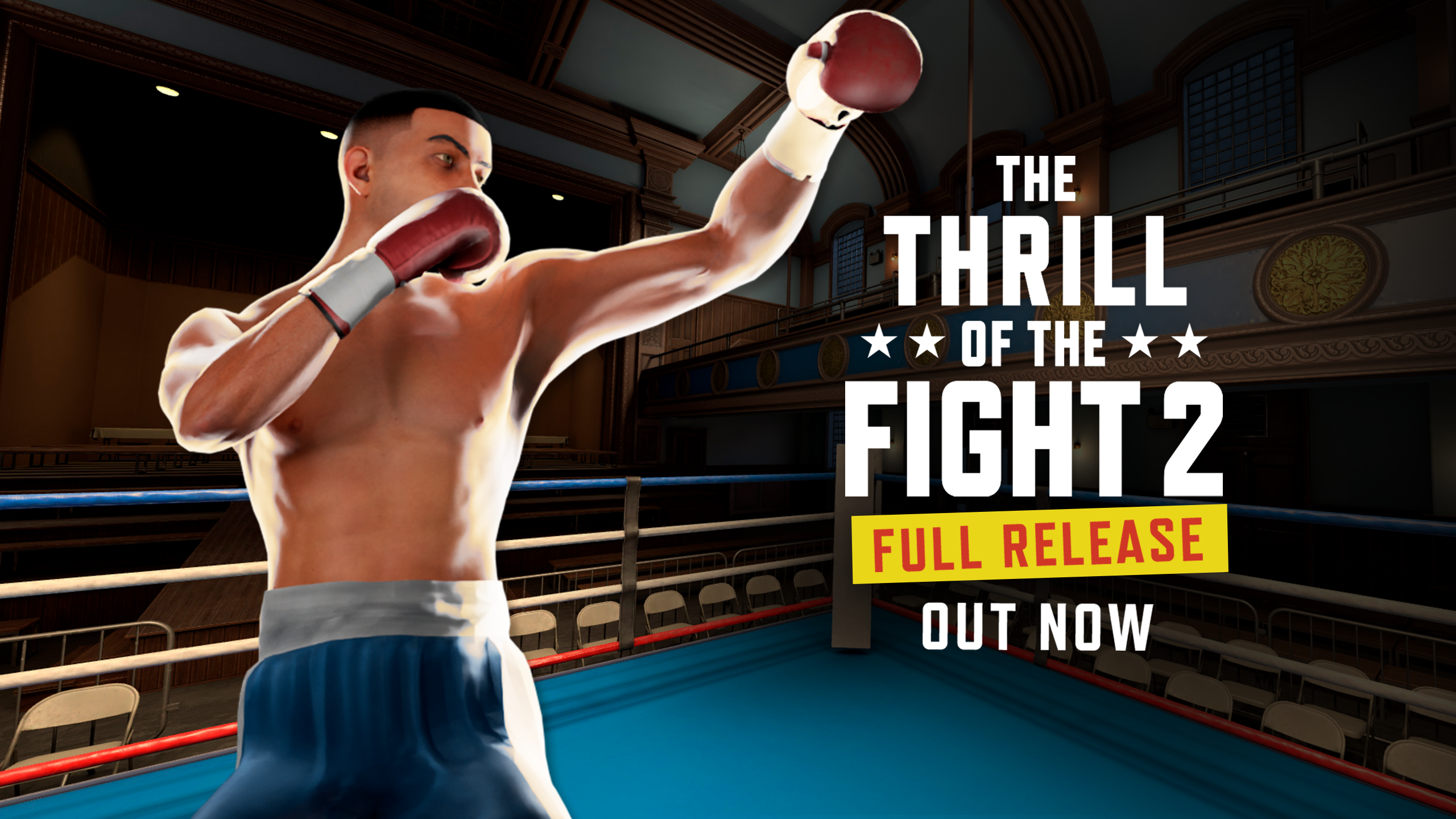
The Thrill of the Fight 2 is now out of Early Access with a launch update that adds a singleplayer campaign.
The original The Thrill of the Fight arrived on Steam for the original HTC Vive all the way back in 2016, and is still considered to be one of the best VR games of all time, as well as one of the first to get you breaking a sweat. It was ported to Quest soon after the original Oculus Quest launched, and last saw a major update in 2023.
Compared to the original, the biggest addition in The Thrill of the Fight 2 is multiplayer, which was the only mode available when it entered Early Access on Quest headsets back in November.
0:00
/0:57
The Thrill of the Fight 2 launch trailer.
The Thrill of the Fight 2 also adds a visible and customizable player body model, as well as a thumbstick locomotion option in addition to the default room-scale movement. It's also a little more game-like, with visible scoring, a departure from the simulation feel of the original.
While the multiplayer-only Early Access release was $10, the full game with a singleplayer campaign too is now $20 for new buyers (existing buyers get the update for free).
You can find Thrill of the Fight 2 on the Meta Horizon Store, with support for Quest 2, Quest Pro, Quest 3, and Quest 3S.
There's no timeline yet for a PC VR release, though there is a flatscreen PC viewer app launching on Steam soon for spectating fights between Quest players.
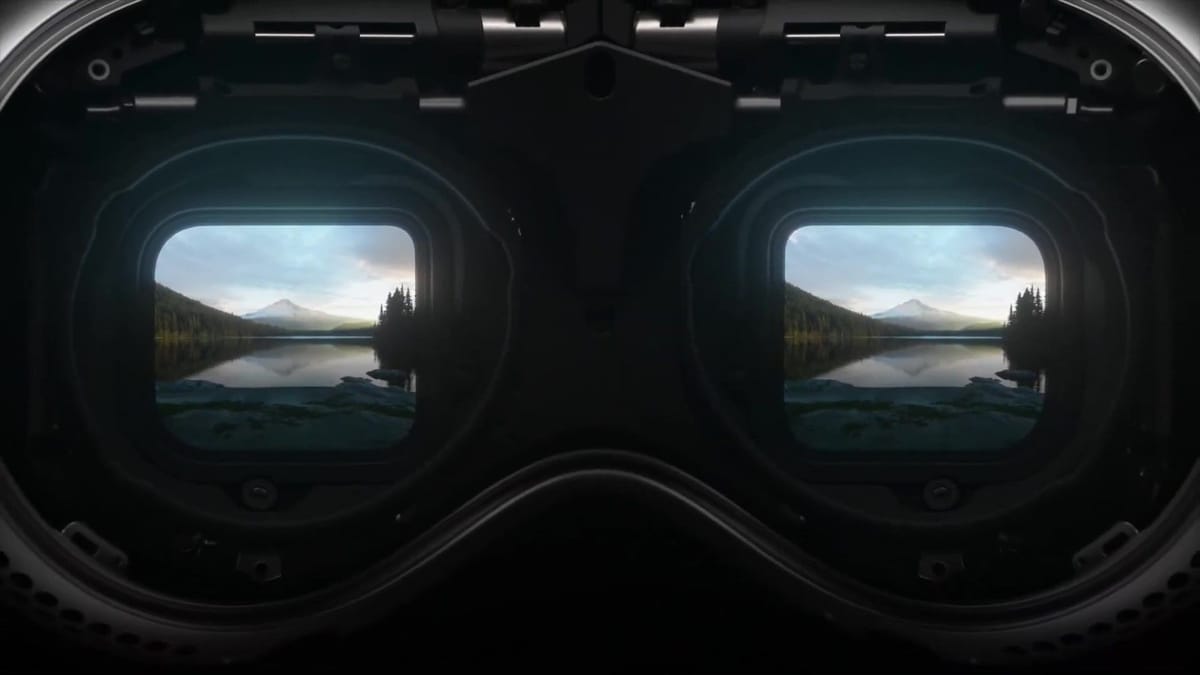
TCL is showing off a compact 2.5K RGB OLED panel for XR headsets that could be the perfect midpoint between cheap LCD and expensive micro-OLED.
Today, almost every affordable headset uses LCD panels, while premium options use micro-OLED, technically known as OLED-on-silicon (OLEDoS).
LCD is cheap, but has poor contrast, forming a relatively washed-out image that compresses the darkest details into a gray haze in place of deep blacks. Meanwhile micro-OLED offers vibrant colors with rich contrast, and can achieve extremely high resolution without increasing the bulk of headsets, but is incredibly difficult to manufacture and thus very expensive.
Some headsets like Meta Quest Pro, the Pimax Crystal series, and Somnium VR1 use advanced LCD panels with an array of mini backlights to improve contrast compared to regular LCD, and a quantum dot layer to enhance colors, but the result is still a far cry from the self-emissive nature of OLED, where every pixel provides its own light. Further, the extra layers increase thickness, weight, heat, and power draw.
Of course, there is another display technology for headsets between LCD and micro-OLED, one that also offers many of the latter's benefits: regular OLED, also known as OLED on glass.
OLED on glass is what's used in your smartphone, your smartwatch, and perhaps your TV too, if you paid a lot for it. For VR, it was seen as the only game in town between 2014 and 2016, used in the Oculus Rift, HTC Vive, and PlayStation VR.
HTC continued to use OLED in Vive Pro, as did Oculus for the original Quest. But LCD soon offered higher density at lower cost, a killer combination for a market looking to scale up while increasing resolution, and so investment in new custom OLED panels to keep up with the density demands of VR mostly dried up within just a few years.
The only regular OLED VR headset still on the market today is PlayStation VR2. And one key reason that it's the only headset from a major company with new fresnel lenses is that, when it released, there was simply no OLED with high enough density to be compact enough to be suitable for pancake lenses (among other issues, which we'll get to later in the article).
TCL's New OLED
PlayStation VR2's OLED
Size
2.56-inch
~3.4-inch
Resolution
2560×2740
2000×2040
Subpixels
RGB (3/3)
PenTile (2/3)
Refresh Rate
120Hz
120Hz
Density
1512 PPI
>800PPI
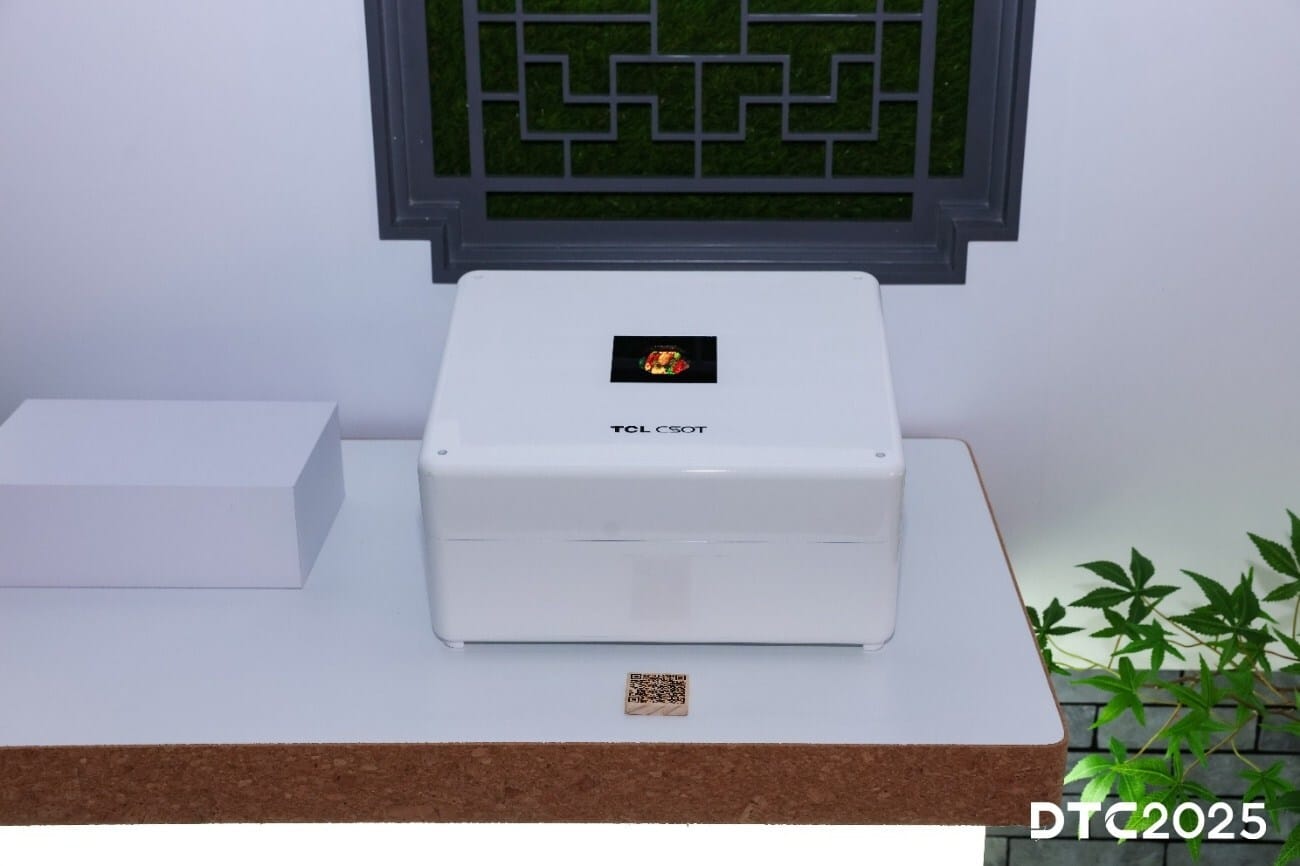
That brings us to TCL's new OLED panel, which its China Star Optoelectronics Technology (CSOT) division is showing at the Display Tech-Ecosystem Conference (DTC 2025) this week in China.
The company says it's the highest density RGB OLED-on-glass display in the world, and has the 120Hz refresh rate ideal for VR.
It's almost twice as dense as the OLED in PlayStation VR2, while using a full RGB subpixel arrangement, letting it offer 73% more pixels and 160% more subpixels despite being just over half the size.
Its size makes it ideal for use with pancake lenses, its RGB subpixels mean it shouldn't need a softening diffusion layer, and its resolution is notably higher than the LCDs in Meta Quest 3 and Valve's Steam Frame.
Putting it all together, this means TCL's new OLED panel could power clear and sharp headsets with rich colors, deep contrast, and true blacks, but without the sky-high prices you get with micro-OLED. And this could be key to delivering compelling products that sit somewhere between Meta Quest 3 and Samsung Galaxy XR in the market.
This isn't the first time we've heard about the idea of high-density regular OLED as a way to deliver some of the advantages of micro-OLED but in far more affordable headsets.
Over a year ago, South Korean news outlet The Elec reported that Japan's JDI was pitching Apple a 1500 PPI regular OLED for the rumored "Vision Air" headset, and that Samsung was working on a similar display too.
That's notable because it's almost exactly the same density as TCL's new OLED, and may suggest that TCL too is (or was) pitching the panel to Apple.
For now, TCL isn't saying whether it has any customers for the new OLED panel, but does confirm that it's designed for "XR devices".
Type
Resolution
Quest 3
LCD
2064×2208
Steam Frame
LCD
2160×2160
TCL's New Panel
OLED
2560×2740
Apple Vision Pro
Micro-OLED
3660×3200
Samsung Galaxy XR
Micro-OLED
3552×3840
There are, however, a few major unanswered questions.
The first is whether the panel is bright enough to overcome the inefficiency of pancake lenses, and the fact that they work best with polarized light, which OLED doesn't provide. There are workarounds for this, if the panel layers and lenses are specifically designed to work together. And the brightness of OLED panels has significantly improved in recent years, with the latest iPhones and Apple Watches for example reaching 3000 nits.
The other question is whether the new panel exhibits the same non-uniform fixed-pattern noise we've seen in many regular OLED headsets like PlayStation VR2, the mura, an issue not present in any micro-OLED we've viewed to date. Overcoming this may be the key to reviving regular OLED as a great option for midrange headsets, so we're incredibly curious to find out whether TCL has done so.
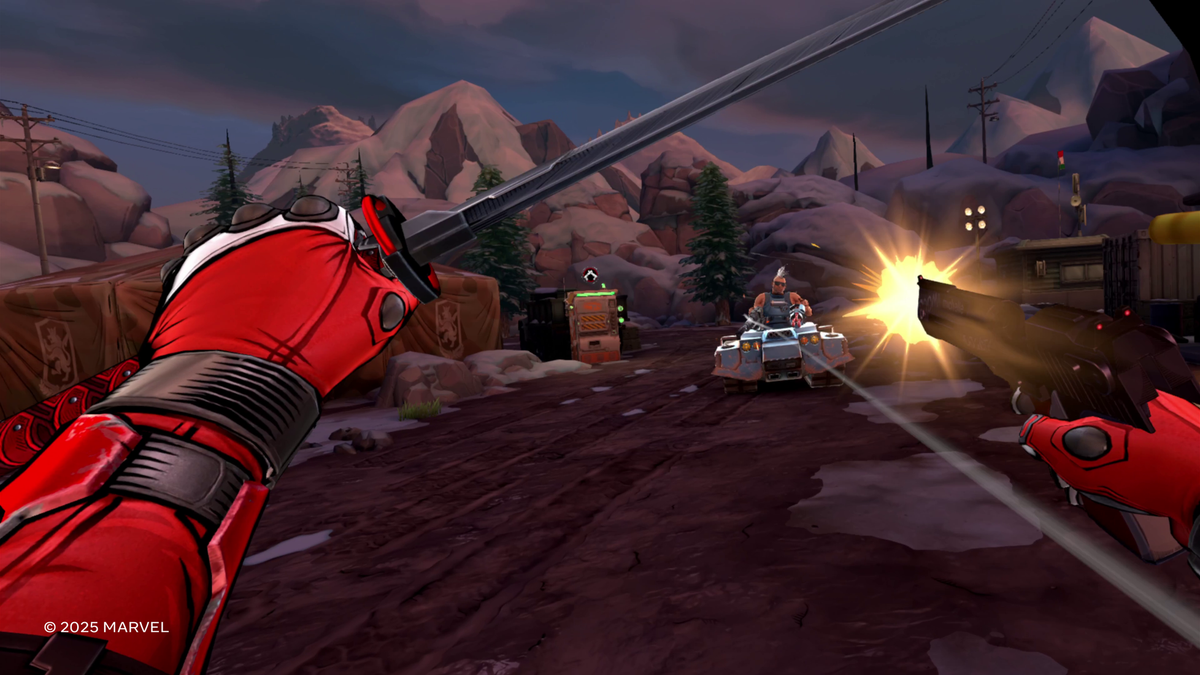
Marvel's Deadpool VR, the latest Quest 3 and Quest 3S exclusive blockbuster, is out now for $50.
Developed by Meta-owned Twisted Pixel Games in collaboration with Marvel Games, Deadpool VR has a cel-shaded graphics style, and unlike in the movies, Deadpool in VR is voiced by Neil Patrick Harris, not Ryan Reynolds.
The arcade-style action game sees you, as Deadpool, kidnapped by the supervillain Mojo (voiced by John Leguizamo) and forced to hunt down talent for his galaxy-wide reality TV show. The talent you'll kidnap are iconic villains from across the Marvel universe, including Mephisto, Lady Deathstrike, Omega Red, and Ultimo.
0:00
/1:26
In UploadVR's review of Deadpool VR, Pete Austin described the visuals as paying off "beautifully", with the best implementation of cel-shading that he's seen yet in VR. He also found Neil Patrick Harris' performance to be "easily on par" with Ryan Reynolds in the films, and the "gloriously over-the-top" soundtrack to feel like it was straight out of one too.
However, his feelings on the combat system were more mixed. While it impressed in the early phases of the game, he criticized the fact that it's "disappointingly weightless", with weapons clipping through each other, hands clipping through the environment, and two-handed weapons feeling like they’re made of paper.
"Deadpool VR is a paradox. It captures the antihero's essence perfectly but wraps it around mechanics that just never feel like they completely deliver - great presentation carrying combat that never quite lives up to its potential."
You should go read Pete's full review, and if it leaves you wanting to, you can buy Deadpool VR on the Meta Horizon Store for Quest 3 and Quest 3S, priced at $50.
PlayStation VR2 is on sale for $300, its lowest price ever, and this includes the Horizon Call of the Mountain bundle.
Originally priced at $550, Sony officially cut the price of the headset to $400 earlier this year, just over two years after it launched.
Now, for the 2025 holiday season PlayStation VR2 is temporarily being sold for just $300, its lowest price ever. This price applies to both the regular SKU and the bundle with Horizon Call of the Mountain, so you should always grab the latter if it's in stock.
The new $300 sale is available at all official retailers, and ends at 11:59pm Pacific Time on December 18, just in time for Christmas.
The lowest price we'd seen before this was $350, which the headset has gone on sale for three times: in summer 2024, the 2024 holiday period, and for the Days Of Play 2025 event. During that summer 2024 discount, sales reportedly skyrocketed, with one retailer selling more units in one day than had been previously sold all year so far.
If you're a PC gamer, you can now pick up the headset, Sony's PC adapter, and (if required) a DisplayPort cable and Bluetooth adapter for less than $400 all-in.
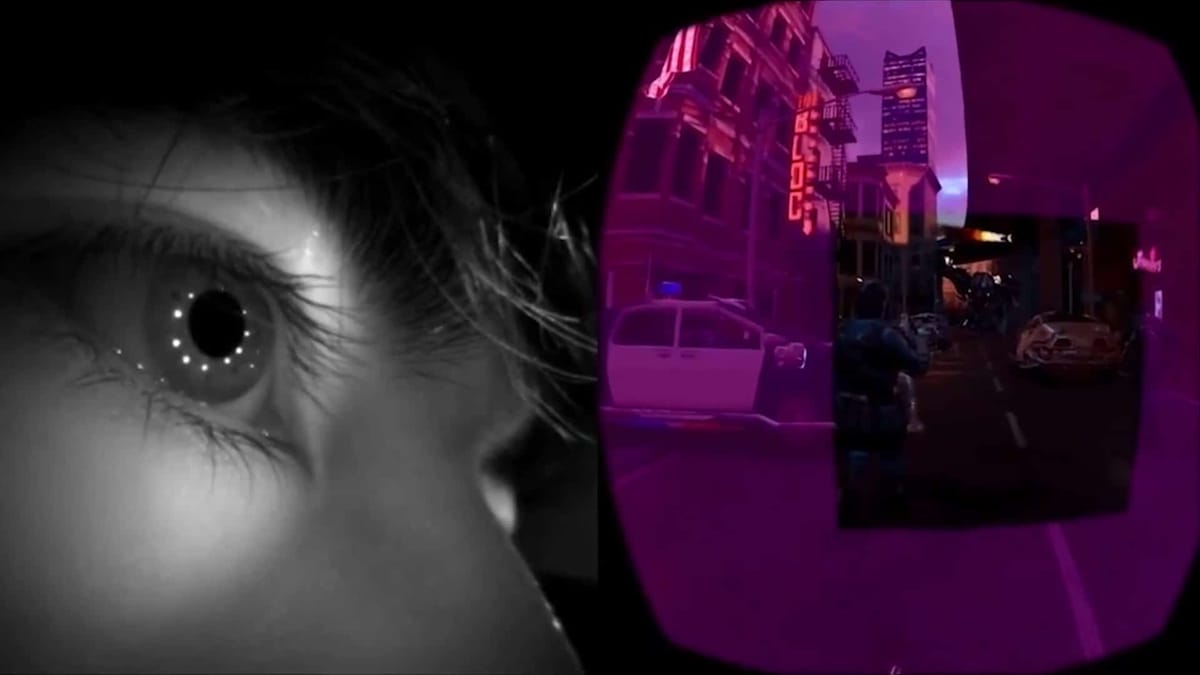
And with PSVR2Toolkit and PimaxMagic4All, if you have a GTX 16 series or RTX graphics card, you can even leverage eye-tracked foveated rendering in a wide range of SteamVR titles.
With its 2K OLED displays, PlayStation VR2 offers a more vibrant image with far greater contrast than any other affordable PC VR headset, though with the tradeoff that the image is softer and has a non-uniform fixed-pattern noise over it, called mura.
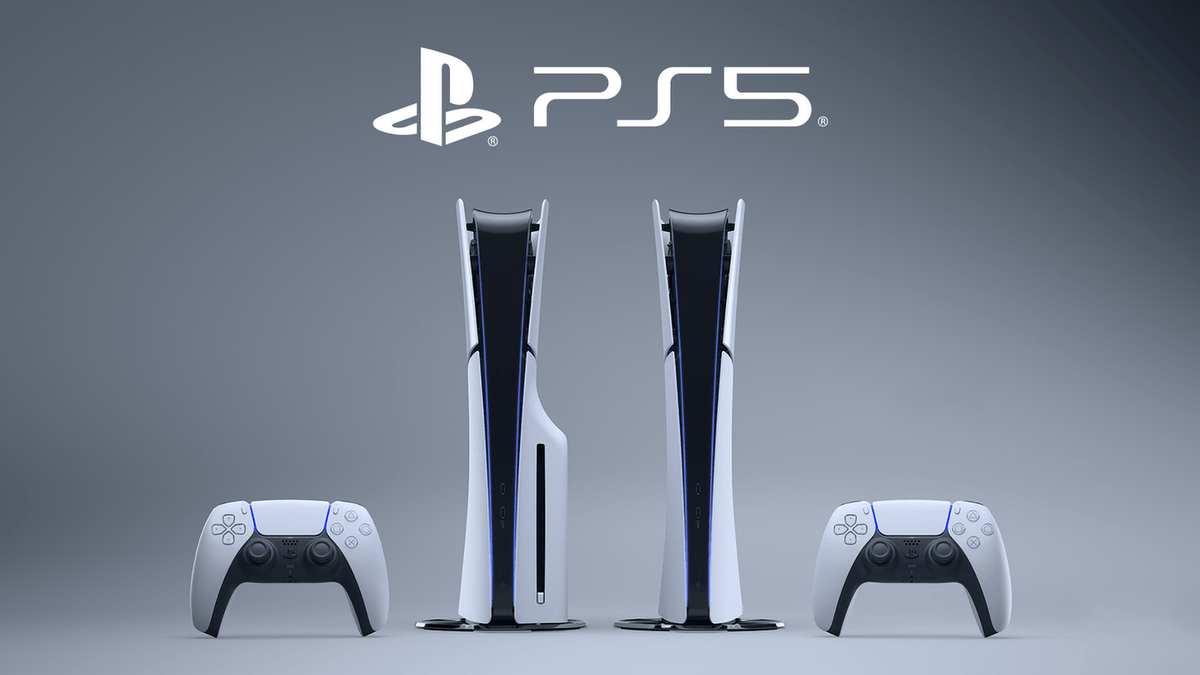
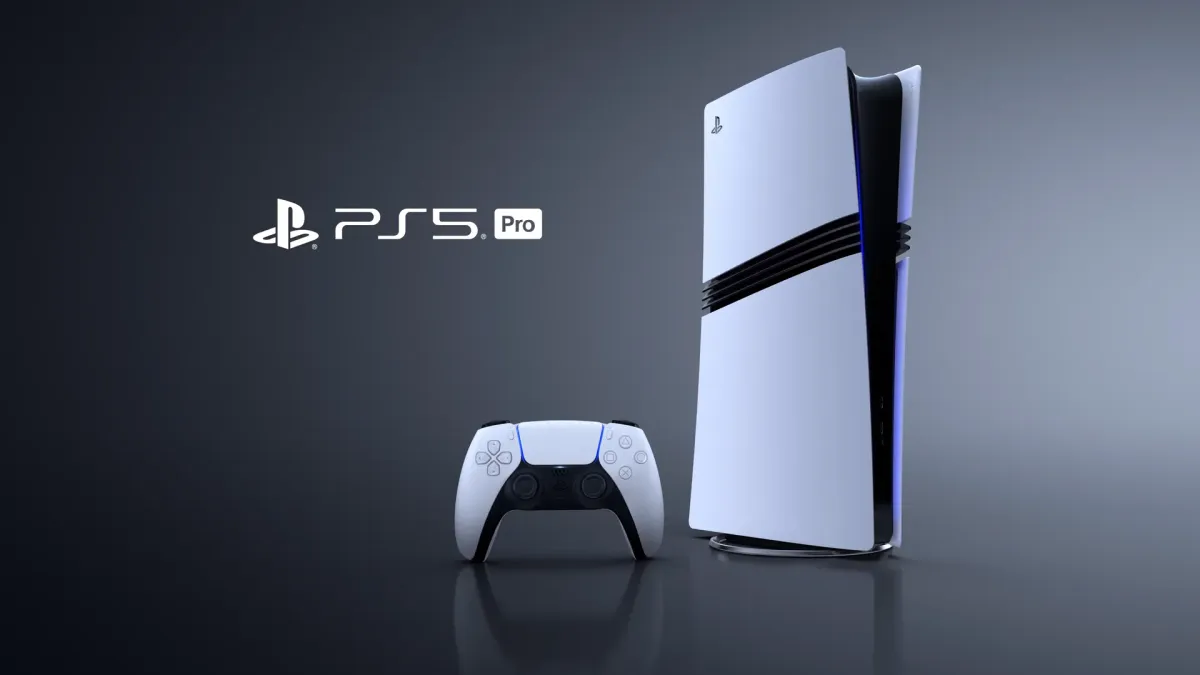
The PS5 and PS5 Pro are also on sale, with the same $100 discount. The holiday deals come three months after Sony increased the price of the consoles.
The digital edition PS5 is on sale for $400, while the PS5 Pro is at $650.
That means you can grab a PS5 and PlayStation VR2 together for $700, or a PS5 Pro and the headset for $950, delivering a full consolized high-end VR experience for less than $1000.
Of course, next year Valve too will offer a consolized high-end VR experience with Steam Frame and Steam Machine. That combination will have the significant benefit of being wireless, but will also likely cost at least twice as much, making Sony's holiday proposition still a good deal.
This article, originally published when the sale was announced, has been updated to reflect it going live.
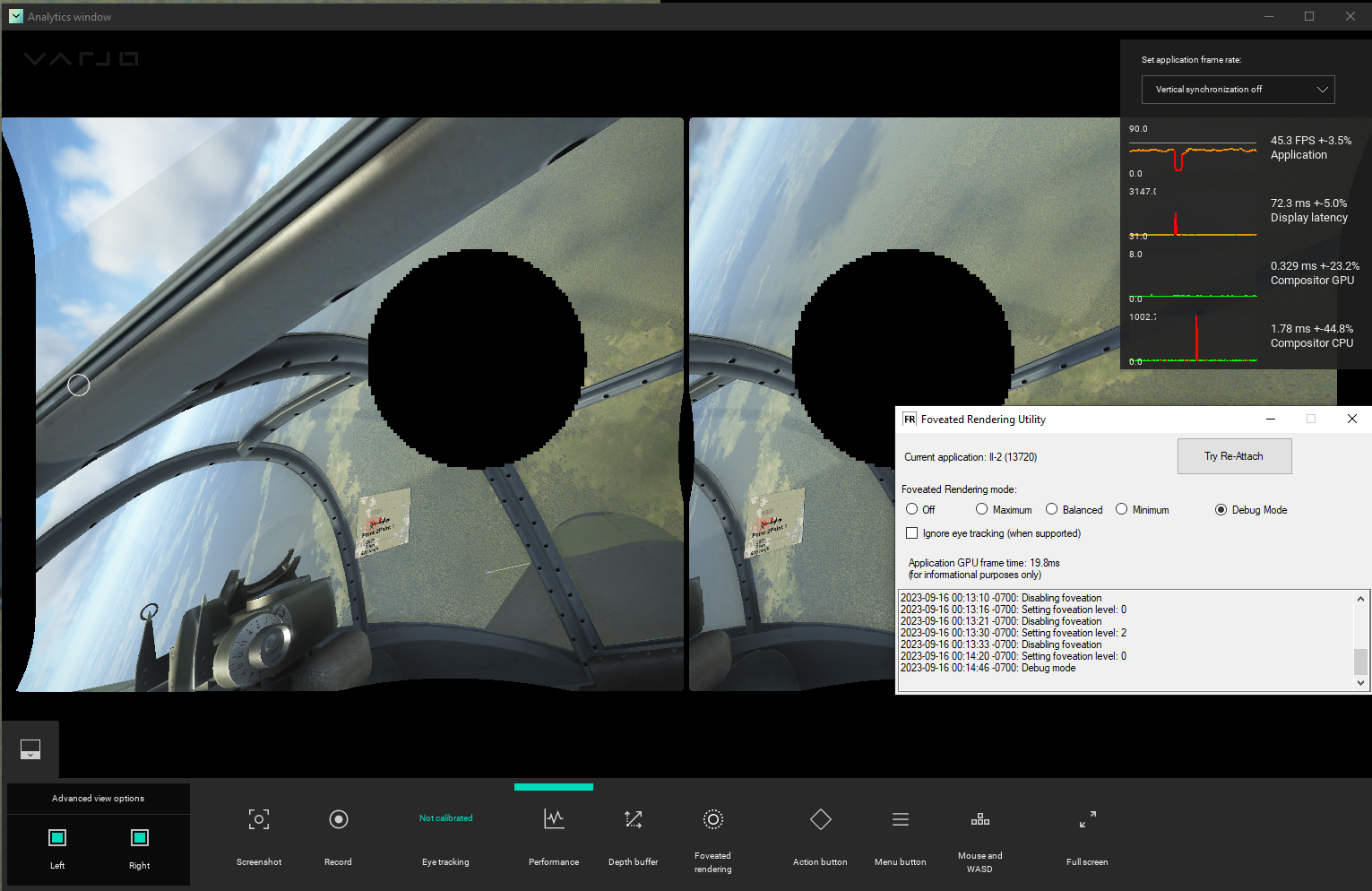
A free tool for Windows PCs with modern Nvidia GPUs adds eye-tracked foveated rendering to a huge number of SteamVR games.
Called PimaxMagic4All, the tool re-implements a feature Pimax ships in its Pimax Play software used to set up and adjust its headsets. As such, if you already own a Pimax headset, you don't need it.
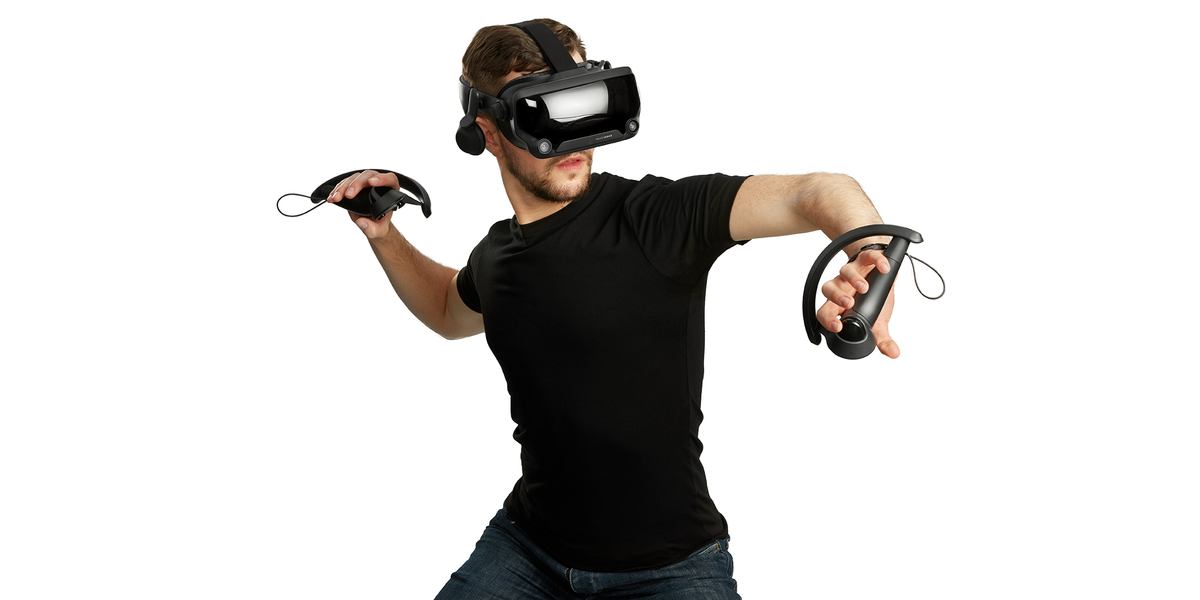
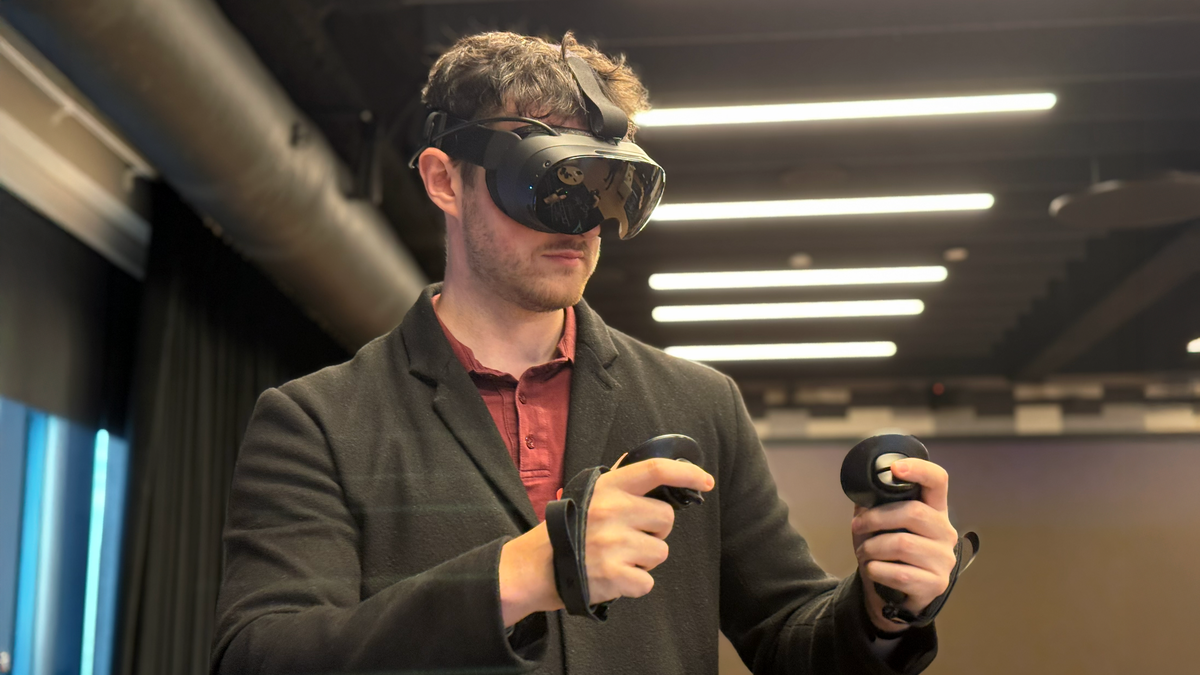
PimaxMagic4All should work with any SteamVR-compatible headset that exposes a low-level public API to retrieve eye tracking data, or which has third-party software that does so, including:
Meta Quest Pro (via Steam Link or Virtual Desktop)
Fixed Foveated Rendering (FFR) means rendering the central area of the image at a higher resolution than the peripheral area.
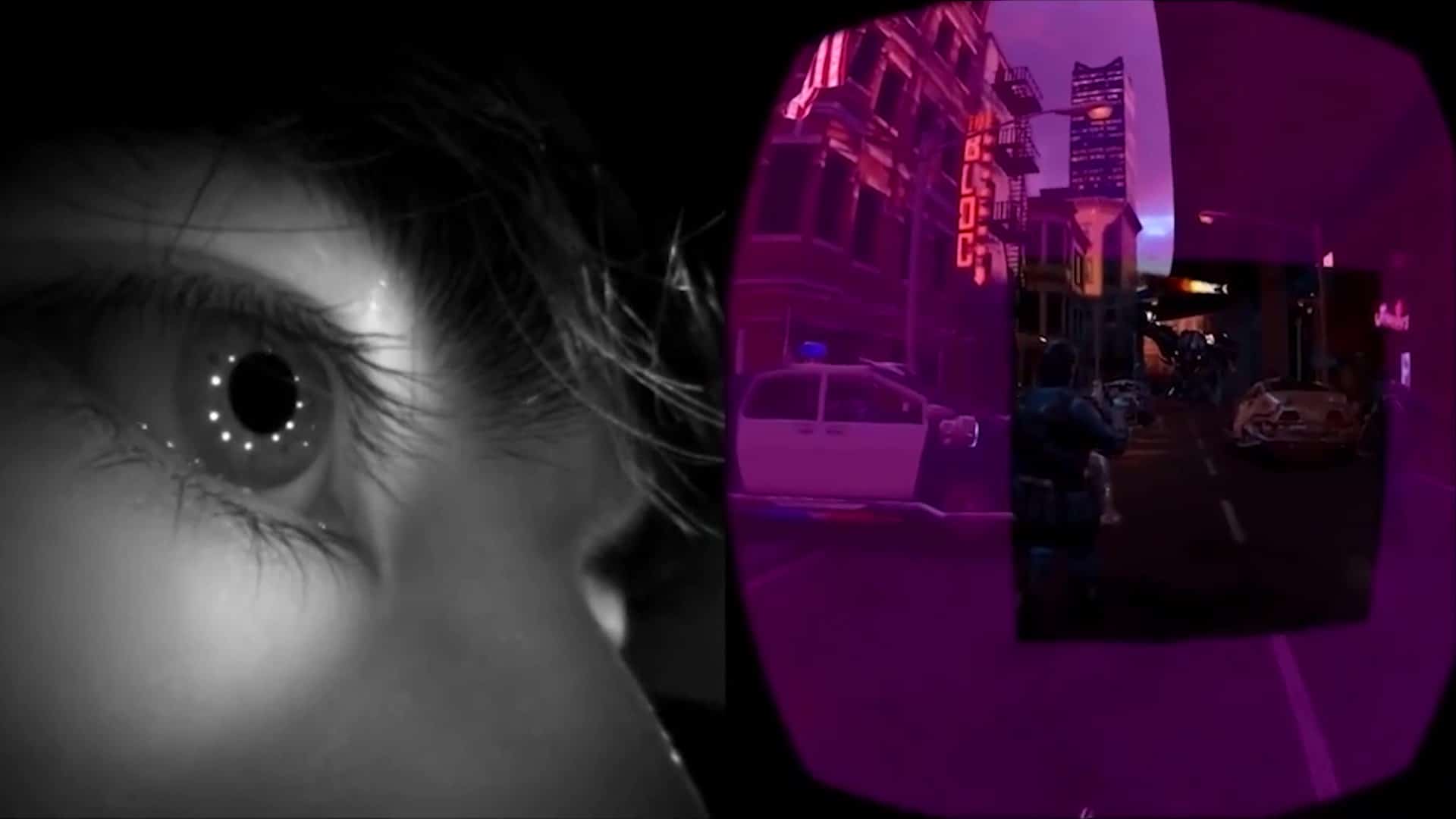
Eye-Tracked Foveated Rendering (ETFR), occasionally also called Dynamic Foveated Rendering, means rendering the area you're currently looking at at higher resolution than everywhere else, as determined by eye tracking sensors.
Both techniques save performance in VR, and this can be used to either run demanding experiences at a smoother framerate or render experiences already hitting framerate at higher peak resolution.
FFR comes with noticeable pixelation at the edges, but works on any headset, while with ETFR there shouldn't be any noticeable difference, depending on the settings and that assuming the eye tracking system has low enough latency.
The developer says that it should "likely" work with Valve's Steam Frame too, when streaming from a Windows PC with an Nvidia GPU, and in theory could work with HTC Vive Pro Eye and Vive Focus Vision with additional development time.
The developer, by the way, is Matthieu Bucchianeri, a name you may recognize if you're a regular UploadVR reader.
Bucchianeri is a very experienced developer, having worked on the PS4 and original PlayStation VR at Sony, Falcon 9 and Dragon at SpaceX, and HoloLens and Windows MR at Microsoft, where he currently works on Xbox. At Microsoft he contributed to OpenXR, and in his spare time he developed OpenXR Toolkit, VDXR (Virtual Desktop's OpenXR runtime), and most recently Oasis, the native SteamVR driver that revived Windows MR headsets.
PimaxMagic4All used with Varjo Aero.
PimaxMagic4All has a simple graphical interface with three levels of foveated rendering: Maximum, Balanced, and Minimum. You can choose between prioritizing increasing performance, achieving a result where you shouldn't notice the difference, or a balance of the two.
The tool can inject foveated rendering into any title that uses the DirectX 11 graphics API and OpenVR, Valve's deprecated API for SteamVR. The game also needs to not have an anti-cheat system, since those will prevent code injection. And remember, you need to have an Nvidia graphics card, specifically a GTX 16 series or RTX card.
You can find a small list of supported titles on the GitHub project's wiki page, and it includes Half-Life: Alyx, Skyrim VR, Fallout 4 VR, Elite Dangerous, Assetto Corsa, and Boneworks. But this is only a fraction of the total number of games that should be supported in theory.
How well it will work will vary wildly between titles, with some seeing performance improvements and others exhibiting significant visual artifacts and other issues.
Note that three titles you won't need this for are Microsoft Flight Simulator 2024, DCS, and iRacing, since all three now support OpenXR eye-tracked foveated rendering natively.
Through December 2, Quest 3S is just $200 at Costco for members or $215 for non-members, and includes 12 months of the Meta Horizon+ games subscription.
You can find the deal on Costco's website, and the $100 discount from the regular $300 price will apply at checkout, with a $15 surcharge added if you're not a Costco member.
This is the lowest outright price we've ever seen for Quest 3S, and a year of the Horizon+ subscription normally costs $60. New Meta Quest headsets otherwise come with 3 months of the subscription.
Horizon+ includes a Games Catalog with some of Quest's best VR games, including Asgard's Wrath 2, Cubism, Demeo, Dungeons of Eternity, Eleven Table Tennis, Ghosts of Tabor, Job Simulator, Maestro, Onward, Pistol Whip, Red Matter, Synth Riders, The Climb 2, and Walkabout Mini Golf. It also lets subscribers redeem 2 monthly games pre-selected by Meta.
While Quest 3S can run all the same content as Quest 3, and has the same fundamental capabilities (including the same XR2 Gen 2 chipset and 8GB RAM), if you have the funds we always recommend Quest 3 over Quest 3S. The proper Quest 3 features Meta's advanced pancake lenses which are clearer and sharper over a wider area, have a wider field of view, and have precise separation adjustment, making them suitable for essentially everyone's eyes. These pancake lenses also enable Quest 3 to be thinner, which makes the headset feel slightly less heavy.
Still, at just $200 or $215 and with a year of Horizon+ games, Costco's Quest 3S deal could be hard to say no to. The deal ends after December 2, so make sure to grab it before then if you want to affordably bring a friend or loved one into VR and mixed reality this holiday season.
UPDATE November 18: While Costco's deal was originally listed as ending after Monday, it has now returned, and is available through December 2. This article has been updated to reflect that.
UPDATE November 19: Quest 3S is now out of stock at Costco, following "overwhelming" demand.
Of the many things Steam Frame is, what it isn't is a Valve Index 2. But that's a good thing.
When Valve Index launched in 2019, it was one of the most expensive VR headsets on the consumer market. Facebook had just launched the $400 Rift S and Oculus Quest headsets, and there was nothing like Apple Vision Pro or Samsung Galaxy XR.
At $1000 for the full kit, Index was a premium product for enthusiasts, meant to push the high-end, with (relatively) wide field of view lenses, off-ear speakers, and precise laser tracking. The thick, heavy tether and wall-mounted base stations were a feature, not a bug.
Based on some of the reactions to Steam Frame over the past few days, it's clear that many Index owners, and hardcore VR enthusiasts in general, were hoping that Valve would repeat its last-decade strategy, with another high-end tethered headset.
They wanted 4K micro-OLED panels (or at least, say, 3K LCD with local dimming) fed by yet another DisplayPort cable, with ultra wide field of view lenses, face tracking, and "Lighthouse" base station tracking, backwards-compatible with existing SteamVR peripherals.
But there are good reasons why Valve didn't do this, and why Steam Frame is the better strategy.
Index was relatively successful for what it was trying to be, by all accounts. More than six years later it still makes up around 15% of SteamVR usage. But what it did not do is meaningfully increase the total number of people playing VR games on Steam.
Instead, it was the $300 Quest 2 that achieved that feat. Less than six months after launch it became the most used headset on Steam, and today standalone headsets make up over 2/3rds of SteamVR use.
Standalone headsets with computer vision tracking allow anyone to connect to SteamVR on their PC with a couple of clicks, completely wirelessly, with no base stations or other complex setup required. And that they are wireless matters.
Among existing VR enthusiasts, there is a sentiment that wireless is a nice-to-have, but far from essential feature, while some are even actively opposed to it, adamant that they'll never cut the tether.
But there is a selection bias at play here. People who consider the cable a dealbreaker didn't buy the Index, or any other tethered PC VR headset. And they are the majority.
Since the HTC Vive Wireless Adapter, seven years ago, it has been obvious that wireless is the ideal for VR. You don't have to stow a cable and avoid running over it with your chair wheels. You can rotate freely in VR without worrying about getting tangled. And you can truly lose yourself in the virtual world because you don't have a tether reminding you where your PC is.
In fact, in 2017 Valve CEO Gabe Newell called wireless VR a “solved problem”. “My expectation is that wireless will be an add-on in 2017, and then it will be an integrated feature in 2018”, Newell was quoted as saying during a press conference that year.
Of course, the Vive Wireless Adapter relied on a 60GHz signal, unable to penetrate solid objects at all, so the transmitter had to be wall mounted and the receiver positioned on the top of your head, plus it was expensive. It was the right goal, but with the wrong technology.
Within days of the release of Oculus Quest people started using their existing home Wi-Fi network, leveraging the same H.264 codec used for video streaming to turn a $400 headset into a wireless room-scale PC VR system for no additional cost.
From here, the death of tethered PC-only VR headsets, or at least their relegation to a tiny niche, was inevitable.
There are two problems with this approach, however.
Firstly, the high compression ratio means that this kind of wireless VR doesn't look as good as a DisplayPort signal. And secondly, while some enthusiasts have ideal dedicated network setups with a high-end dedicated access point, most people rely on the cheap router their ISP supplied them a decade ago, which may not be near their VR playspace and also has to handle the traffic from the rest of the household.
With Steam Frame, Valve is using a combination of both hardware and software cleverness to refine the compressed wireless streaming experience. The headset has dual wireless radios, one of which is dedicated to the PC wireless adapter included in the box. And eye-tracked foveated streaming is used at all times, optimizing the video stream quality for where you're currently looking.
The Steam Frame box included the wireless adapter, front and center (photo by UploadVR at Valve HQ).
Essentially, Steam Frame is trying to package the high-quality wireless VR setups that only enthusiasts experience today into a relatively mainstream PC gaming product.
It's not about delivering yet another tethered PC VR headset with higher resolution – there are Bigscreen and Pimax headsets for that. Instead, Steam Frame is focused on delivering the best possible wireless PC VR experience that can be sold for less than $1000 (Valve's current plan).
And it's exactly this that PC VR needs. A product that out of the box, for every buyer, delivers an excellent wireless PC VR experience, without modifying their home network setup. Steam Frame isn't Index 2, but it's the better move for Valve. And instead of selling to the same few hundred thousand enthusiasts, I suspect it could sell millions of units through its lifetime, bringing far more customers for developers building PC VR games.
Quest 3S is on sale for $250 at Best Buy, and comes with a $50 Best Buy gift card, 1 month of Xbox Game Pass Ultimate, and The Walking Dead: Saints & Sinners VR game.
That's a $50 discount from the headset's regular $300 price, and the three perks together are worth $110. You can find the deal for the 128GB base model of Quest 3S here.
A similar offer is available for the 256GB storage model, with a $330 price ($70 off) and the same $110 of perks. In both cases, you still get 3 months of the Meta Horizon+ subscription, as with all purchases of new Meta Quest headsets.
You could use the $50 Best Buy gift card to get the Elite Strap to make the headset more comfortable for just $20, for example, while during the 1 month of Xbox Game Pass Ultimate (normally $30) you can play popular flatscreen games like Call of Duty on a giant virtual screen.
As for The Walking Dead: Saints & Sinners, it's also normally $30, and it's widely considered to be one of the best VR games of all time due to its physics-based combat system, earning an 'Essential' score in our review.
While Quest 3S can run all the same content as Quest 3, and has the same fundamental capabilities (including the same XR2 Gen 2 chipset and 8GB RAM), if you have the funds we always recommend Quest 3 over Quest 3S. The proper Quest 3 features Meta's advanced pancake lenses which are clearer and sharper over a wider area, have a wider field of view, and are fully horizontally adjustable, suitable for essentially everyone's eyes. These pancake lenses also enable Quest 3 to be thinner, which makes the headset feel slightly less heavy.
Still, at $250 and with $110 worth of perks Quest 3S could be hard to say no to, and it could be an impulse gift for the holiday season to bring a friend or loved one into VR and mixed reality.
Lynx says its next headset won't run Android XR, as Google "terminated" its agreement, but will have by far the widest FOV of any standalone.
If you're unfamiliar, Lynx is a French startup that in 2020 announced Lynx-R1, a standalone mixed reality headset with an open periphery design, and ran a Kickstarter for it in 2021. Had it shipped on time, in 2022, Lynx-R1 would have been the first consumer standalone headset with color passthrough. But after repeated delays it was beaten to market by Meta Quest Pro, and by the time backers started to receive their headsets, years later, Quest 3 and Apple Vision Pro had shipped too, with much more powerful chipsets.
Further, at the time of the Kickstarter Lynx-R1 was envisioned as a roughly $500 consumer product, directly competing with Meta Quest headsets. But the price for new orders rose to $850 and then $1300 as the company pivoted to primarily targeting businesses.
When Google revealed its Android XR operating system back in December, it announced that Lynx, Sony, and Xreal were building devices for it too, to follow Samsung.
Last month, Lynx teased its next headset with a darkened image, and because of Google's December announcement, we speculated that it could be the second opaque Android XR headset.
However, Lynx tells UploadVR that Google "terminated Lynx's agreement to use Android XR" in what the startup describes as a "surprising turn of events".
"We remain open to having Android XR running on the device when Google releases the OS for other headsets, as we worked closely with them for a year to make sure the compatibility would be guaranteed", Lynx says in a prepared statement.
Instead, the next Lynx headset will continue to run Lynx OS, the startup's open-source fork of Android with OpenXR support. And Lynx says it will release the source code for both hobbyists and businesses to use as an alternative to closed-source XR operating systems.
UploadVR reached out to Google to ask about the Lynx partnership and the status of Android XR for headsets other than Samsung Galaxy XR. While the company wouldn't comment on the status of any agreement with Lynx, it confirmed that it's still working with Xreal and Sony.
Lynx will announce details and specifications of its new headset over the coming months, with a full reveal at SPIE in late January.
For now, it's only saying that it will be a "mid-range" headset, priced somewhere between Quest 3 and Galaxy XR, with the widest field of view of any known standalone due to the use of advanced aspheric pancake lenses built in collaboration with Israeli startup Hypervision.
The optical approach here should be somewhat similar to Meta's Boba 3 prototype, though given the practicalities of the standalone form factor, Lynx cautions that while its headset will be noticeably wider than anything else on the market today, it still won't be anywhere near as wide as Boba 3.
When it comes to delivering this time, Lynx founder Stan Larroque tells UploadVR that his company has "learned so much with the R1" in regards to electronics supply chains, and will not do a Kickstarter or preorders for the new headset. When it's available to buy, it will be ready to ship immediately, Larroque claims.
 Connexion
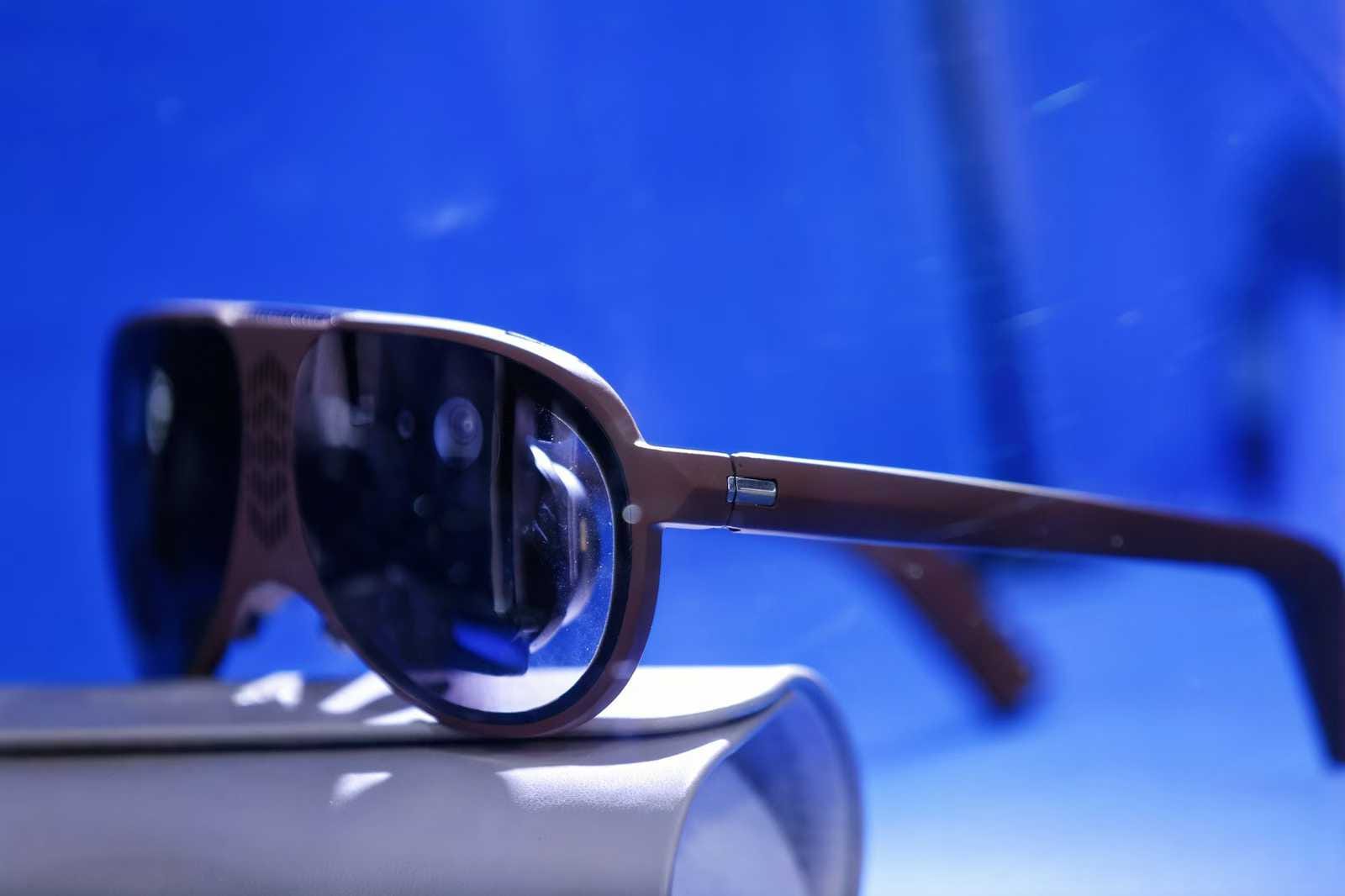
 UploadVRDavid Heaney