Connexion
Precision Finding on Apple Watch Doesn't Work With the Original AirTag

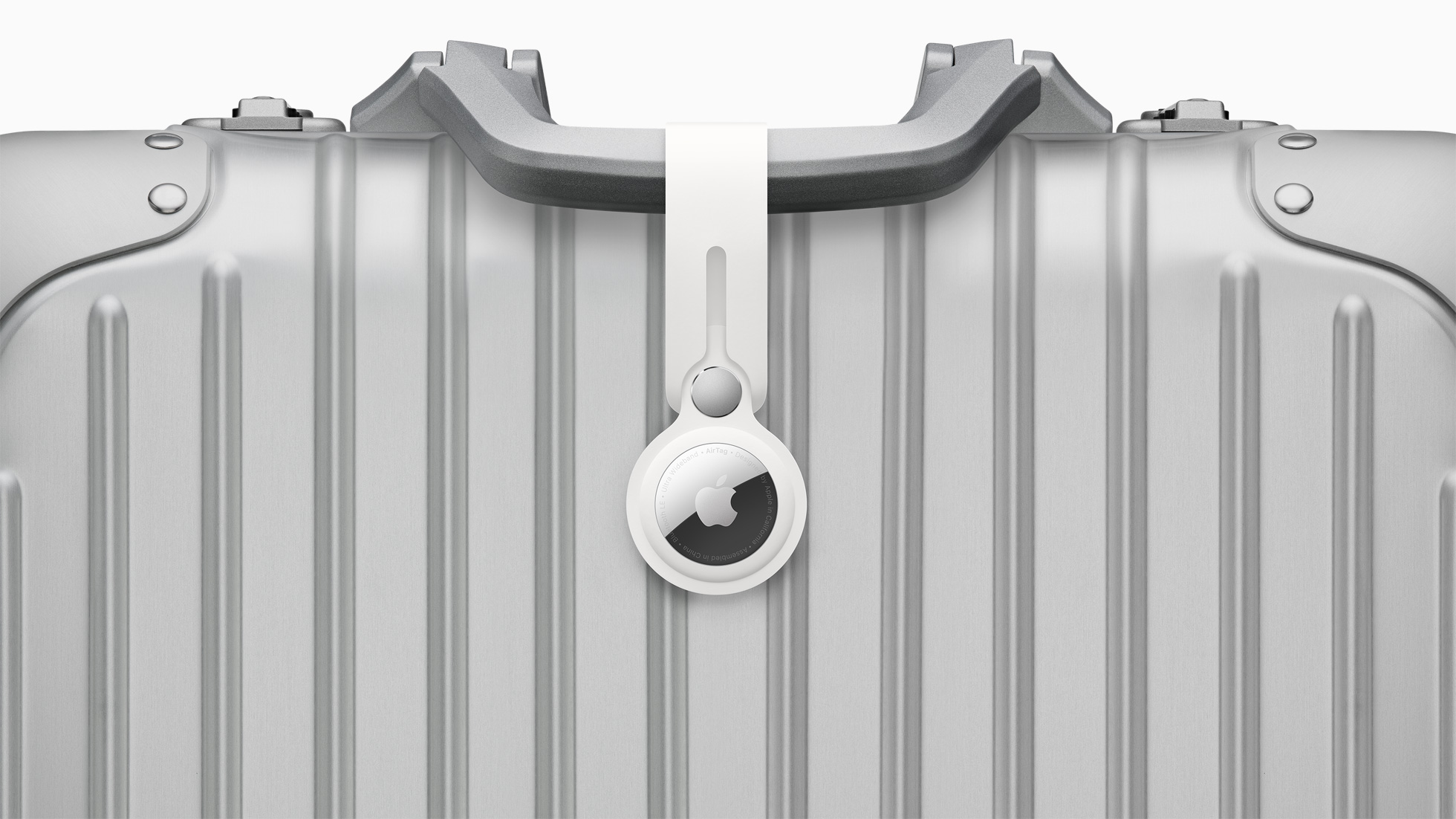
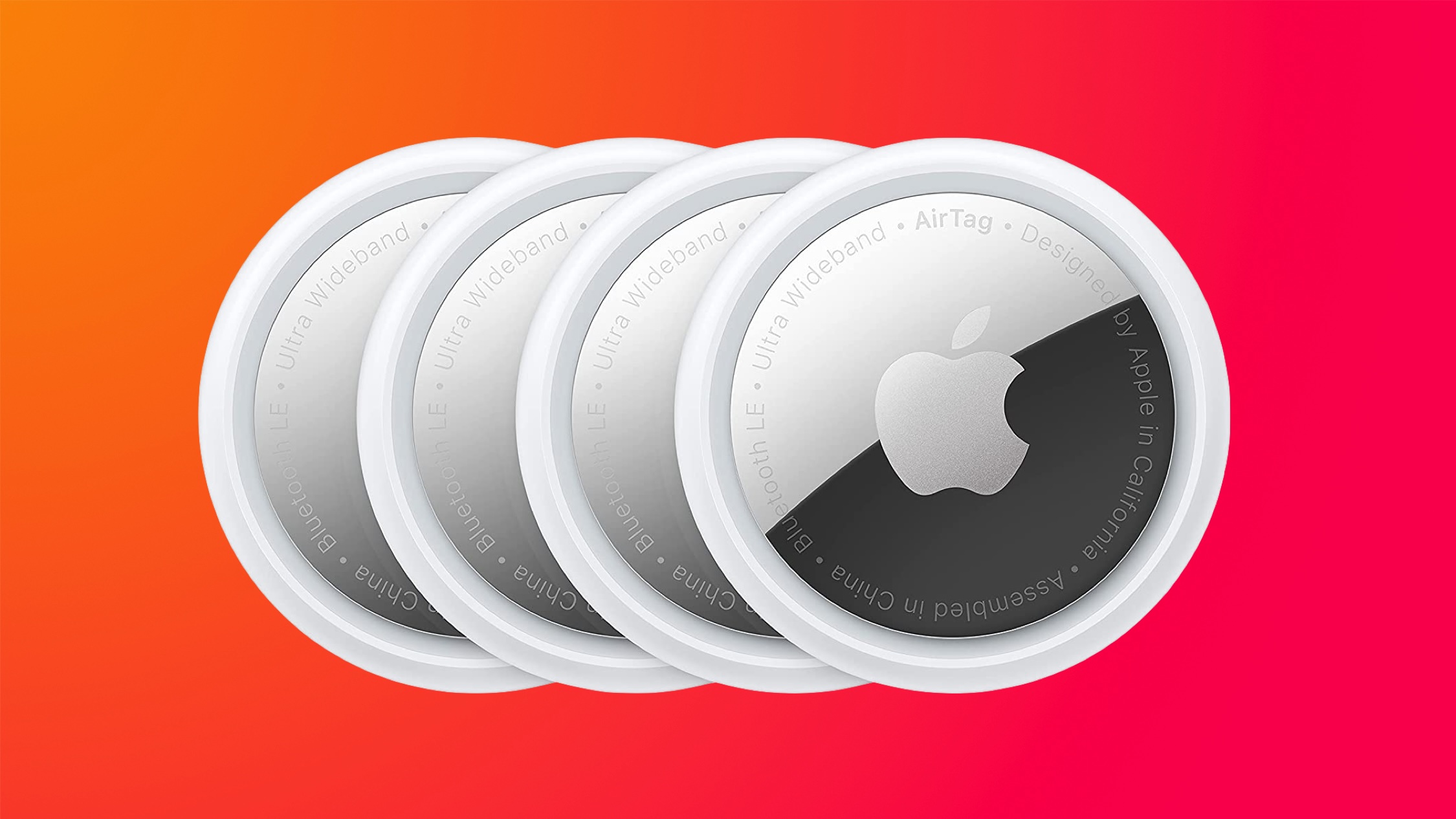
A new Apple support document and our own testing has confirmed that Precision Finding on the Apple Watch Series 9 and later and Apple Watch Ultra 2 and later works with the AirTag 2, but the original AirTag is not supported.

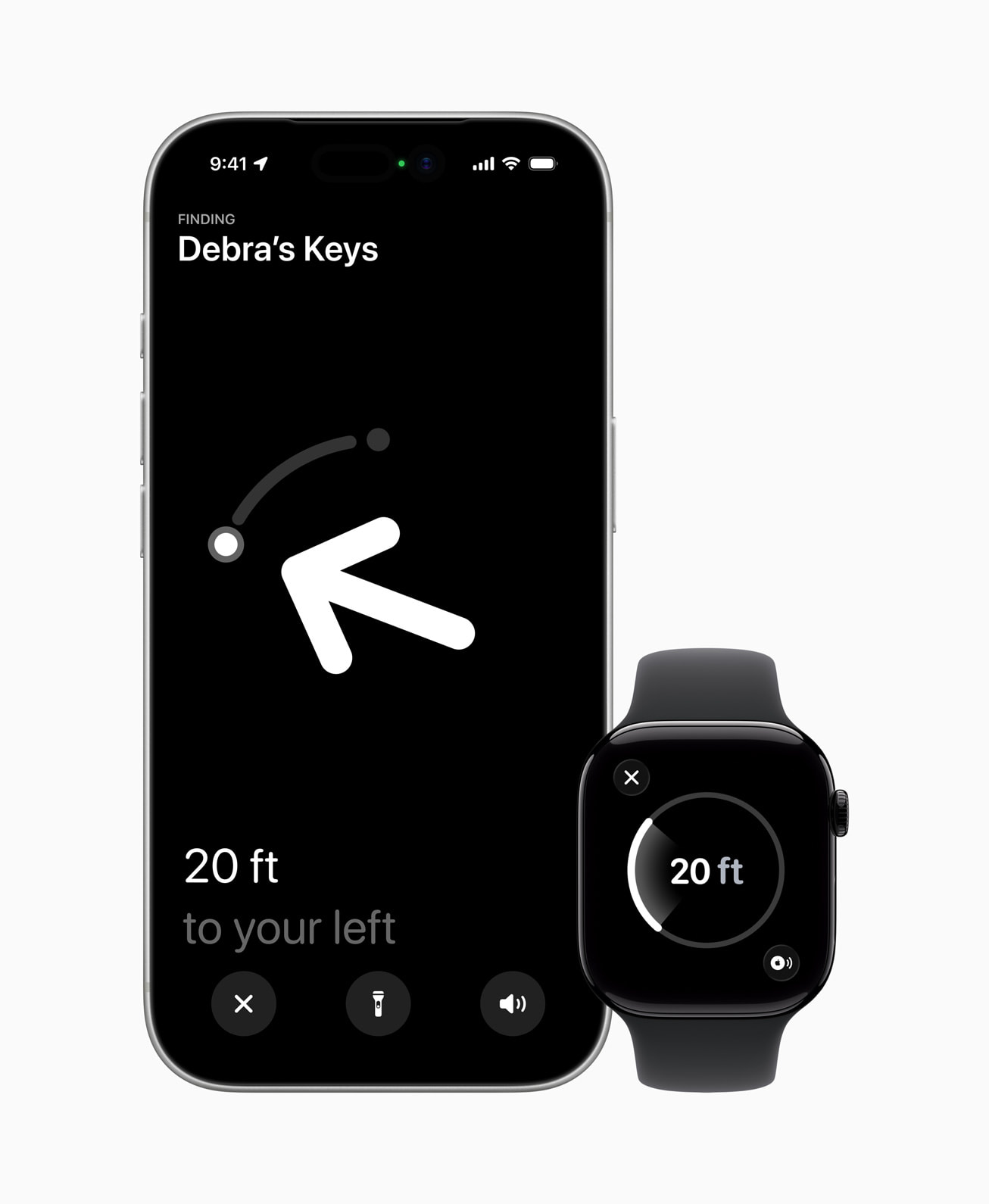
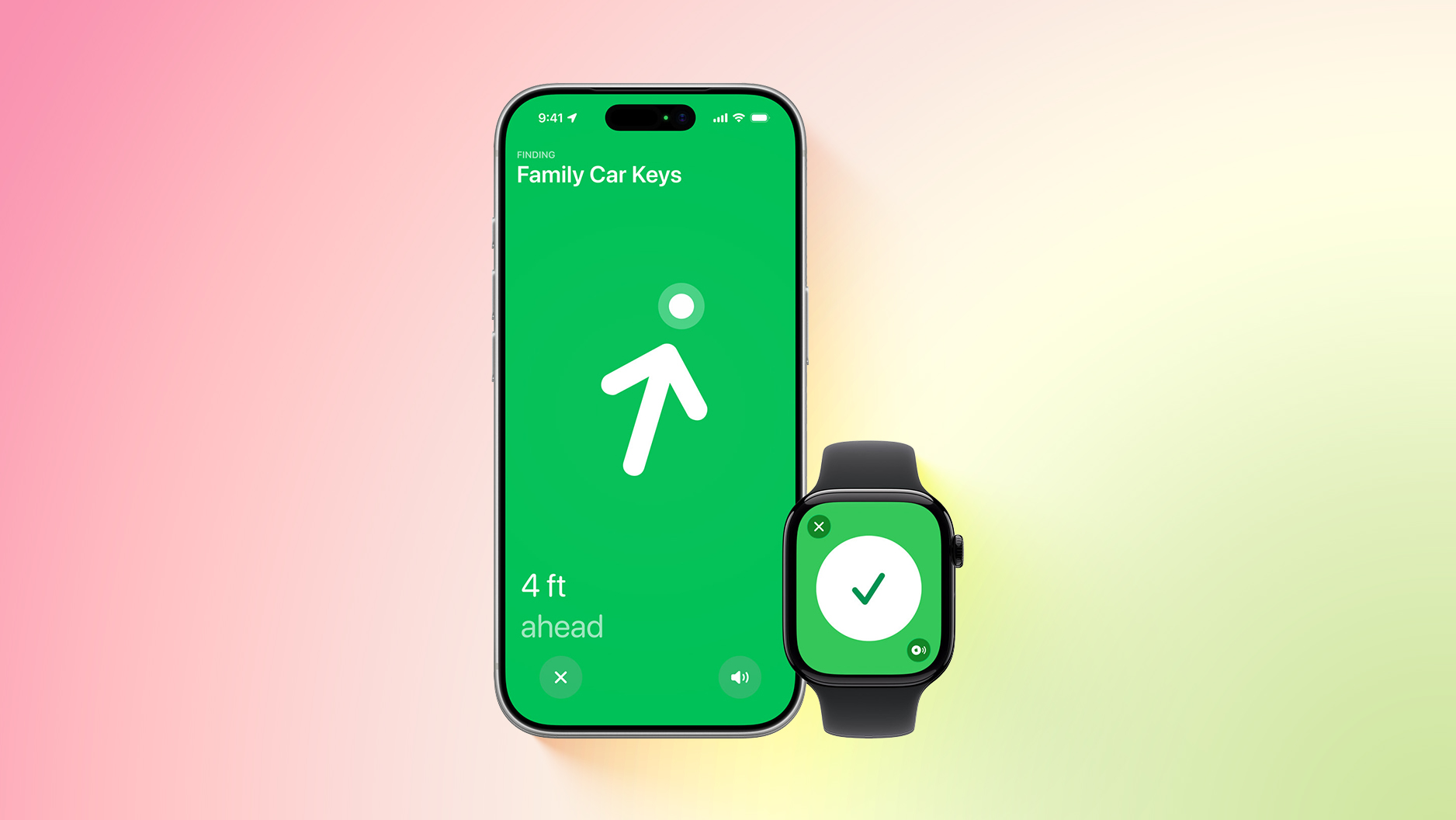
Precision Finding can lead you to the exact location of an item with an AirTag attached to it, by showing you a directional arrow and your distance away from the item on a compatible iPhone, and now on a compatible Apple Watch too.
Precision Finding already existed on the above Apple Watch models for finding an iPhone 15 or newer, but there was no Precision Finding on the Apple Watch for finding an AirTag until now. As we confirmed, however, Precision Finding on the Apple Watch still does not work with the first-generation AirTag released in 2021.
To use Precision Finding to find a second-generation AirTag with a compatible Apple Watch, the watch must be running watchOS 26.2.1 or later.
How to set up the feature, according to Apple:
With the AirTag 2, Precision Finding works at distances up to 1.5× farther away from an item compared to the original AirTag, but this longer range requires an iPhone 15 or newer, Apple Watch Series 9 or newer, or Apple Watch Ultra 2 or newer.
To learn more about the new AirTag, read our coverage of Apple's announcement.
This article, "Precision Finding on Apple Watch Doesn't Work With the Original AirTag" first appeared on MacRumors.com
Discuss this article in our forums
Precision Finding can lead you to the exact location of an item with an AirTag attached to it, by showing you a directional arrow and your distance away from the item on a compatible iPhone, and now on a compatible Apple Watch too.
Precision Finding already existed on the above Apple Watch models for finding an iPhone 15 or newer, but there was no Precision Finding on the Apple Watch for finding an AirTag until now. As we confirmed, however, Precision Finding on the Apple Watch still does not work with the first-generation AirTag released in 2021.
To use Precision Finding to find a second-generation AirTag with a compatible Apple Watch, the watch must be running watchOS 26.2.1 or later.
How to set up the feature, according to Apple:
- On your Apple Watch, go to Control Center.
- Scroll to the bottom and tap Edit.
- Tap the Add button.
- Scroll down to Find Items.
- Tap Find Items, then tap Find AirTag.
- Tap Choose, then choose an item.
- Tap the Done button, then tap Done.
- On your Apple Watch, go to Control Center.
- Scroll down and tap the Find AirTag button.
- Follow the on-screen instructions and move around your space until your Apple Watch connects to your AirTag.
- Follow the distance and direction information on your Apple Watch. When you are close to your AirTag, the watch screen turns green.
With the AirTag 2, Precision Finding works at distances up to 1.5× farther away from an item compared to the original AirTag, but this longer range requires an iPhone 15 or newer, Apple Watch Series 9 or newer, or Apple Watch Ultra 2 or newer.
To learn more about the new AirTag, read our coverage of Apple's announcement.
Tag: AirTag
This article, "Precision Finding on Apple Watch Doesn't Work With the Original AirTag" first appeared on MacRumors.com
Discuss this article in our forums
 Note: MacRumors is an affiliate partner with some of these vendors. When you click a link and make a purchase, we may receive a small payment, which helps us keep the site running.






 Note: MacRumors is an affiliate partner with Best Buy. When you click a link and make a purchase, we may receive a small payment, which helps us keep the site running.

 Note: MacRumors is an affiliate partner with Amazon. When you click a link and make a purchase, we may receive a small payment, which helps us keep the site running.