↩ Accueil

Vue lecture

Hands-On: ArtQuest VR Explores What Makes A Good Museum

What entices someone to visit a virtual museum rather than a physical one? ArtQuest VR might have an answer.

ArtQuest VR is a museum app allowing users to visit halls of paintings presented in true scale. Pulling from collections of famous museums around the world, visitors can enjoy exhibits arranged by artist, movement, or preset collection.

A virtual gallery with a large mural by Keith Haring
The contemporary gallery featuring Keith Haring

Inside The ArtQuest Museum

Opening ArtQuest VR directs you to your first gallery and presents a menu for exhibit navigation. The museum has options for choosing what art you want to see, gallery customization, and movement.

You can change the color and materials of the main wall, floor, and frames of the art you're looking at. Adjustments can be made to frame thickness with a drop-down menu for framing styles. There is also an option for a text-to-speech voice to narrate each painting's description and information with five different voices offered.

0:00
/0:37

Customizing the gallery

Moving around can either be done smoothly with the left joystick push or "blink" teleportation using the right joystick. The only turning option currently is snap turning. You can also use the menu to recalibrate your height so each painting is positioned at eye level.

Connecting With An Art Piece

I examined a painting by Wassily Kandinsky titled "Picture With A Black Arch".

The height offset feature in ArtQuest allows visitors to elevate their stance, as if borrowing a ladder to view paintings from a higher vantage. I floated upwards along the canvas and examined the painting. "Picture With A Black Arch" is awash with quick brushstrokes and geometric shapes. What made the artist paint this? What did the accompanying description of "musical counterpoint" mean here?
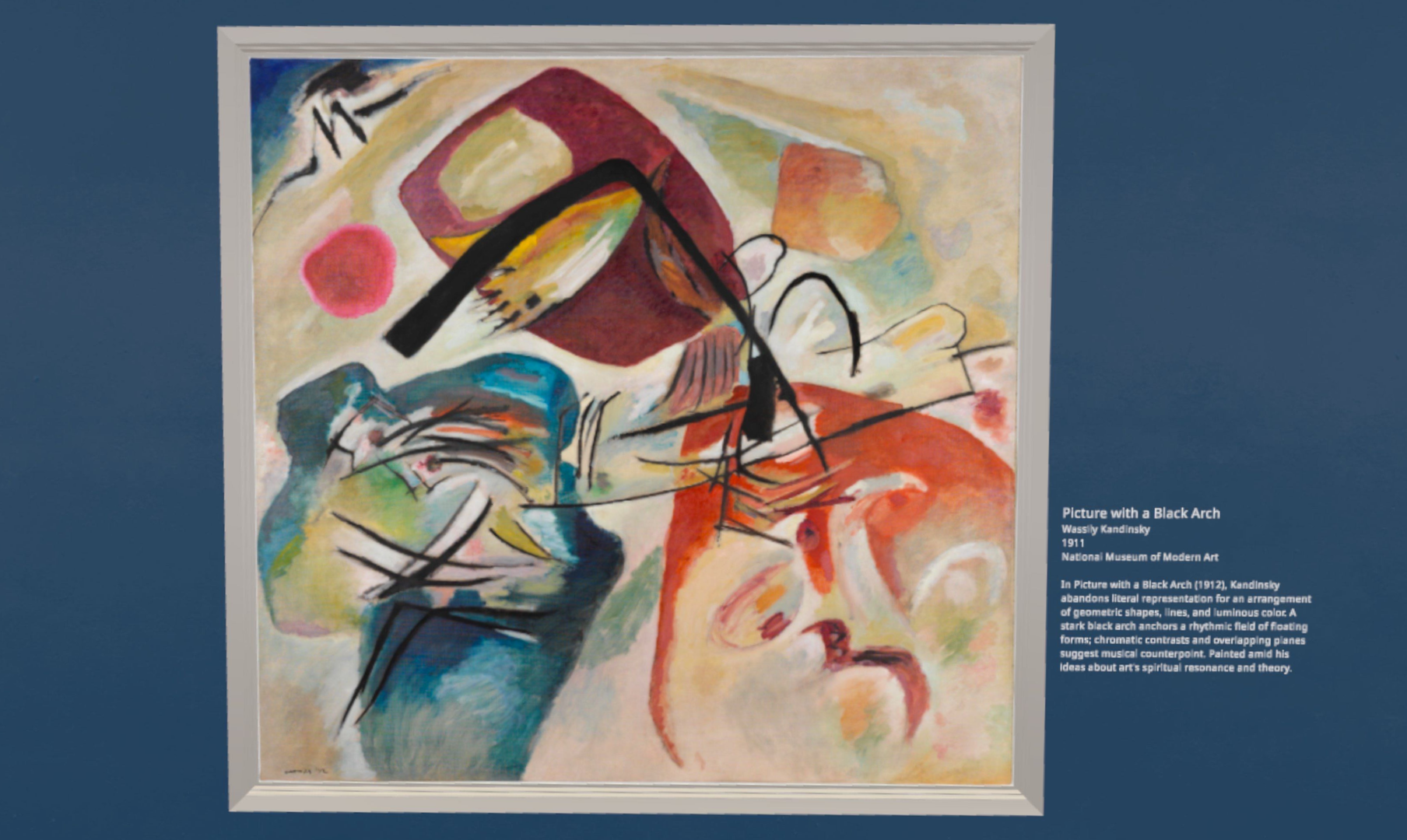
A painting by Wassily Kadinsky titled "Picture With A Black Arch"
Kandinsky's "Picture With A Black Arch"

I pantomimed painting in the air along with the artist himself, tracing my hand over the dark outlines first. I'm a painter myself, so I recognized thick brushstrokes meant a pause, or applied pressure on the canvas. Thinner strokes meant a more delicate hand. Short, harsh, lines meant faster application, especially several in a group at once. These particular brushstrokes all lean left, indicating Kandinsky painted with his right hand. I traced the marks in the air while listening to my favorite orchestral music.

What I found were hand movements that seemed to dance in the air with purposeful direction. It felt just like someone directing an orchestra while painting on a canvas. Checking a Google cultural site later that listed more information about the artwork, I remain pretty convinced that's what Kandinsky was doing.

What Makes A Museum Attractive?

Virtual museums can be hard to build. You immediately discover the architecture surrounding the art relates to the pieces within. These digital spaces benefit from thoughtful immersive design. That means ambient sounds and building for how someone will walk around the space you've designed. How about a lobby to pause and reflect on what's been seen? Neither ambient audio nor lobby are present in ArtQuest VR, and I'd love to see these added.

Two neoclassical paintings on a virtual wall
Neoclassical paintings in ArtQuest VR

The advantage of ArtQuest VR, though a bit lonely without other visitors and plain in presentation, is that I can go and see a near-entire collection of Van Gogh or Matisse, and I don't have to download gigabytes of information to do it nor compete with anyone else for the perfect spot. The app has the feel of a spatial website and a functioning museum with an exclusive collection of work.

0:00
/0:14

Accessing the collection menu

ArtQuest VR's architecture is simple with a slight neoclassical style and descriptions that appear sourced from Wikipedia. The neoclassical architecture matches Wikipedia's site design, but it still feels like something is missing without the ambient sound. You simply pop into the gallery once the app is open. At least one art collection featured missing textures. As I browsed the contemporary art wing, a recent Banksy piece returned an ugly floating pink square to indicate the sourced artwork was no longer there. A picture featuring a mural by Shepard Fairey rotated itself in the wrong direction after sitting right-side-up for a few seconds.
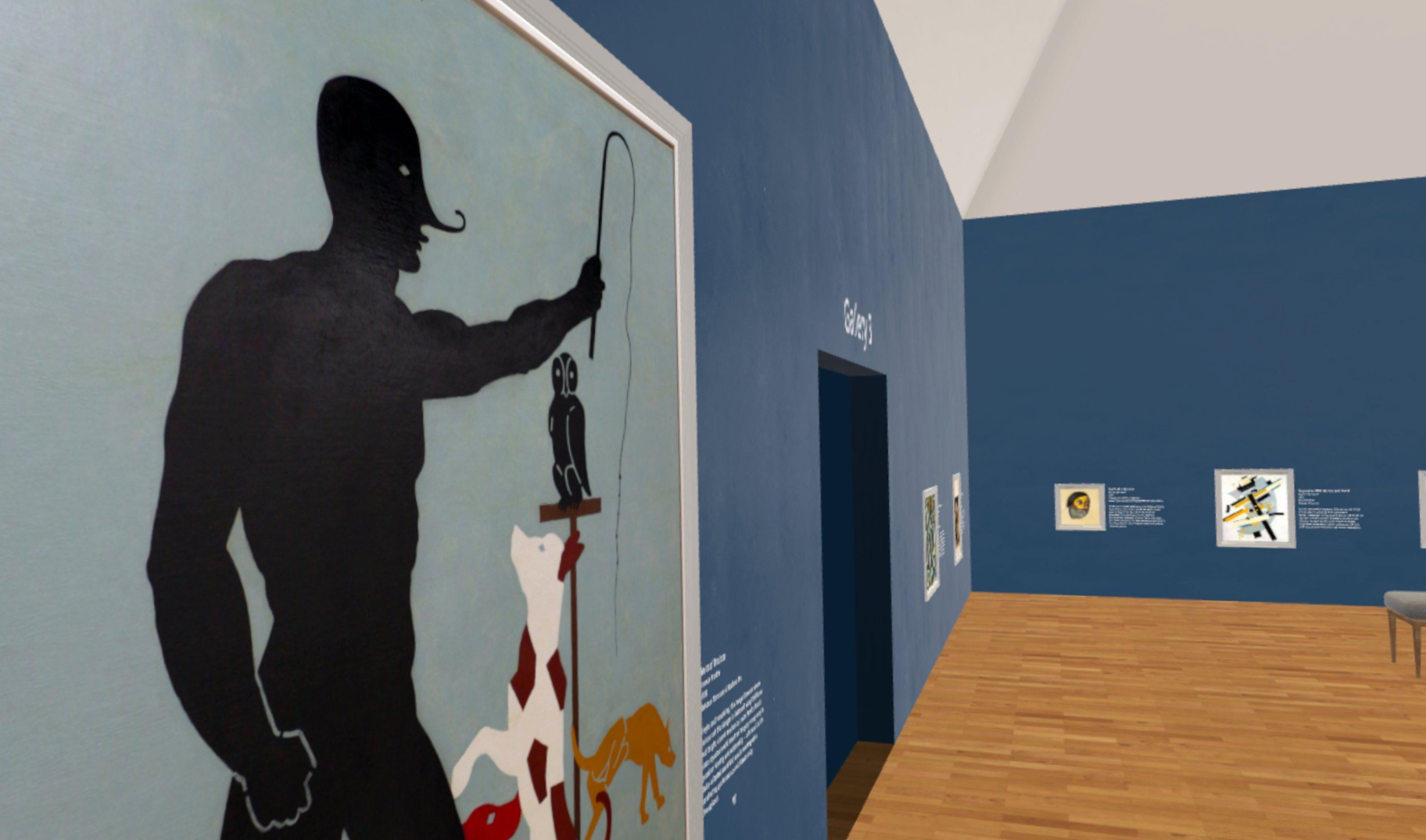
The avant-garde collection

I noted some additional bugs attempting to access my Quest menu and teleporting too far into the wall moving between galleries. The most notable issue, perhaps, is when paintings don't appear at high resolution until your face is practically centimeters from the artwork. Also, sometimes, there are duplicate paintings that appear in a gallery with no explanation why.

ArtQuest VR's Opportunity

It's a well-held myth that art is about perfection and not the journey it takes to get there. If this were true, museums wouldn't show the early work of artists they feature. Viewing famous paintings chronologically in an app such as ArtQuest VR can show how art is just as much about failure as it is about success. Each artist has their own story in how they reach that success, and it's up to each visitor to reflect on that and how they can adapt this lesson to their lives.

How can ArtQuest VR keep building on this? Every museum visitor is looking for something when they visit. Can VR bring them the very human effort of outdoing oneself through practice, improvement and sudden inspiration? That's not always present in the room with us in a physical museum. Seeing things from new angles is precisely VR's power, and there's an opportunity for an app like ArtQuest to help see more context around a specific piece of art each time someone walks through the front door.


  •  

The Thrill Of The Fight 2 Review: Between Realism And Fun

The Thrill of the Fight 2 with career mode is available now on Quest headsets, so I put on my boxing gloves to throw some punches.

As a fan of the original The Thrill of the Fight, I had high hopes for the sequel coming into this, buying The Thrill of the Fight 2 in early access to try its multiplayer mode. I encountered arm-flailing multiplayer matches that saw spam fighters rack up damage, so I put it down and decided to wait for the more fleshed-out full release, which arrived several weeks ago.

The Facts

What is it?: A boxing simulator with training, career, and multiplayer modes.
Platforms: Quest (reviewed on Quest 3)
Release Date: Out now
Developer/Publisher: Halfbrick Studios
Price: $19.99
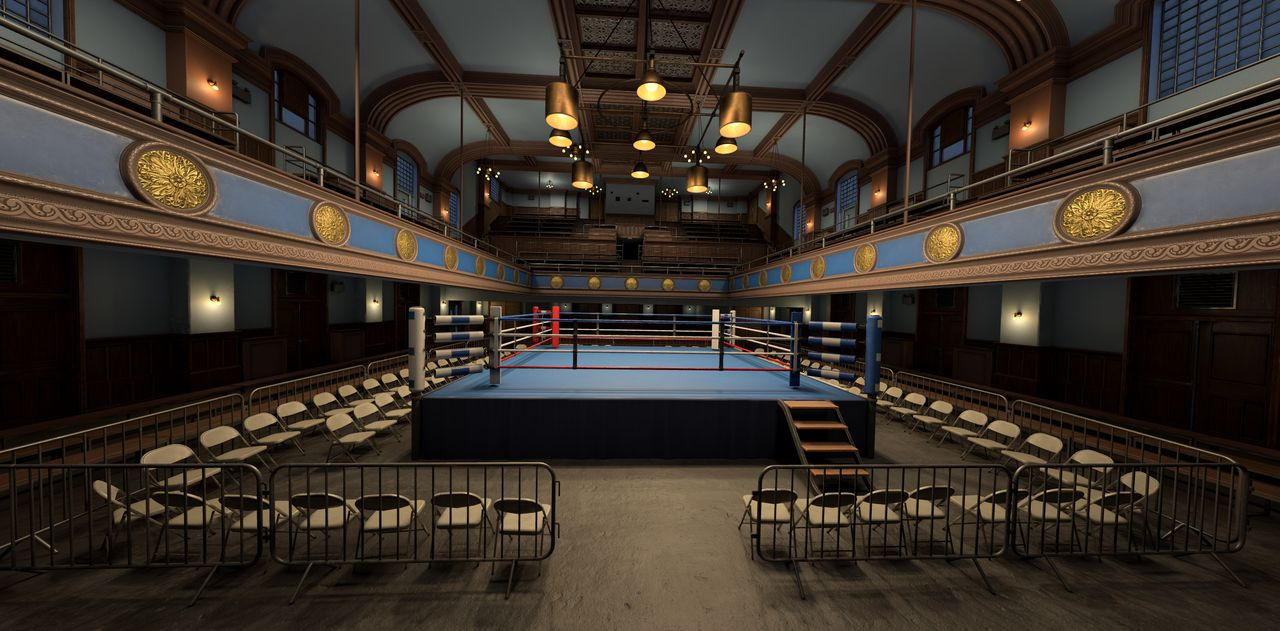
A virtual boxing game where the opponent faces the viewer with gloves up, and a crowd in the background
Facing off in career mode

The Thrill of the Fight 2 welcomes you with a main menu presented on a small tablet held in your gloved hands. After it calibrates your height and arm length, you hold a stylus to choose multiplayer, career, or training mode. Training mode practices with a dummy or spars with a bot fighter. There are also settings for customizing your fighter to make them look reasonably unique.

Comfort

The Thrill of the Fight 2 is intended as a standing game that engages your body in physical exertion. That said, there aren't many comfort options to speak of. If you don't have much room in your physical space to play, there is an optional standing mode. Analog stick-based turning can be assigned to either the left or right hand. Health warnings are present when the game starts, and users must agree to those before proceeding to play.

I chose Career mode first and find myself inside a ring for my first fight. Coming from the first Thrill of the Fight, the updated difficulty is an immediate shock. Following on from the previous game, I wasn't expecting the AI to be this intense.

0:00
/0:37

I throw out jabs it sees coming and deftly dodges, infuriating me. I lean in and get called for a foul. Occasionally the bot will clip directly into me while throwing punches and a foul gets called on my behalf instead. The game repeatedly fails to detect how much space I have around me to fight in “roomscale” mode, forcing me to smaller confines for standing mode during fights. This contributed to the problem of stepping outside of bounds while the AI fighter is still sending punches my way. Whenever the fighting gets intense, I can see flashes of my room boundary as the fists fly.

Coach yells directions at you during the fight, and the jeers of the crowd can be heard too. Outside the ring, they realistically move in their seats, craning their necks for a better view. I saw solid performance across each stage with strong immersion throughout.

I backed on up to training mode and tried sparring. Sparring mode provided a better onboarding experience with practice for proper fighting form. Training with a dummy gives instruction via tutorial videos on how to punch with drill exercises to perfect different moves. Still, I can't land punches as well as I want to because of my scores.

0:00
/0:24

Testing the dummy in training mode

The numbers next to the training dummy show how much force is applied to each move you make, including how much “body effort” is included. Body effort is a way for The Thrill of the Fight 2 to grade punches with the aim of stopping players from cheating during matches. The problem is it doesn't record the effort in my punches properly most of the time.

You can see how the camera moves as I swing; I'm not sitting there and flailing my arms. I'm not being sufficiently graded for my efforts, and it cuts into the fun. Difficulty is never a dealbreaker for me, but the system needs a few fixes. Is head movement calculated as part of the attack? How does it impact the sensitivity of the movement detection? Currently, the fighting system feels like pillows – not gloves – have been put on my hands.

At the end of each training session, there are points for attack and defense added to my profile. The numbers for these didn't make much sense; they change depending on the training session type you choose.

Career mode provides a certain amount of fights to win in order to qualify for a tournament. If you miss out, you can skip to the next year to continue training and fighting. Although I'm happy to win after training so much, my desire to keep fighting in career mode eventually evaporated. I opted to switch to multiplayer mode to experience facing off against other players instead.

0:00
/0:42

A good multiplayer fight

Multiplayer is greatly improved in the full release for The Thrill of the Fight 2. You can either fight players to rank on a global list, or you can pick a round of casual sparring. I matched up in a casual round with a player who paused and evaluated where I was throwing punches before he moved in. Within a few swings, I'm knocked out.

Despite the swift loss, I laughed because I'm still having a good time. The other player was sportsmanlike, and we made sure to touch gloves as a sign of respect. While I can't guarantee everyone you face in multiplayer will be as polite, I'm impressed by the game mode improvements. I hope to never meet another flailing toddler in the ring again.

The Thrill of the Fight 2 - Final Verdict

The Thrill of the Fight 2 is a bit of a departure from the first game and might surprise anyone expecting more of the same. You should instead look forward to improving your boxing form and working more seriously toward beating the challenges in this installment. The damage system needs further work to detect when you put your body into a punch, and the bot should not clip into you during fighting.

What's working for this title are beautiful graphics and a great choice in how you choose to play the game. You can spend time in multiplayer exclusively, try to conquer career mode, or enjoy both. My muscles may be sore from playing this sequel, but I'm not complaining there. This game can eventually be an all-timer with some improvements, just like the first installment is.


UploadVR uses a 5-Star rating system for our game reviews – you can read a breakdown of each star rating in our review guidelines.

  •  
❌