↩ Accueil

Vue lecture

New airline adds support for iOS 26 boarding passes in Wallet

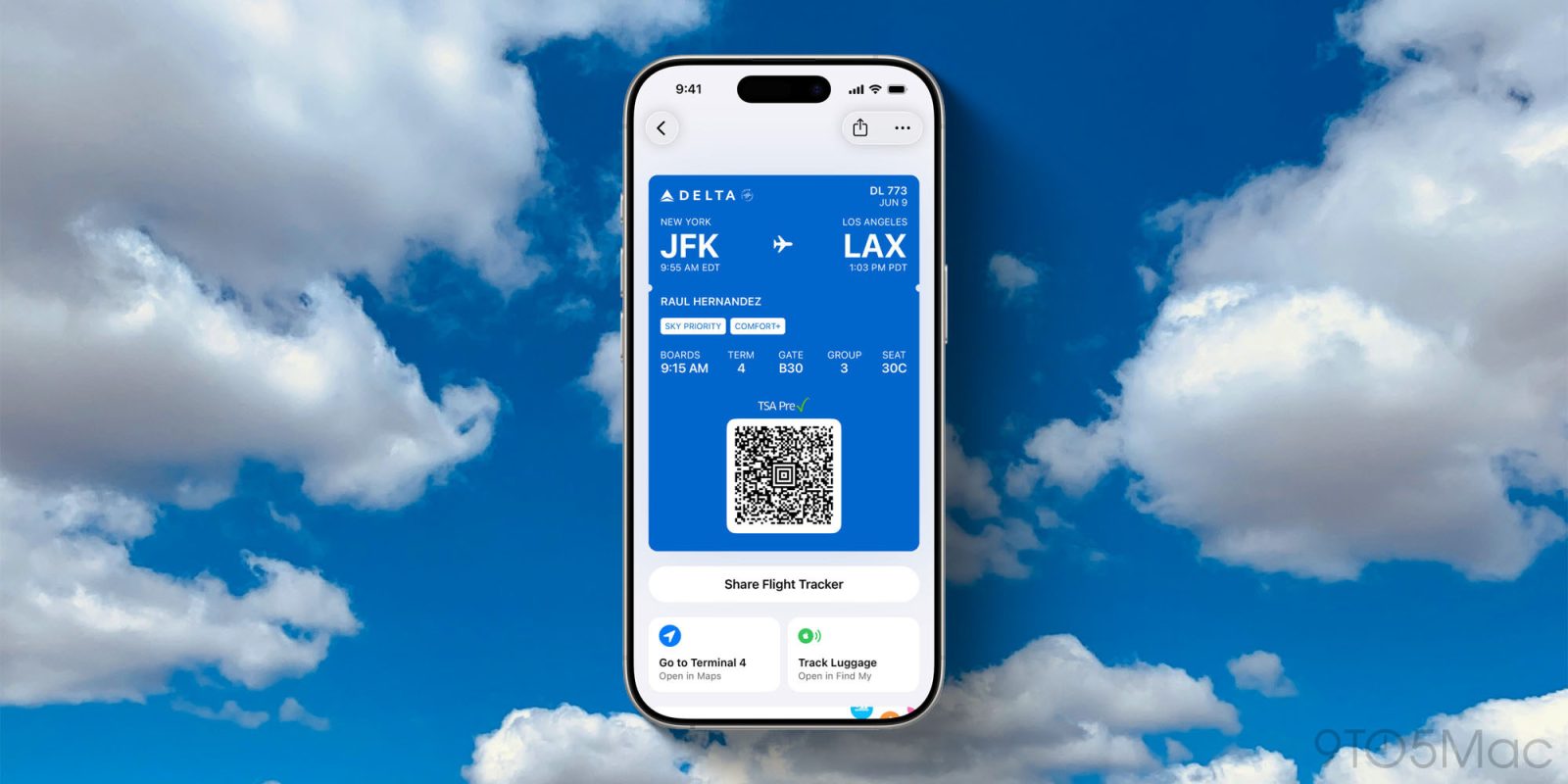
As part of iOS 26, Apple launched a redesigned boarding pass experience for flights in the Wallet app. The new design features Live Activities, quicker access to key flight details, and more.

Last month, United became the first US airline to roll out support for the new set of Wallet features. Air Canada also recently launched support for the features.

Now, Delta is following suit …

more…
  •  

Delta Now Offers iOS 26's Upgraded Boarding Passes in Apple Wallet

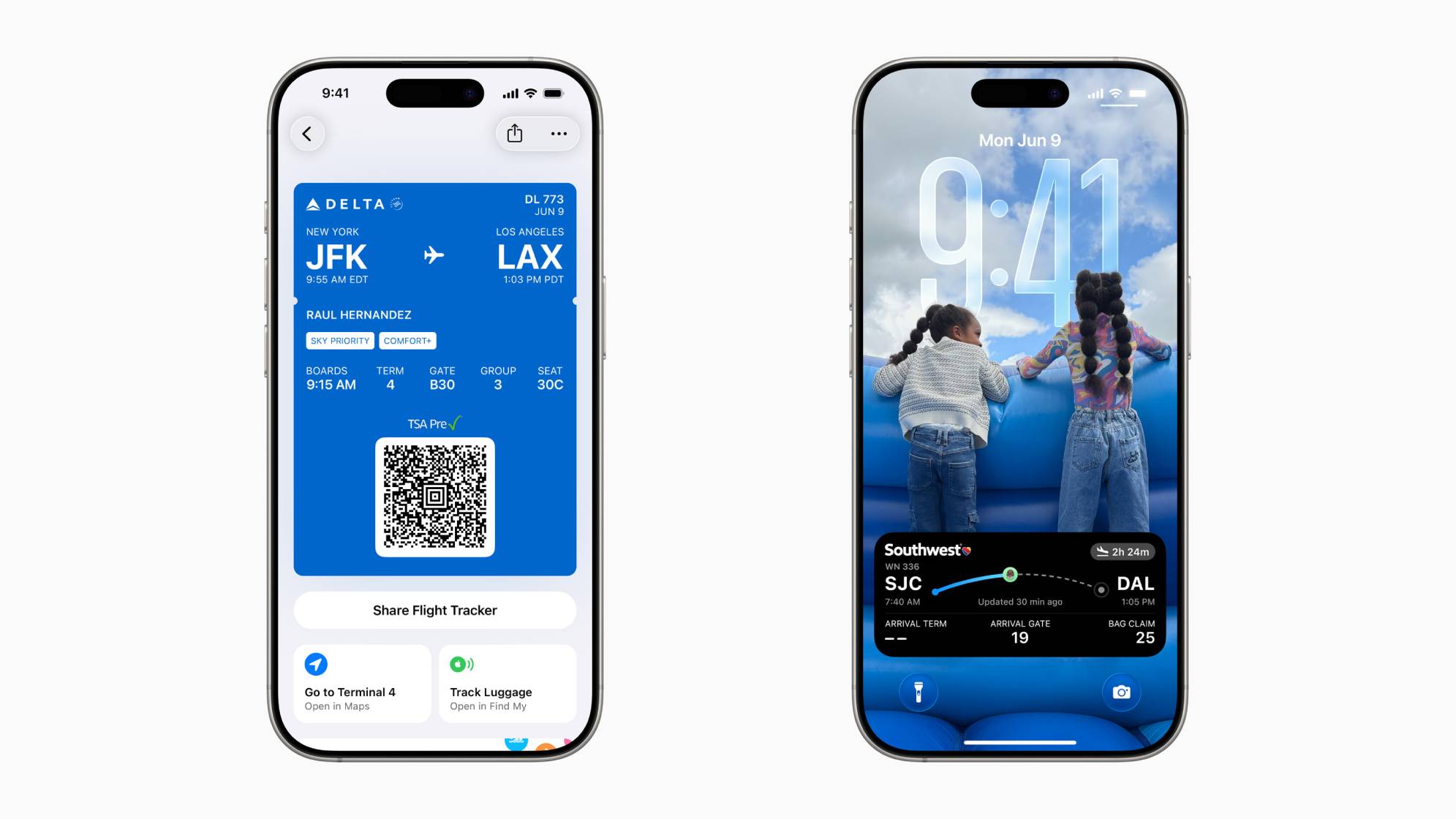
Delta recently added support for iOS 26's upgraded boarding pass experience in the Apple Wallet app, according to MacRumors reader Aaron Binner.


It is not entirely clear if Delta support was added in the iOS 26.2 beta, which was released earlier today, or if this is a server-side change.

The upgraded boarding passes have an option to turn on Live Activities, allowing you to keep track of your flight at a glance on your iPhone's Lock Screen, and in the Dynamic Island. You can also share the Live Activities widget with others.

In addition, new shortcuts provide one-tap access to Apple Maps for airport directions, and to the Find My app for baggage tracking.

Finally, the Wallet app automatically updates flight details, such as the gate and departure time.

United has offered the upgraded boarding passes for at least a month. In June, Apple said eight other airlines would eventually offer them, including Air Canada, American Airlines, JetBlue, Southwest, Lufthansa, Qantas, Virgin Australia, and Jetstar.
Related Roundups: iOS 26, iPadOS 26
Related Forum: iOS 26

This article, "Delta Now Offers iOS 26's Upgraded Boarding Passes in Apple Wallet" first appeared on MacRumors.com

Discuss this article in our forums

  •  

iOS 26.2 Adds Three New Features to Podcasts App

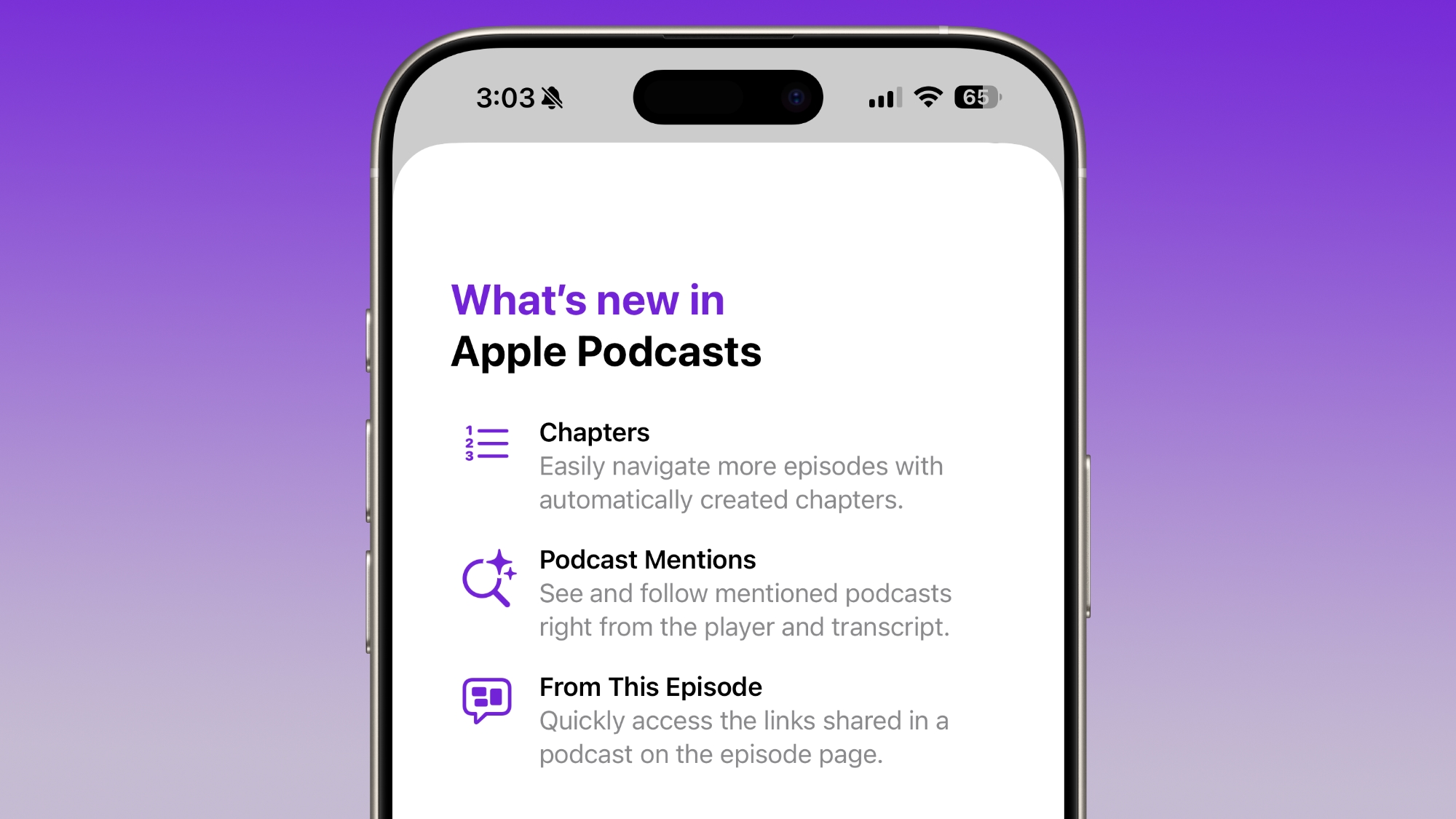
With iOS 26.2, Apple is updating the Podcasts app to add a trio of new features and updated tools for podcast creators.


All English podcast shows will now get automatically created chapters, which makes it easier to navigate through them. Apple says that automatic chapters will also make it simpler for users to understand an episode's structure and return to specific sections that interest them.

Apple will use podcast chapters submitted by creators if they're available, but if not, Apple Podcasts will generate them by default. Podcast creators can turn off the setting in ‌Apple Podcasts‌ Connect.


When a podcast episode mentions another podcast, there will be an option to view the mention in the podcast player and the transcript, making it easier to find recommendations. Podcast pages will also show links shared in a podcast on the episode page.

On the creator side, podcasters can offer links to Apple Music, Apple News, ‌Apple Podcasts‌, Apple TV, and more. Links that are timestamped and included in show notes or through an RSS feed will appear in line with the transcript and the player while the link is being discussed. Apple says that links may also be automatically created for any podcast that's mentioned.

iOS 26.2 is limited to developers right now, but Apple will likely provide a public beta later this week. iOS 26.2 will launch in December.
This article, "iOS 26.2 Adds Three New Features to Podcasts App" first appeared on MacRumors.com

Discuss this article in our forums

  •  

iOS 26.2 Lock Screen Gets Liquid Glass Slider

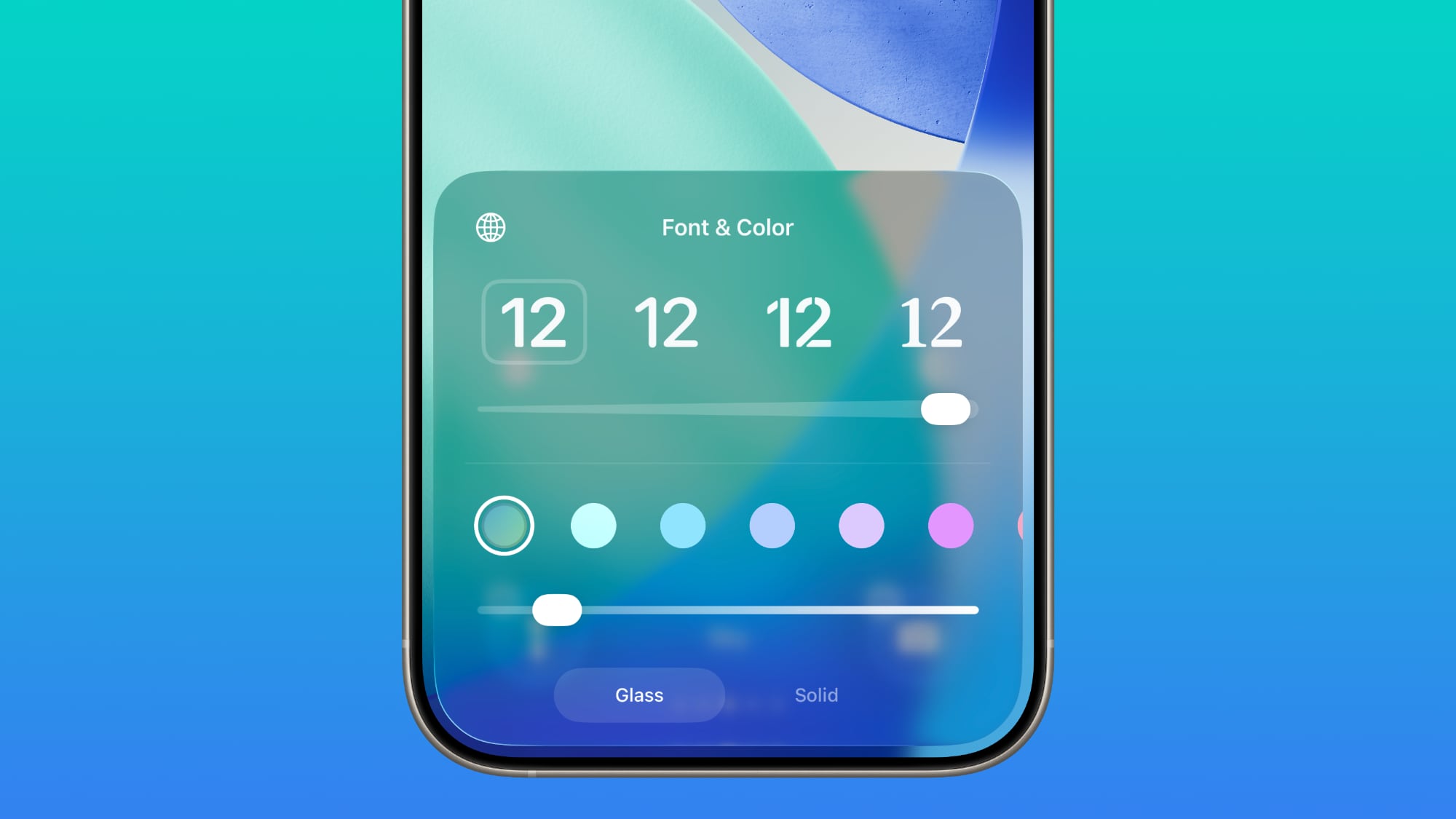
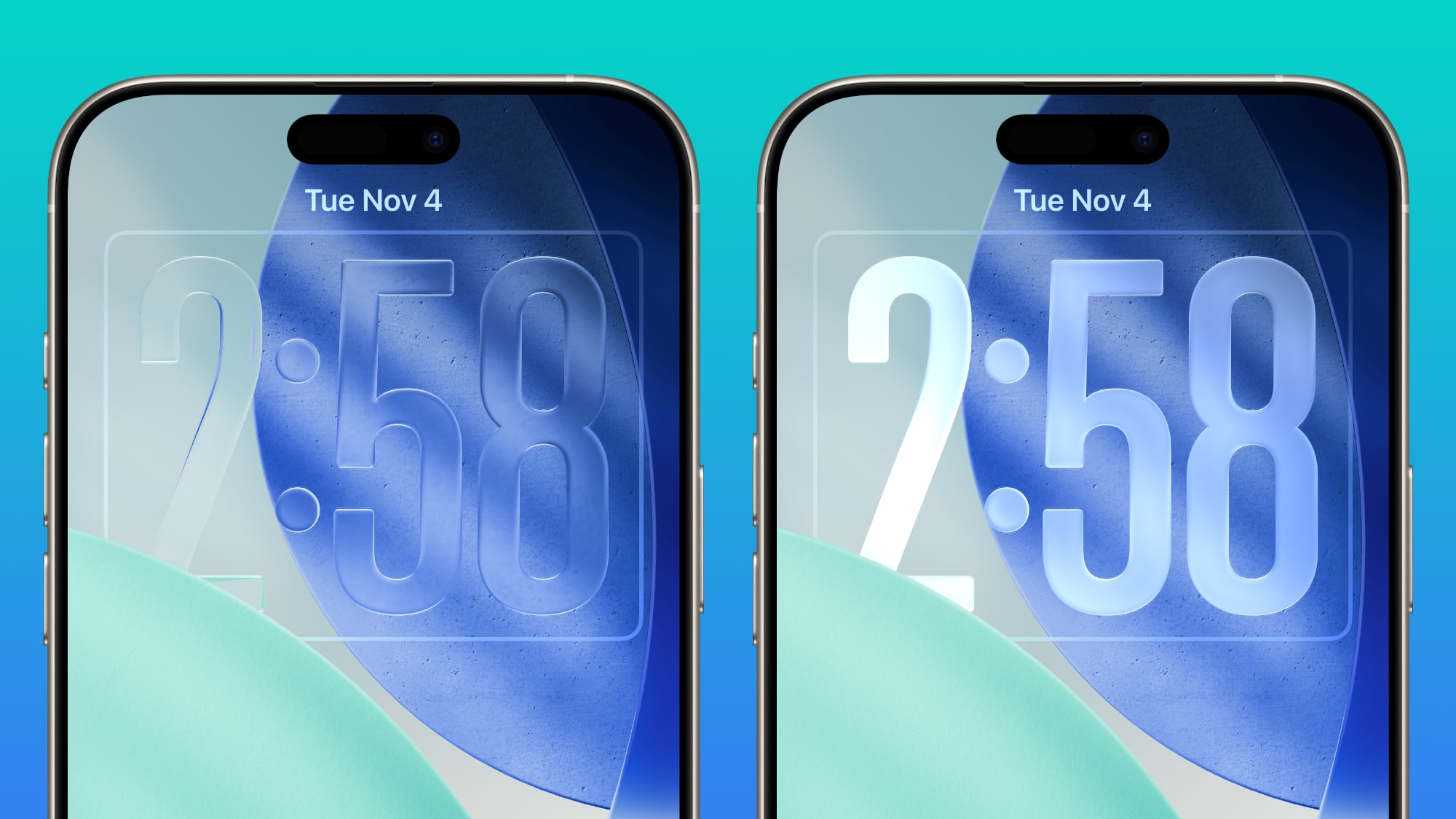
In iOS 26.2, there's a new Liquid Glass slider that lets you customize the appearance of the clock. When you select the "Glass" option, you can use the new slider to make the time look almost entirely clear, or give it a more frosted, solid look.


There continues to be a separate Solid toggle that turns off the Liquid Glass appearance for the clock entirely if you want to opt for a much more opaque design.


Apple has been adding Liquid Glass customization options, most recently introducing a "Tinted" toggle in iOS 26.1 that makes notifications and in-app buttons much more opaque for those who don't care for the Liquid Glass transparency.

Many iPhone users have been asking for a Liquid Glass slider to customize the intensity of Liquid Glass throughout iOS 26, but it's not clear if Apple plans to expand the slider beyond the Lock Screen.
Related Roundups: iOS 26, iPadOS 26
Related Forum: iOS 26

This article, "iOS 26.2 Lock Screen Gets Liquid Glass Slider" first appeared on MacRumors.com

Discuss this article in our forums

  •  

Veterans Day Apple Watch Activity Challenge Launching November 11

Apple is planning an Apple Watch Activity Challenge for Veterans Day, which takes place next Tuesday in the United States. Apple Watch owners are tasked with doing any workout for 11 minutes or more on November 11.


Apple Watch owners who complete the challenge will win an Apple Watch activity award in the Fitness app.

Earn this award on November 11 by doing any workout for 11 minutes or more. Record your time with the Workout app or any app that adds workouts to Health.
Like all of Apple's Activity Challenges, the Veterans Day challenge will reward users with animated stickers that can be used in the Messages app.



Apple does a Veterans Day Activity Challenge on an annual basis, and the company also often provides Veterans Day-themed content in the App Store, Apple TV app, Books app, and more.
This article, "Veterans Day Apple Watch Activity Challenge Launching November 11" first appeared on MacRumors.com

Discuss this article in our forums

  •  

iOS 26.2 Adds Alarms for Reminders

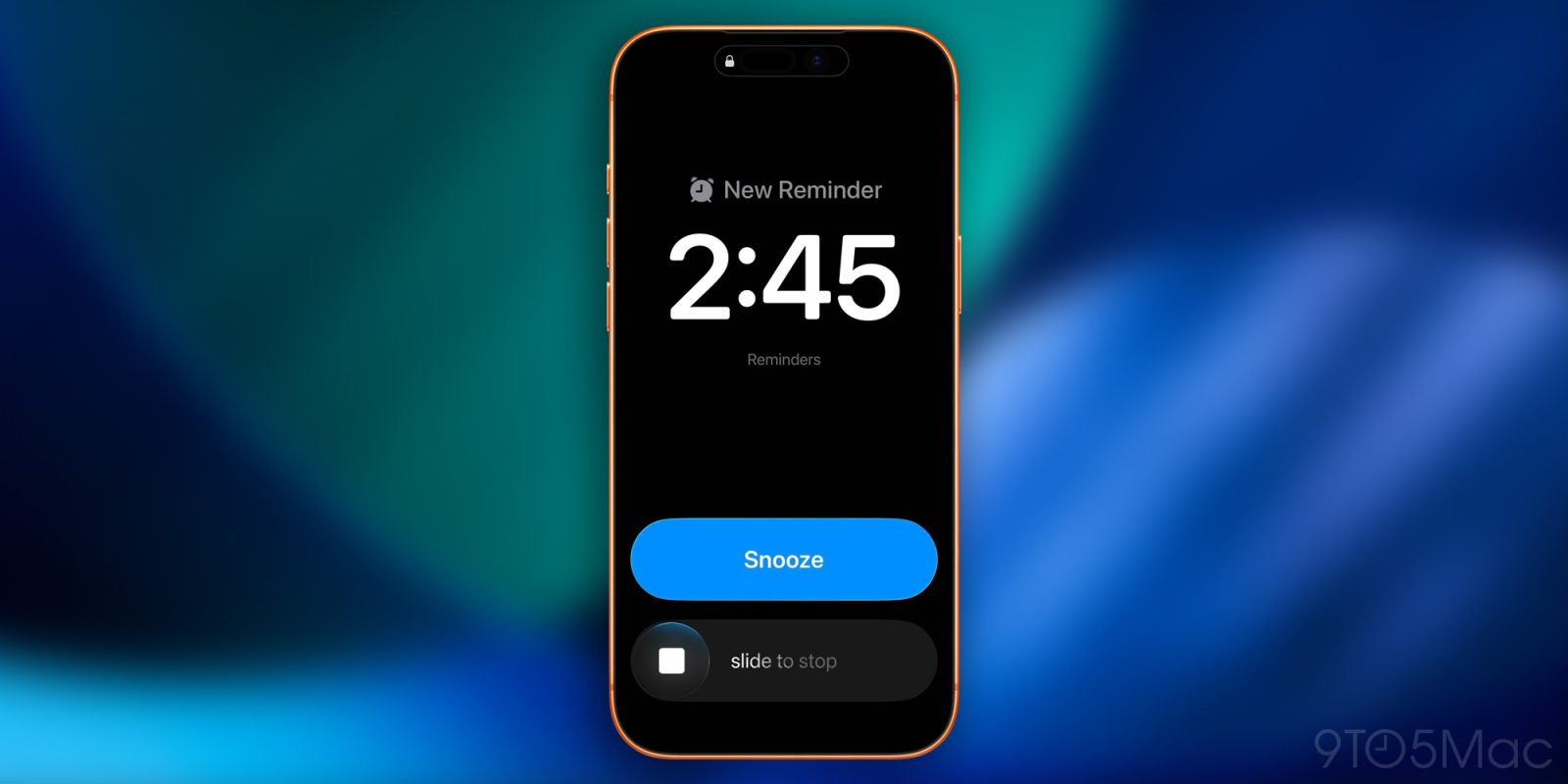
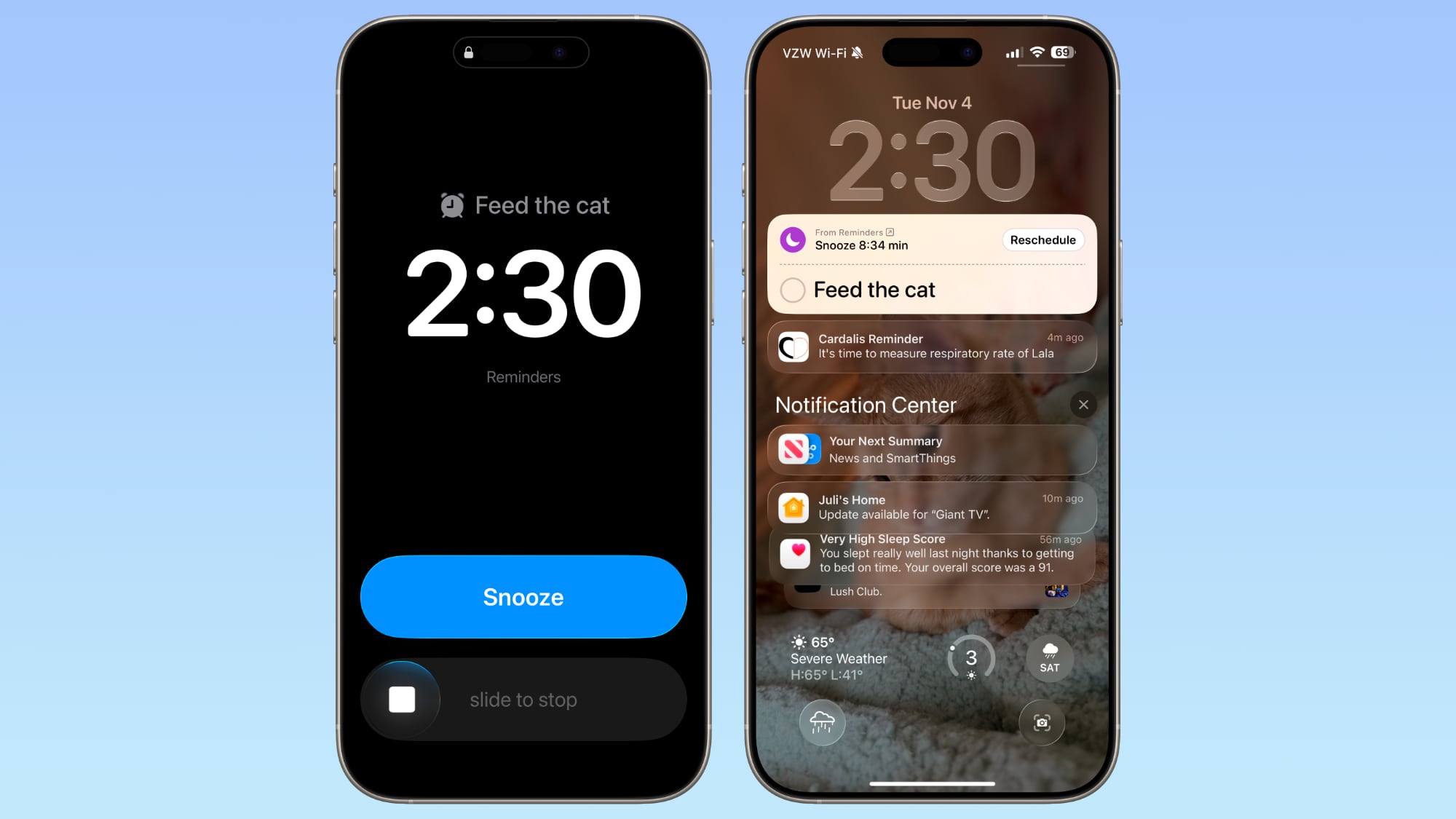
In iOS 26.2, there's a new option to set an alarm to go off when creating a reminder in the Reminders app. When adding a reminder, selecting a time and then toggling on the "Urgent" option will cause an alarm to go off at the designated time.


Alarms that you set in the Clock app can also be integrated into the Reminders app by allowing the app to access Alarms in the Settings app.

When a Reminder alarm activates, it displays a snooze option or a slide to stop option. If you snooze it, it will show a countdown on the Lock Screen that includes an option to complete the reminder or reschedule it. Tapping to complete the reminder opens up the Reminders app where you need to tap again.

In the Reminders section of the Settings app, you can also opt to remove the snooze option and replace it with a Complete button to immediately mark it as complete. Apple distinguishes Reminders alarms from standard alarms with a new blue color.
Related Roundups: iOS 26, iPadOS 26
Related Forum: iOS 26

This article, "iOS 26.2 Adds Alarms for Reminders" first appeared on MacRumors.com

Discuss this article in our forums

  •  

iOS 26.2 Expands Live Translation on AirPods to EU

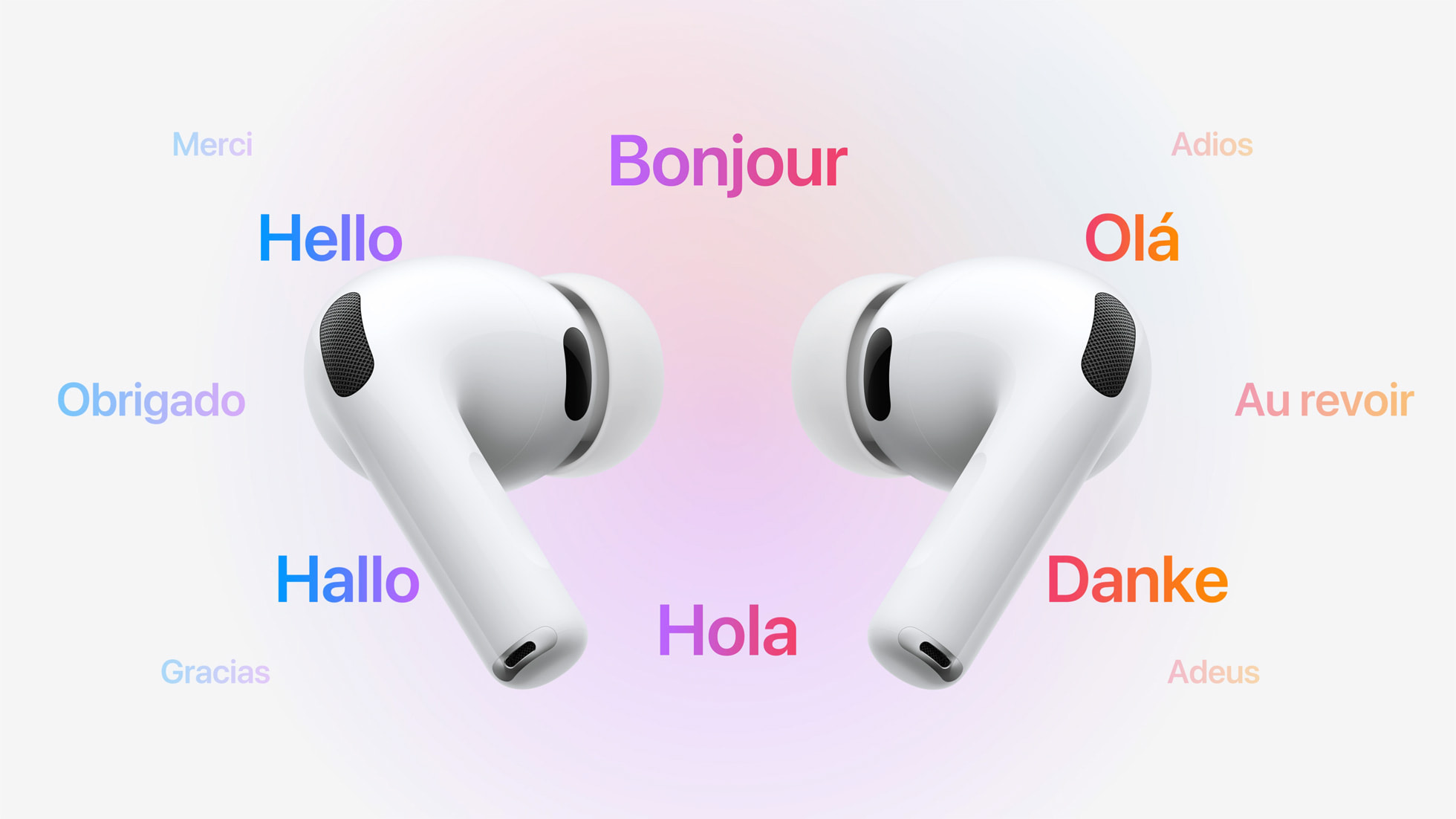
The upcoming iOS 26.2 update for iPhone makes the Live Translation feature on select AirPods available in the EU, according to Apple. The news was also reported by various publications, including the German blog Macerkopf.


Live Translation allows you to understand someone who is speaking a different language than you. For example, if you speak English, and someone is speaking to you in French, Siri can tell you what they are saying in English through your AirPods.

The feature works best when both participants in a conversation are using Live Translation on AirPods. If you are talking with someone who is not wearing AirPods, you can display a live transcription in the other person's language on your iPhone.

Live Translation is available on the AirPods Pro 3, AirPods Pro 2, and higher-end AirPods 4 with Active Noise Cancellation. The feature launched in the U.S. and select other countries with iOS 26, but it was not available in the EU until now, as Apple said it needed additional time to ensure compliance with the EU's Digital Markets Act.


The feature can be used in the EU starting with the first iOS 26.2 beta, which was seeded to developers earlier today. A public beta of iOS 26.2 will soon follow, and Apple said the update will be released to all users in December.

In addition to compatible AirPods, users need an iPhone 15 Pro or newer with Apple Intelligence turned on and Apple's Translate app installed.

As of iOS 26.1, Live Translation on AirPods supports the following languages:

  • English (U.S.)

  • English (U.K.)

  • French (France)

  • German (Germany)

  • Portuguese (Brazil)

  • Spanish (Spain)

  • Chinese — Simplified (China)

  • Chinese — Traditional (China)

  • Japanese

  • Korean

  • Italian

iOS 26 also has a built-in Live Translation feature in the Messages, Phone, and FaceTime apps, with no AirPods required.
Related Forums: AirPods, iOS 26

This article, "iOS 26.2 Expands Live Translation on AirPods to EU" first appeared on MacRumors.com

Discuss this article in our forums

  •  

9to5Mac Daily: November 4, 2025 – iOS 26.1 now available

Listen to a recap of the top stories of the day from 9to5Mac. 9to5Mac Daily is available on iTunes and Apple’s Podcasts appStitcherTuneInGoogle Play, or through our dedicated RSS feed for Overcast and other podcast players.

Sponsored by Backblaze: Never lose a file again. Use code “9to5daily” at checkout for 20% off or try for free. 
more…
  •  

AirPods Live Translation feature coming to the EU next month

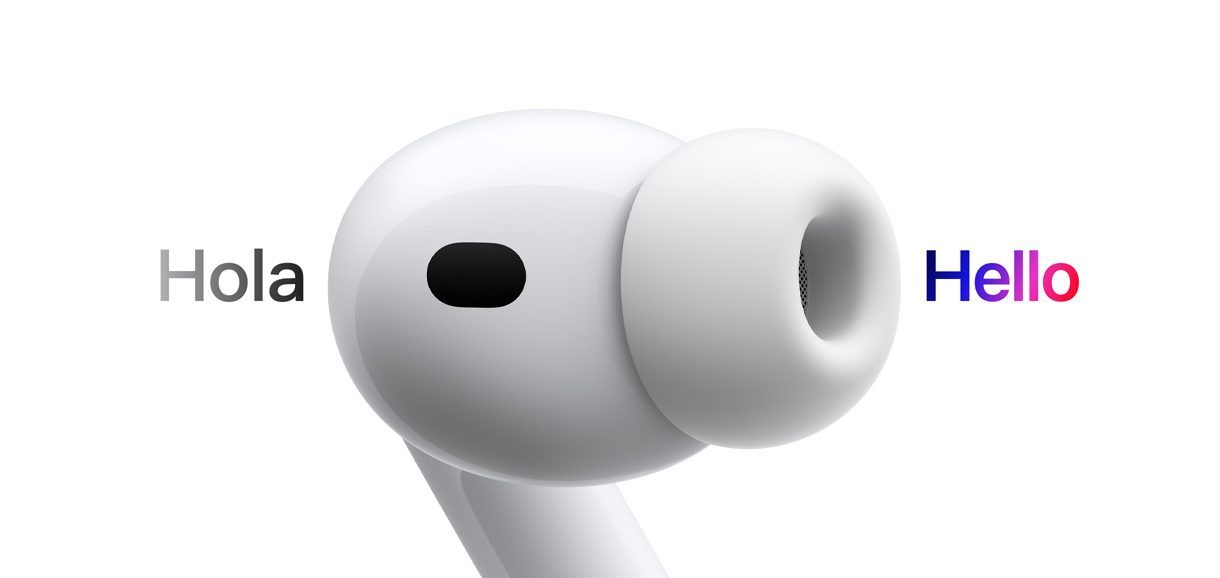
After being delayed due to the regulatory uncertainty of rules surrounding the Digital Market Act, Apple has now confirmed that the flashy Live Translation feature for AirPods Pro and AirPods 4 with Active Noise Cancellation will be available in the European Union from next month.

The feature requires compatible AirPods paired to an iPhone capable of running Apple Intelligence, that is iPhone 15 Pro or newer. It will presumably debut in the EU as part of the iOS 26.2 update, which hit the developer beta channels today.

more…
  •  

iOS 26.2 and watchOS 26.2 Update Sleep Score Ranges

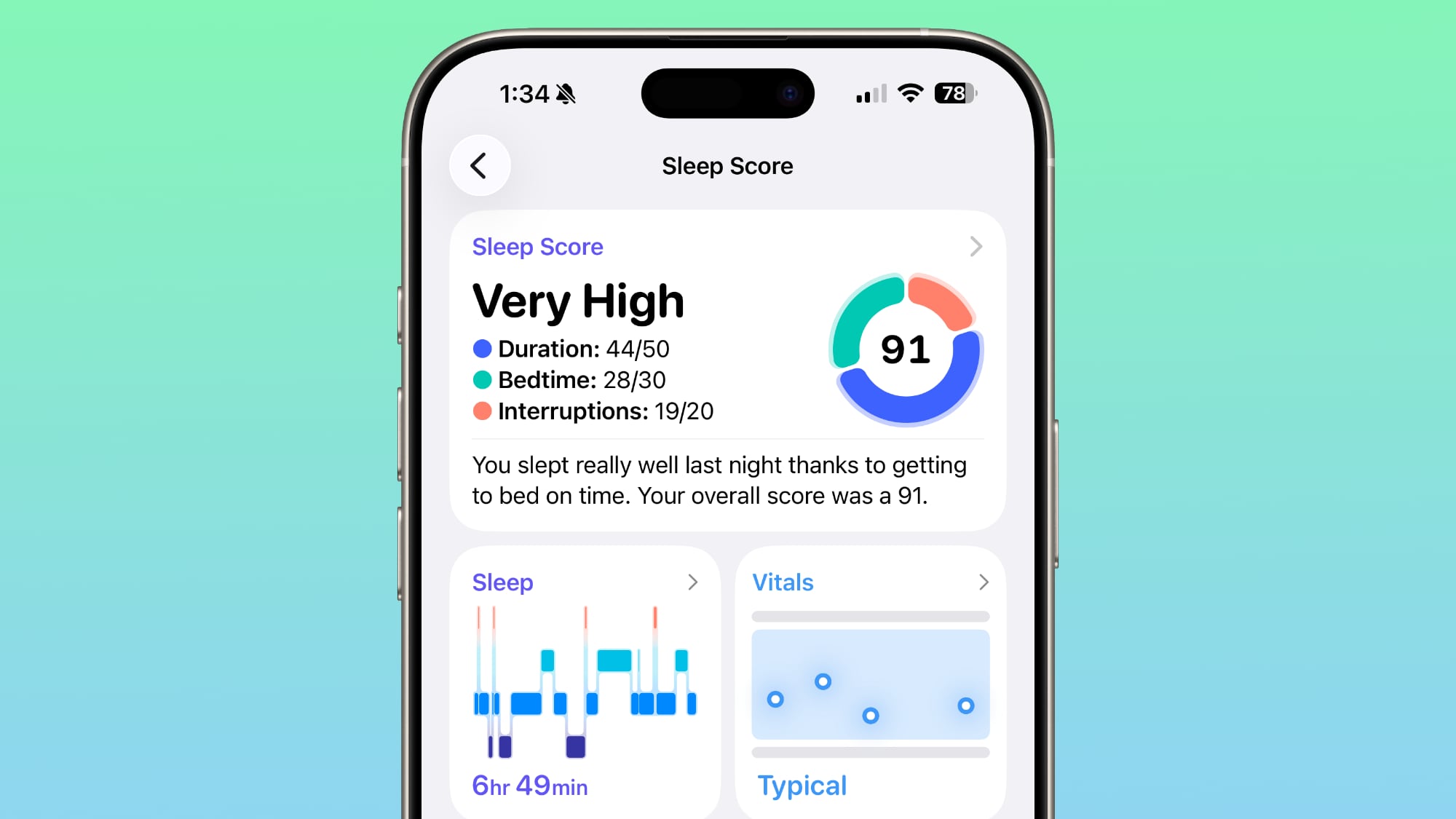
watchOS 26.2 and iOS 26.2 tweak the Sleep Score feature that's available for the Apple Watch, changing the labeling for point ranges to better match how people might be feeling after a restless night of sleep.


The new scores are as follows:

  • Very Low - 0-40 (previously 0-29)

  • Low - 41-60 (previously 30-49)

  • OK - 61-80 (previously 50-69)

  • High - 81-95 (previously 70-89)

  • Very High - 96-100 (previously 90-100)


The "Very High" rank used to be "Excellent," but Apple changed the name to be more in line with the other labels.

At the current time, five or six hours of restless sleep can still earn a "High" score, even though most people probably aren't feeling their best with that amount of sleep.

Sleep Score is a watchOS 26 feature that takes into account sleep duration, bedtime, and interruptions to assign a nightly score that represents sleep quality. Duration is worth 50 points, bedtime is worth 30, and interruptions (times woken up in the night) are worth 20.

Apple intends for Sleep Score to provide an overall sense of sleep patterns, helping users to identify habits that might be impacting sleep. Sleep Score requires an Apple Watch, and it works on all Apple Watch models that support ‌watchOS 26‌.
Related Roundup: watchOS 26
Related Forum: Apple Watch

This article, "iOS 26.2 and watchOS 26.2 Update Sleep Score Ranges" first appeared on MacRumors.com

Discuss this article in our forums

  •  

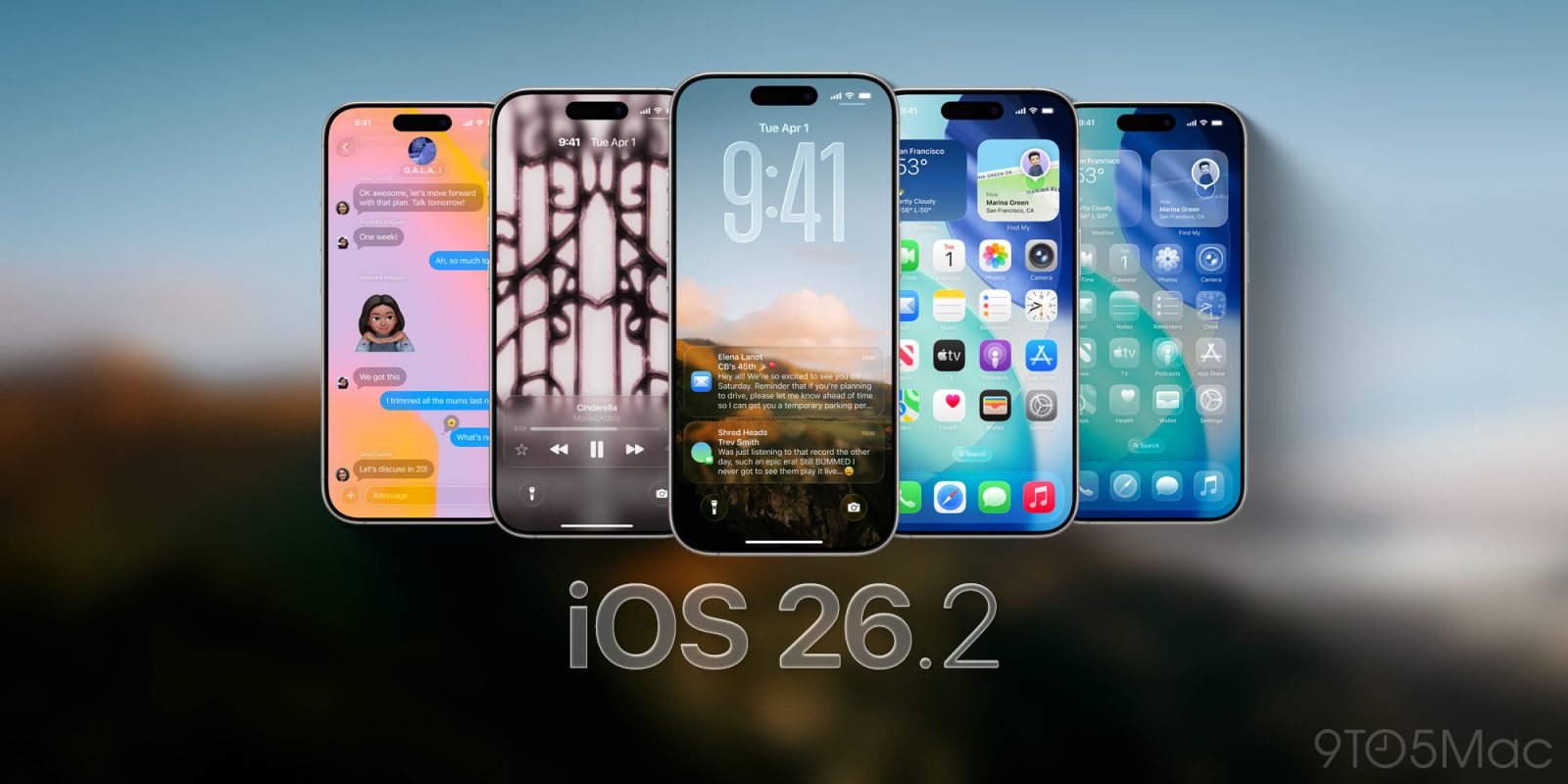
Apple Seeds First Betas of iOS 26.2 and iPadOS 26.2 to Developers

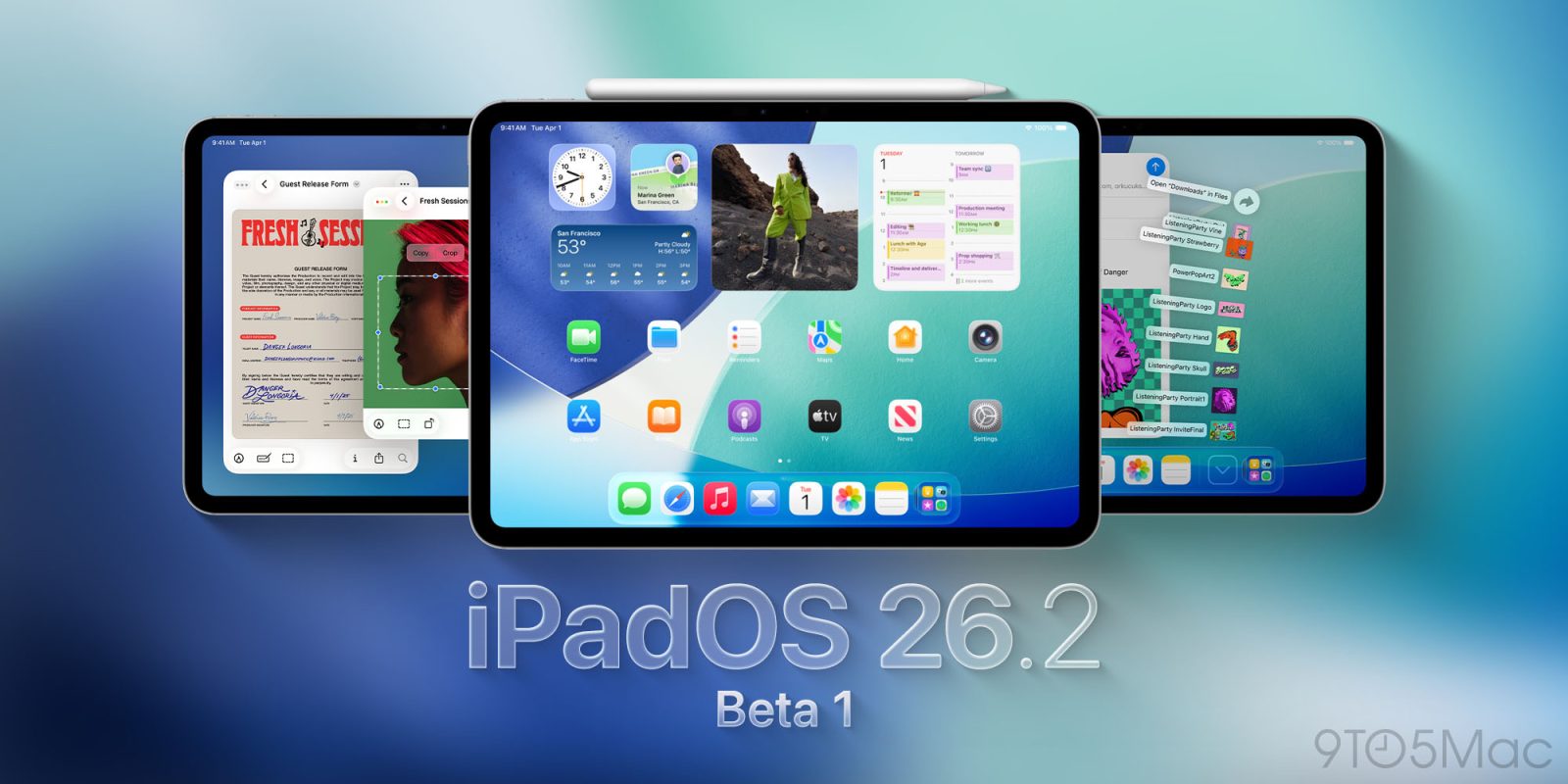
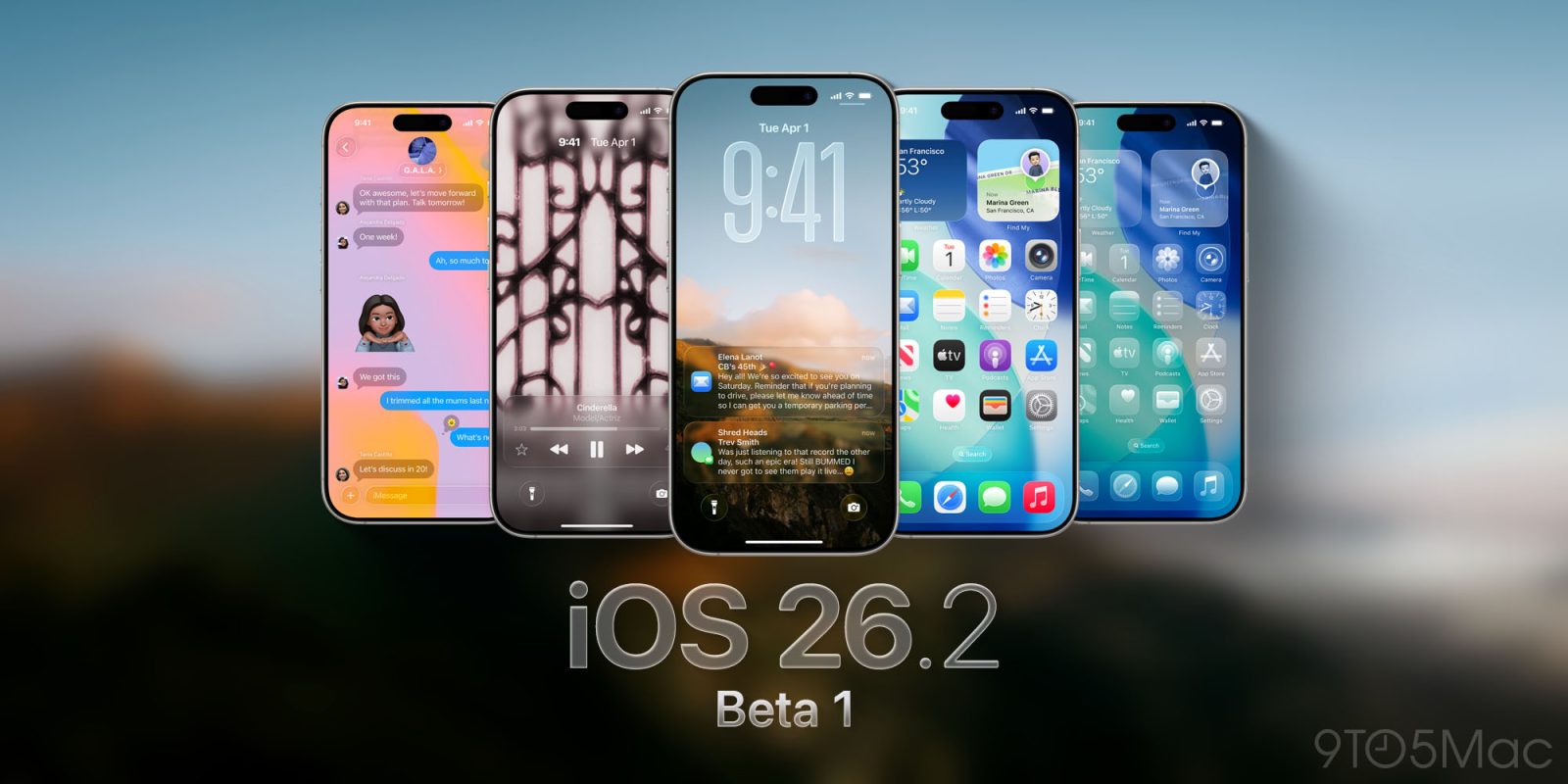
Apple today seeded the first betas of upcoming iOS 26.2 and iPadOS 26.2 updates to developers for testing purposes, with the software coming a day after Apple released iOS 26.1 and iPadOS 26.1.


Registered developers can download the betas from the Settings app on the iPhone or iPad by going to the General section and selecting Software Update.

We don't yet know what's included in the new beta software, but given that these updates will be tested over the holiday period, Apple may be planning to focus on bug fixes and performance improvements rather than adding notable new features.

When we learn what's new in the updates, we'll share details.

iOS 26.2 and iPadOS 26.2 are limited to developers at the current time, but Apple will likely release a public beta in the next couple of days.
Related Roundups: iOS 26, iPadOS 26
Related Forum: iOS 26

This article, "Apple Seeds First Betas of iOS 26.2 and iPadOS 26.2 to Developers" first appeared on MacRumors.com

Discuss this article in our forums

  •  

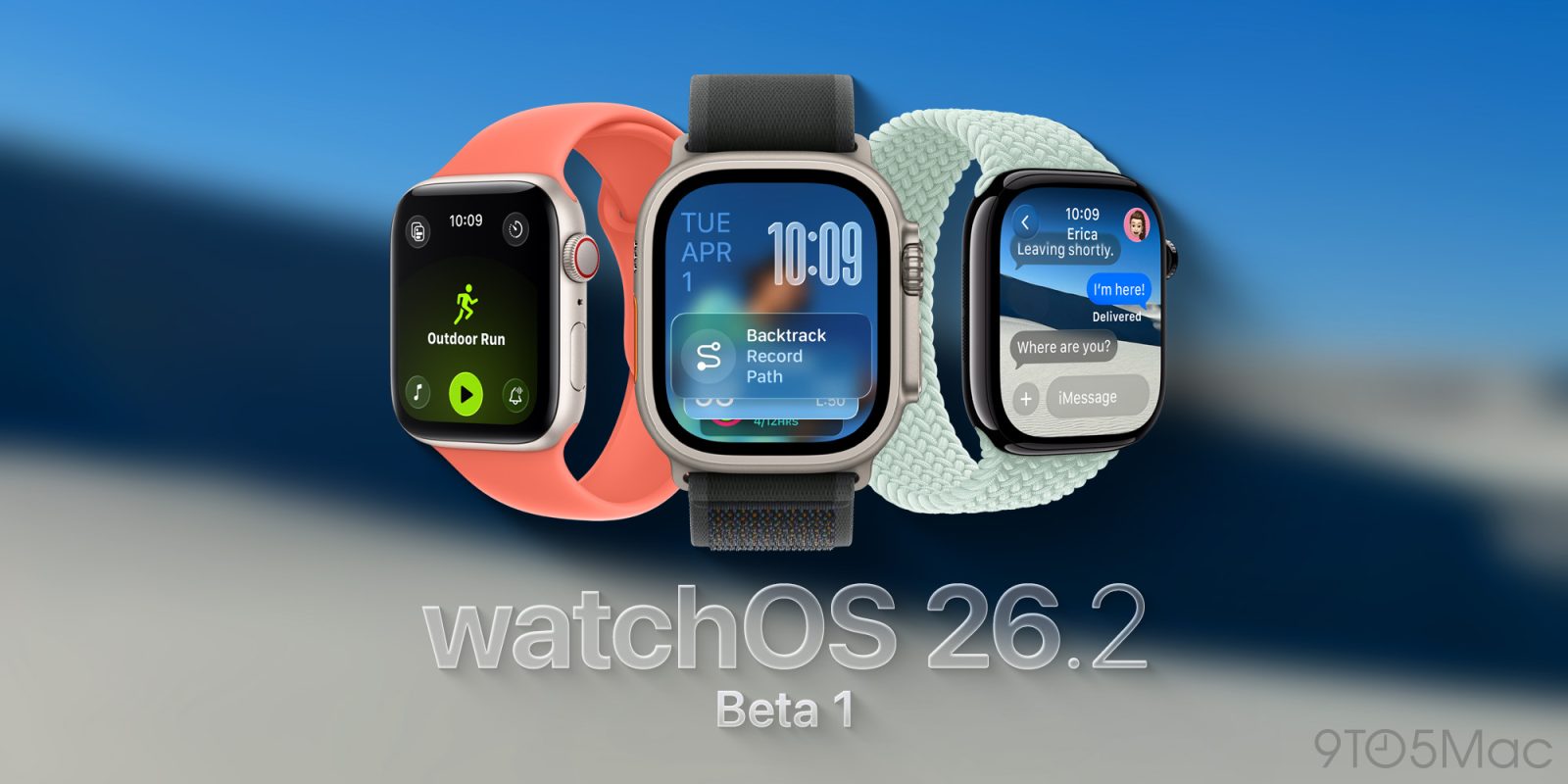
Apple Releases First watchOS 26.2, tvOS 26.2 and visionOS 26.2 Betas

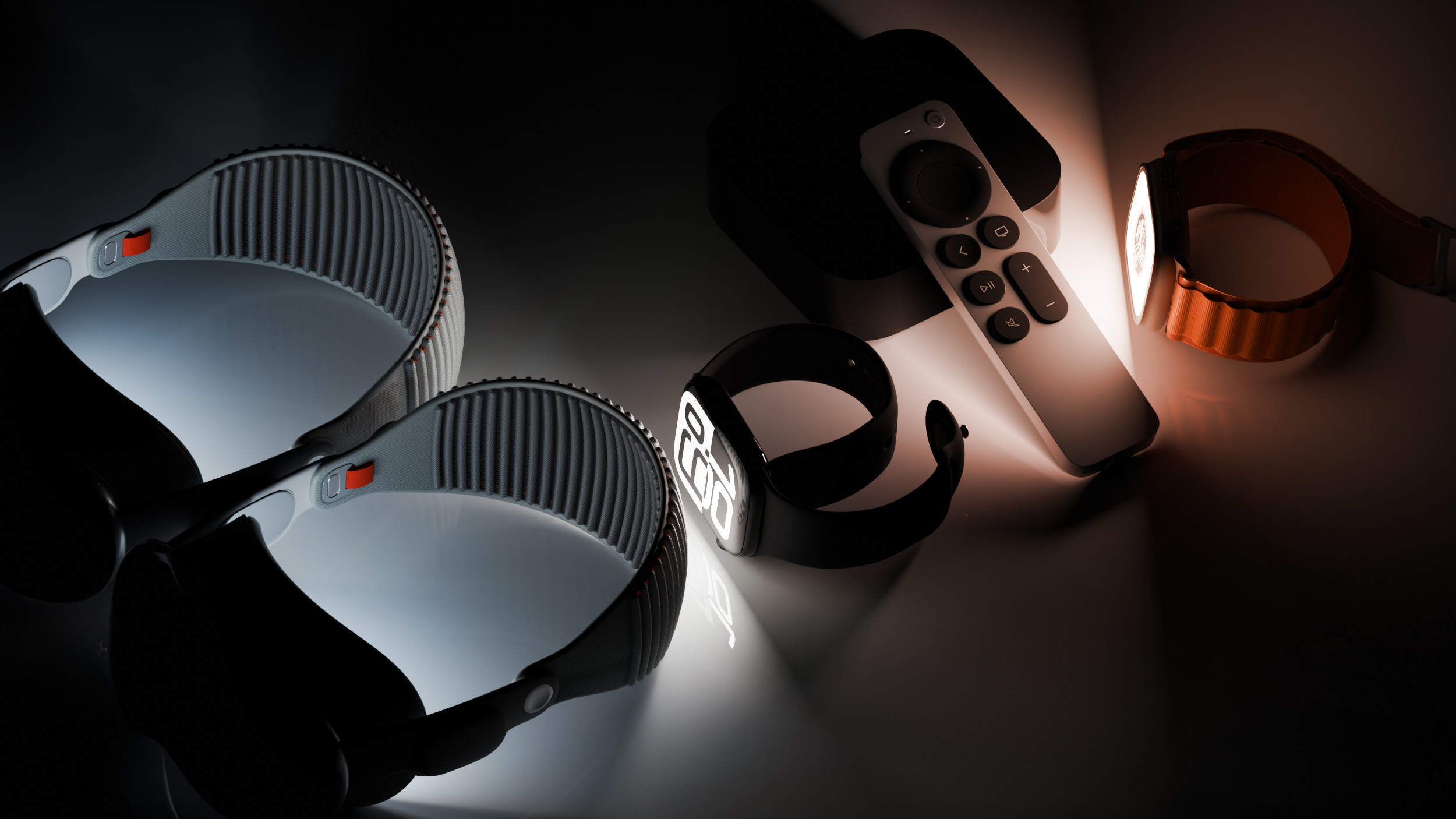
Apple today provided developers with the first betas of upcoming watchOS 26.2, tvOS 26.2, and visionOS 26.2 betas for testing purposes. The software comes a day after Apple launched the 26.1 versions of each platform.


The software updates are available through the Settings app on each device, and because these are developer betas, a free developer account is required.

We don't know what new features might be added in watchOS 26.2, visionOS 26.2, and tvOS 26.2. Apple doesn't typically provide release notes for betas, so we might not know what's new until the software updates see a public launch unless there are outward-facing changes.

Apple will likely provide public beta testers with access to the tvOS 26.2 and watchOS 26.2 betas later this week, but visionOS 26.2 will remain limited to developers. The software updates will probably launch sometime between December 9 and December 16, given Apple's historical release timelines for .2 updates.
This article, "Apple Releases First watchOS 26.2, tvOS 26.2 and visionOS 26.2 Betas" first appeared on MacRumors.com

Discuss this article in our forums

  •