↩ Accueil

Vue normale

Reçu aujourd’hui — 11 décembre 2025

ASUS ROG Falcata Keyboard Review

11 décembre 2025 à 13:00

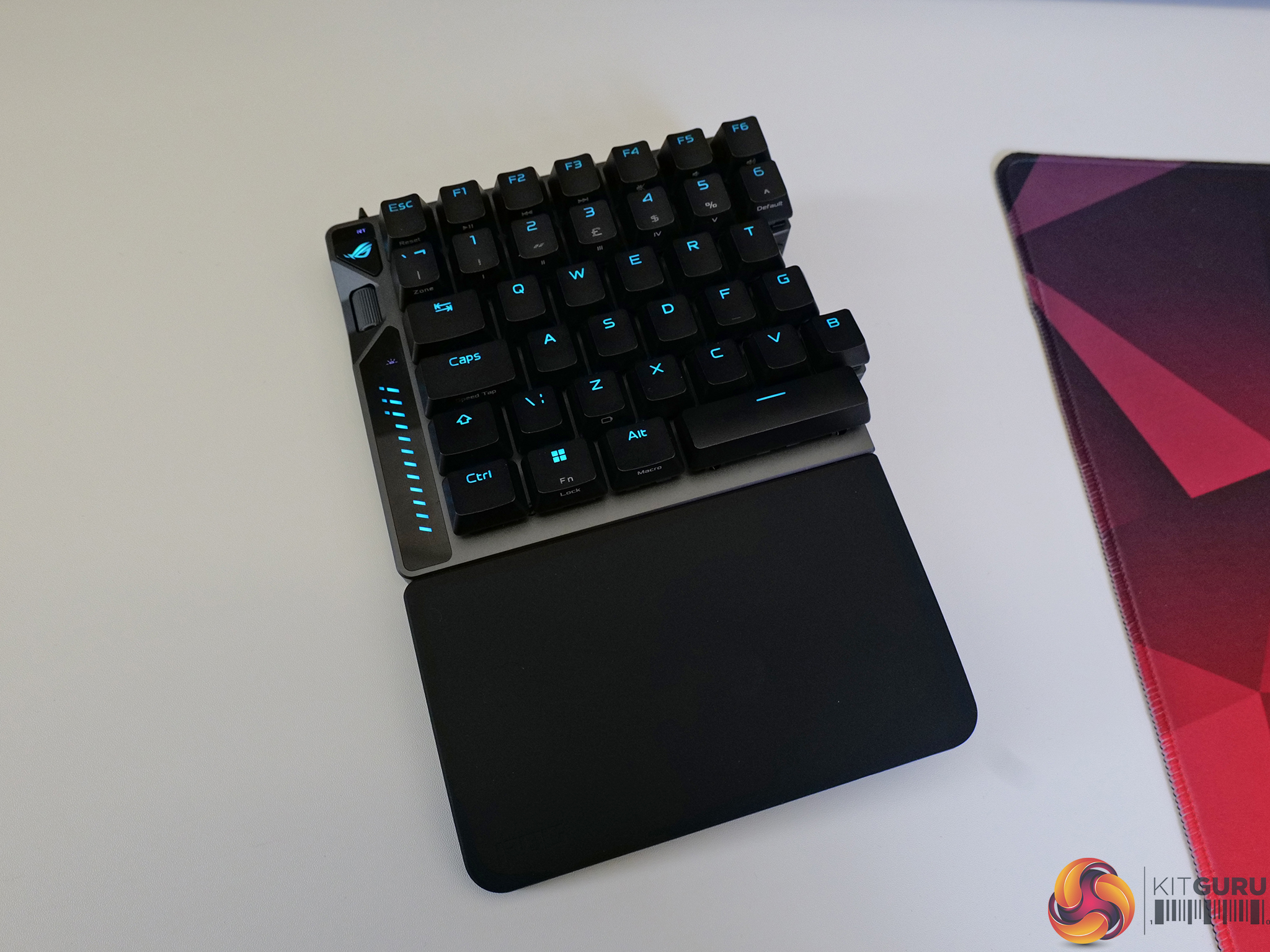
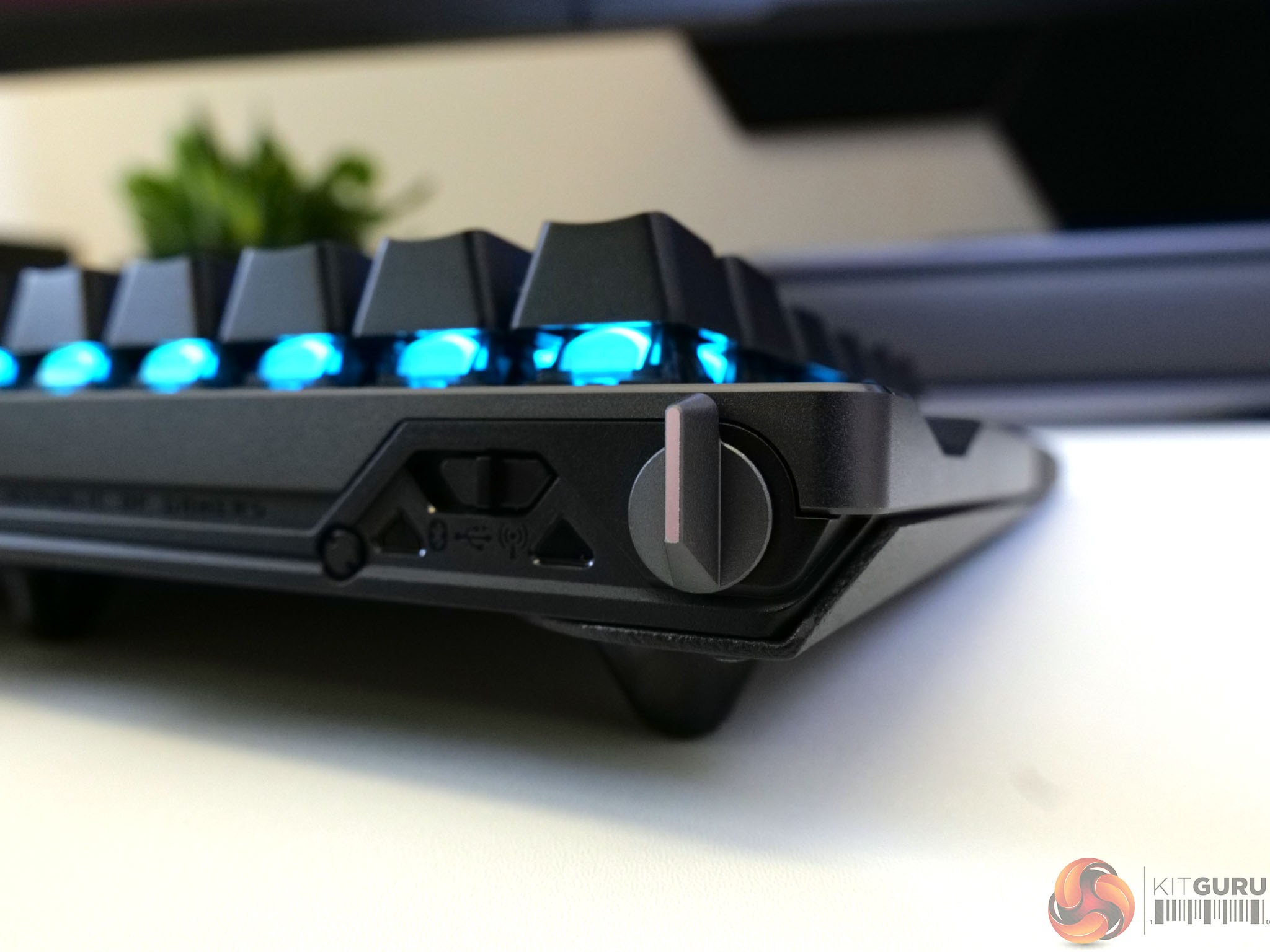
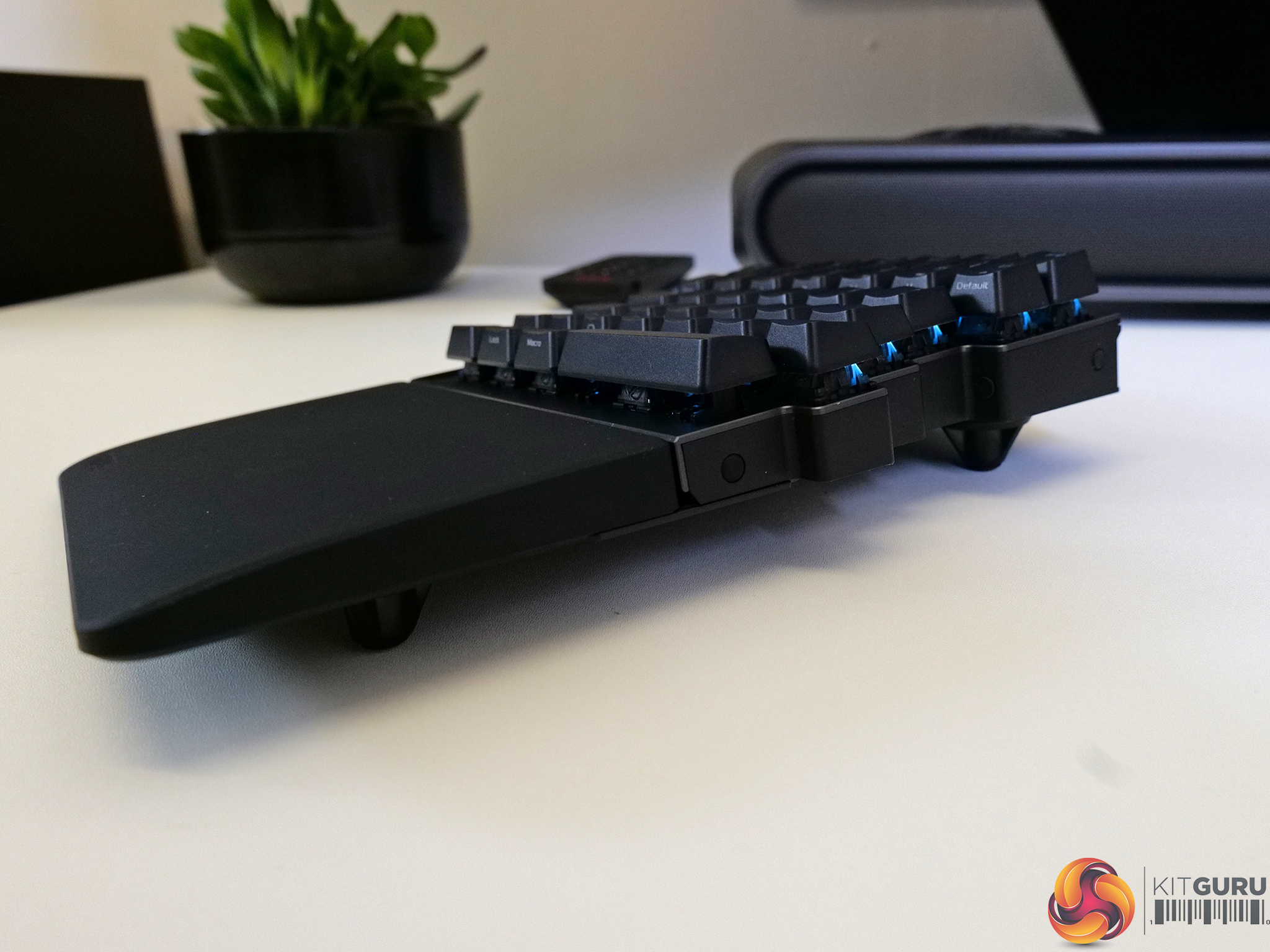
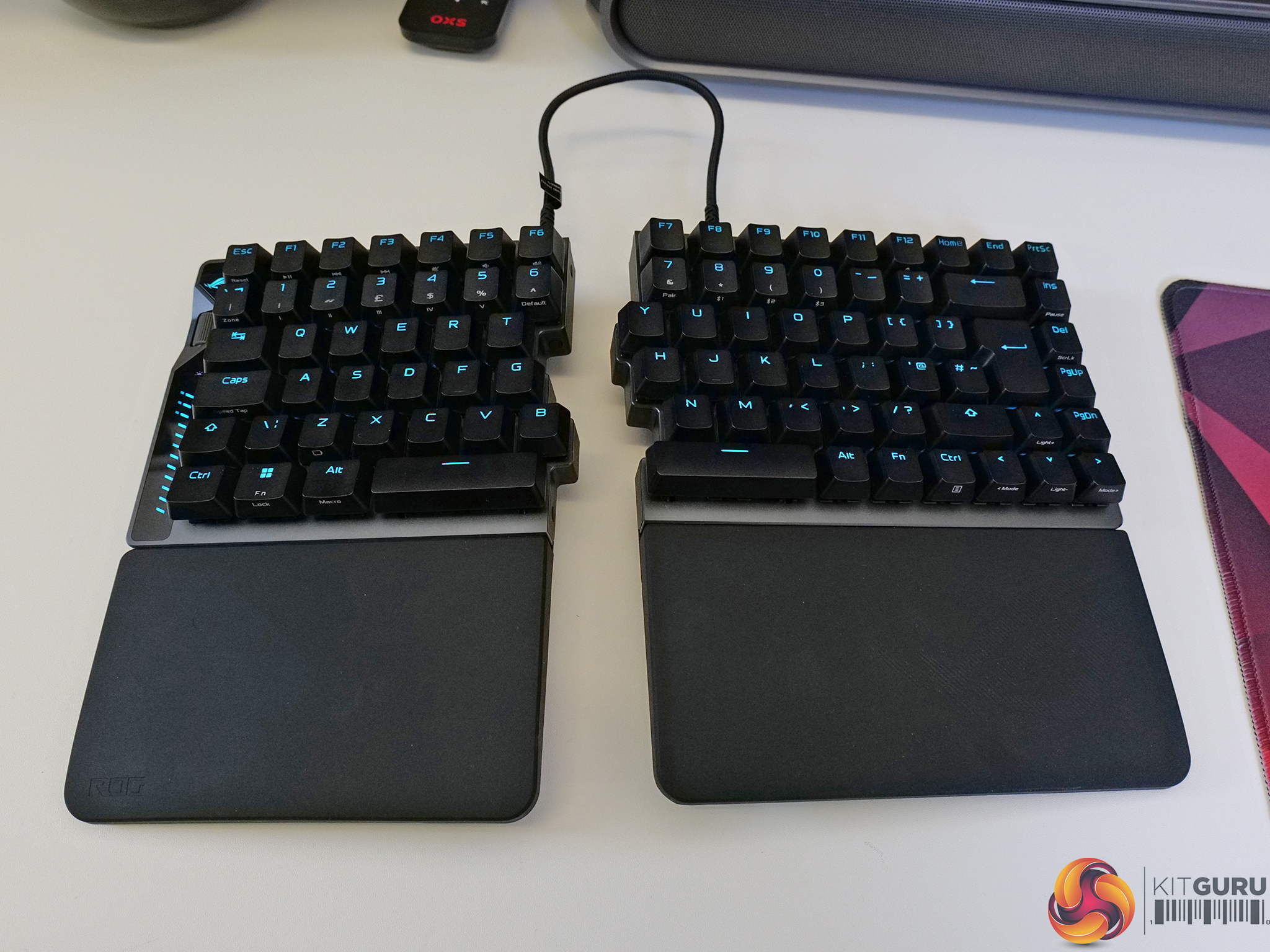
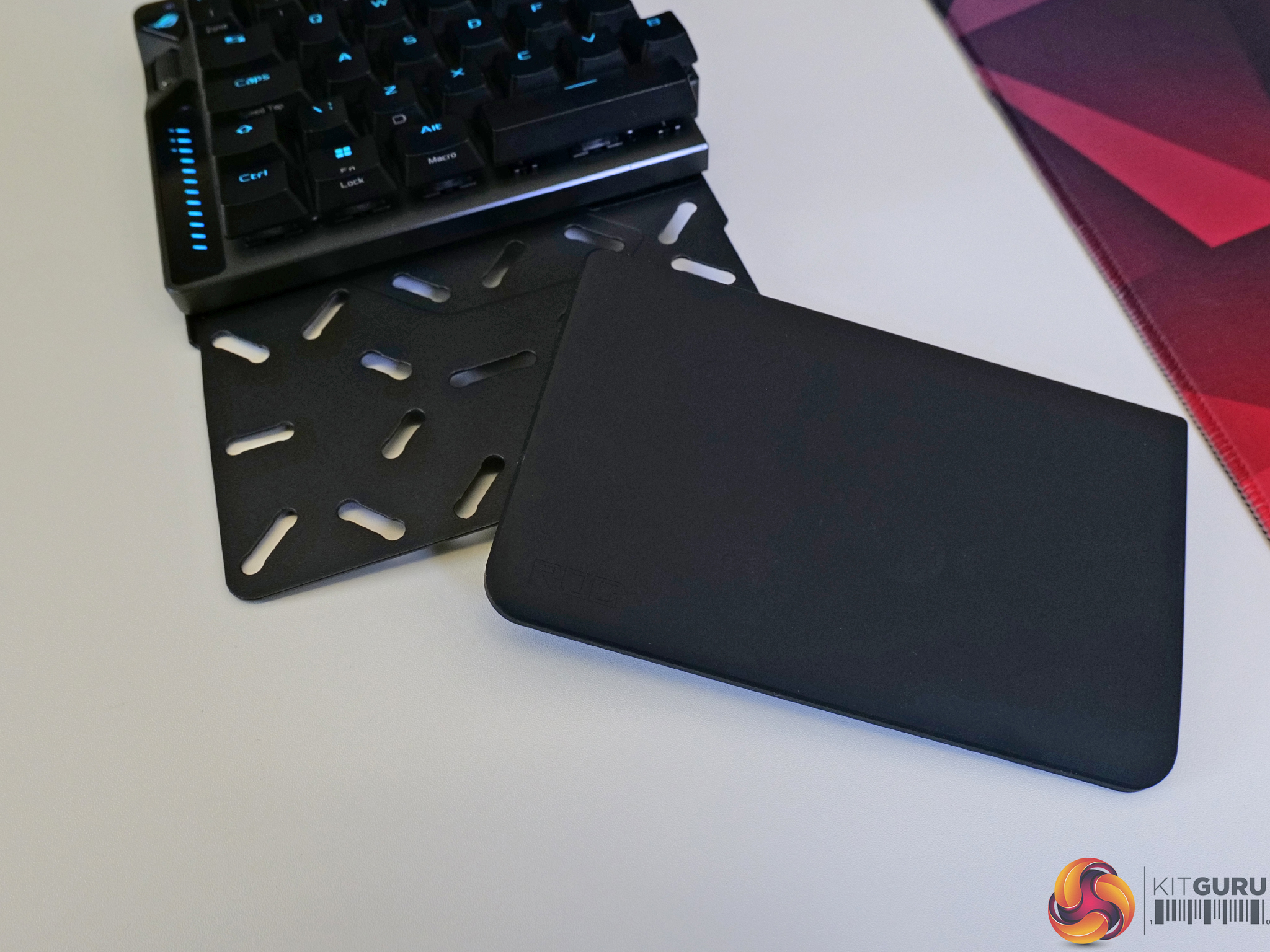
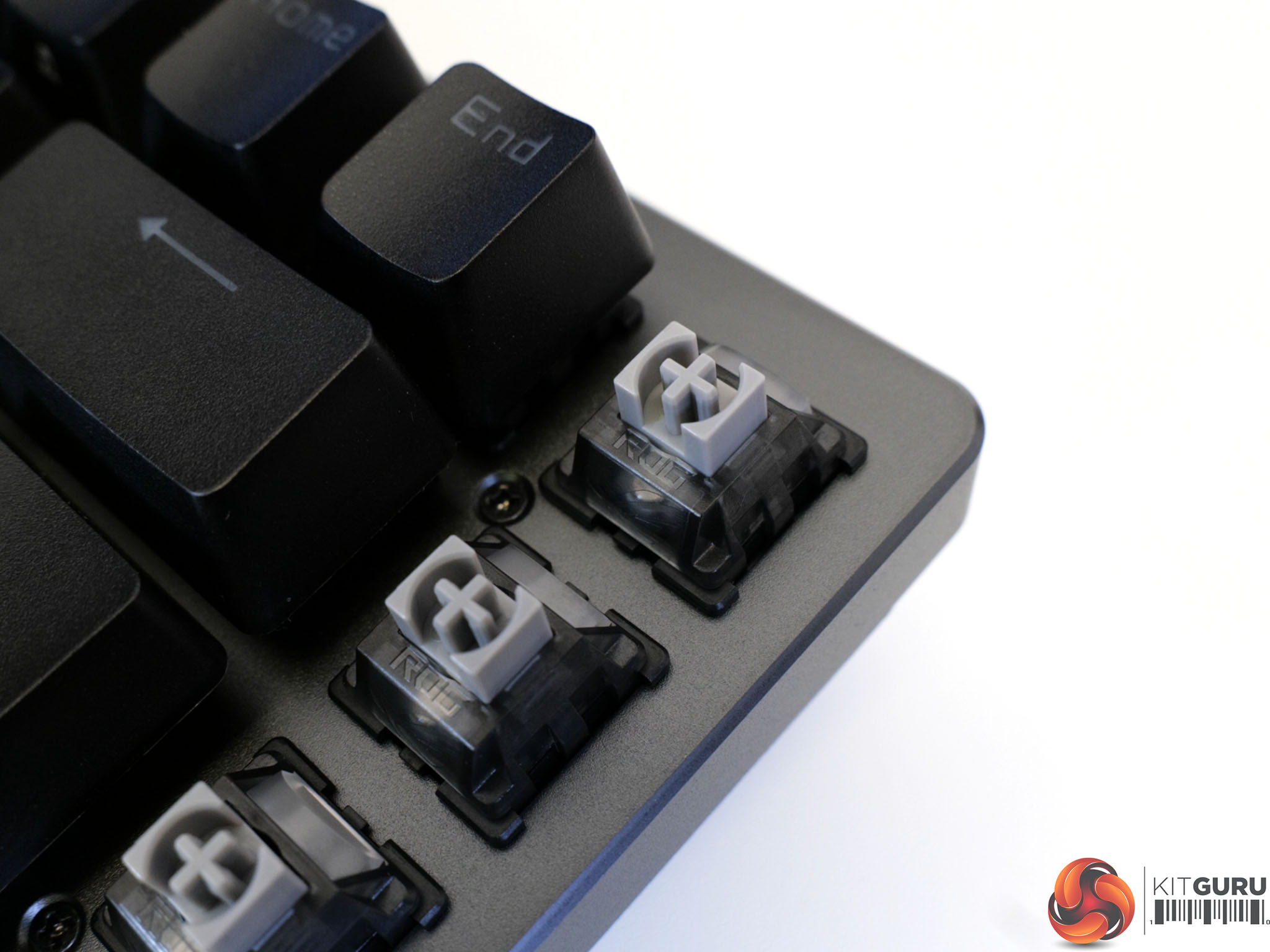
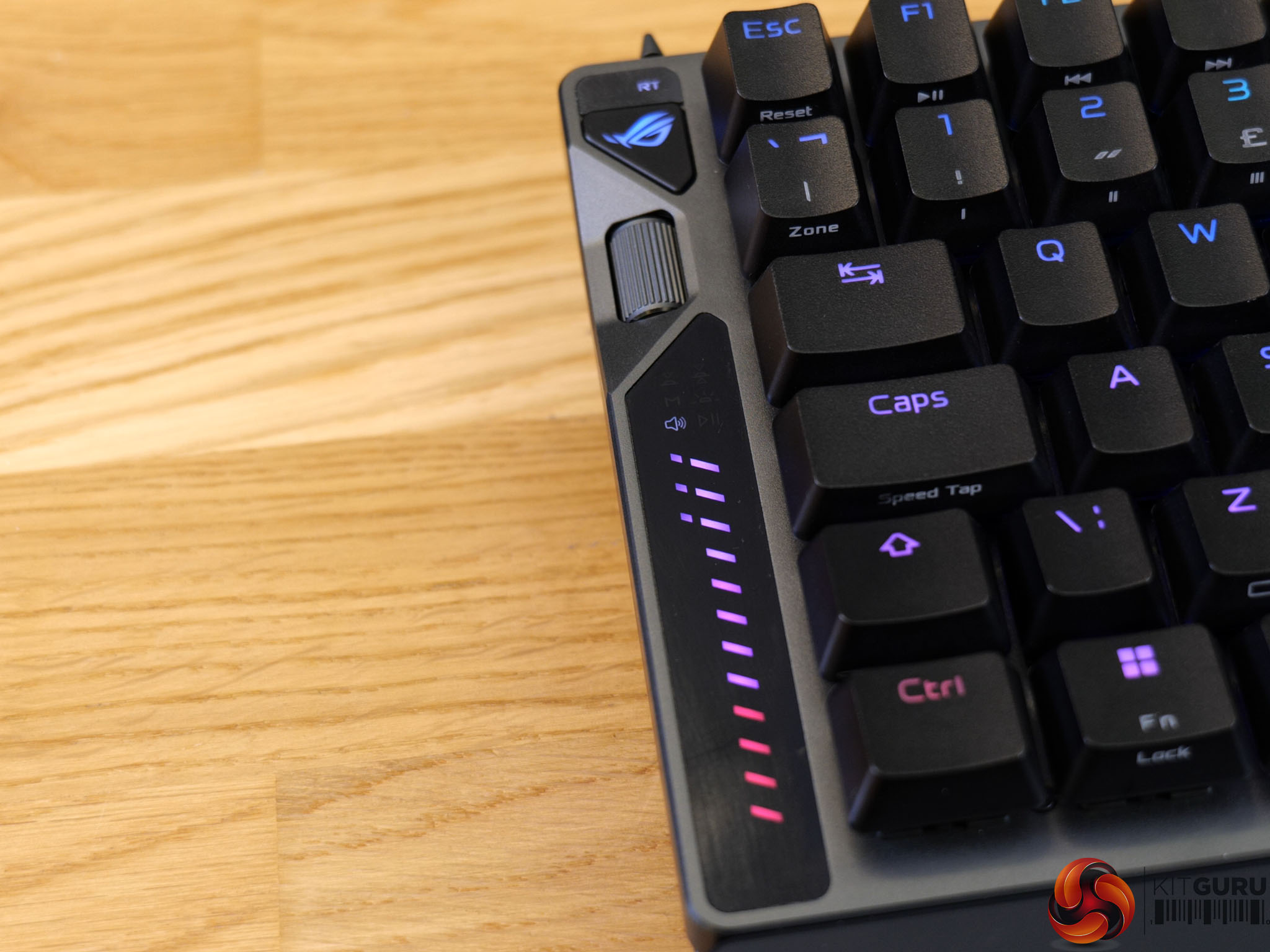
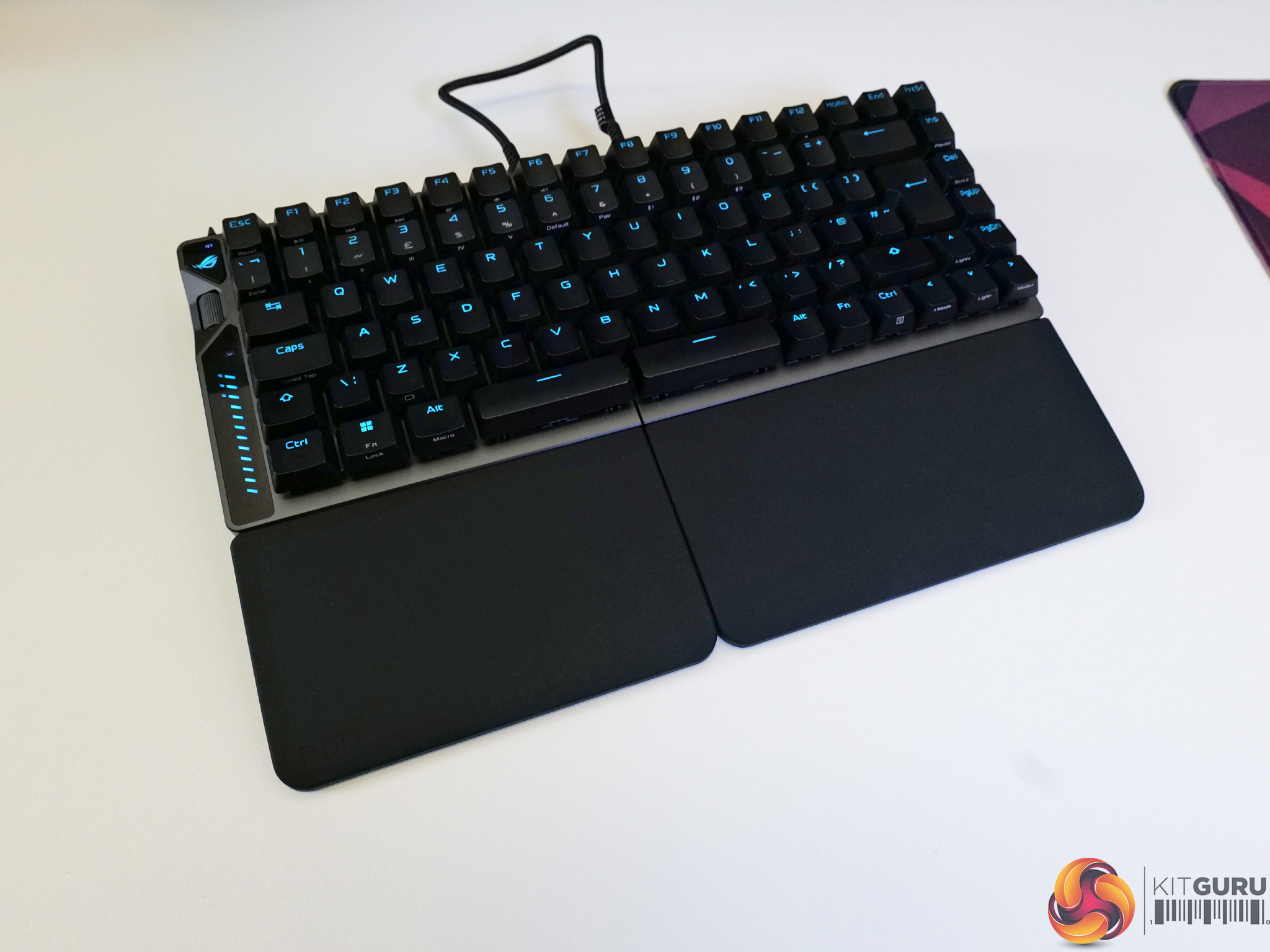
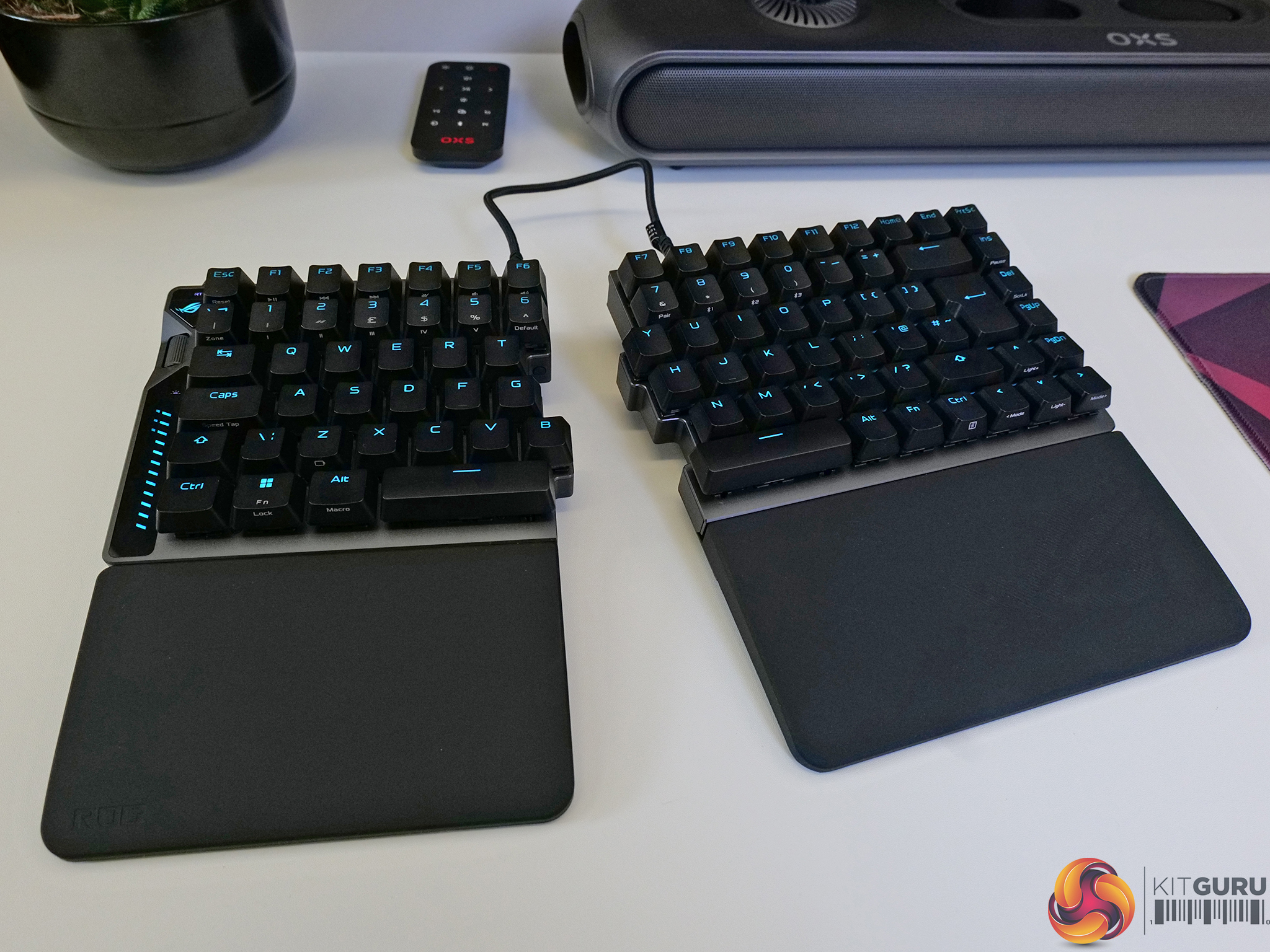
Today we're taking a look at the ASUS ROG Falcata – a split 75% gaming keyboard with magnetic switches, Rapid Trigger, SOCD and up to 8000Hz polling. You can run it as a full board, or just the left half for maximum mouse room. It’s incredibly versatile, packed with competitive-focused gaming features… and it costs £335. So, is it actually worth it?

Timestamps:

00:00 Start
00:52 Pricing
01:17 Accessories
02:10 The Design
02:38 RGB
03:00 Buttons / Features / Ports
04:00 Mats thoughts so far?
04:20 Build Quality / Materials
06:01 Switches / Keycaps
07:28 Stabilisers
07:47 Sound test
08:05 Gaming
09:17 Polling Rate
10:00 Use Case options
10:41 Connectivity
11:10 Battery Life
11:58 Link Cable (Its not USB)
12:17 Customisation via GearLink
14:06 So it is worth the money?
Specifications

  • Click Life – ROG HFX V2 Magnetic Switch
  • Connectivity – USB 2.0 (TypeC to TypeA), RF 2.4GHz, Bluetooth 5
  • Lighting – RGB Per keys
  • AURA Sync – Yes
  • Anti-Ghosting – N Key Rollover
  • Macro Keys – All Keys Programmable
  • USB Report rate – 8000 Hz
  • RF 2.4G Report rate – 8000 Hz
  • Cable – 1 x USB type C to C braided cable,2 x Type C to C link cable
  • Dimensions – 327mm x 127mm x 38mm (without wrist rests)
  • Weight – 968g (without cable and wrist rests)
  • Color – Black
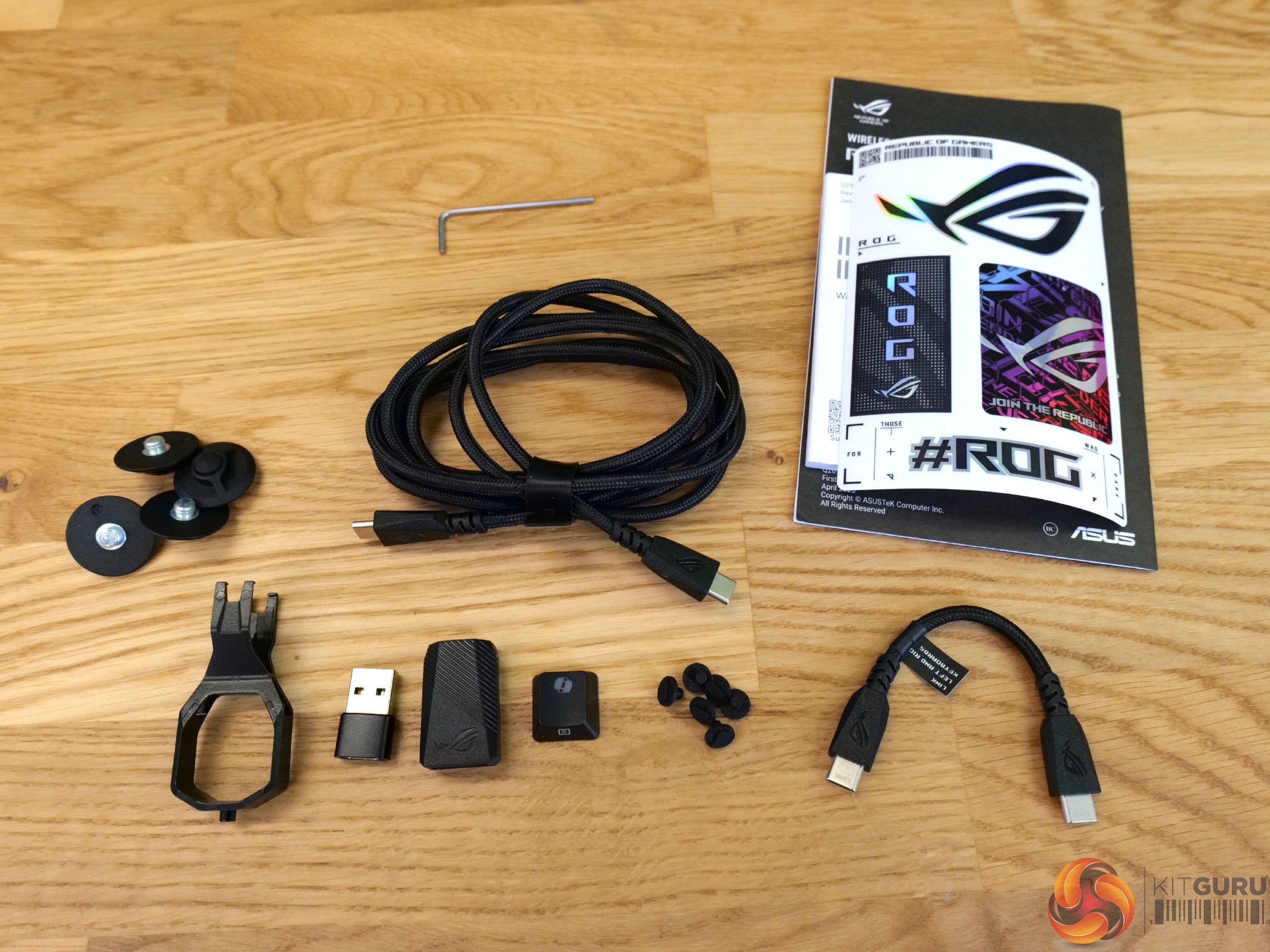
  • Contents – 1 x ROG Falcata,2 x Wrist rest,8 x Keyboard feet,1 x Keycap puller,1 x USB cable,2 x Link cable,6 x Screw,1 x Extender,1 x USB-C to A adapter,1 x Allen Wrench,1 x ROG sticker,1 x Ctrl keycap,1 x Quick start guide,1 x Warranty booklet.

You can buy the ROG Falcata keyboard directly from ASUS for £334.99 HERE.

Pros:

  • Top tier gaming performance and features.
  • Excellent build quality.
  • Magnetic switches feel smooth and are fully adjustable.
  • Gear Link web customisation is a huge improvement over Armory Crate.
  • Good stabiliser tuning with minimal rattle.
  • Flexible connectivity and single-cable charging for both halves.

Cons:

  • Expensive.
  • Running just the left hand side is not practical when multitasking while gaming.
  • RGB effects are limited.

KitGuru says: The Falcata is a very good keyboard with a great gaming feature set and outstanding build quality. 

The post ASUS ROG Falcata Keyboard Review first appeared on KitGuru.
Reçu avant avant-hier

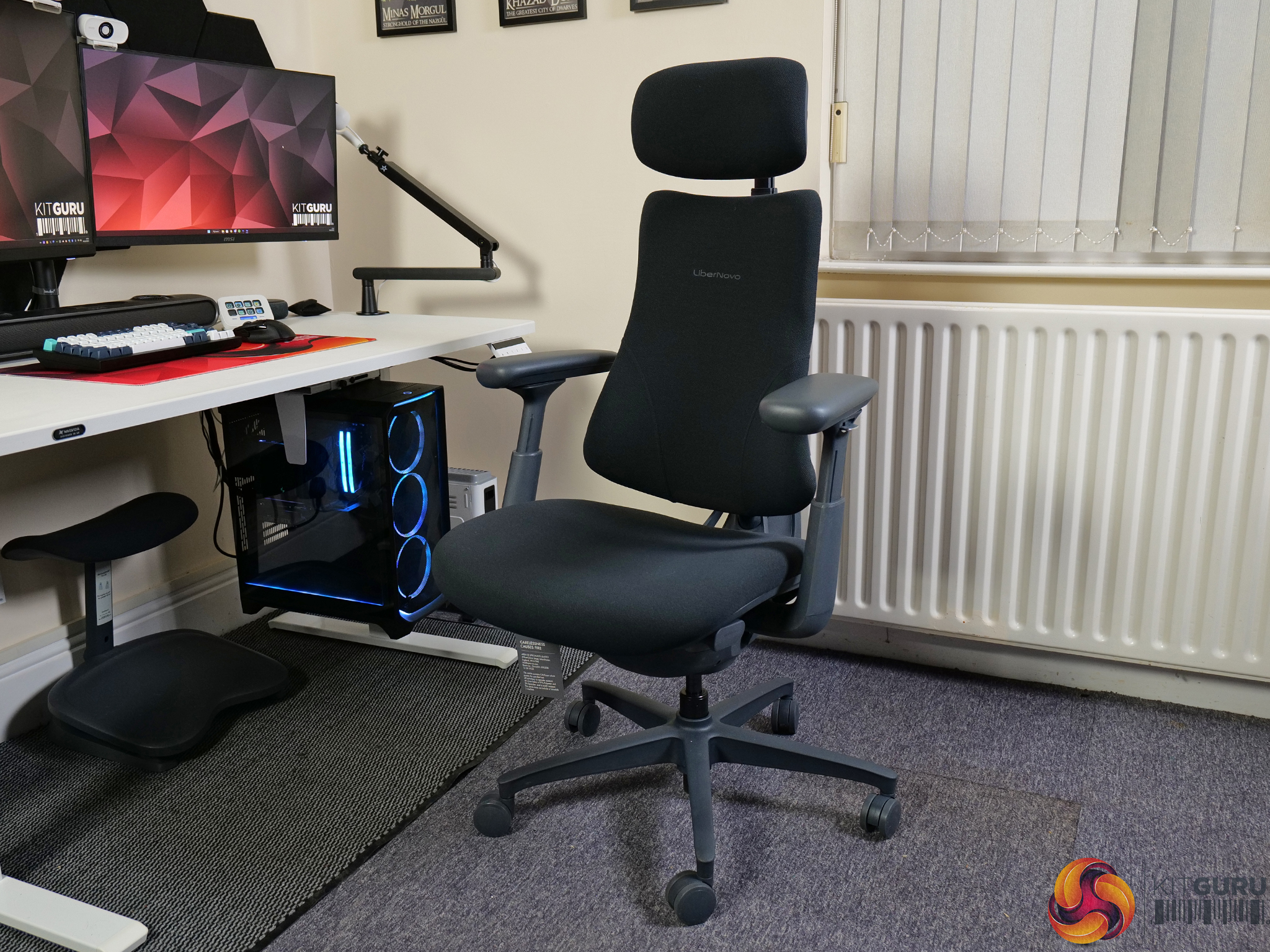
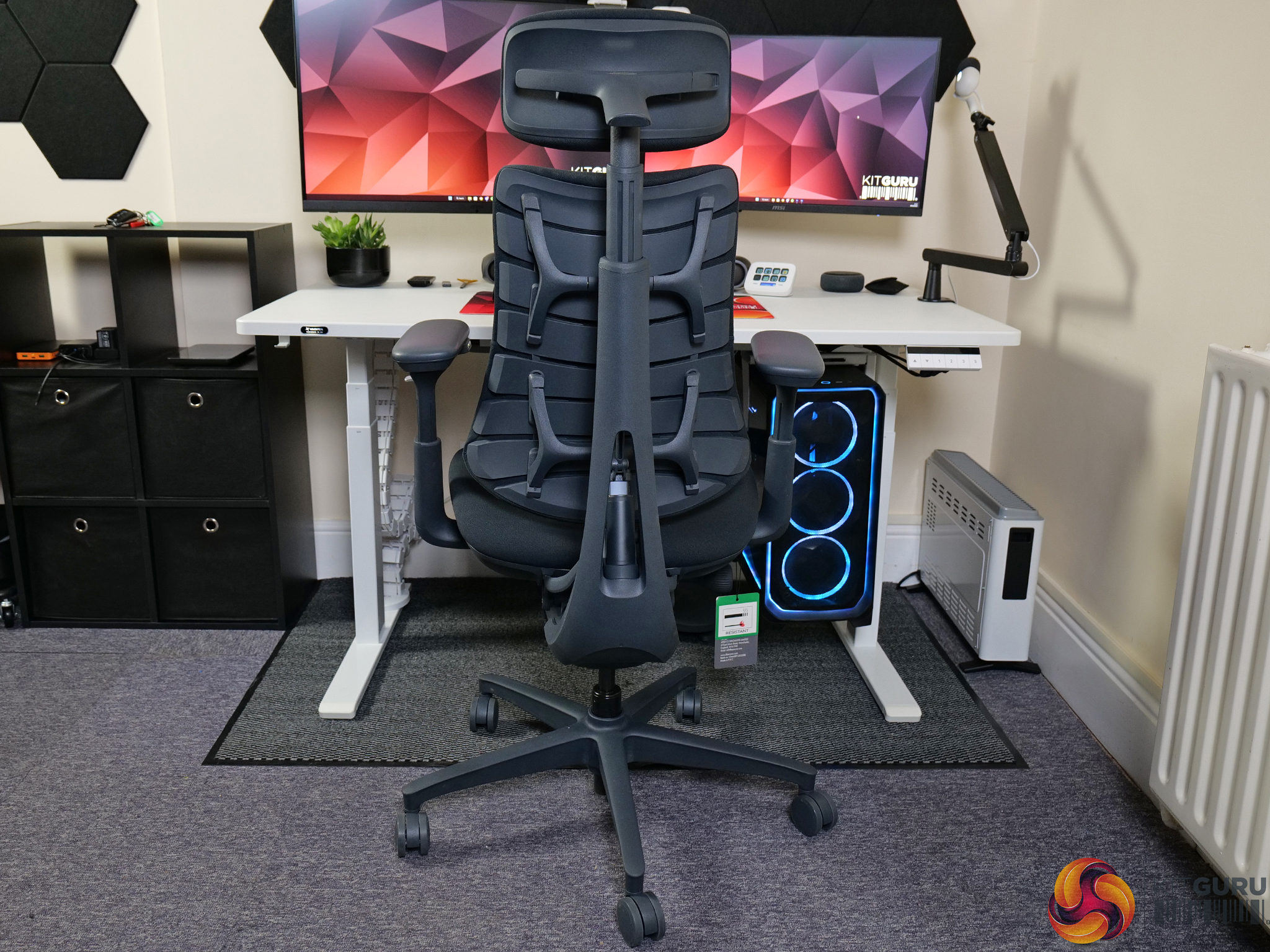
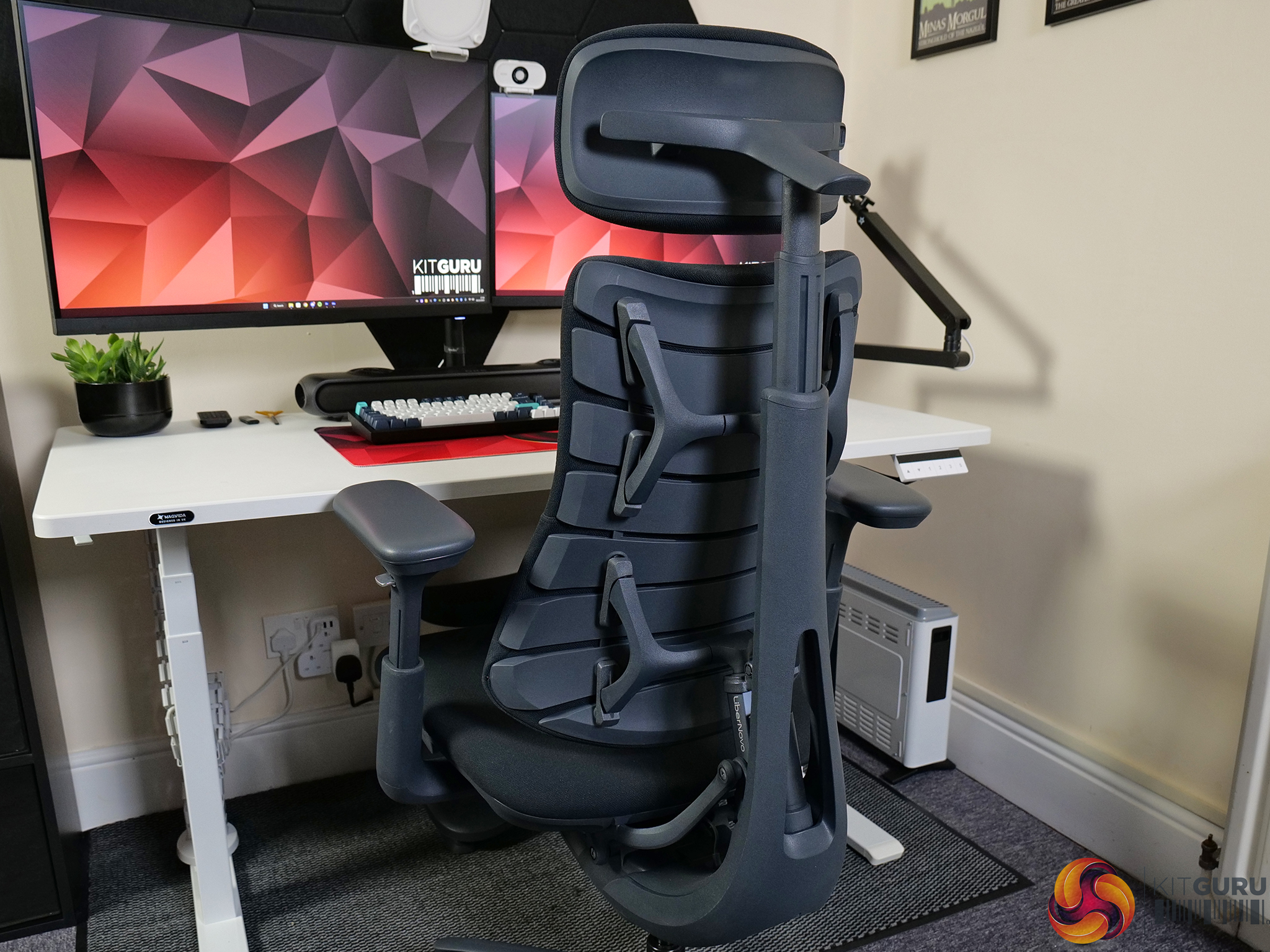
LiberNovo Omni Chair Review

8 décembre 2025 à 15:10

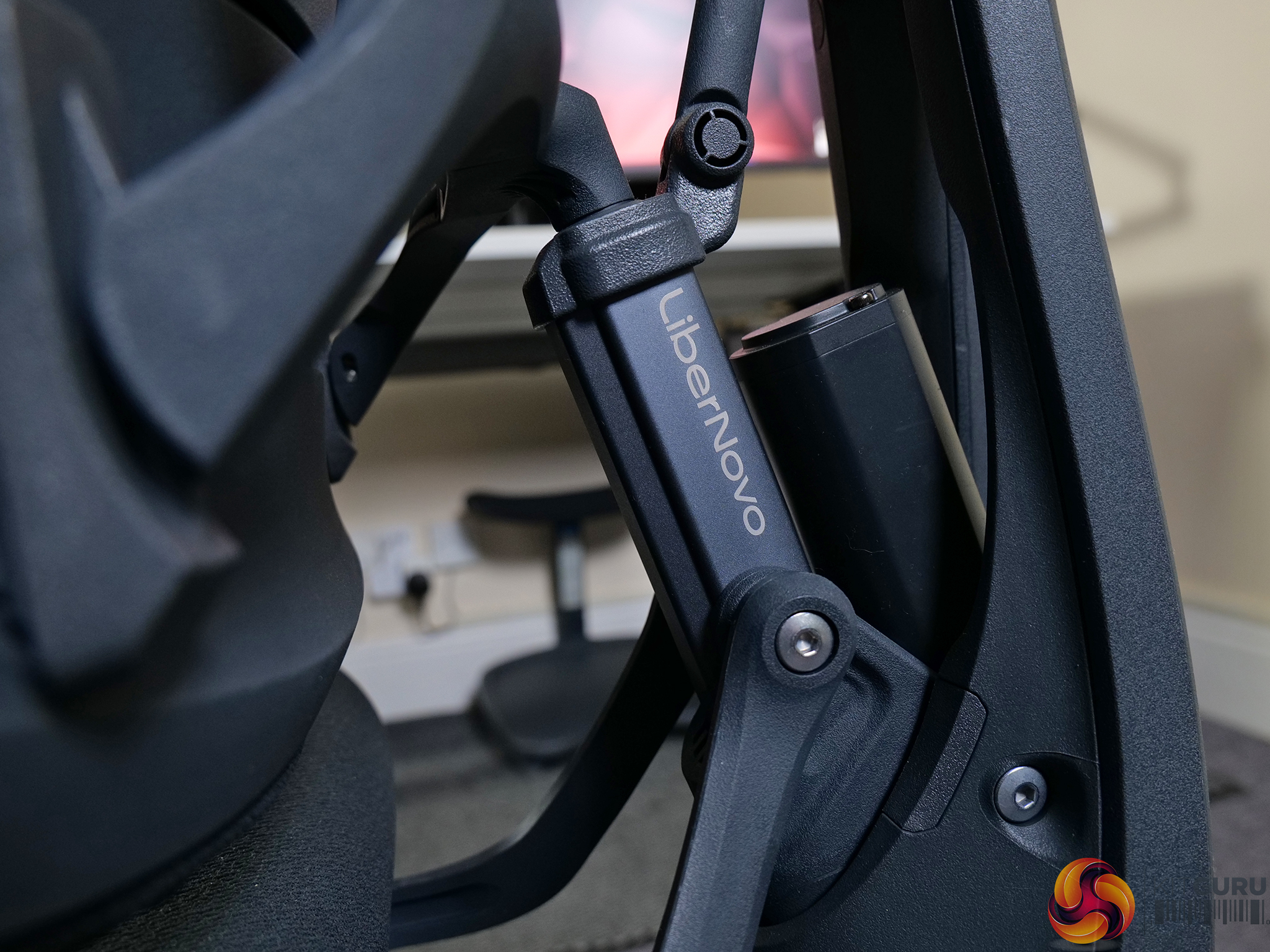
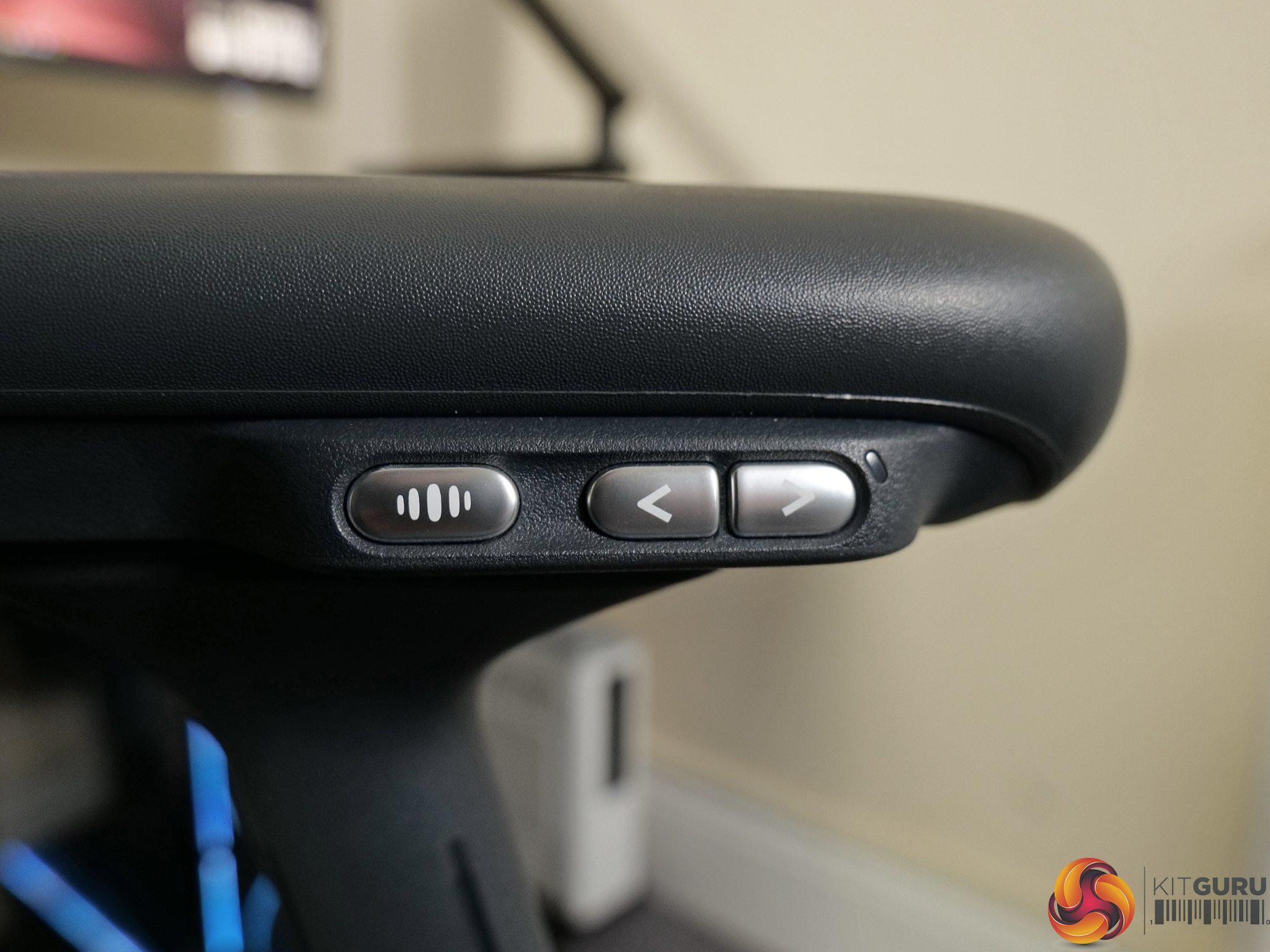
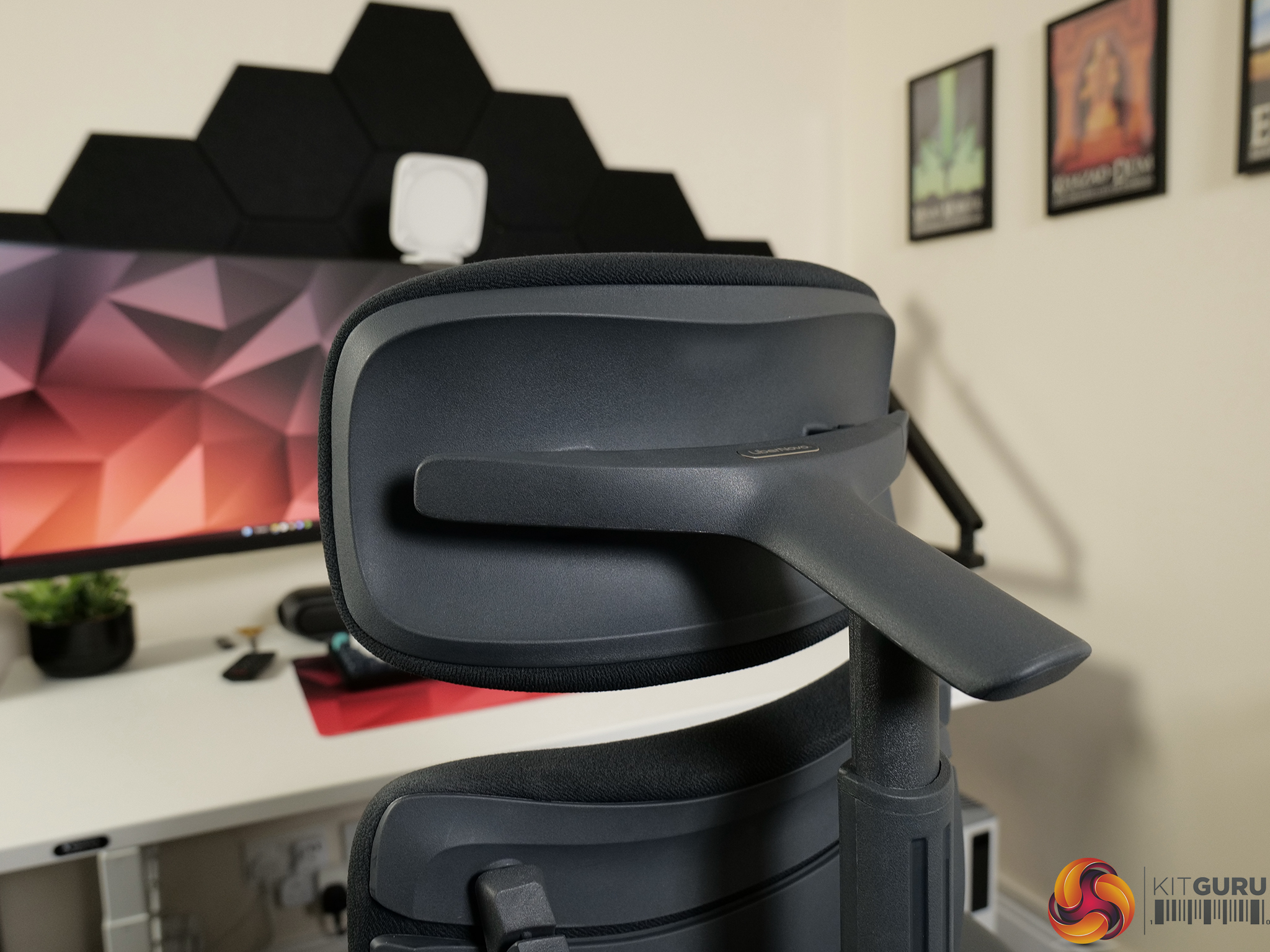
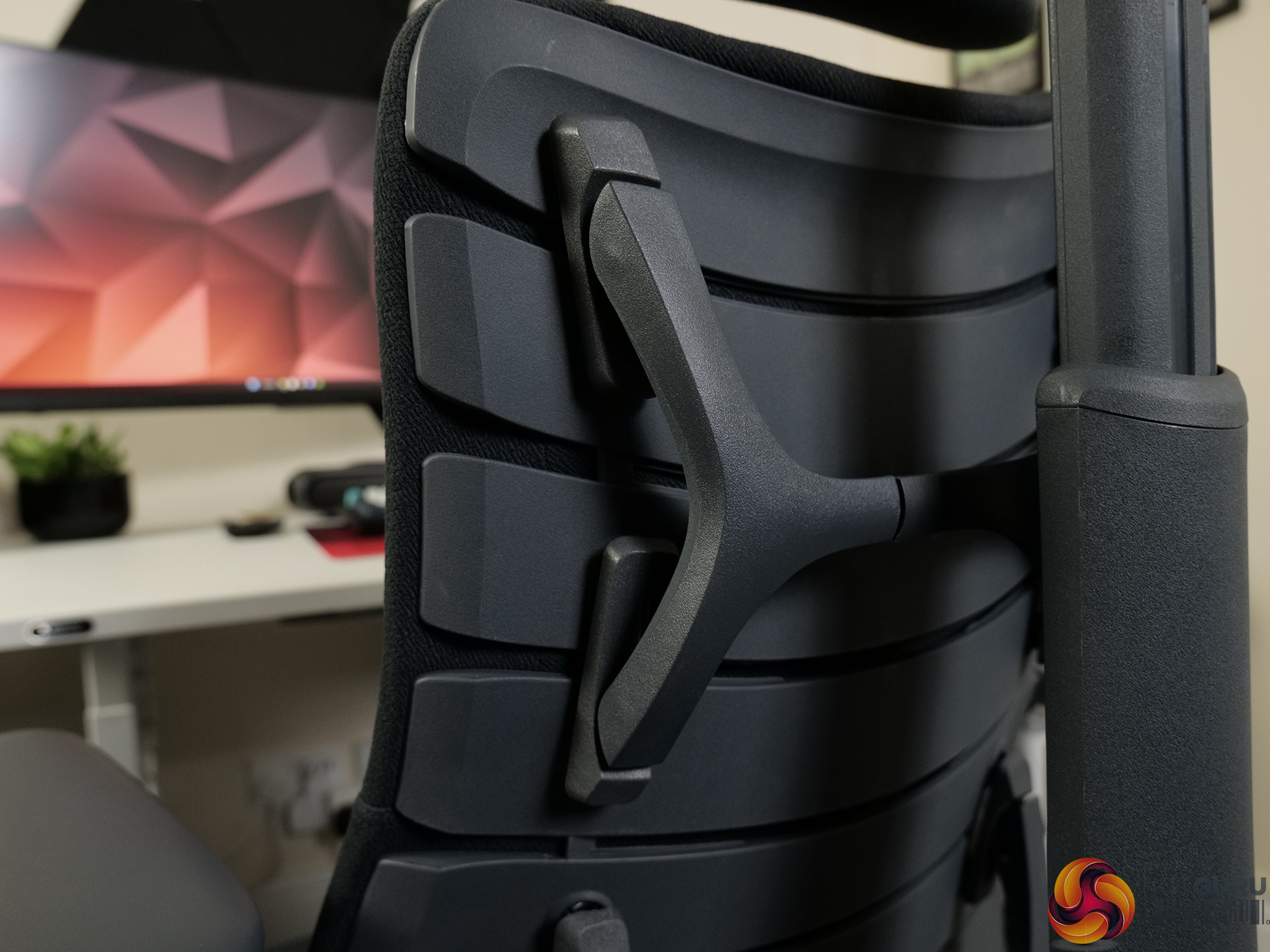
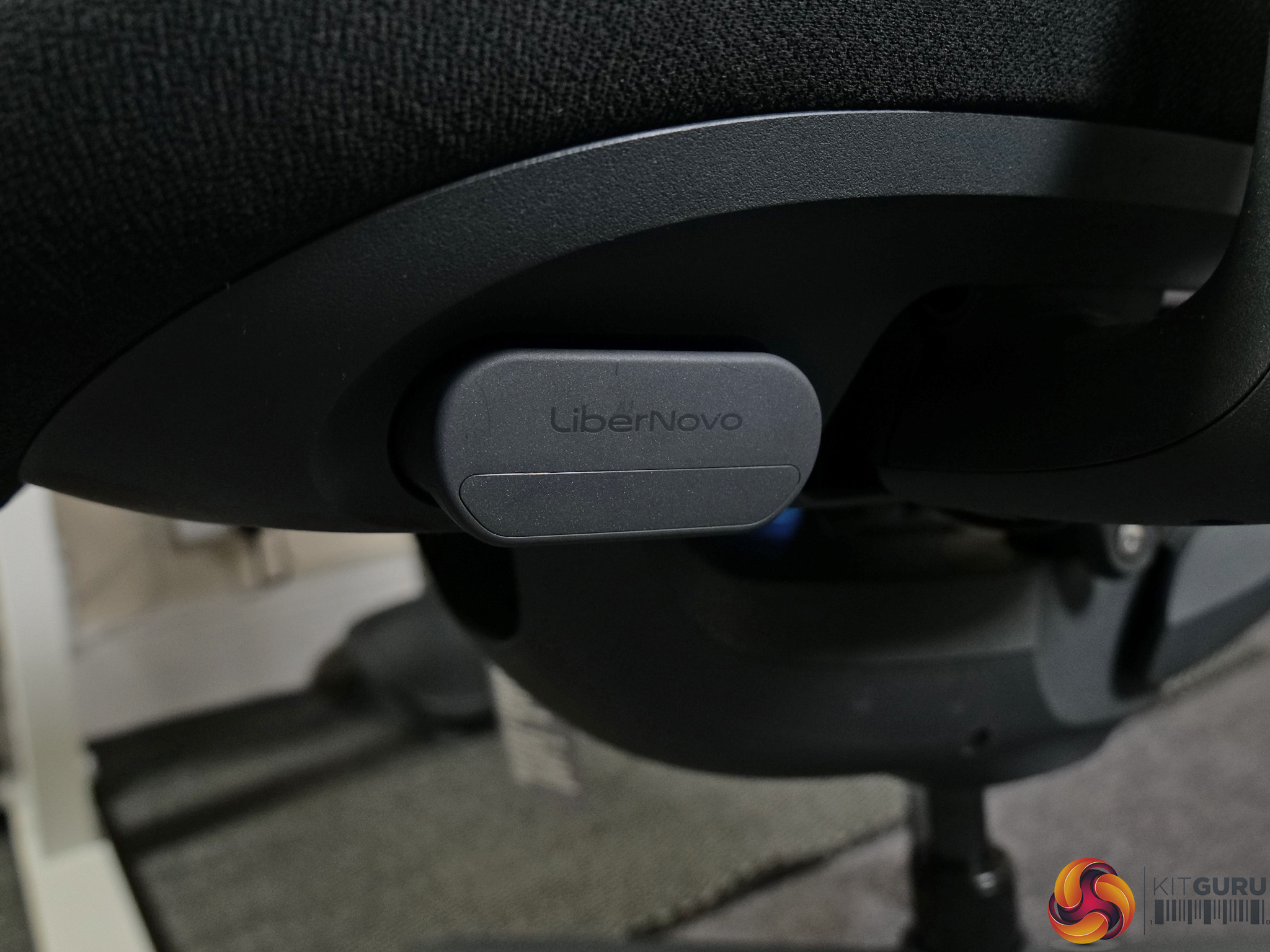
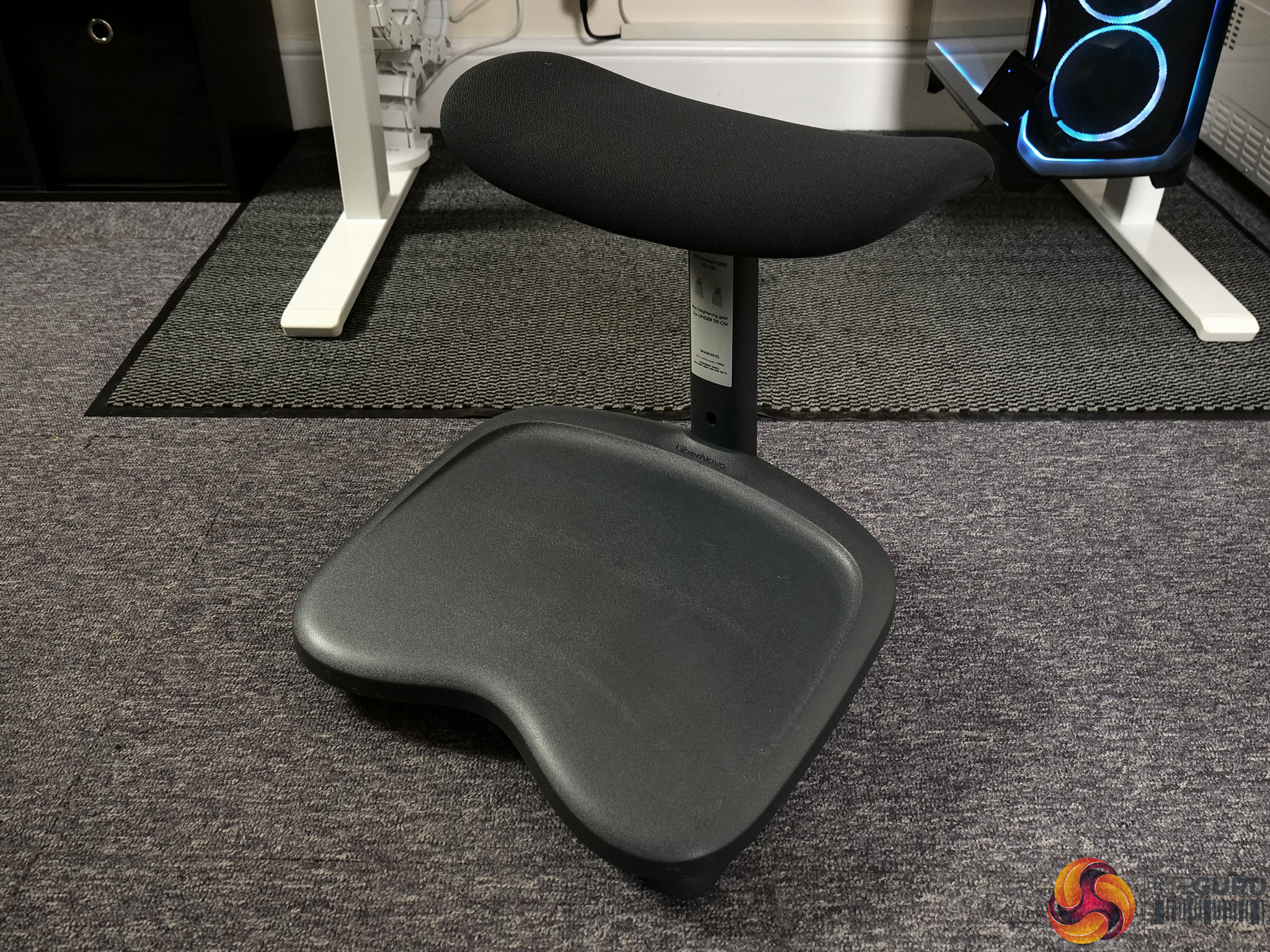
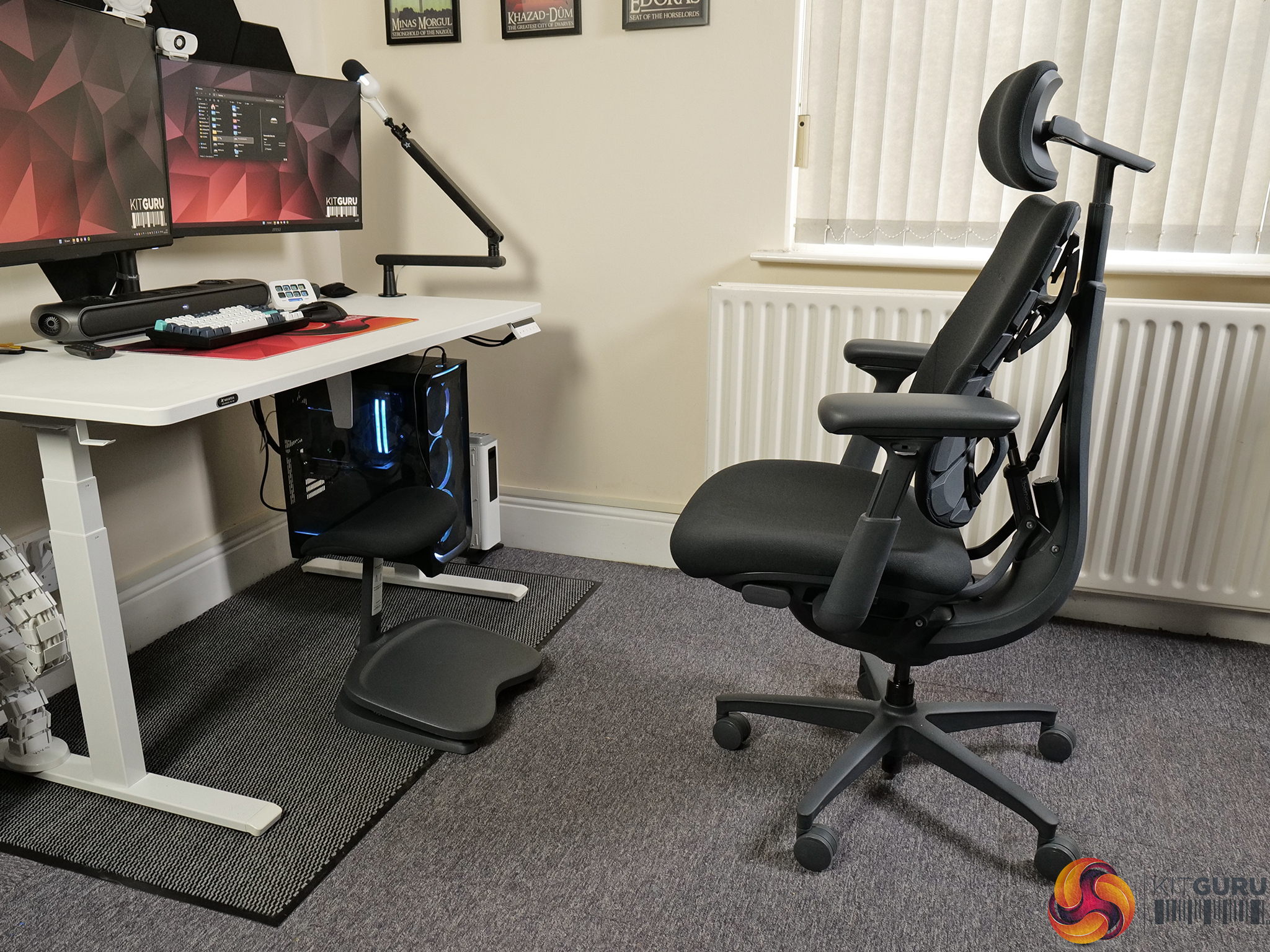
The LiberNovo Omni is a high-end ergonomic office chair packed with features: electric lumbar adjustment, a flexible segmented backrest, a massage mode, a wide reclining range and fully adjustable headrest and armrests. With all those fancy features comes a fancy price tag – costing around £1200 when at full RRP. We're looking at everything the Omni offers, how its design and adjustability work in practice, and whether this premium chair is actually worth the asking price.

Timestamps:

00:00 Intro
00:46 Pricing and bundle options
02:17 Design first impressions
03:25 ‘Dynamic’ Ergonomic chair?
05:01 Adjustment capabilities
06:51 Electronic lumbar support
07:28 Mat’s experience day-to-day
09:27 The massage functionality + battery
10:56 But there are issues…
13:30 The assembly process + build quality
14:30 Mat’s closing thoughts

Specifications

  • Product Name – LiberNovo Omni Dynamic Ergonomic Chair
  • Color Options – Space Grey, Midnight Black
  • Fits – Height: 5'2″–6'3″ (158–190cm)Weight: ≤300 lbs (136kg)
  • Materials
    • Neck Support
      • Hydrophilic Sponge Memory Foam
    • Backrest
      • Surface layer – Micro-linen-feeling elastic fabric
      • Middle layer: Flexible pressure-relieving sponge
      • Bottom layer: Resilient material of aircraft seat
    • Seat Cushion
      • Multi-density Cushion
  • Warranty
    • Frame – 5 Years
    • Electronics – 2 Years

You can buy the Omni office chair directly from LiberNovo HERE.

Pros:

  • The comfiest chair cushioning we’ve ever tried.
  • Amazing headrest.
  • Smooth and stable tilt mechanism.
  • Effective tilt tensioning.
  • Clean and minimal design.
  • Flexible backrest helps with dynamic posture support.

Cons:

  • Lacks adjustable seat depth and adjustable backrest height.
  • Lumbar support, while electronically adjustable, may be positioned incorrectly for some.
  • Non-locking armrests which move too easily.
  • Expensive.

KitGuru says: The Omni is a very good and extremely comfortable chair, but it lacks adjustability in key areas. 

The post LiberNovo Omni Chair Review first appeared on KitGuru.

Wired2Fire R7X3D 5080 Beast MSI Edition Desktop Review

3 décembre 2025 à 15:00

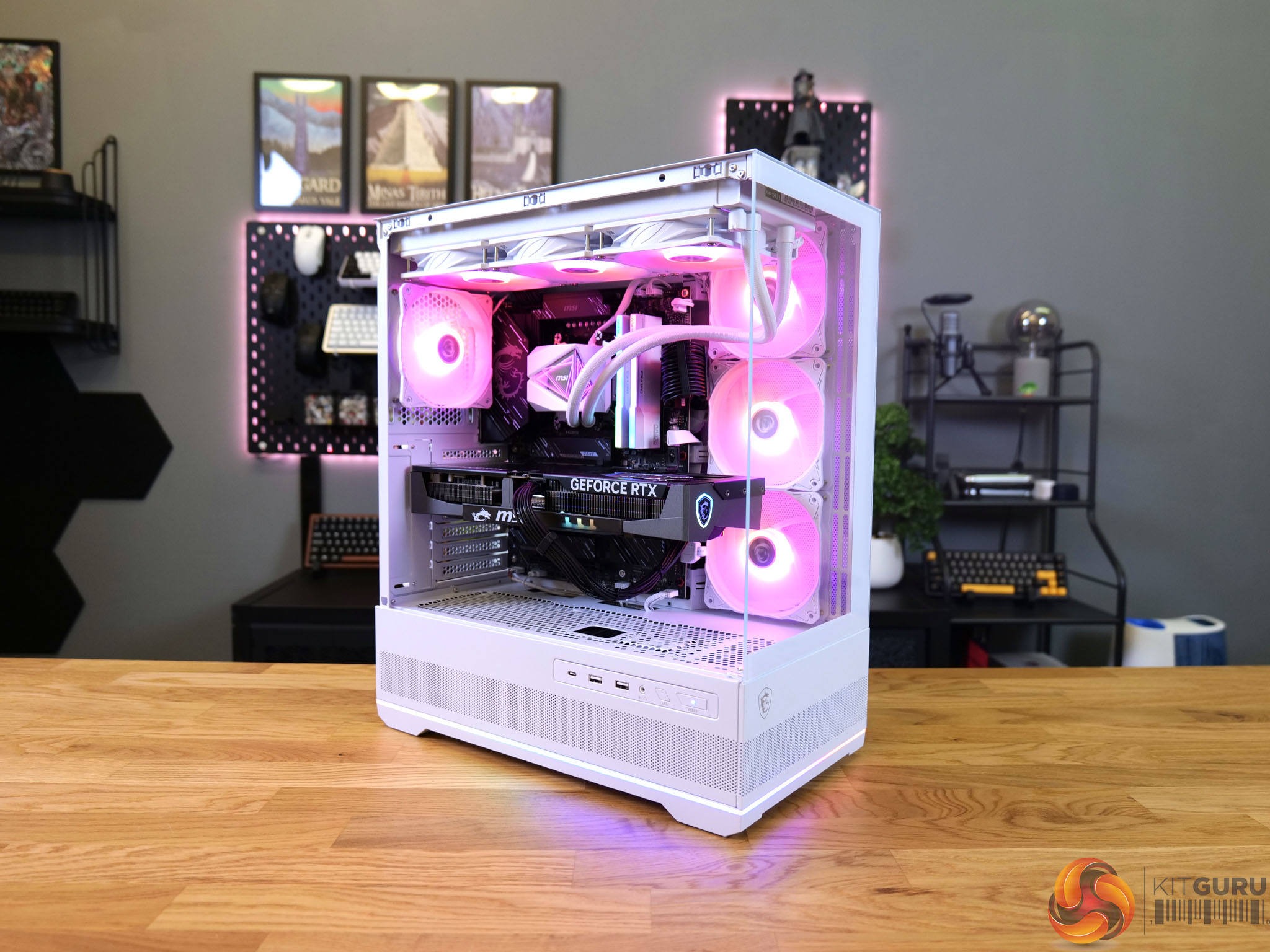
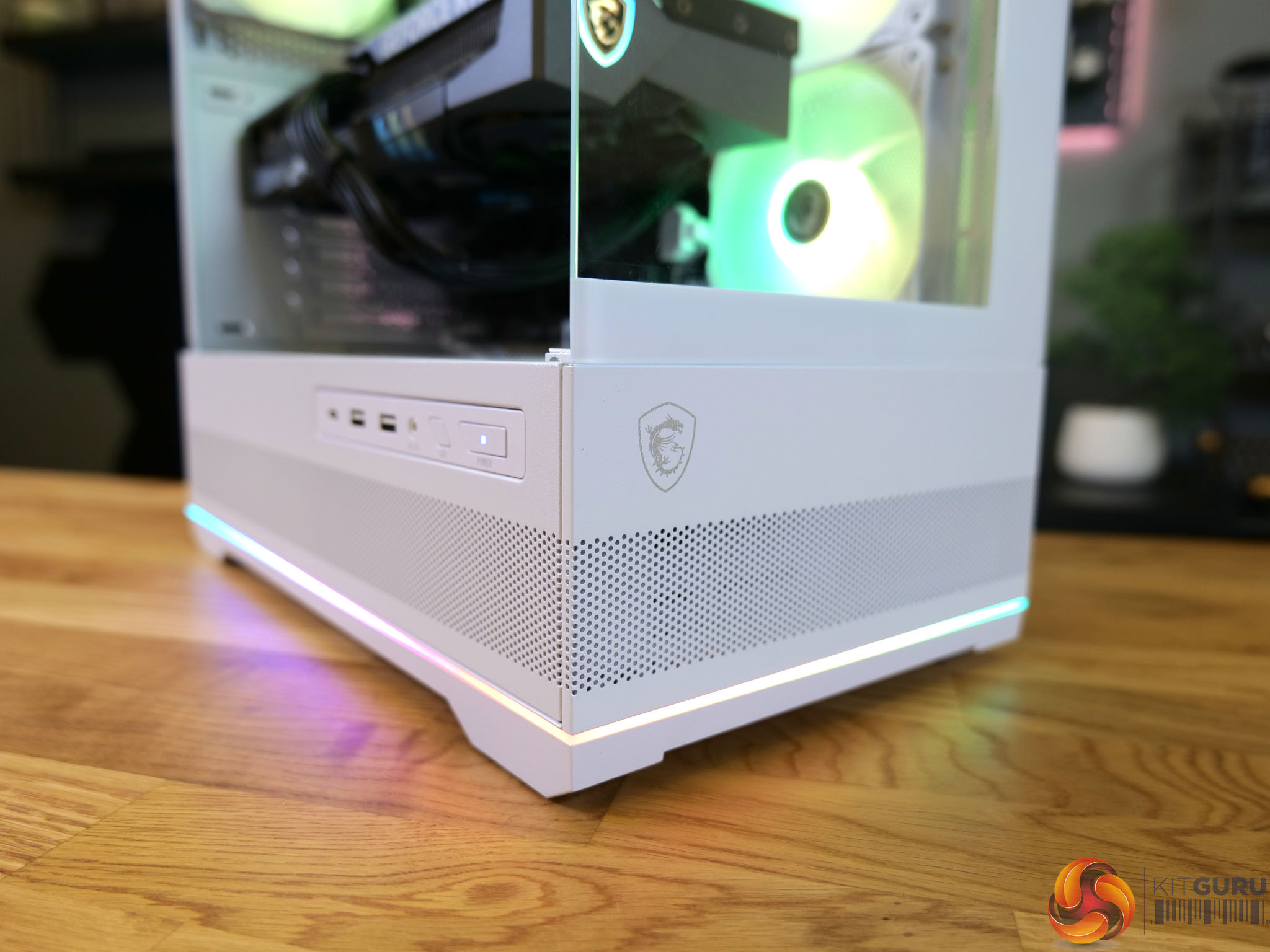
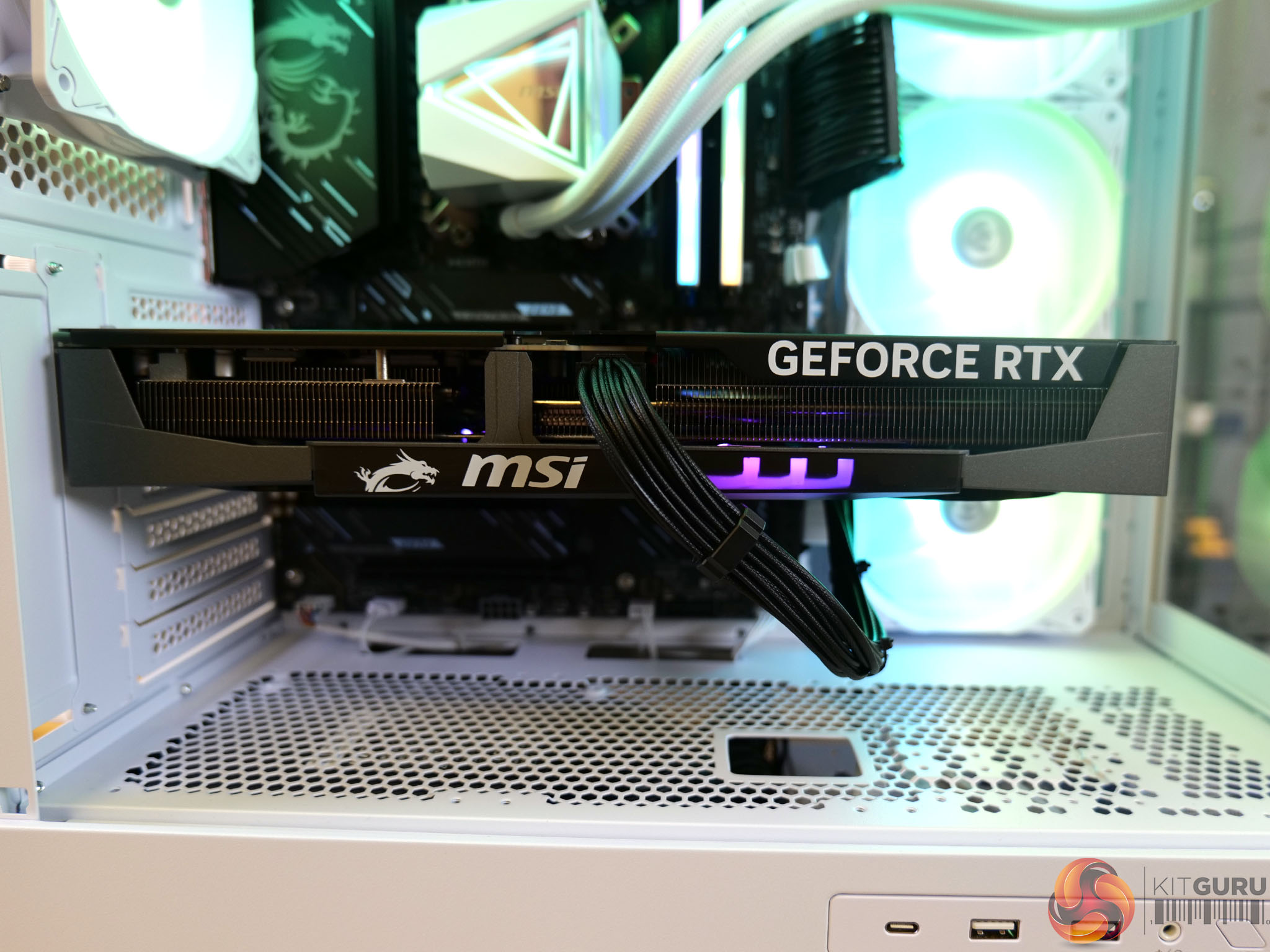
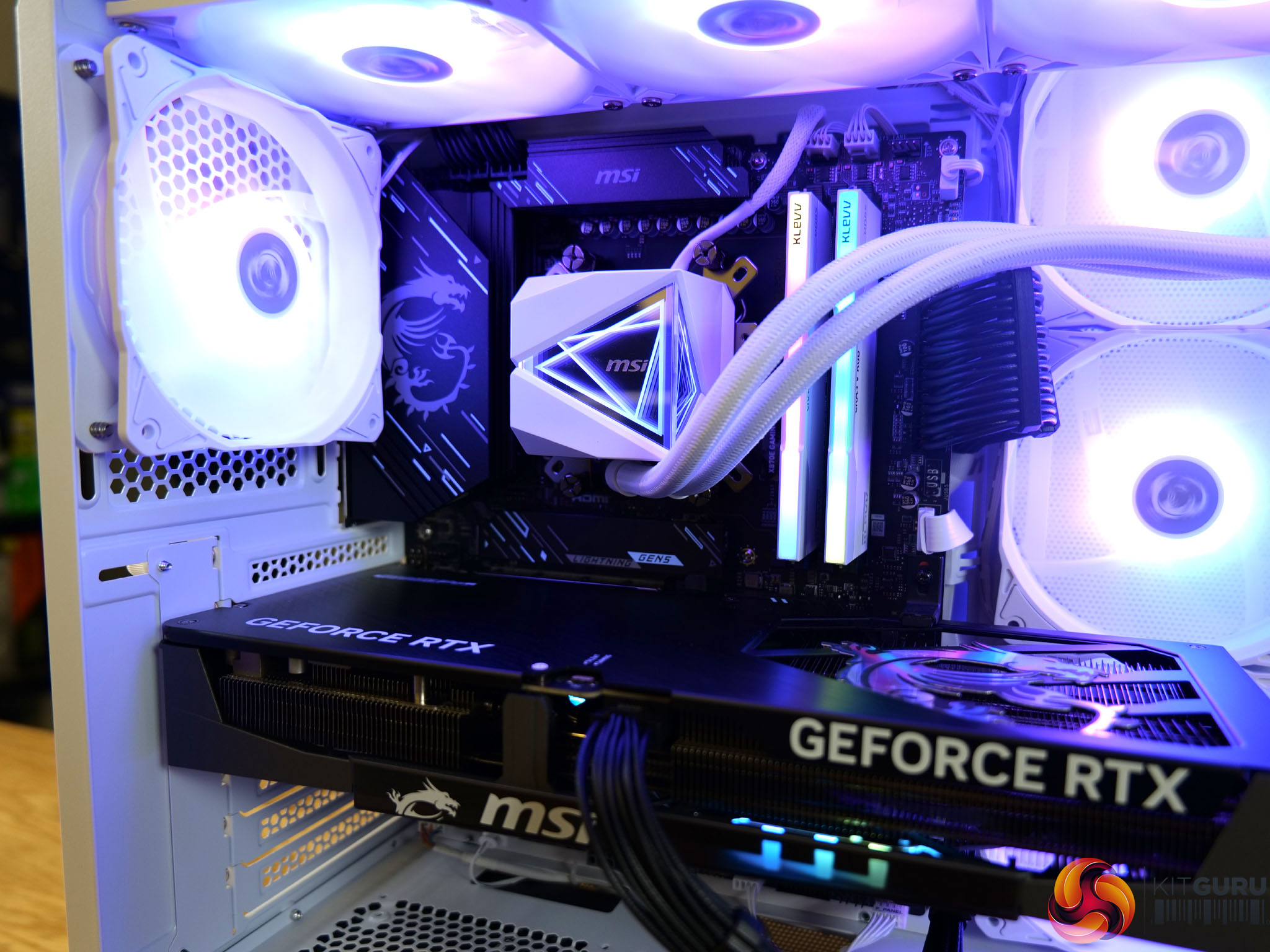
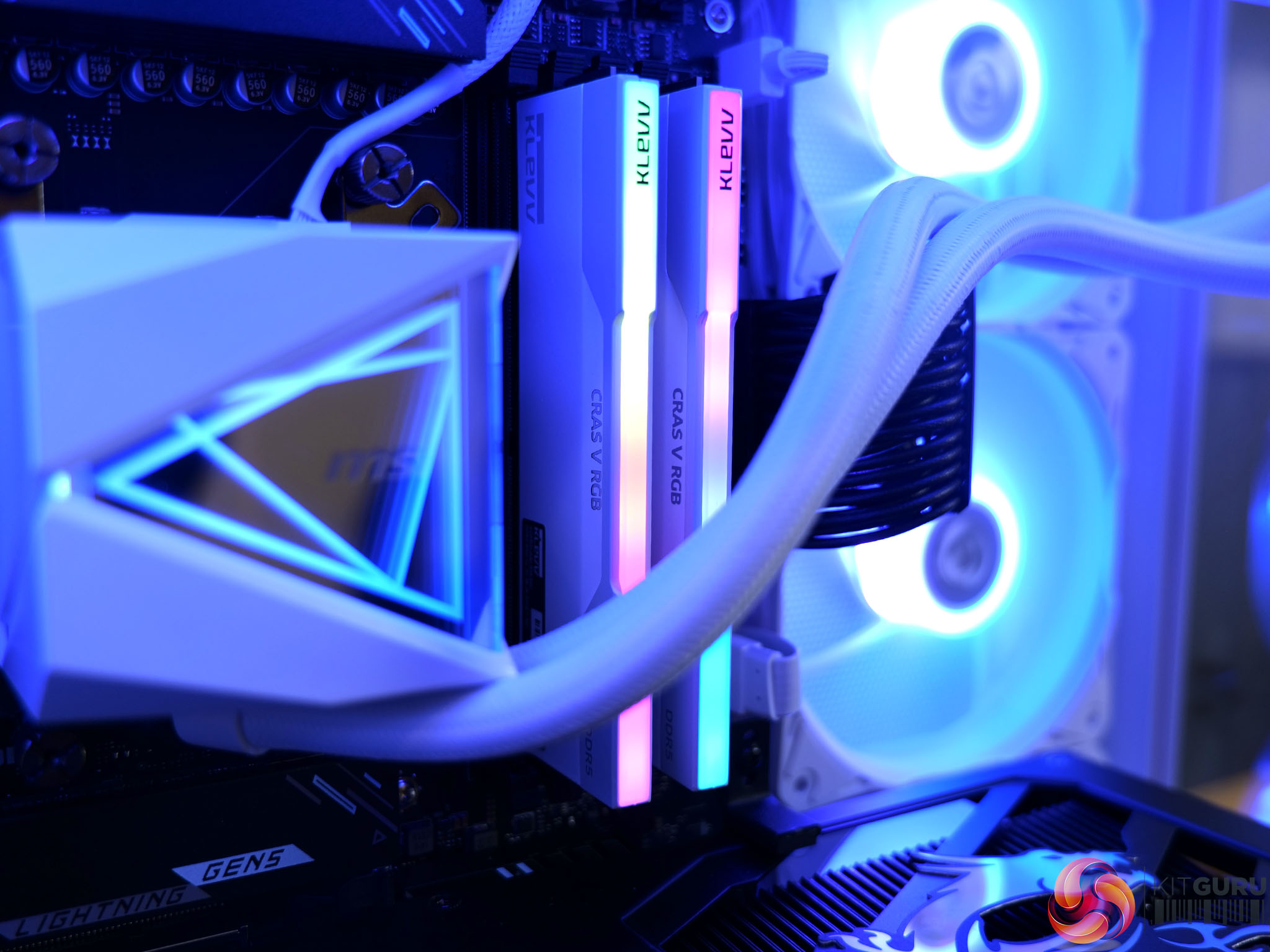
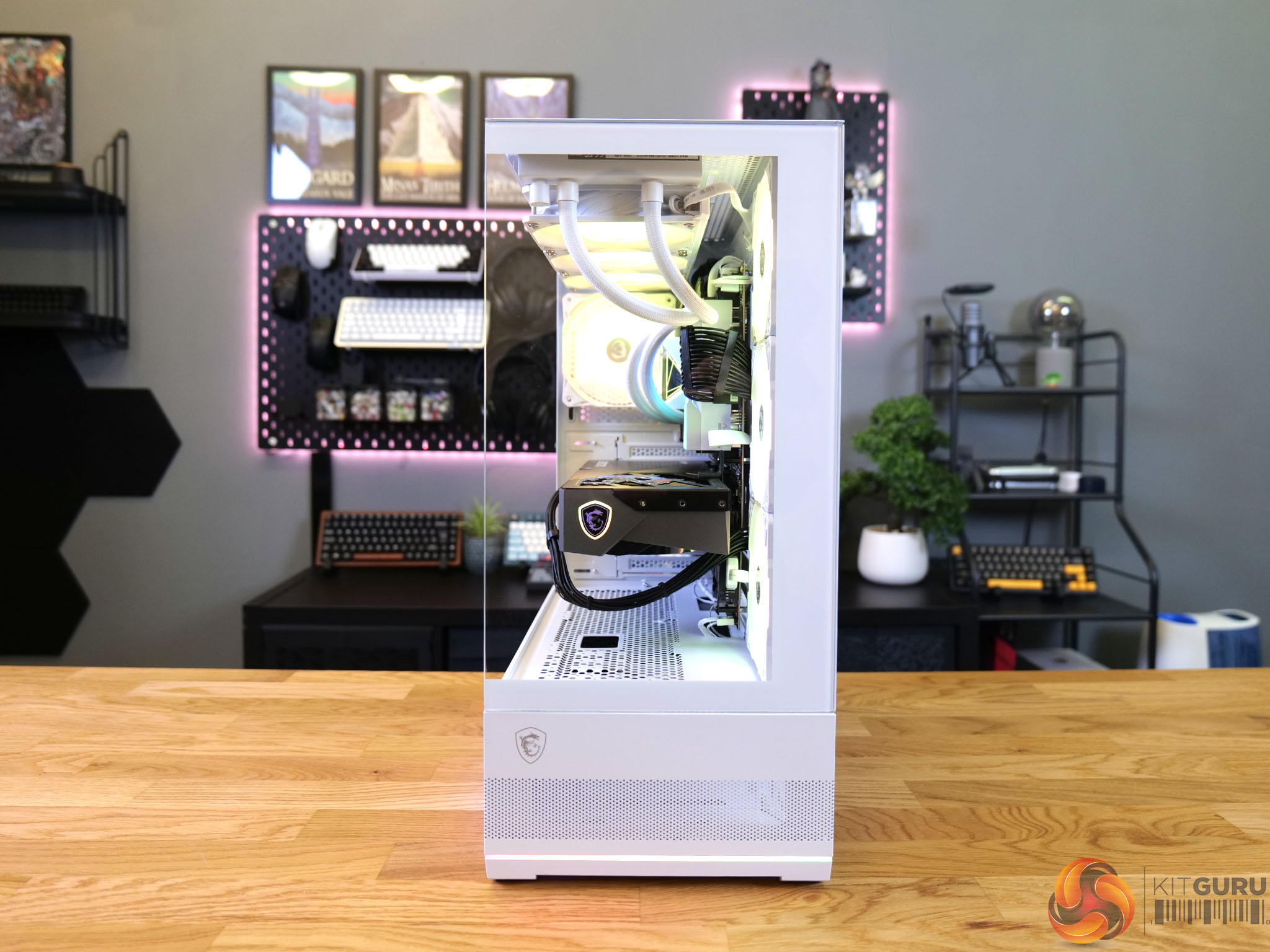
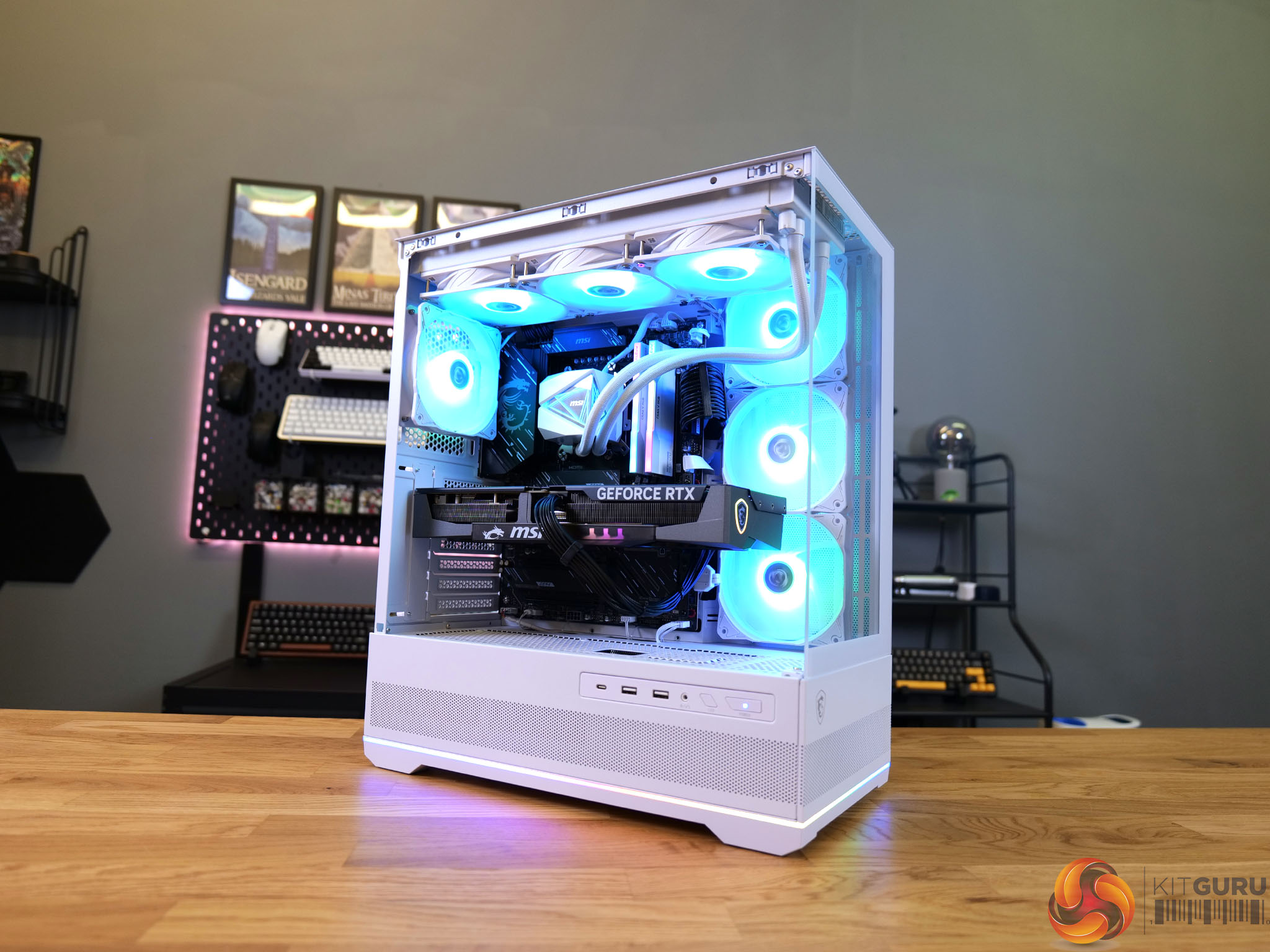
Today we’re taking a look at a prebuilt from Wired2Fire: the R7X3D 5080 Beast – MSI Edition. With a name like that it has to be good, right?! The components certainly back that name up on paper, with a Ryzen 7 9800X3D, MSI GeForce RTX 5080 Gaming Trio OC, 64GB of Klevv Cras V DDR5 RAM and a 4TB Lexar NM790 SSD. Today we’re aiming to find out if the ‘Beast’ has any bite to go with its bark!

Timestamps:

00:00 Intro
00:55 Pricing / Warranty
01:56 Hardware Specifications / Setup
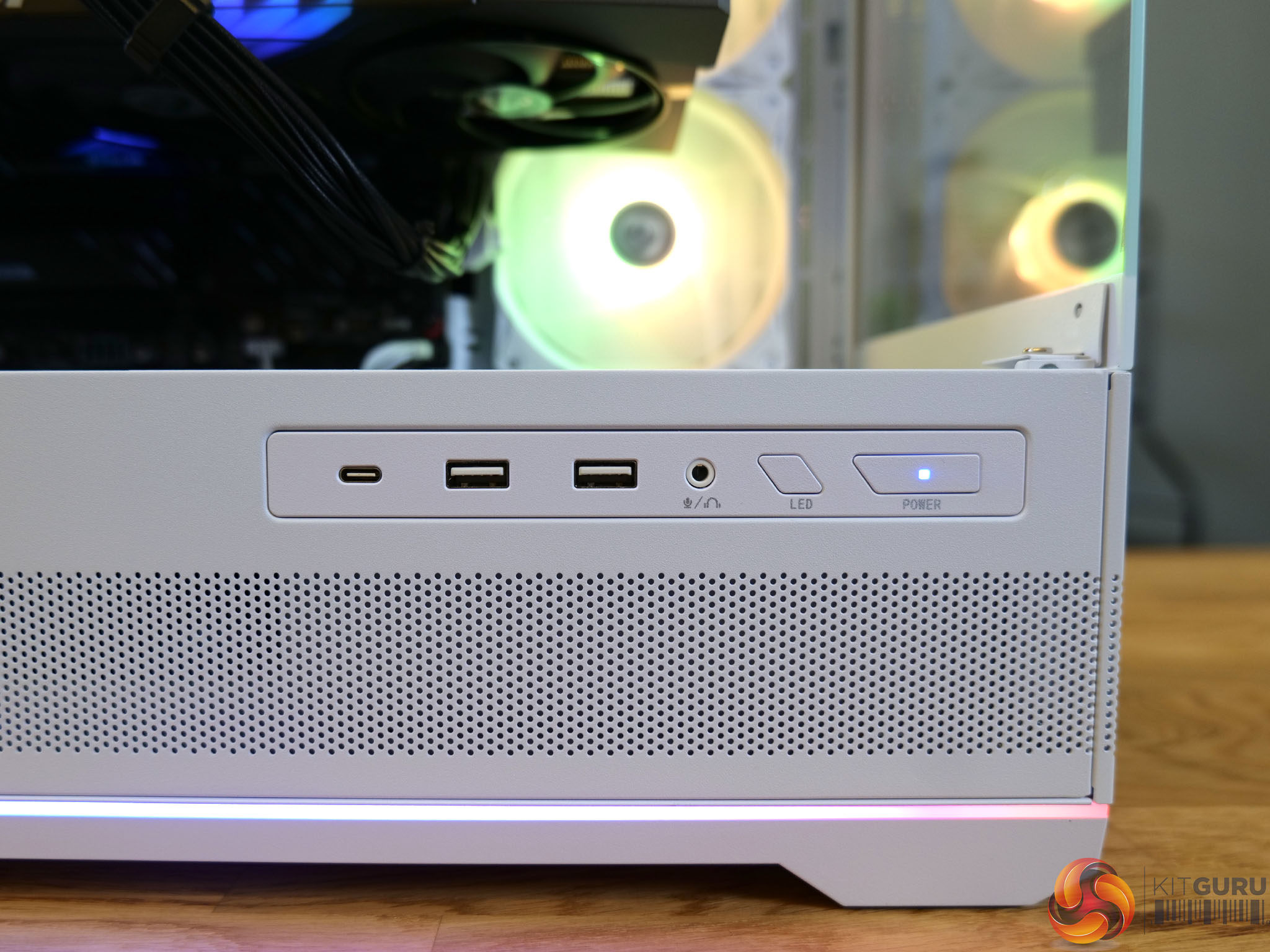
07:27 Front I/O
08:00 Mat's thoughts so far
08:43 Fan configuration – some issues
09:15 Test setup
10:05 Cyberpunk 2077 (1440p and 4k)
11:19 Battlefield 6 (1440p and 4k)
12:17 F1 2025 (1440p and 4k)
13:07 Hogwarts Legacy (1440p and 4k)
14:07 Marvel Rivals (1440p and 4k)
15:06 Overall Gaming Experience
15:52 CPU and GPU Technical performance
16:55 Noise testing and Thermal Camera
17:25 Closing Thoughts

Specifications:

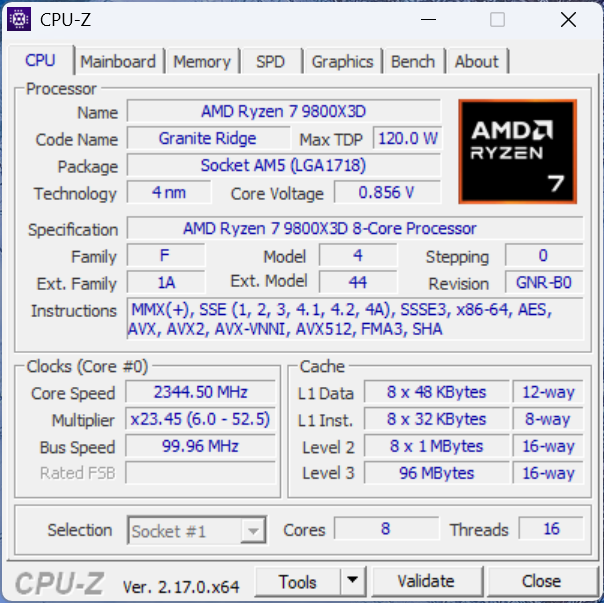
  • CPU: AMD Ryzen 7 9800X3D
  • SSD: Lexar 4TB NM790 M.2 PCIe Gen4x4 NVMe SSD
  • GPU: MSI RTX 5080 16G GAMING TRIO OC
  • RAM: KLEVV CRAS V RGB 64GB DDR5 6000MHz
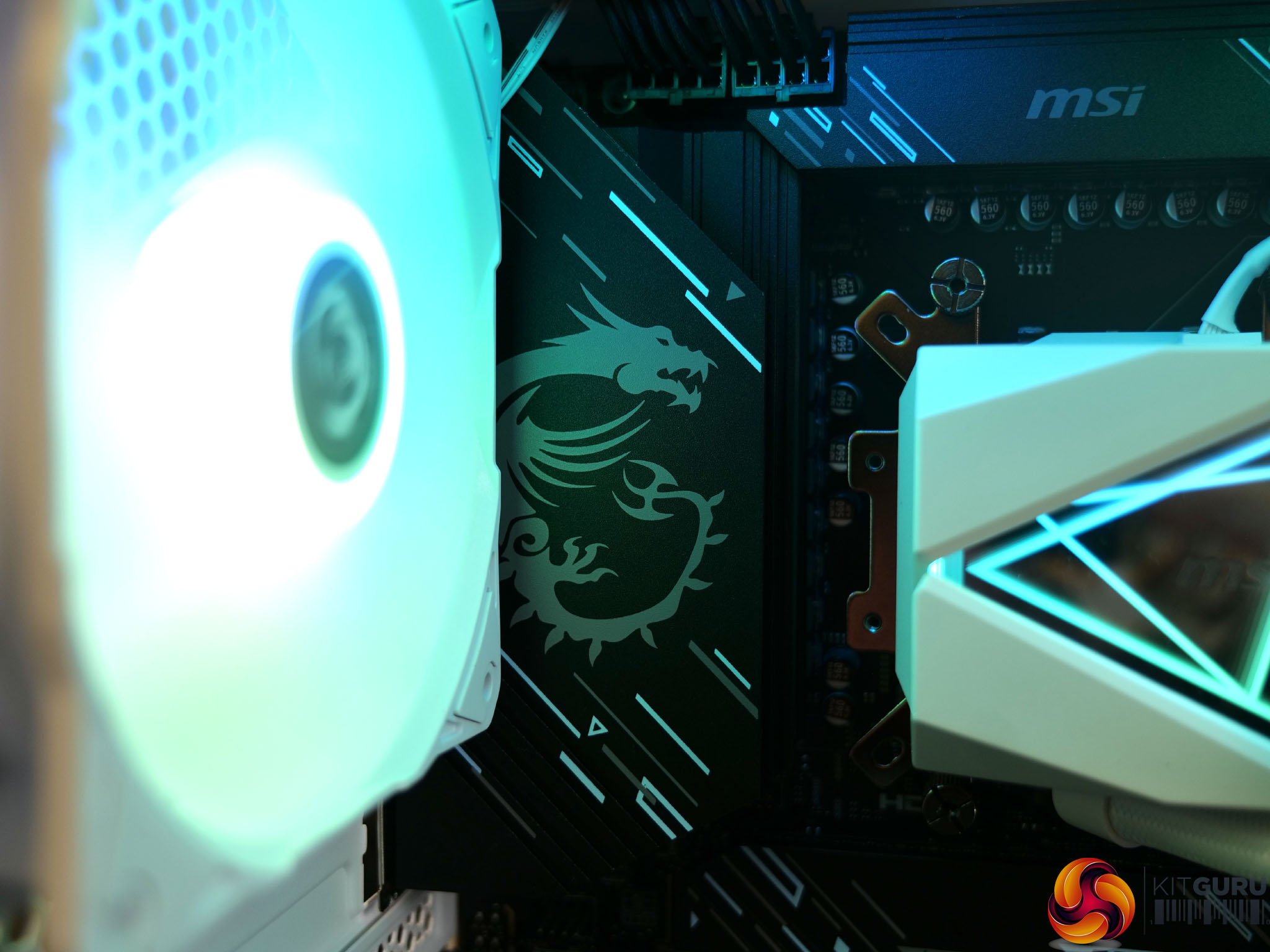
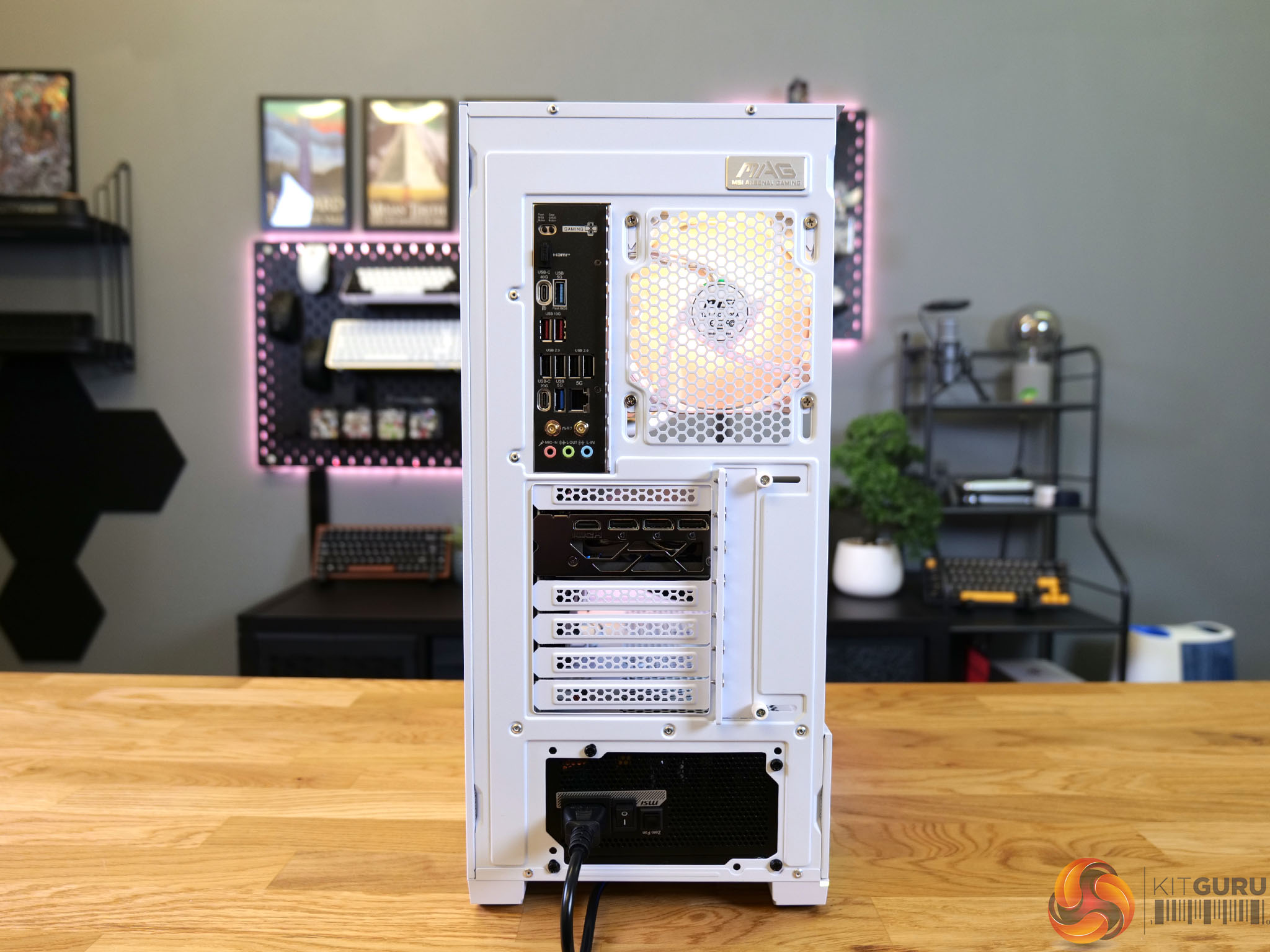
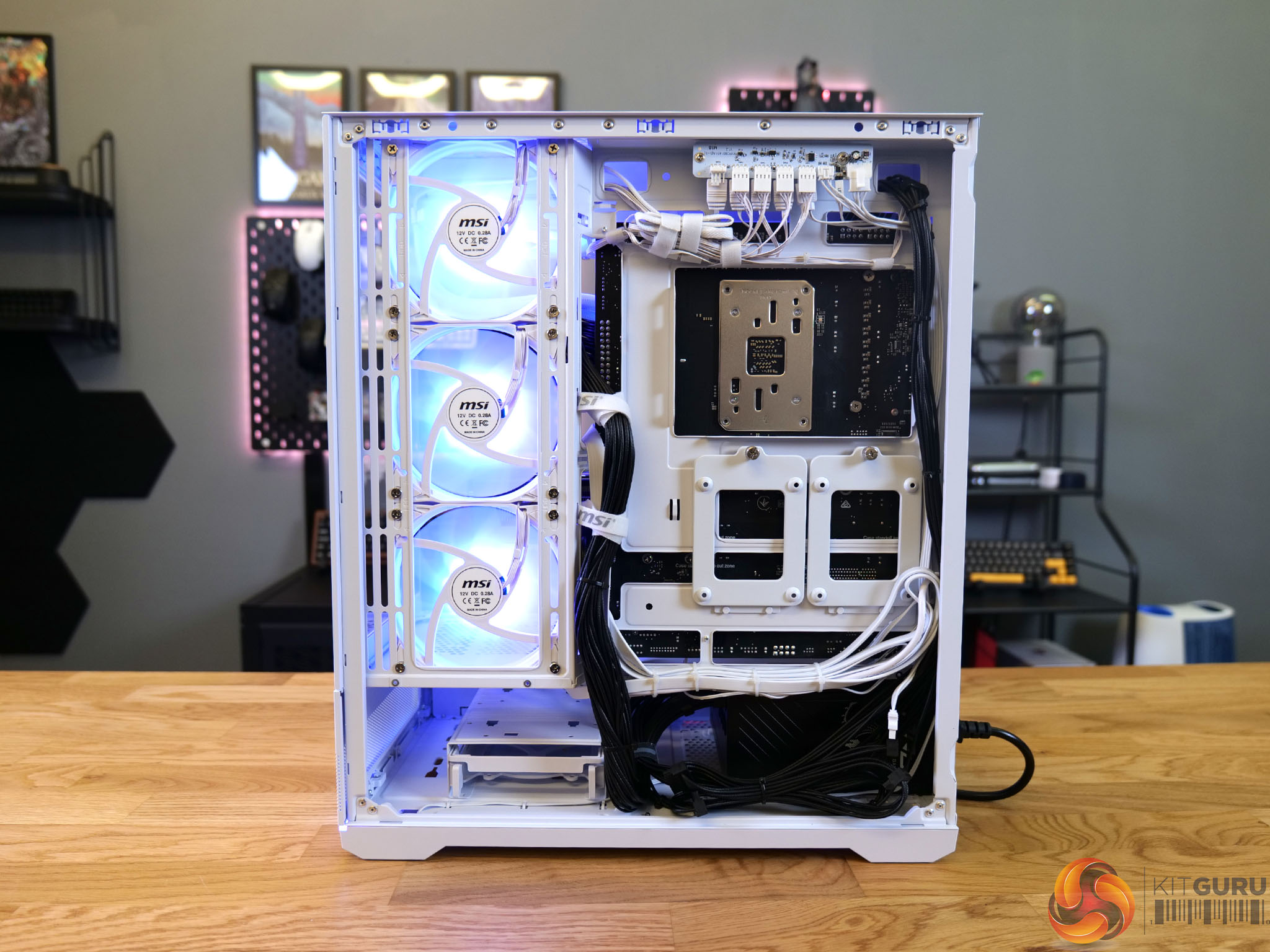
  • Case: MSI MAG PANO 110R PZ White
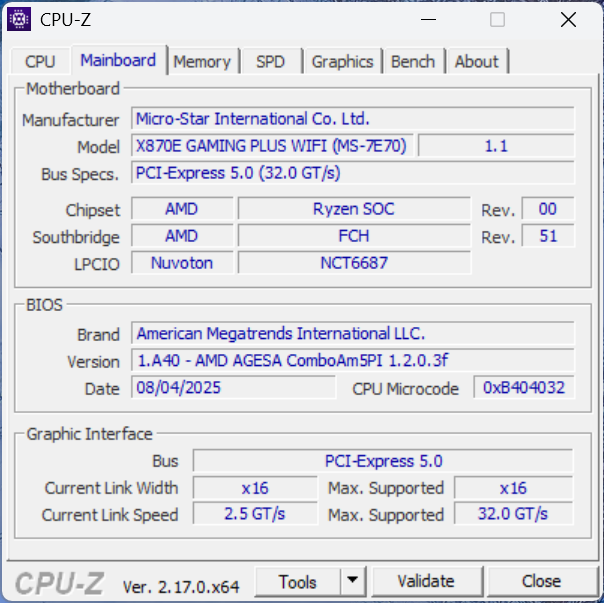
  • Motherboard: MSI AM5 X870E GAMING PLUS WIFI
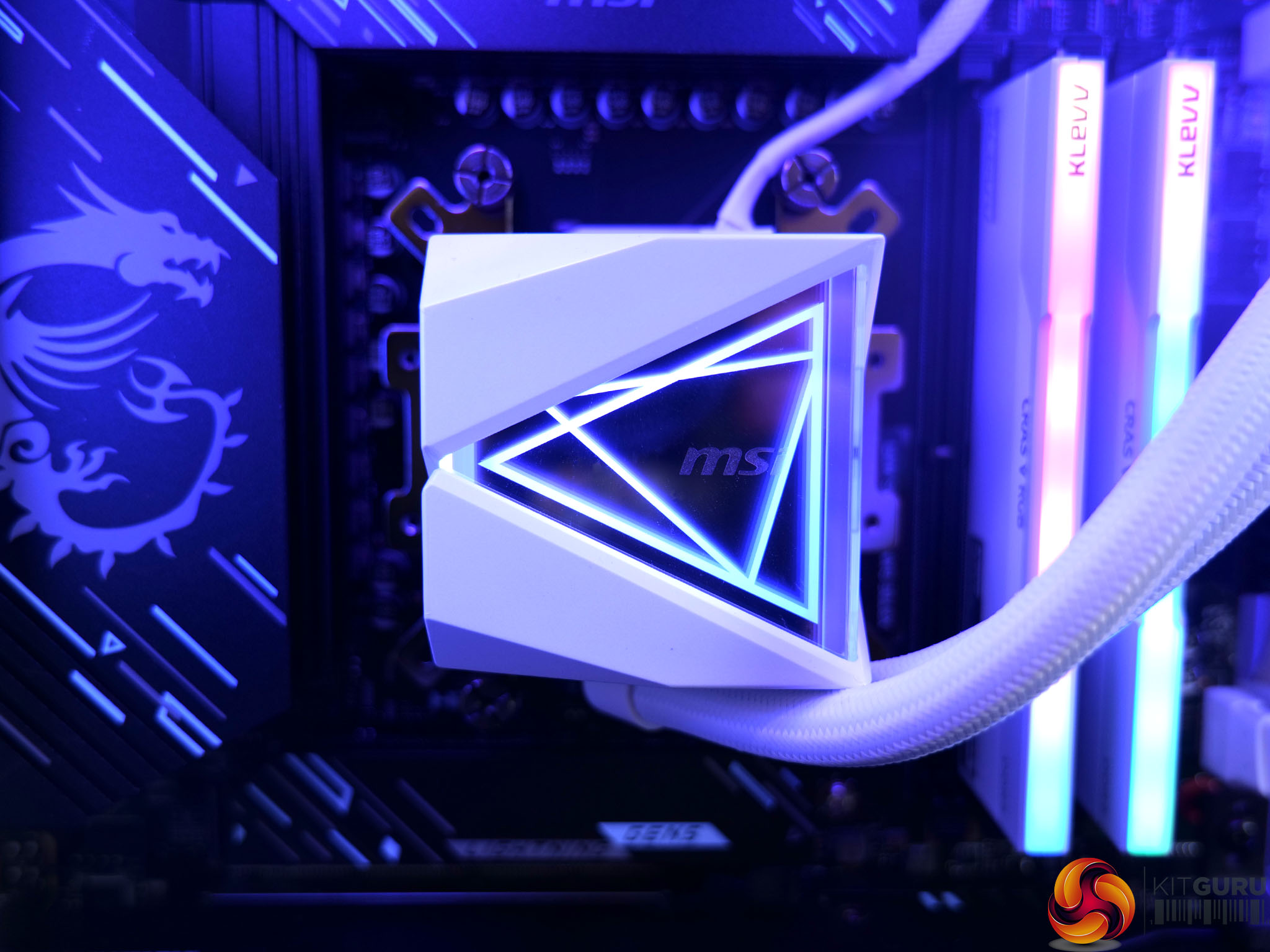
  • Cooling: MAG CORELIQUID I360 White
  • PSU: MPG A1000GS 1000W

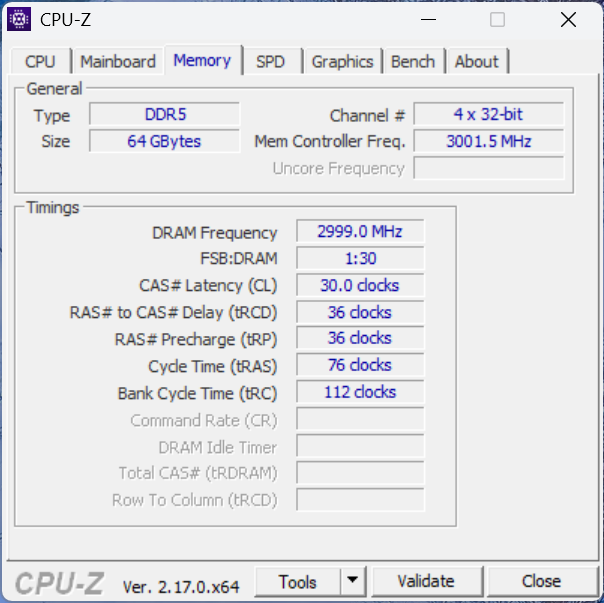
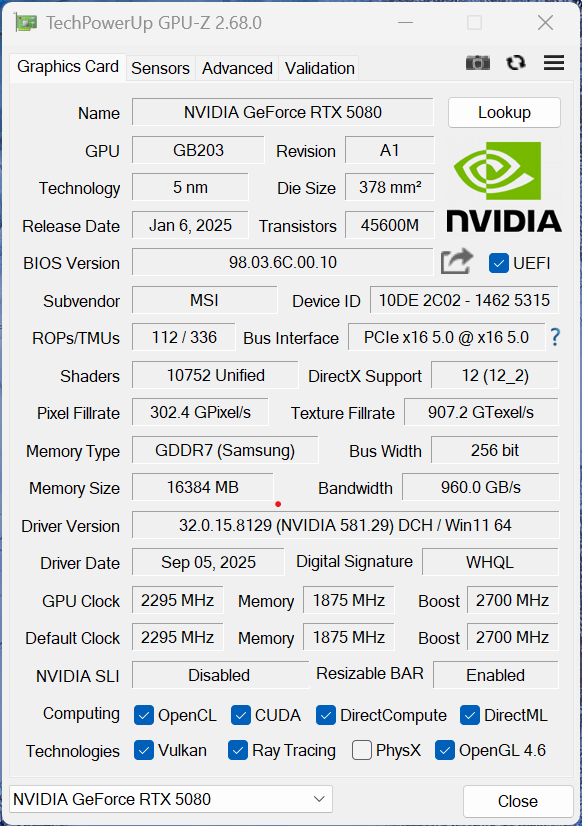
The core specs are confirmed in the following CPU-Z and GPU-Z screenshots:


I tested the R7X3D across 5 titles at both 1440p and 4K. Starting with rasterised performance before looking at the benefits to be gained when using DLSS on its performance preset and then also adding in frame generation. The below screenshots show some results, for a more in-depth look and more detailed breakdown, watch our video review on YouTube.

At 1440p, every title we tested ran exceptionally well with headroom to spare for high-refresh displays. 4K performance is strong too, though the most demanding games will dip under 60fps at native max settings. Enabling DLSS or Frame Generation quickly pushes those numbers back into very smooth territory, making this a system that can comfortably handle both competitive 1440p and visually rich 4K gaming without major compromises.

Hogwarts Legacy (3840×2160 – Max Settings)

Hogwarts Legacy (3840×2160 – Max Settings, DLSS Performance, 4X Multi Frame Generation)

Battlefield 6 (2560×1600 – Max Settings)

Battlefield 6 (2560×1600 – Max Settings, DLSS Performance, 4X Multi Frame Generation)

Closing Thoughts

There’s a lot to like about the R7X3D 5080 Beast. The pairing of Ryzen 7 9800X3D and RTX 5080 makes for a seriously capable gaming machine, delivering excellent high-refresh performance at 1440p and strong results at 4K when DLSS or Frame Generation are brought into the mix. Build quality is solid, cable management is tidy, and the all-MSI hardware gives it a cohesive look. The white theme with that frosted pump design makes for a smart-looking system. A sizeable 4TB SSD and a generous 5-year labour and 2-year parts warranty also help make this feel like a well-rounded package.

It’s not perfect, though. The case is clearly one of the areas where costs have been kept in check, and native 4K in the most demanding games still dips under 60fps with everything maxed. If you’re a purist who refuses to enable DLSS, you’ll end up tweaking some settings.

Pricing is very competitive when compared to building a system yourself to the same specification, but there's no getting away from the fact that this is still an expensive system whichever angle you look at it from.

Pros:

  • The pairing of Ryzen 7 9800X3D CPU and RTX 5080 GPU offers great gaming performance at both 1440p and 4K.
  • Very competitive pricing compared to building the same system yourself.
  • 4TB Lexar NM790 SSD is fast and spacious.
  • 64GB of RAM will handle more than just gaming.
  • Great setup and cable management.

Cons:

  • The case is not as premium as I’d hoped from a build of this specification.
  • The AIO fans were not connected to the internal fan hub for easy control with the case's physical ‘LED’ button.

KitGuru says: A powerful and well-balanced high-end gaming PC with great 1440p performance and strong 4K results, though the case choice reminds you it’s not without compromise.

The post Wired2Fire R7X3D 5080 Beast MSI Edition Desktop Review first appeared on KitGuru.
❌