Connexion
Fractal Pop 2 Air PC Case Review
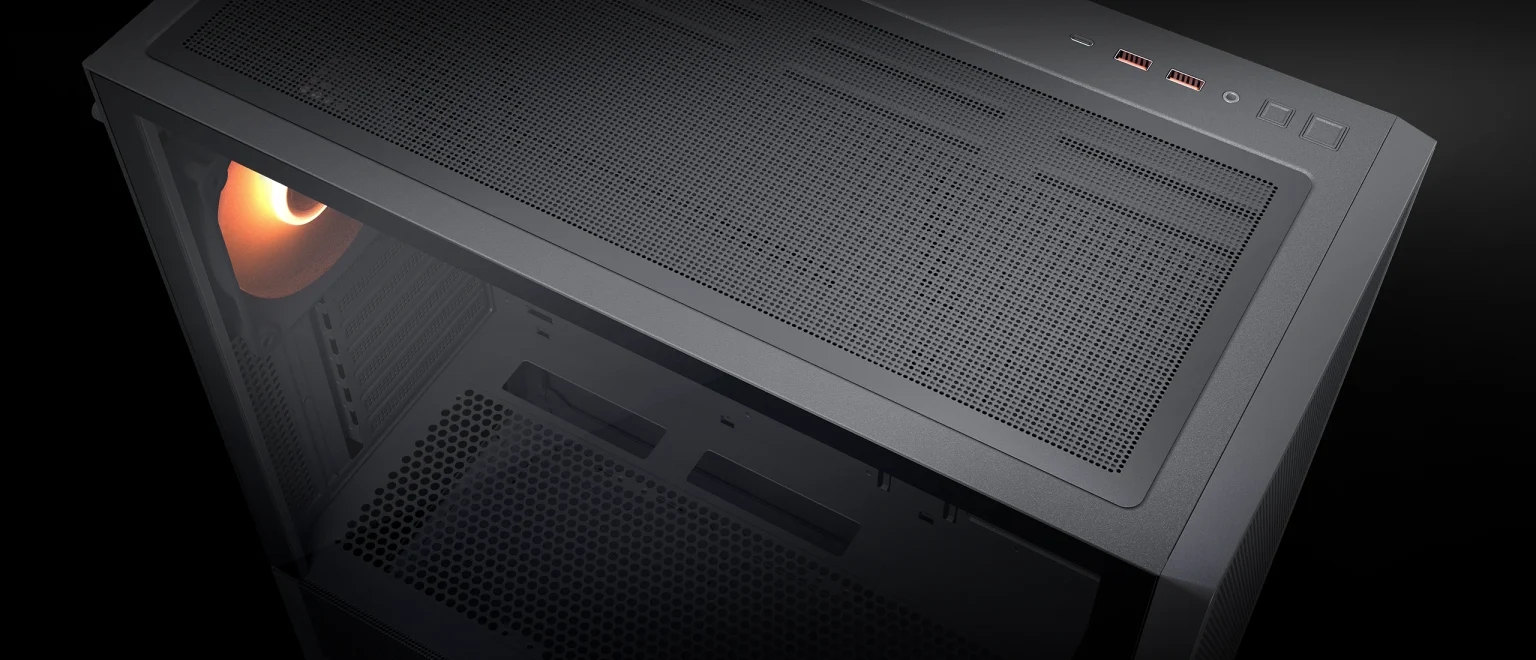
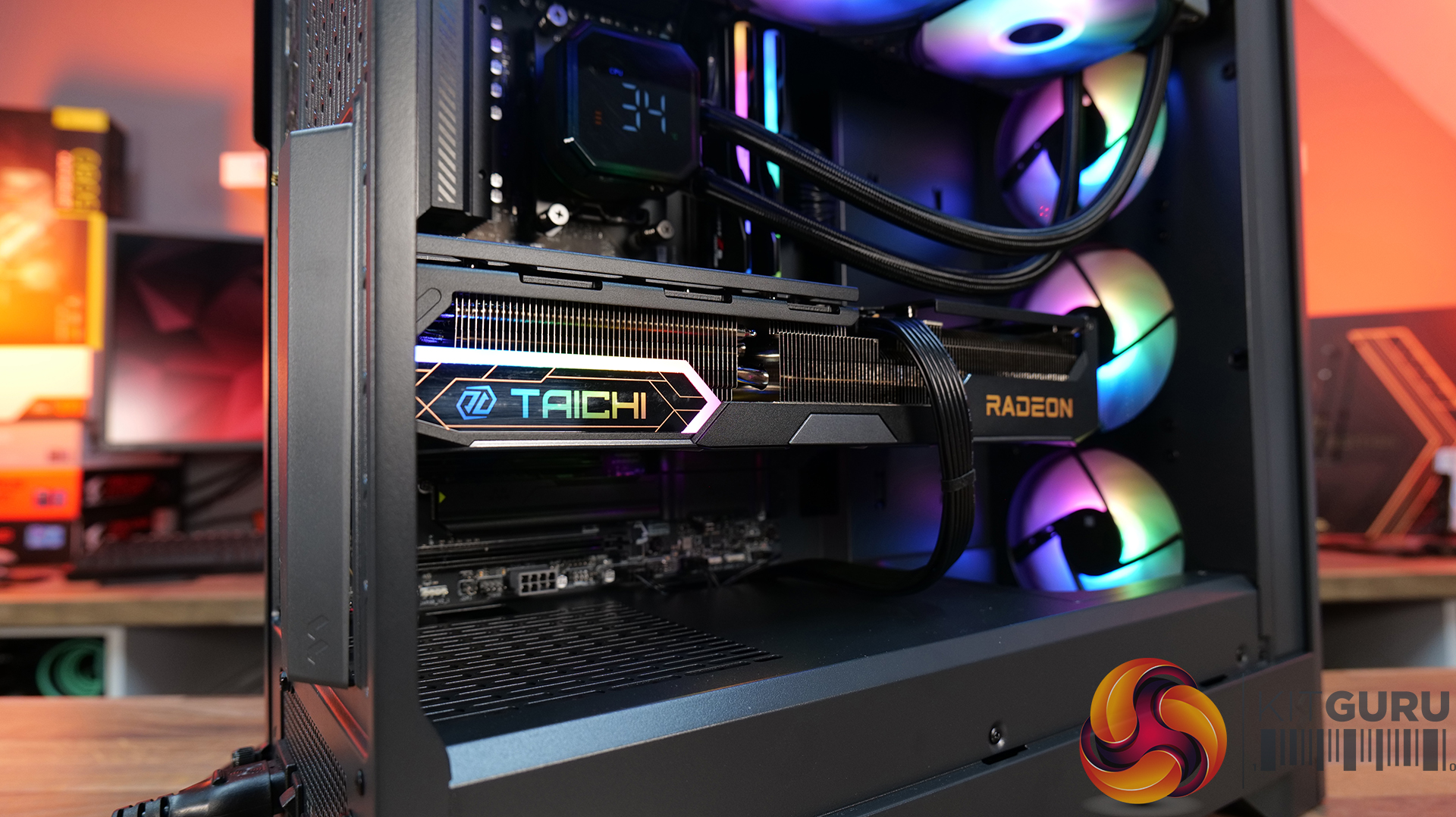
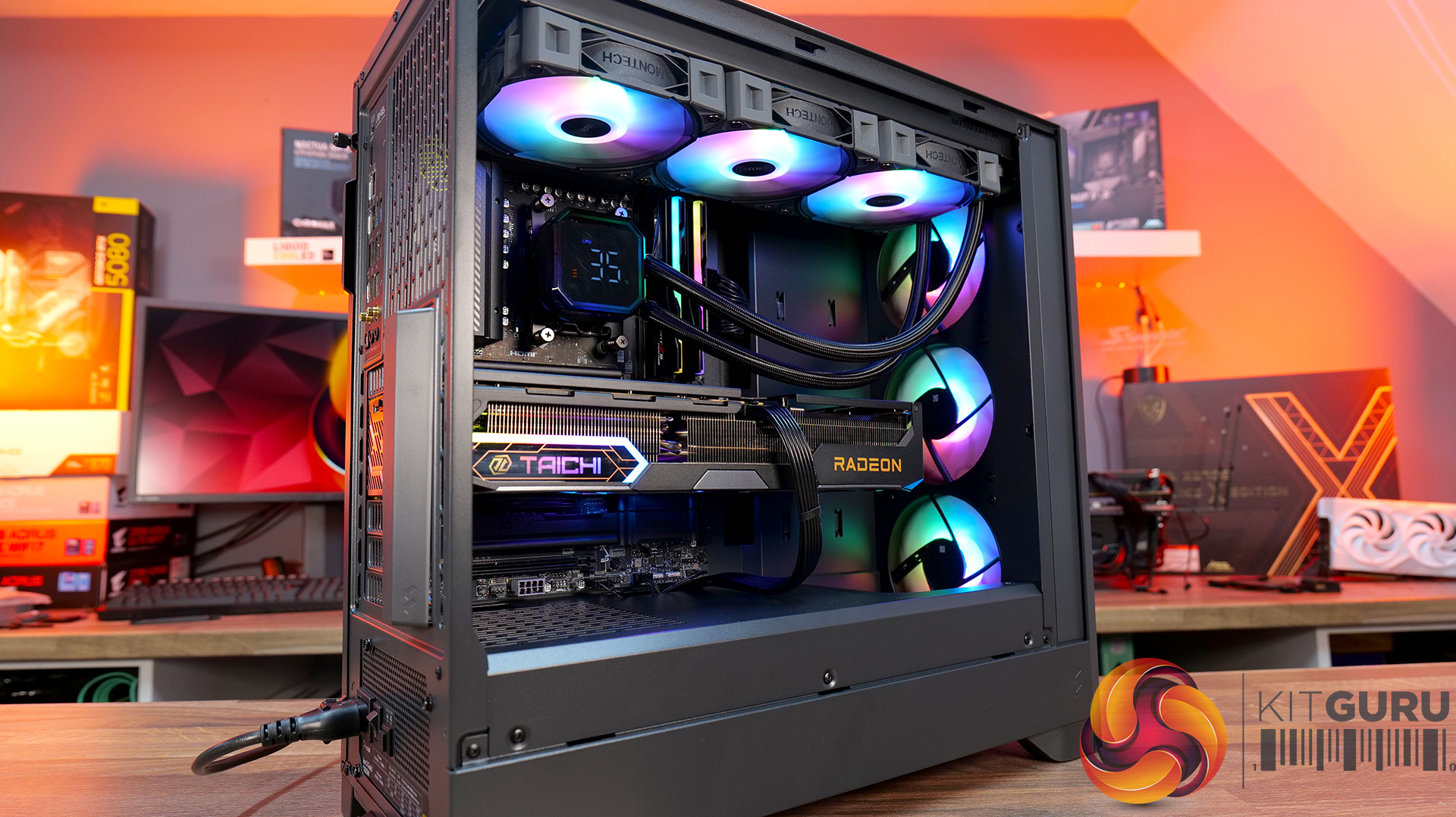
Today we’re taking a look at the Fractal Design Pop 2 Air, a mid-tower case focused on airflow and simplicity. It uses a full mesh front and ventilated top panel, comes with three 120mm fans pre-installed, and includes a GPU air guide designed to improve graphics card cooling. Support covers motherboards ranging from ATX down to Mini-ITX, large air coolers, long GPUs, and up to 360mm radiators. In this review, we’ll be checking build quality, layout, and thermal performance to see how it stacks up.
Timestamps:
00:00 Intro
00:44 Key specs and pricing
02:11 Starting the teardown
03:52 GPU air guide + included fans
05:38 Other features, sizings and compatibility
06:50 Rear of the case / mobo tray
08:01 RGB hub
08:38 Storage support
09:34 Underside
10:09 Included accessories
10:47 Thermal performance + noise
12:04 Performance summary and James’ thoughts
13:34 Closing thoughts
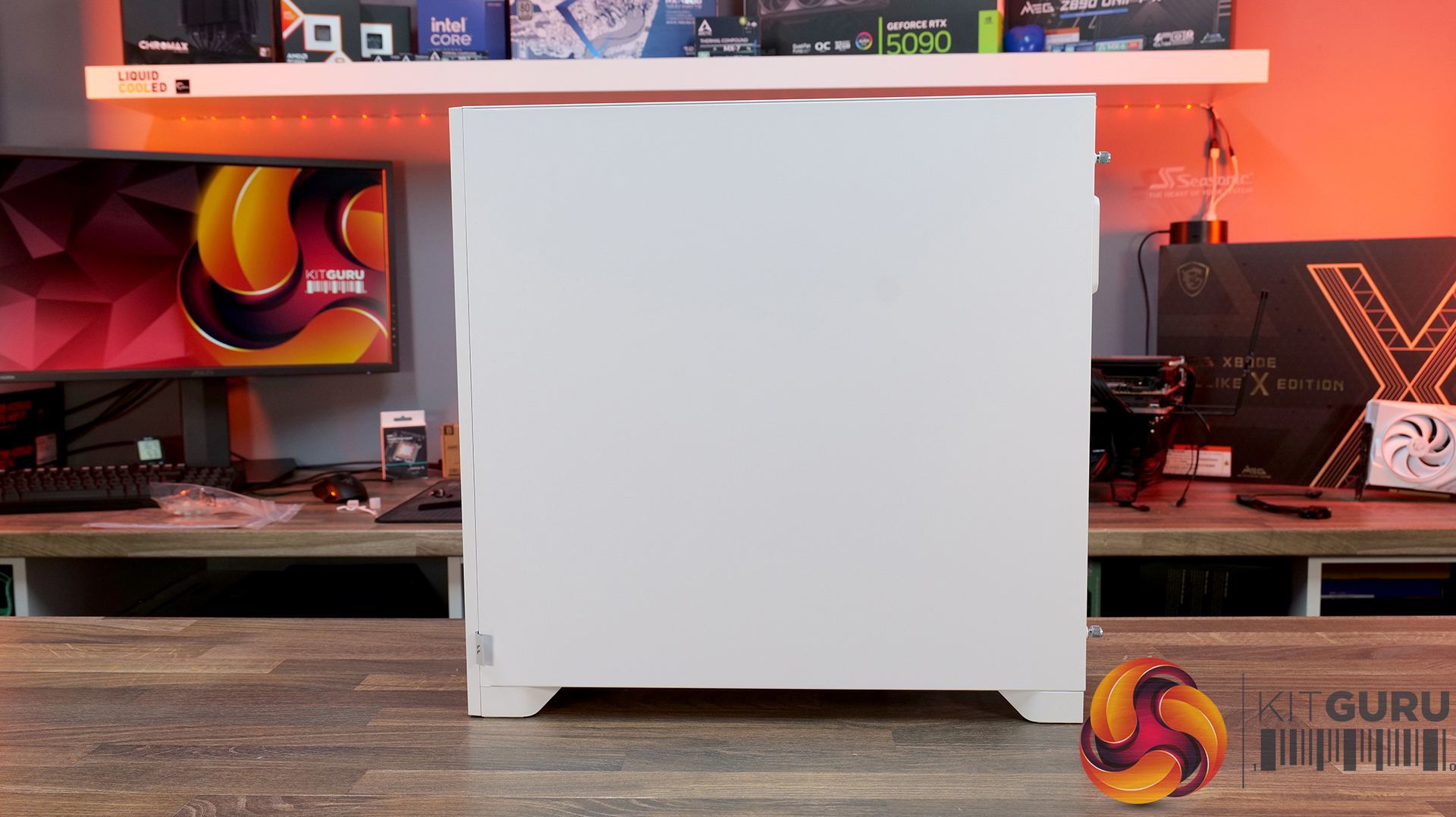
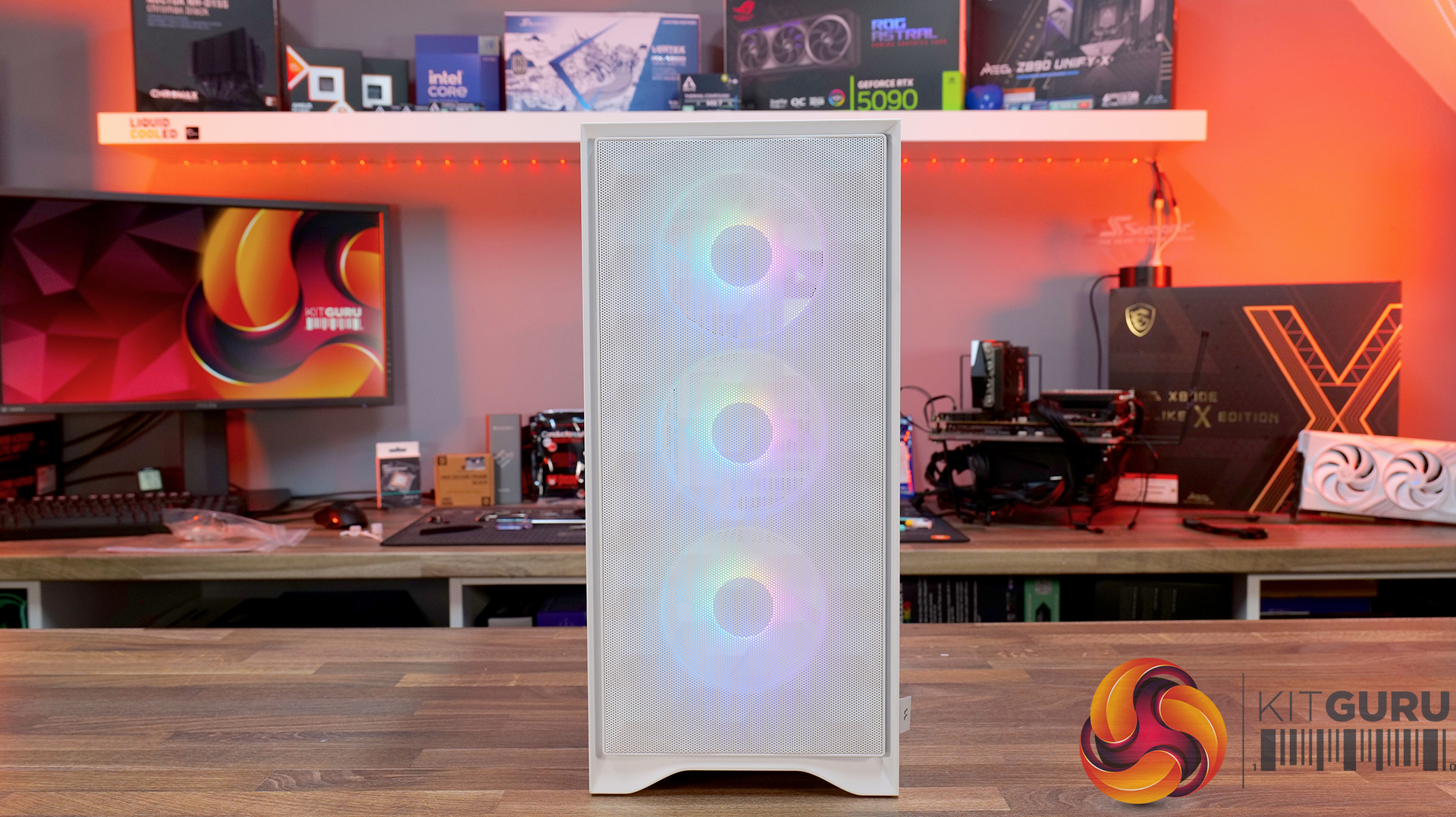
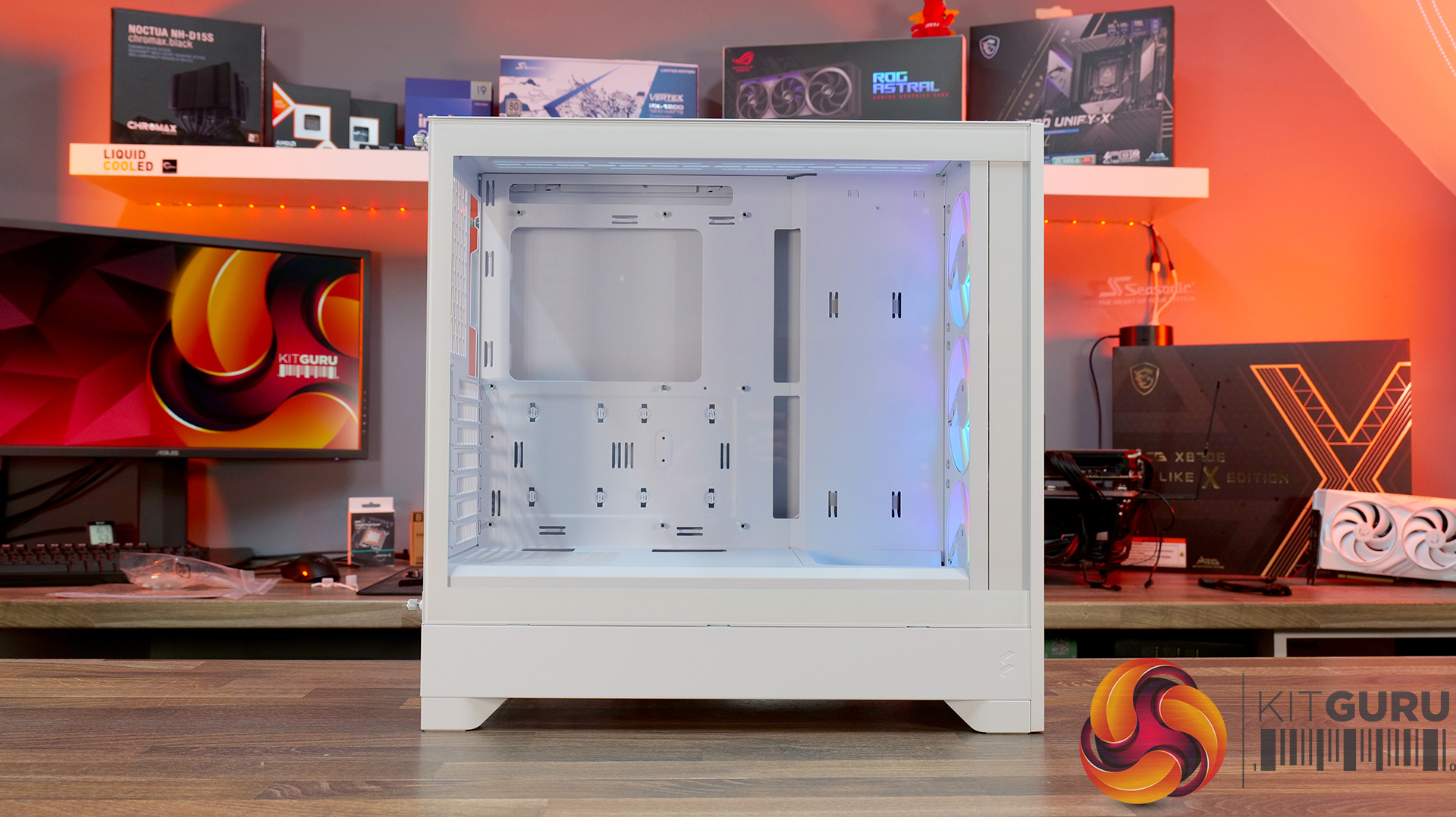
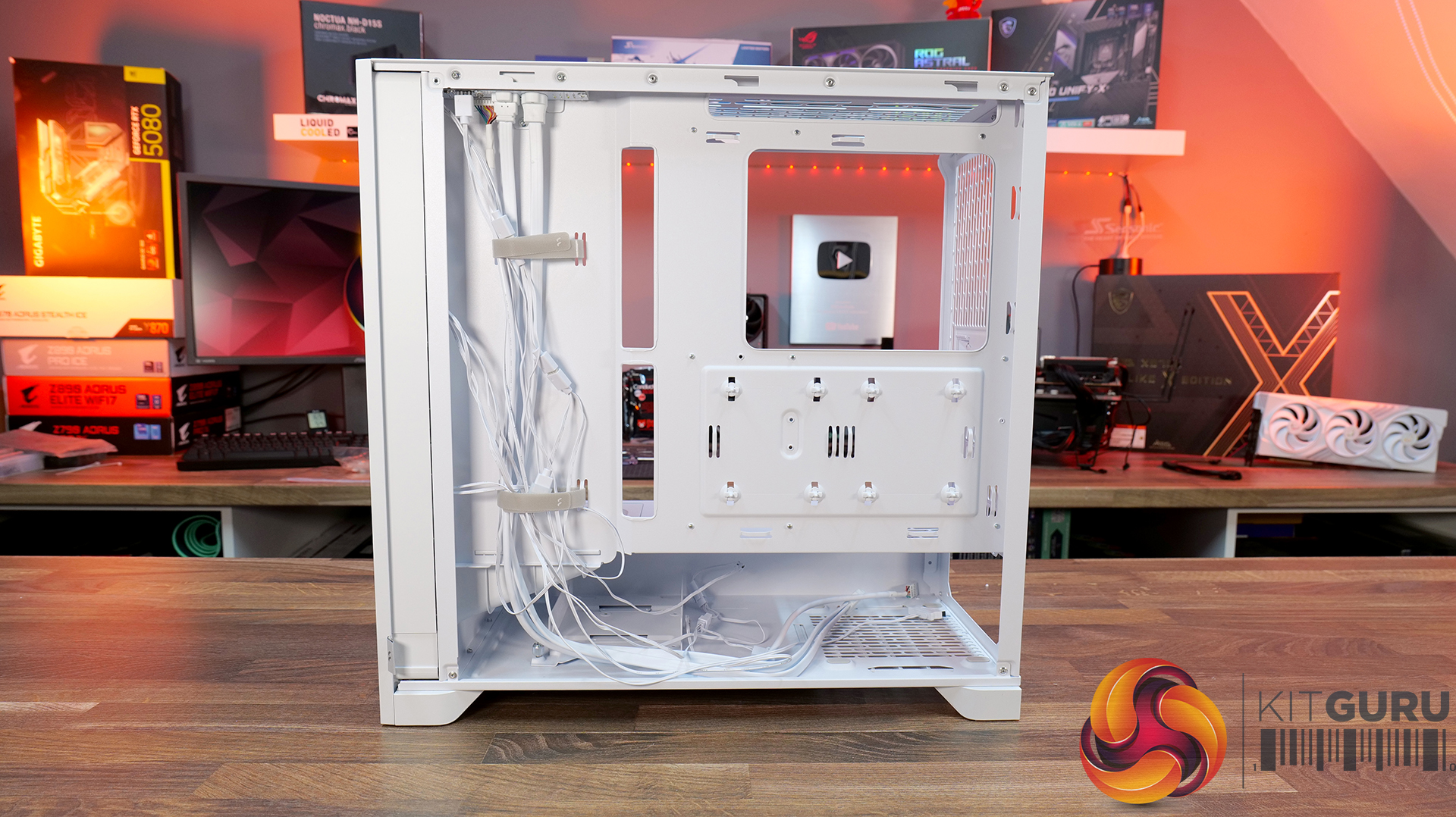
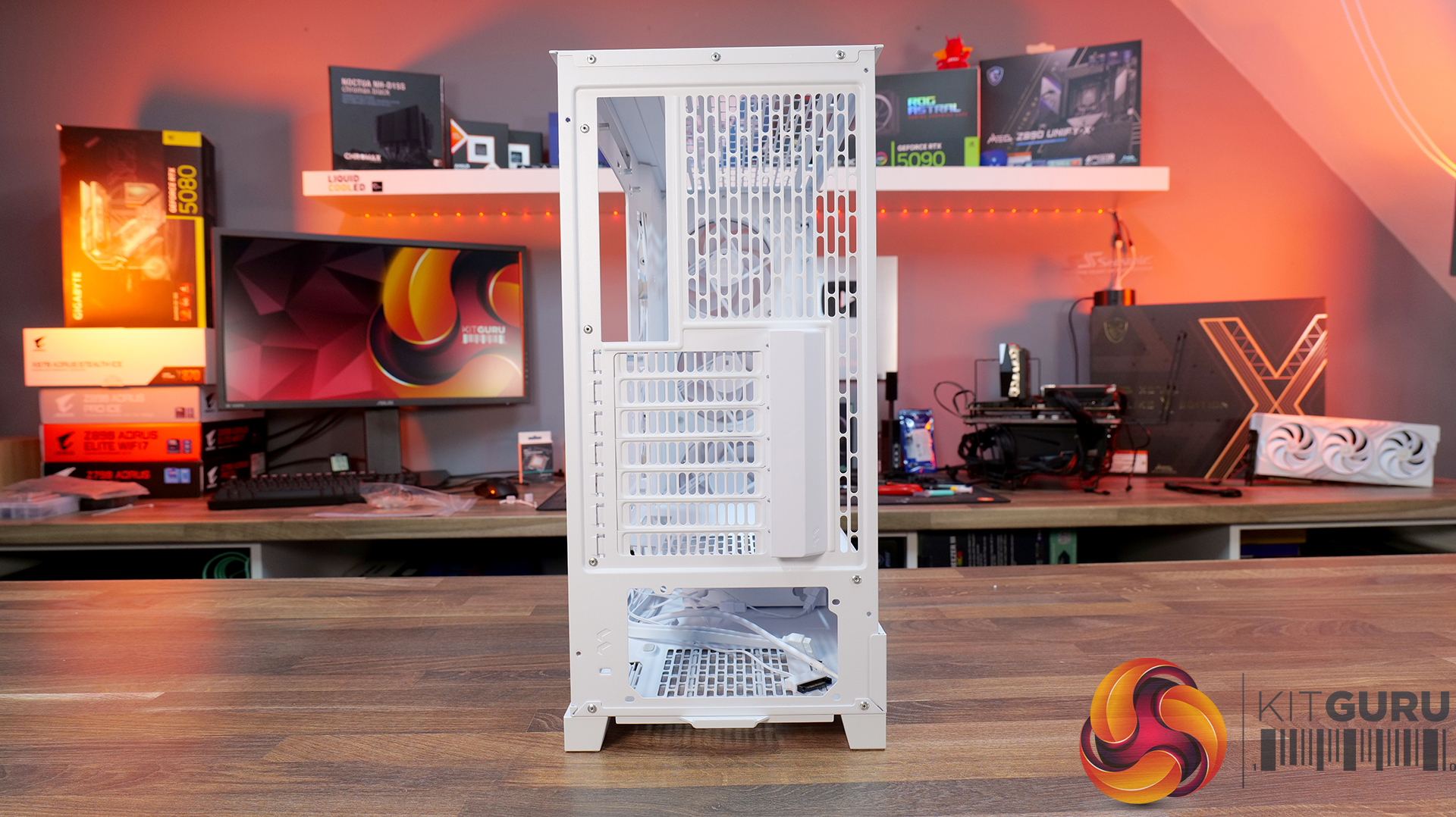
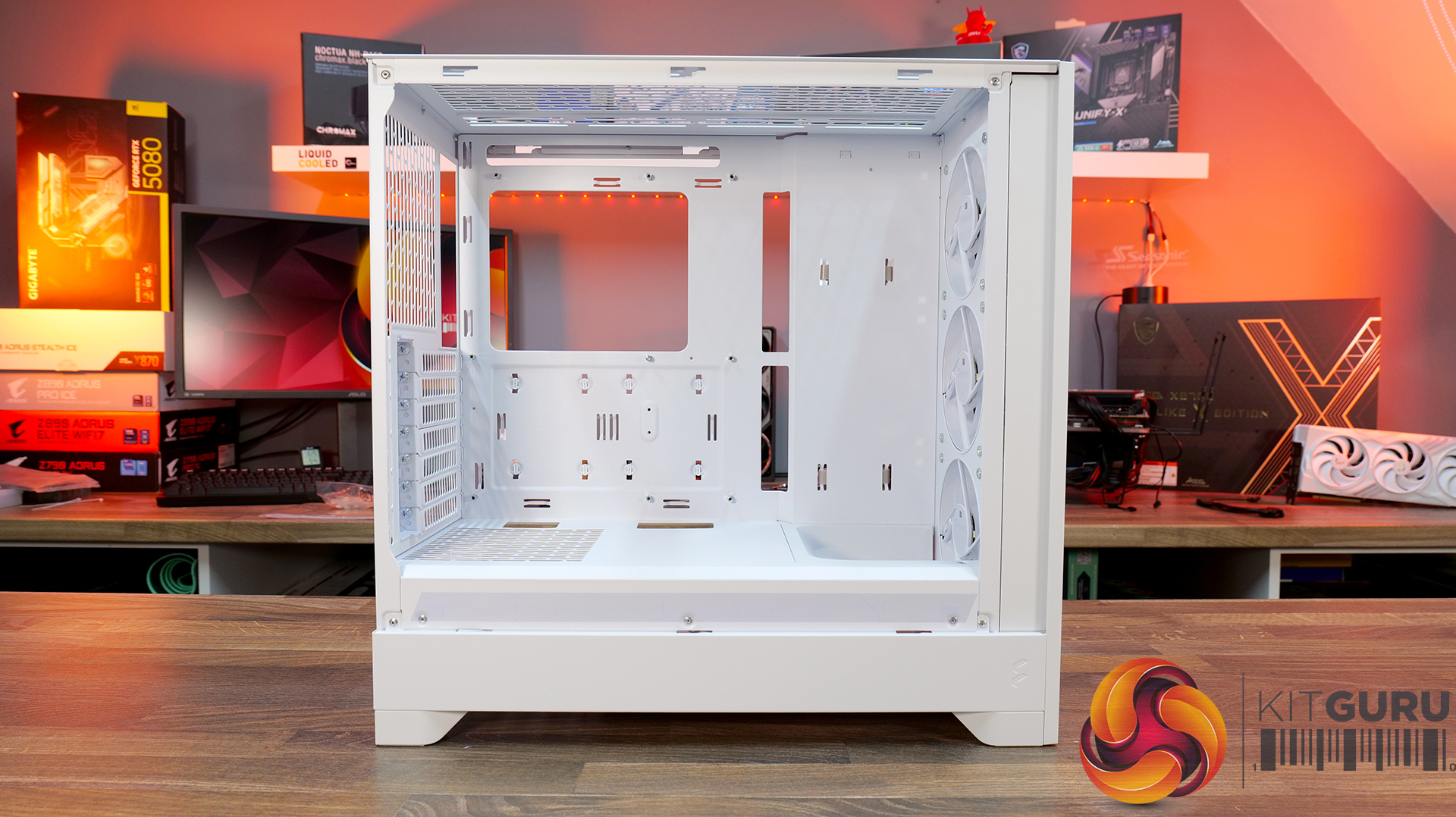
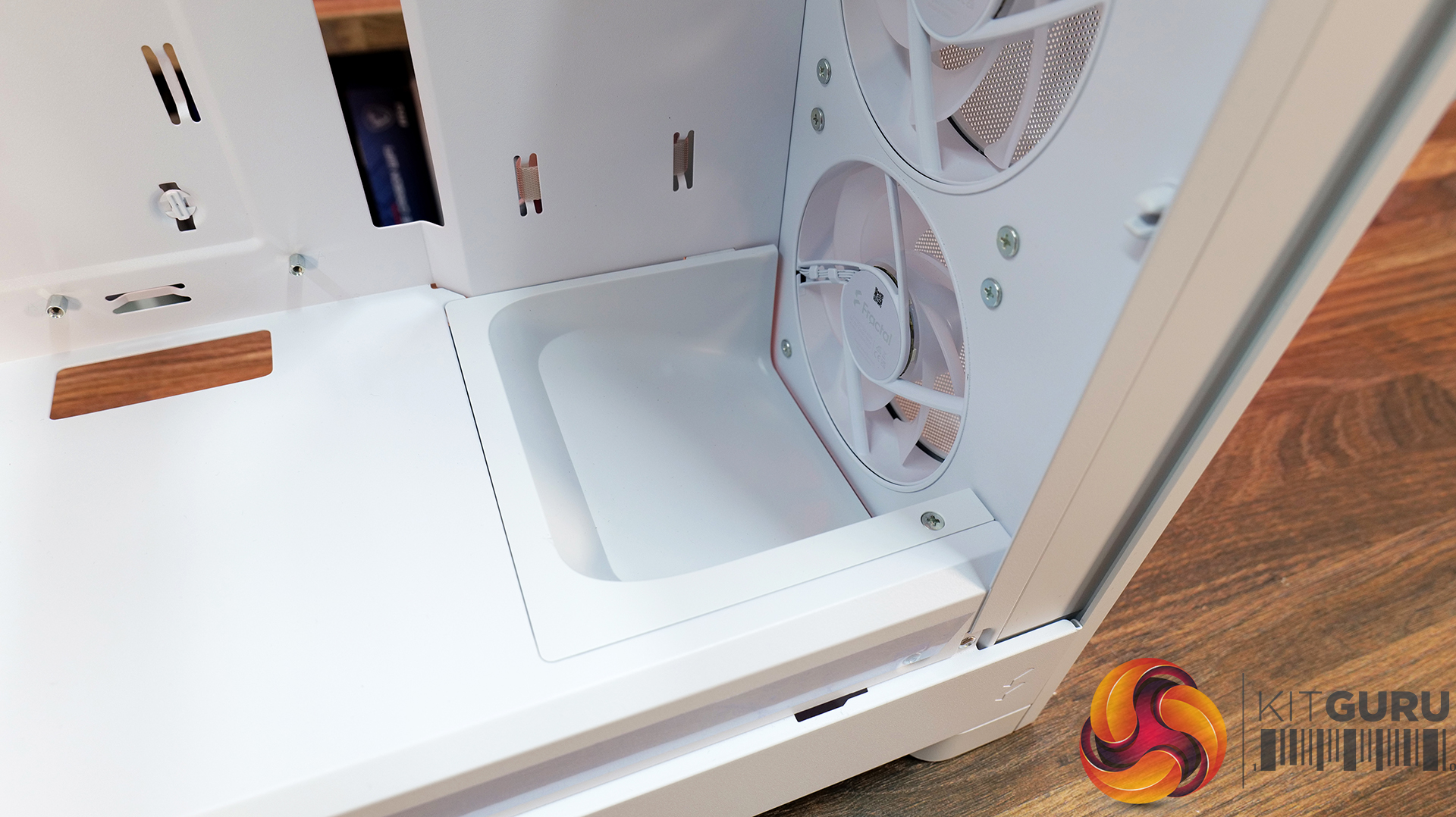
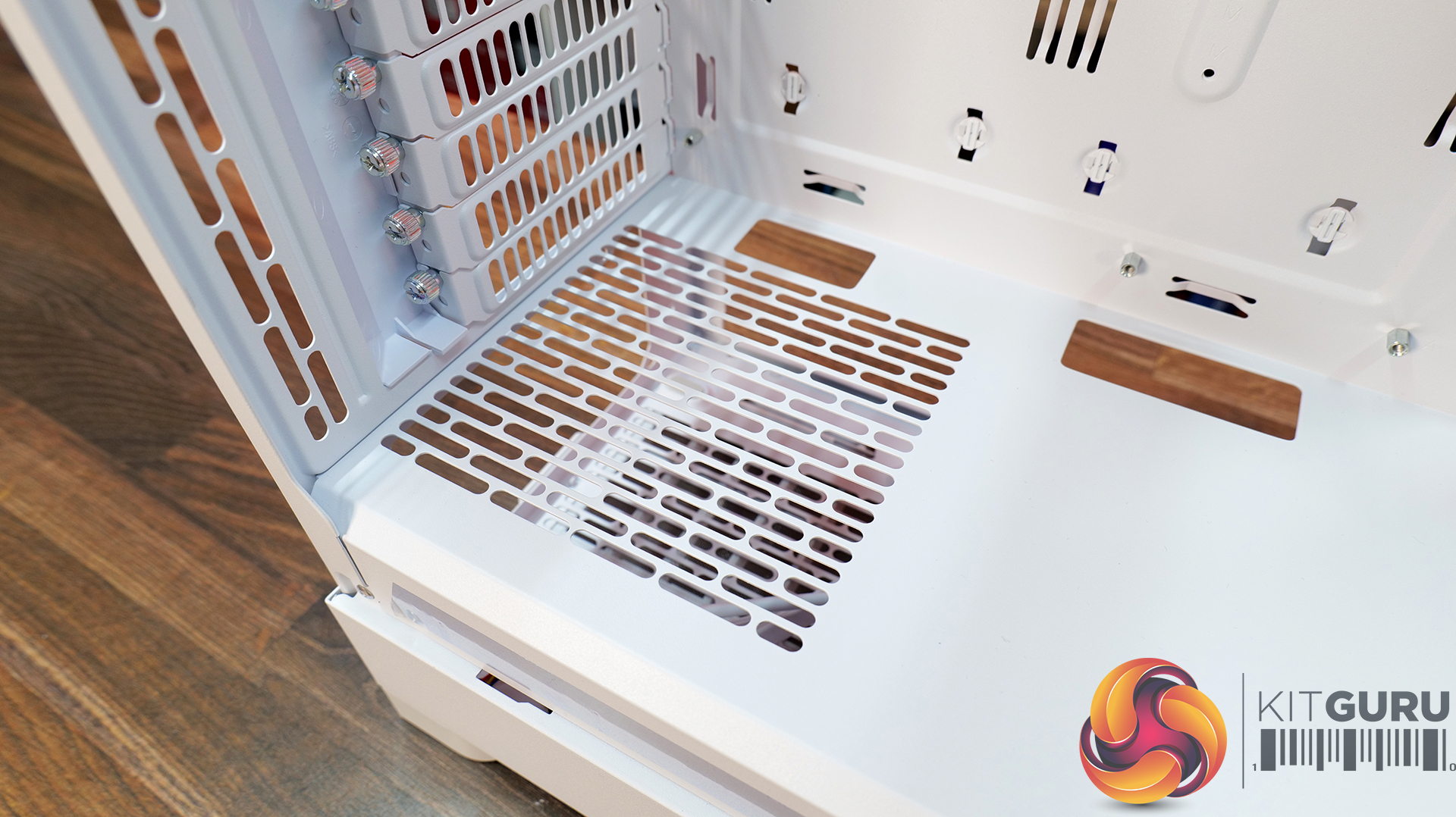
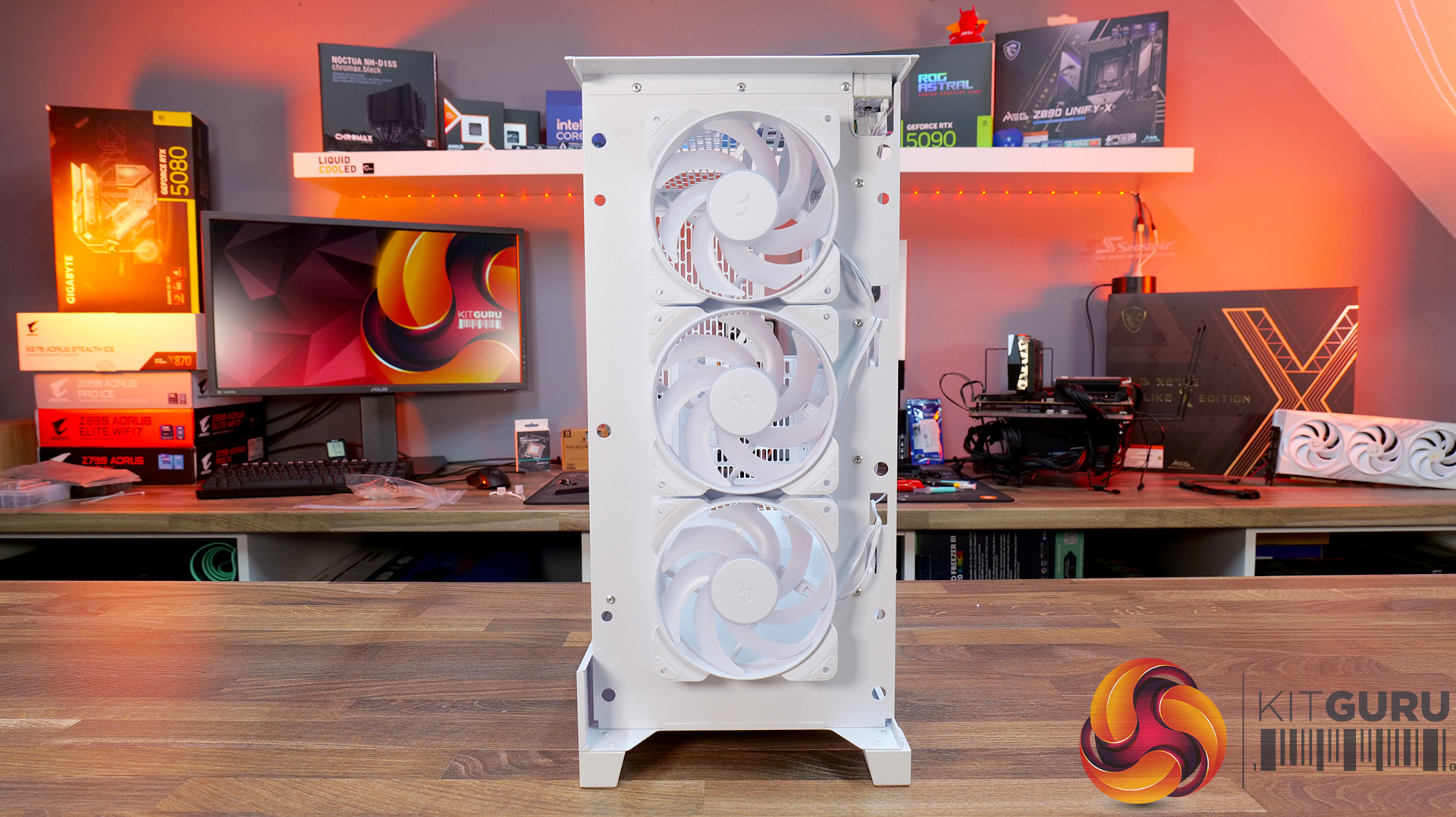
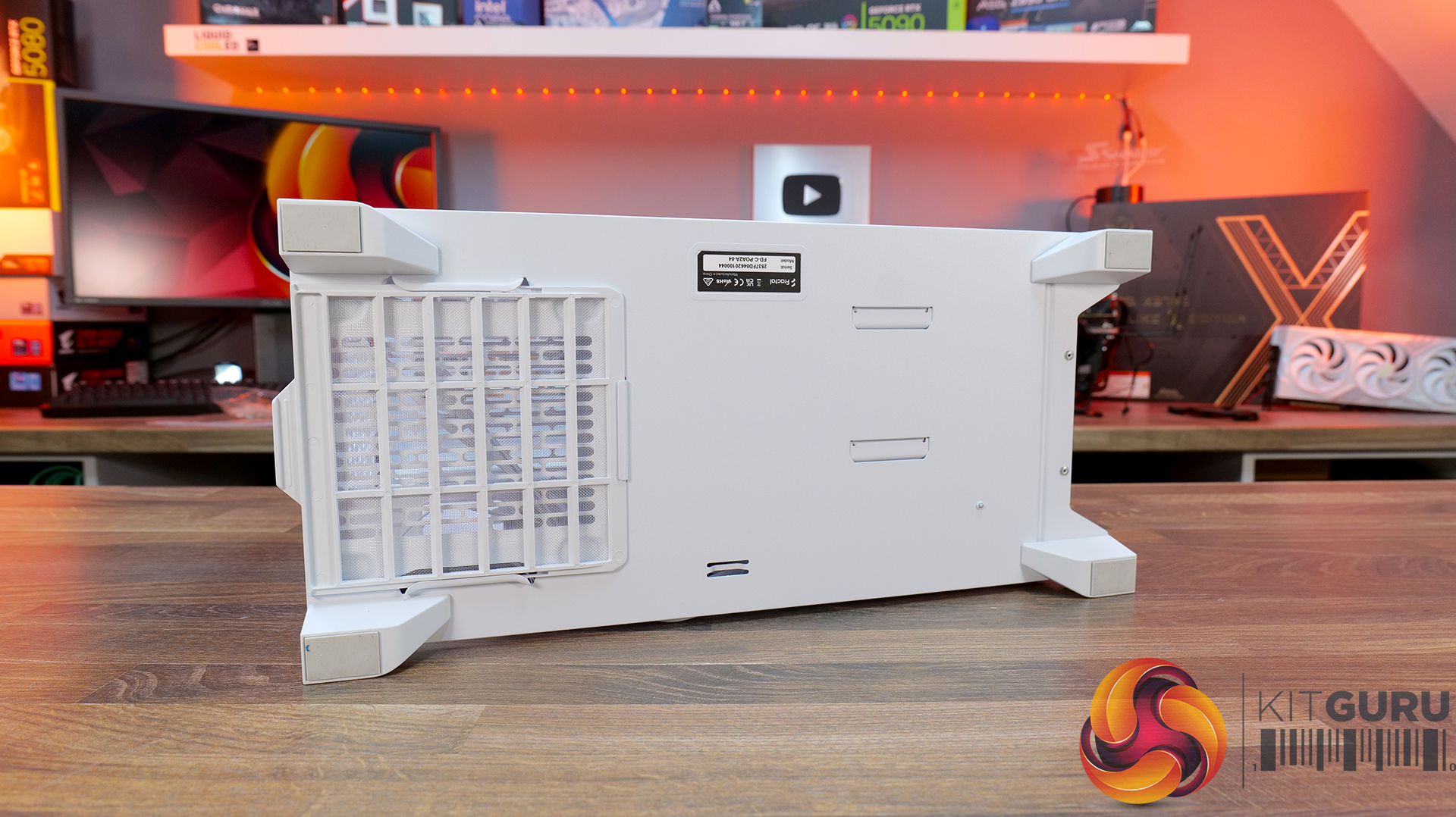
Fractal Pop 2 Air Features:
- Airflow-focused design: Pop 2 Air features a fine cubic-pattern mesh front and a ventilated top panel with three included Aspect 12X RGB fans.
- Component compatibility: It supports graphics cards up to 416 mm long, CPU coolers up to 170 mm tall and top-mounted radiators up to 360 mm.
- Integrated GPU air guide: Pop 2 is equipped with a front air guide to direct airflow specifically toward the graphics card area, to help improve GPU cooling performance.
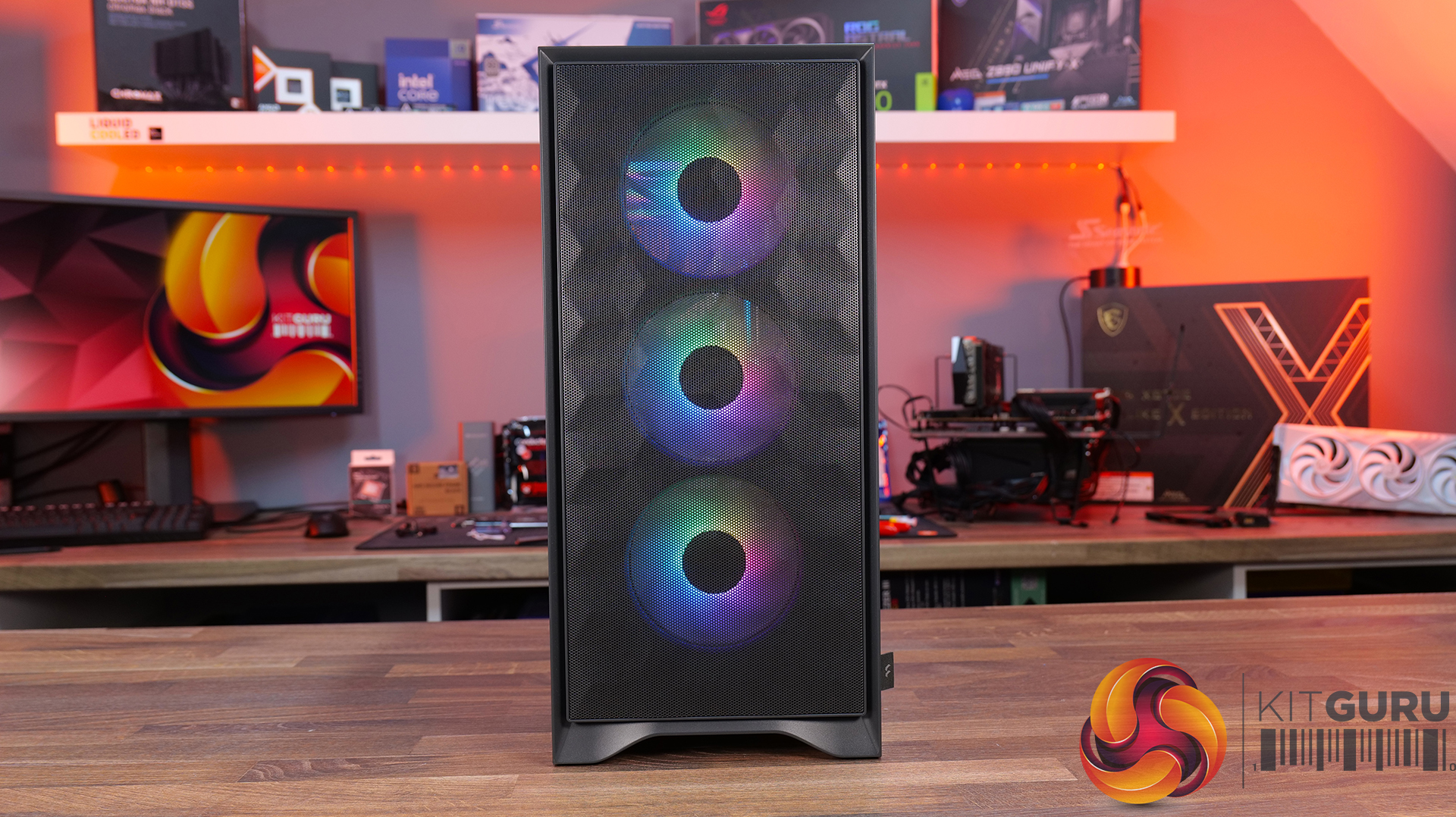
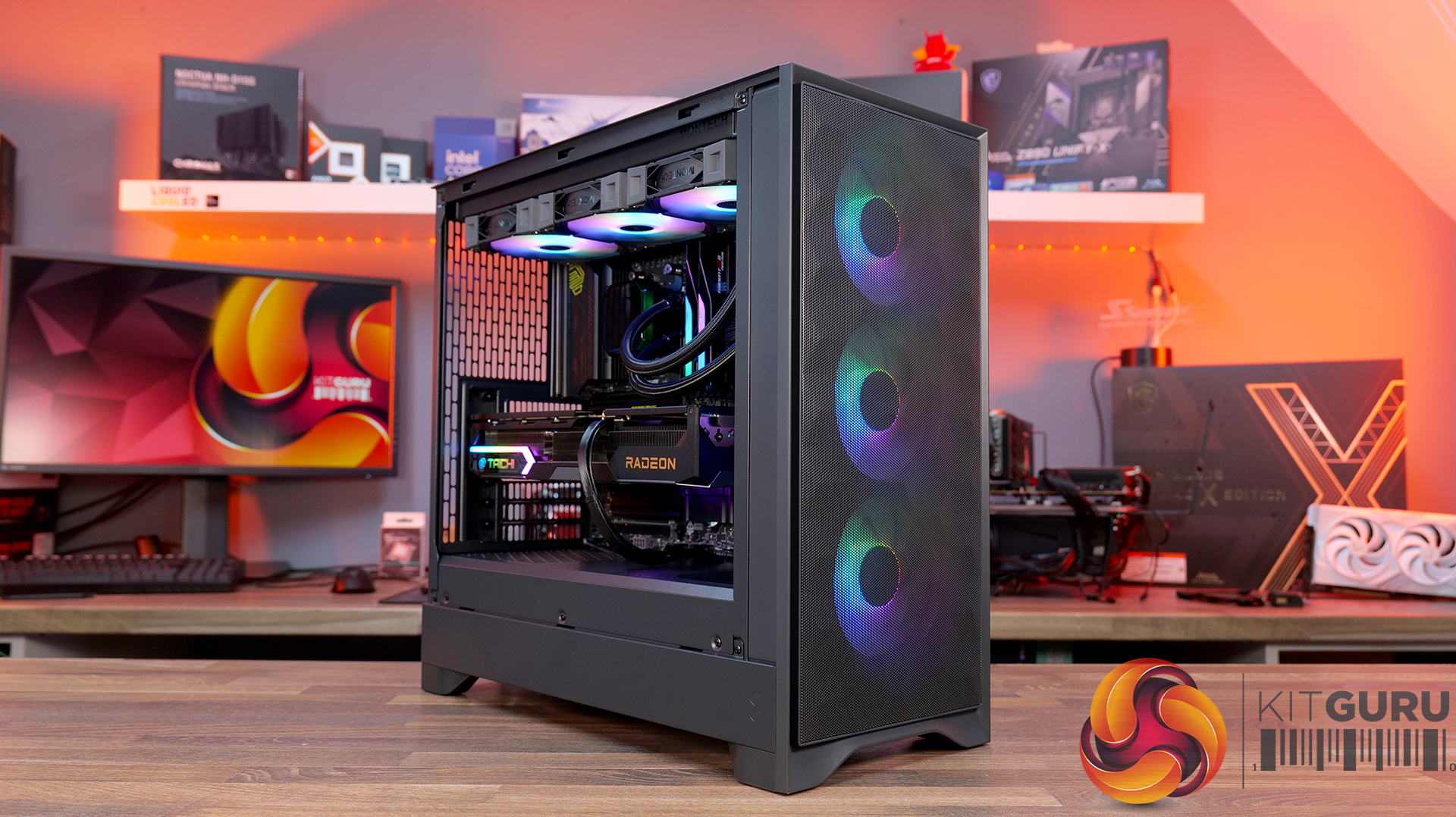
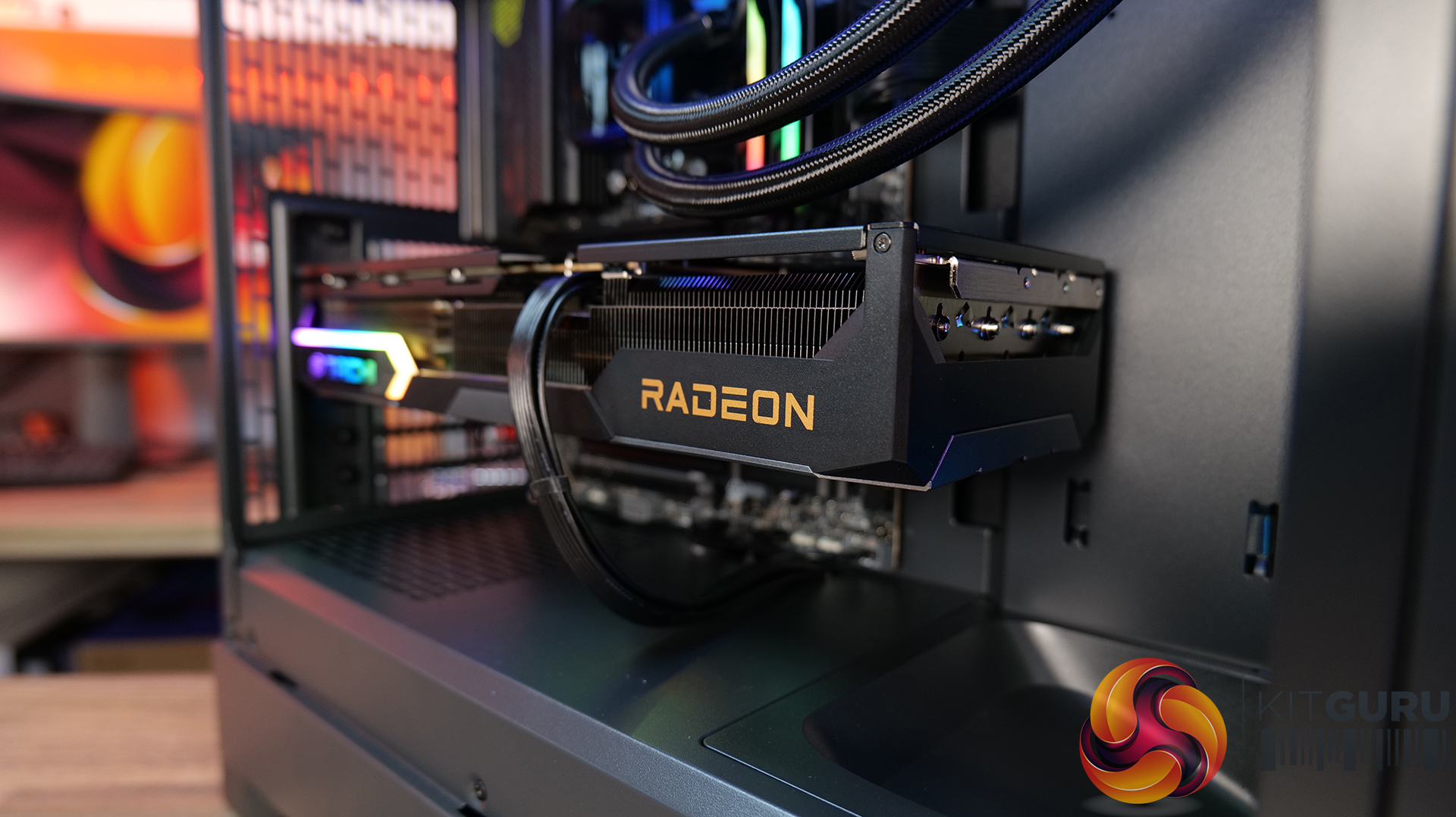
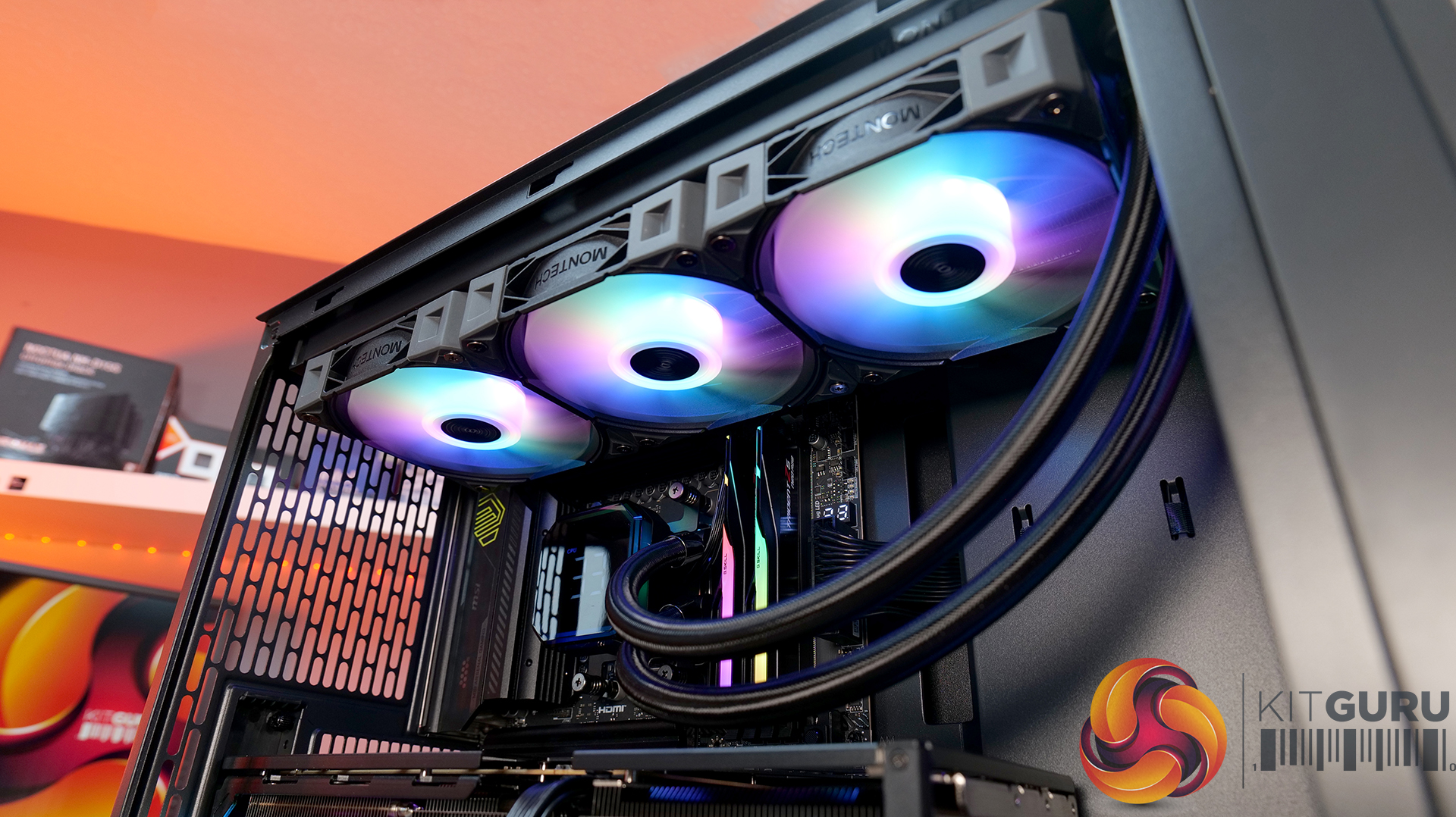
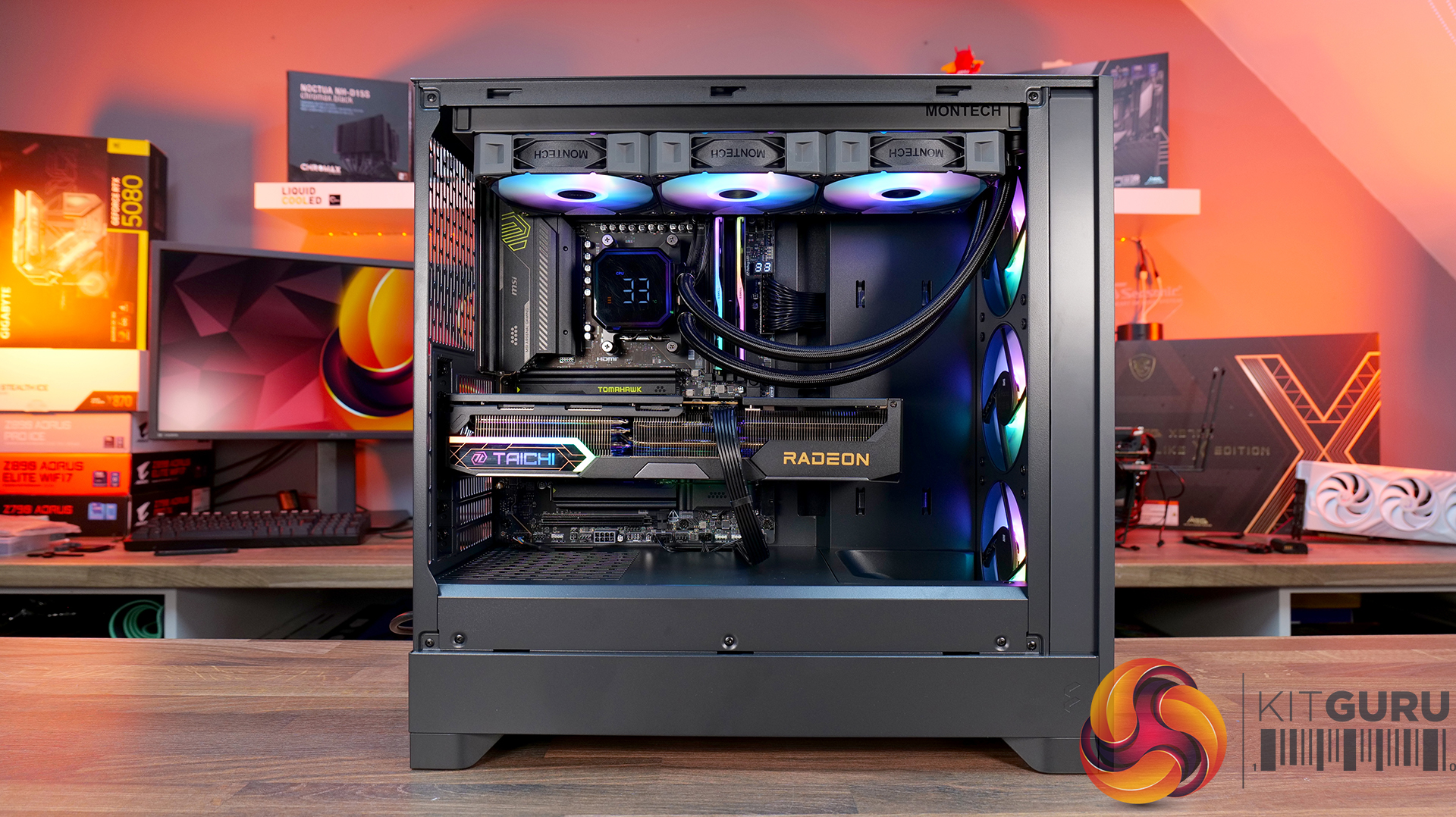
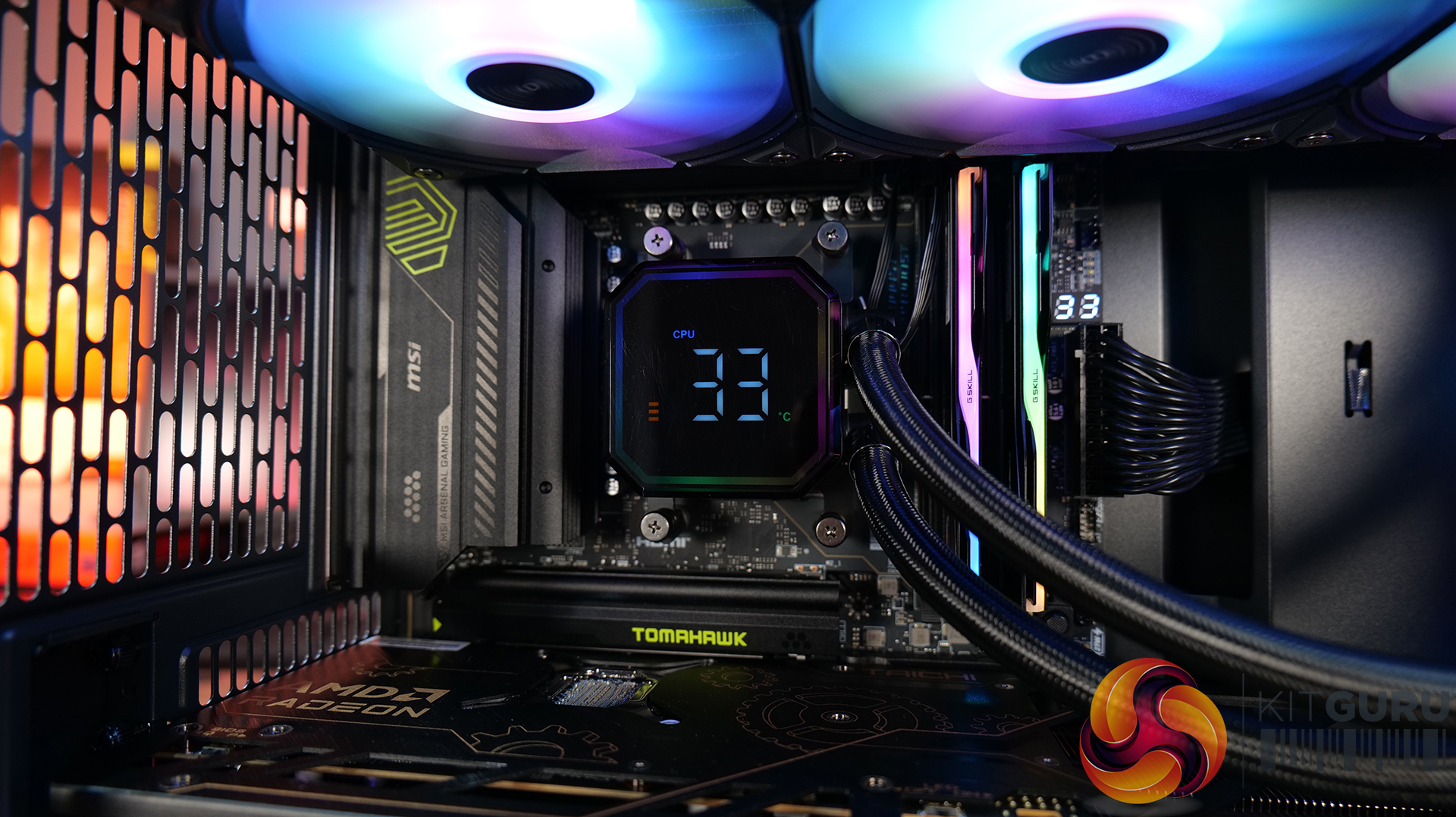
Specifications:
- Case Type: Mid-Tower
- Dimensions (LxWxH): 481 × 215 × 462 mm
- Materials: Steel, Tempered Glass, Plastic
- Motherboard Support: ATX / Micro-ATX / Mini-ITX
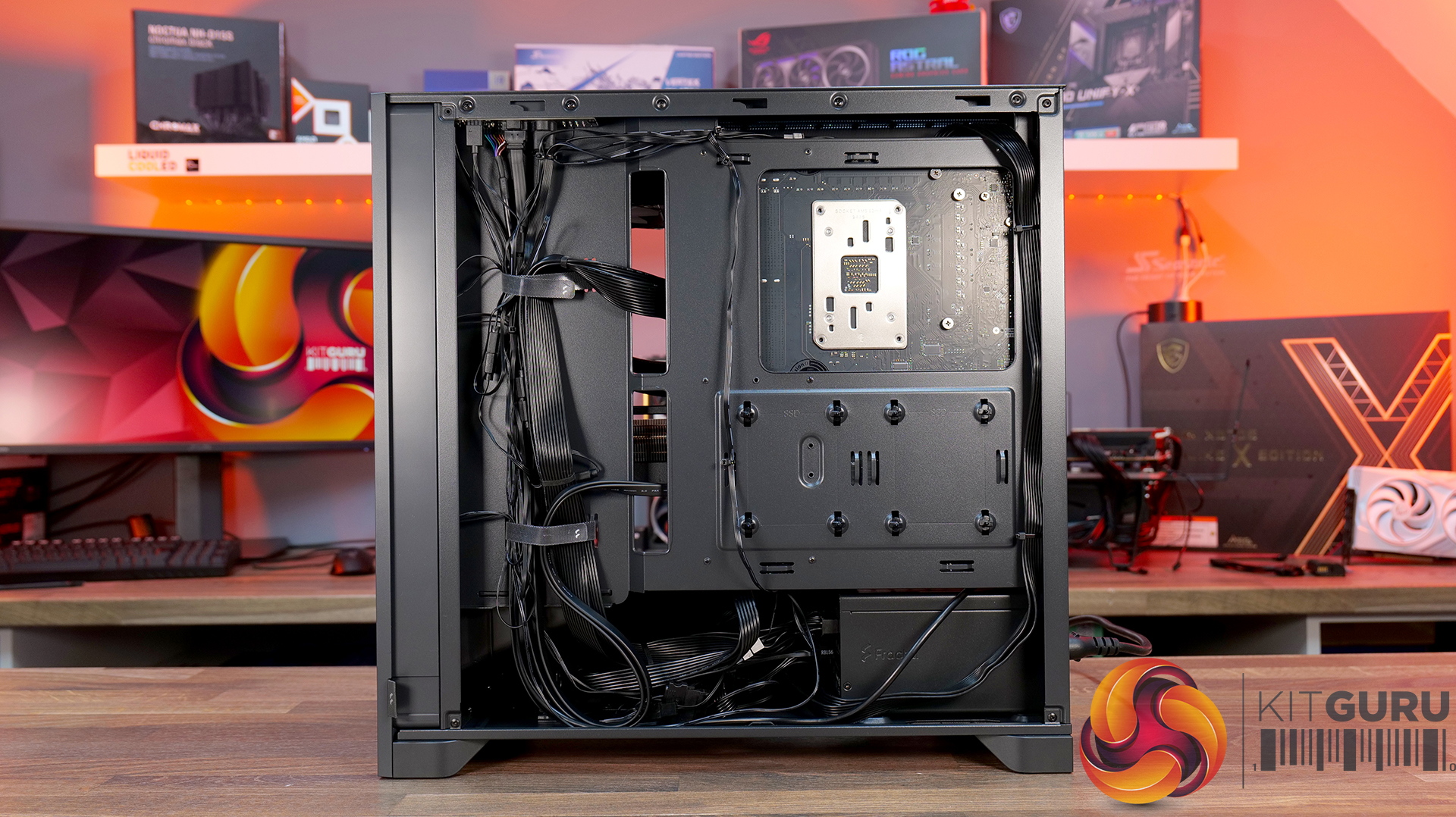
- Back-connect motherboard support: No
- Expansion Slots: 7
- Storage bays: 1 × 3.5″/2.5″ combo mount, 2 × dedicated 2.5″ mounts (3 total)
- Max GPU Length: 416mm
- Max CPU Cooler Height: 170mm
- PSU Type: ATX up to 180mm
- Pre-installed Fans: 3 x 120mm Aspect 12X RGB non-PWM (Front)
- Fan Support: 3 x 120mm (Front), 3 x 120mm (Top), 1 x 120mm (Rear)
- Radiator Support: Up To 360mm (Top)
- Dust Filters: Top (Steel) PSU (Nylon)
- Font I/O: 1 × USB Type-C (5 Gbps), 1 × USB Type-A (5 Gbps), 1 × Audio/Mic combo jack
- LCD Screen: N/A
Thermal Performance Testing
To simulate thermal demand, we run the Cinebench R23 multi-thread benchmark and 3DMark Speed Way stress test simultaneously in a loop for 30 minutes to load the system fully. This gives the CPU and GPU enough time to reach constant steady-state temperature. With this data, we can compare how the system handles the thermal demand and measure peak noise levels.
Thermal performance is measured with the case in various configurations, such as the default, with the tempered glass left-hand side panel removed and with the front panel removed to see how these configurations affect the CPU and GPU temperature. During testing, only stock case fans are used unless otherwise specified. All water pumps are set to maximum RPM and fans are set to a custom RPM curve by the Motherboard software/BIOS.
All temperature measurements are presented as Deltas – meaning the ambient temperature has been deducted from the CPU temperature, giving us a Delta. Data shown in the charts represent the average component temperature over the length of the test as measured by HWiNFO, and then the last 15 minutes of the data are calculated to get the average. The ambient temperature during thermal tests is between 19-20⁰C.
Test System Specification:
- CPU – AMD Ryzen 7 9800X3D
- Motherboard – MSI MAG X870 Tomahawk WiFi
- Graphics Card – ASRock Radeon RX 9070 XT Taichi
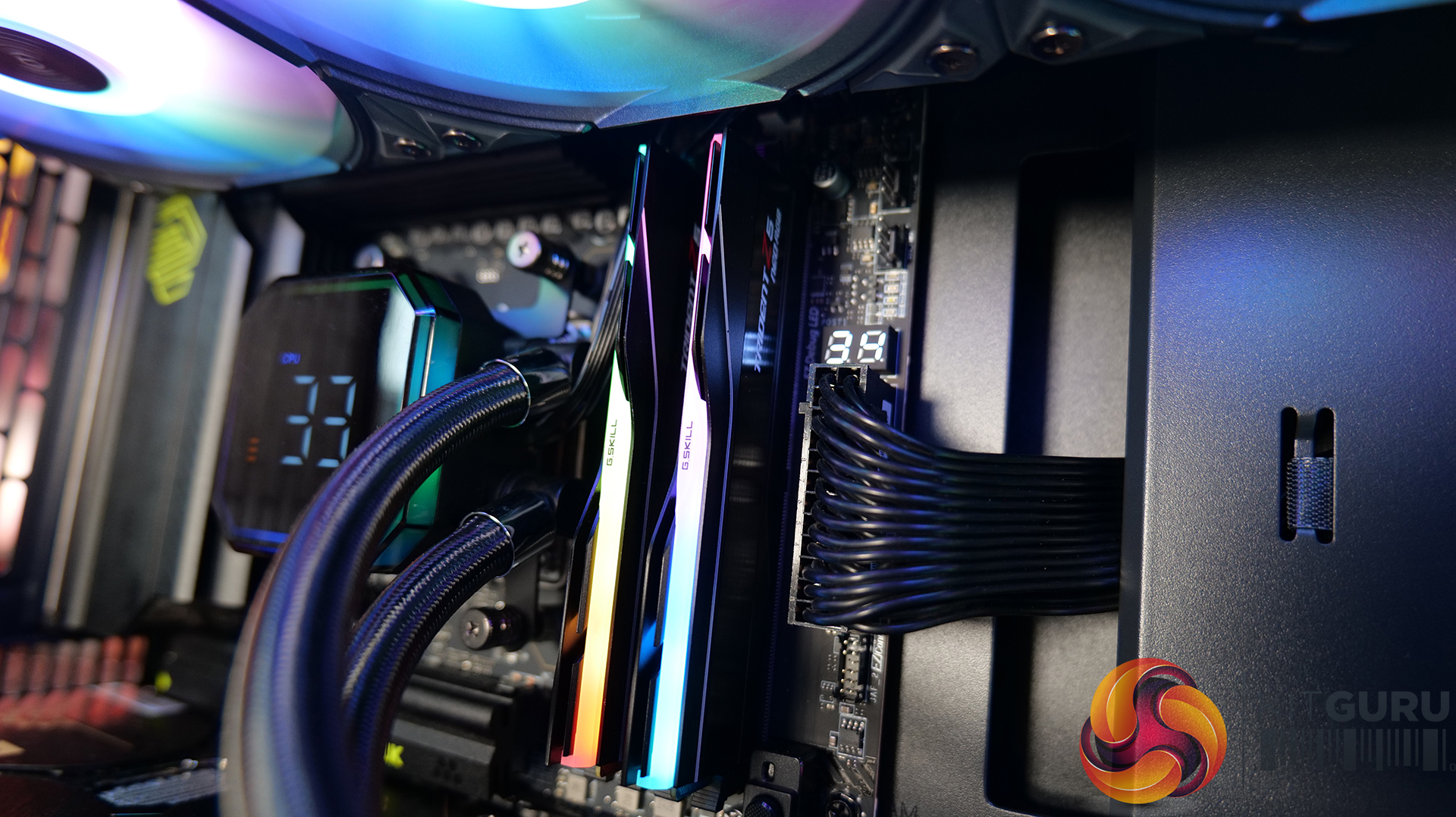
- Memory – 32GB (2 x 16GB Modules) G.SKILL Trident Z5 Neo RGB DDR5-6000
- Storage – 1TB Corsair MP600 Elite PCIE Gen4 NVMe M.2 SSD
- CPU Cooler – Montech HyperFlow Digital 360
- Power Supply – Fractal ION 3 Gold 1000W
- Case fans – Stock
- Chassis – Fractal Pop 2 Air
- Operating System – Windows 11 24H2
Thermal Performance Overview
We tested the case thermals with a 360mm AIO as the exhaust at the top and in several different configurations. The default configuration shown in the charts is with the 360mm AIO at the top, 3 x 120mm Front intake fans and with all panels installed.

CPU temperatures are close across all test configurations, ranging from 59°C to 62°C over ambient. Removing the side panel produces the lowest CPU temperature at 59 °C, while the default layout and added rear exhaust both sit 1-3 degrees °C higher, indicating the stock airflow path is already optimised. GPU temperatures show minor variation, with the default configuration achieving the lowest result at 64 °C. Removing the GPU air guide results in the highest GPU temperature at 66 °C, showing its effectiveness in directing airflow toward the graphics card with minimal impact on CPU cooling.
Noise Output
Under load, the Pop 2 Air shows very consistent noise output across configurations, measuring 42 dBA with the side panel removed, in the default layout, and with an added rear exhaust fan. Removing the GPU air guide results in a minor increase to 43 dBA, suggesting it provides a small benefit in controlling airflow under load with slightly lower fan speed. At idle, all configurations sit at 35 dBA, indicating stable fan behaviour and no additional noise coming from airflow changes.
Closing Thoughts
In some key areas, the Fractal Pop 2 Air shows a shift in direction compared to the original Pop series. Some of the more distinct features that made it popular are gone, like the 5.25-inch drive bay and the bold and bright internal colour options that gave the earlier models a bit of personality. In their place, Fractal has moved more towards mainstream airflow-focused design, which will likely appeal to cooling enthusiasts wanting to squeeze all the performance from their hardware, even if it means losing some of that original charm.
On the positive side, the updates applied in the Pop 2 Air make sense for modern high-performance gaming systems. Support for up to a 360mm top-mounted radiator is a welcome addition, and the included GPU air guide proves to be more than a gimmick, offering a small benefit to graphics card temperatures in our testing. Cooling performance overall is solid, and the default fan configuration does a good job, and quietly.
That said, there are some notable omissions at this price point. There are no removable radiator or fan brackets to help with installation, no built-in GPU anti-sag support, and the included fans are non-PWM, which limits fine speed control and adjustment. These aren’t deal-breakers, but they are features that competitors often include at this price range, and their absence will be noticed by more advanced and experienced enthusiast system builders.
Build quality is, for the most part what we’ve come to expect from Fractal Design – generally good, except for the top panel which is quite weak and flexible without any fans or radiator mounted.
Taken as a whole, the Fractal Pop 2 Air is a competent, airflow-focused mid-tower that prioritises cooling and compatibility over the fun and functional extras seen in its predecessor. It’s not the most feature-rich case in its class, but if you value straightforward design and solid thermal performance, it may appeal to you as it is reasonably priced too at under £90 with fans, glass and RGB included.
The Fractal Pop 2 Air is available to purchase now from Scan in either black or white, priced from £79.99 HERE.
Pros:
- Good thermal performance.
- Improved radiator support over the original Pop.
- Good build quality.
Cons:
- The distinctive Pop colours have gone.
- Lost 5.25-inch drive support.
- No back-connect motherboard support.
- Included fans are not PWM.
- Very basic in some areas, with no fan hub, modular parts or GPU support brackets etc.
KitGuru says: We miss some of the features of the original Pop in this new version, but if your focus is solid cooling and high-end hardware support at a low cost, then the Pop 2 Air might be ideal for you.